Introdución
Thank you for choosing the ANSMANN Powerline 5 Pro Charger. This advanced microprocessor-controlled charger is designed for NiMH/NiCd rechargeable batteries, offering multiple charging programs and comprehensive safety features. Please read this manual carefully before using the device to ensure safe and optimal performance.
Instrucións de seguridade
- Use the charger only for NiMH/NiCd rechargeable batteries. Do not attempt to charge primary (non-rechargeable) batteries.
- Non expoña o cargador á choiva nin á humidade.
- Non desmontes nin modifiques o cargador. Encarga calquera mantemento a persoal cualificado.
- Asegúrese de ventilación adecuada durante a carga.
- Manter fóra do alcance dos nenos.
- Evite curtocircuítar os contactos da batería.
- Desconecte o cargador da toma de corrente cando non o estea a usar.
Produto rematadoview
The ANSMANN Powerline 5 Pro is a versatile battery charger featuring an LCD display and individual charging slots. It supports various battery sizes and offers multiple operational modes.

Figura 1: Fronte view of the ANSMANN Powerline 5 Pro Charger, showing the LCD display, control buttons (Current, Display, Mode), and four charging slots for cylindrical batteries, plus a dedicated slot for a 9V E-block battery.
Características principais:
- Aplicación versátil: Charges 1-4 NiMH/NiCd batteries of sizes Micro AAA, Mignon AA, Baby C, Mono D, and one 9V E-block battery.
- Tecnoloxía de carga intelixente: Four charging programs (Charge, Discharge, Refresh, Test) individually adjustable per charging station.
- Alta seguridade: Features reverse polarity protection, short circuit protection, overcharge protection, and automatic shut-off.
- Easy-to-read Display: Large illuminated LCD shows capacity, voltage, charging/discharging current, and charging time for each slot.
- Uso cómodo: Includes wide-range power supply for worldwide use and a 12V car adapter.
Contido do paquete
Ao abrir o paquete, comprobe que todos os compoñentes estean presentes e sen danos:
- ANSMANN Powerline 5 Pro Charger Unit
- AC Power Adapter (Wide-range)
- Adaptador de coche 12V
- Manual de usuario (este documento)
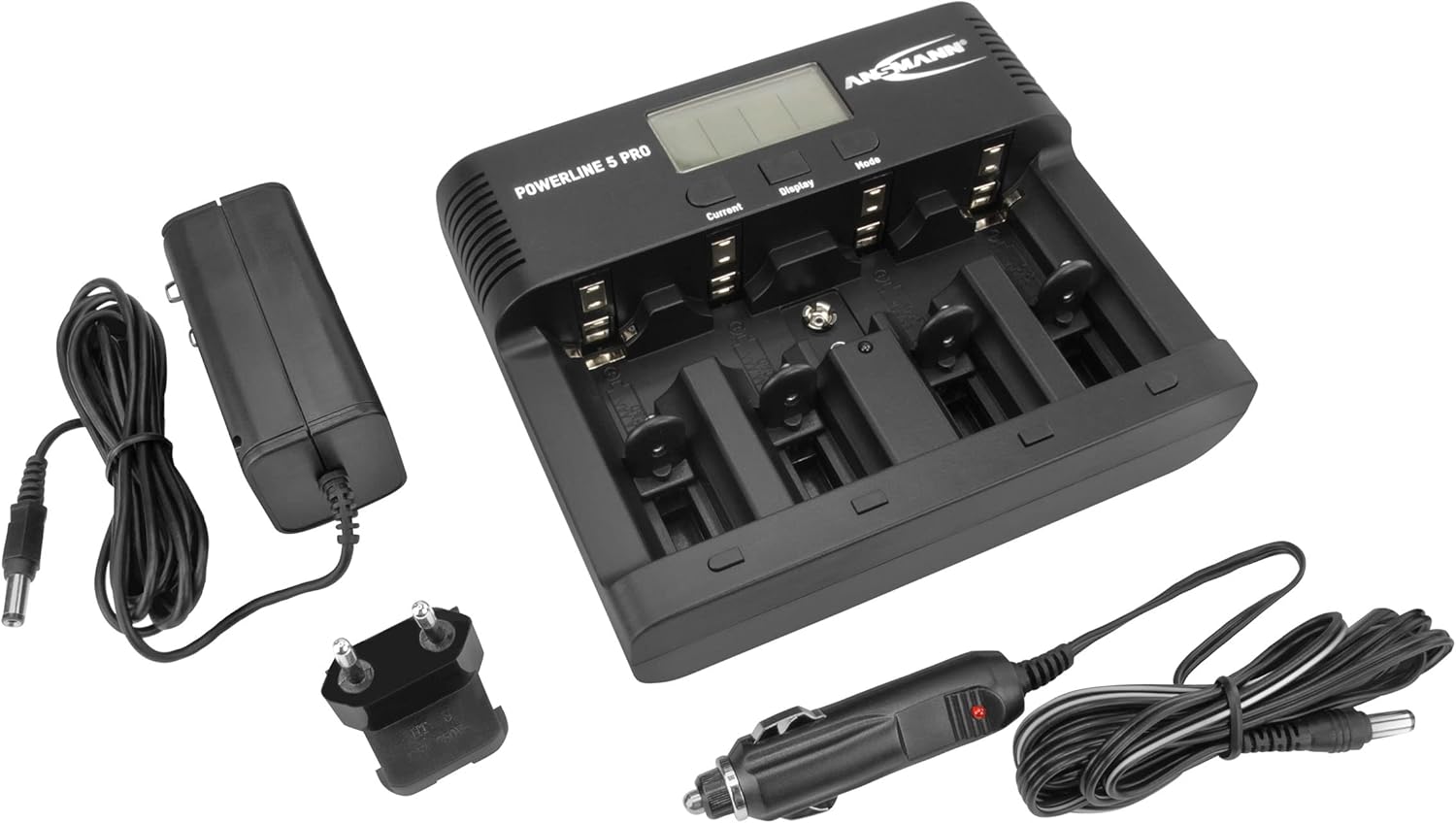
Figure 2: The Powerline 5 Pro charger shown with its included accessories: the AC power adapter and the 12V car adapter.
Configuración
Conexión da fonte de alimentación:
- Locate the DC 12V 1.5A input port on the rear of the charger.
- Connect the provided AC power adapter or 12V car adapter to this input port.
- Plug the other end of the AC power adapter into a suitable wall outlet, or the car adapter into your vehicle's 12V socket.
- The charger's LCD display will illuminate, indicating it is powered on and ready for use.
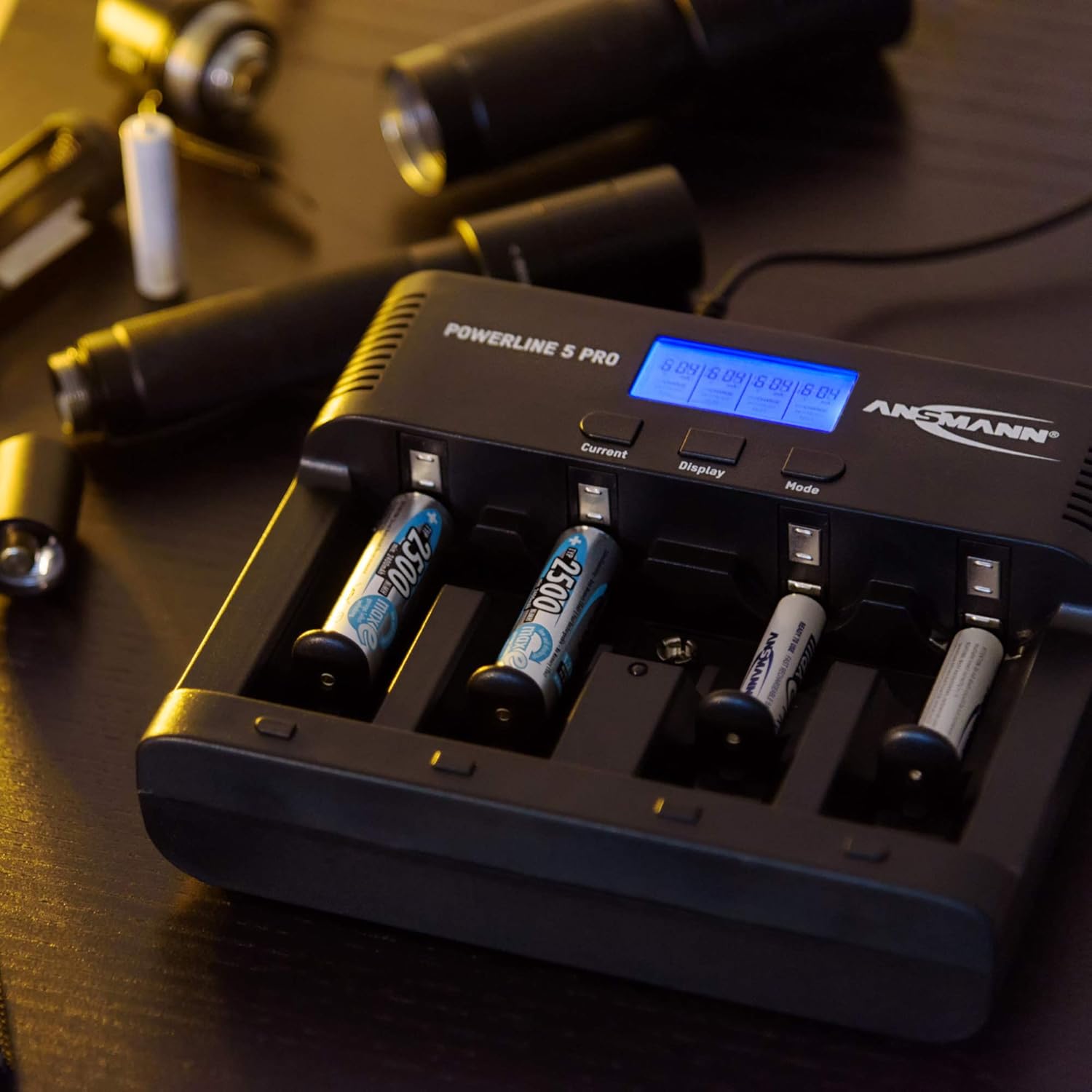
Figura 3: Traseira view of the Powerline 5 Pro charger highlighting the 12V 1.5A DC input port for connecting the power adapter.
Instrucións de funcionamento
Inserción de pilas:
The charger supports various battery sizes. Ensure correct polarity when inserting batteries into the charging slots. The 9V E-block battery has a dedicated slot.

Figure 4: Illustration showing the various battery types suitable for the Powerline 5 Pro charger, including Micro AAA, Mignon AA, Baby C, Mono D, and 9V E-Block.
Understanding the Display and Controls:
The LCD display provides real-time information for each charging slot. The three buttons (Current, Display, Mode) allow you to control the charging process.
- Current Button: Adjusts the charging/discharging current.
- Botón de visualización: Toggles through different display parameters (e.g., voltage, capacity, time).
- Botón de modo: Selects the desired operating program (Charge, Discharge, Refresh, Test).

Figure 5: The Powerline 5 Pro charger with batteries inserted, demonstrating the individual monitoring and automatic shutdown features. The LCD shows charging status.
Charging Programs:
Each charging slot can operate independently with its own program.
- Cargo: Standard charging mode. Insert battery, select desired current with "Current" button, then press "Mode" to start. The charger automatically detects full charge and switches to trickle charge.
- Descarga: Discharges the battery before recharging it. Useful for reducing memory effect in NiCd batteries. Select "Discharge" mode with "Mode" button, then set discharge current with "Current" button. After discharge, the charger will automatically begin charging.
- Actualizar: Repeatedly discharges and charges the battery to optimize its capacity and rejuvenate older batteries. This process can take several hours or even days depending on battery condition. Select "Refresh" mode with "Mode" button.
- Proba: Charges the battery fully, then discharges it to measure its actual capacity, and finally recharges it. This provides an accurate reading of the battery's health. Select "Test" mode with "Mode" button.
To select a program for a specific slot, first select the slot by pressing the "Display" button until the desired slot is highlighted, then use the "Mode" button to cycle through programs. Use the "Current" button to adjust current settings if applicable.
Mantemento
- Limpa o cargador regularmente cun pano suave e seco. Non empregues produtos de limpeza abrasivos nin disolventes.
- Ensure the charging contacts are free of dust and debris for optimal connection.
- Garda o cargador nun lugar fresco e seco cando non estea en uso.
- Evite deixar caer o cargador ou sometelo a impactos fortes.
Resolución de problemas
| Problema | Causa posible | Solución |
|---|---|---|
| O cargador non acende. | Sen fonte de alimentación; adaptador defectuoso; conexión solta. | Check power outlet; ensure adapter is securely connected to charger and wall/car socket; try a different outlet. |
| Battery not charging (display shows "ERR"). | Incorrect battery type (non-rechargeable); faulty battery; incorrect polarity; poor contact. | Ensure battery is NiMH/NiCd; try a different battery; reinsert battery with correct polarity; clean battery and charger contacts. |
| Charging process takes too long. | High capacity battery; low charging current selected; battery in "Refresh" or "Test" mode. | This is normal for high capacity batteries; increase charging current if possible; "Refresh" and "Test" modes are designed to take longer. |
| A pantalla está escura ou parpadea. | Fonte de alimentación inestable. | Ensure stable power source; try a different outlet or adapter. |
Especificacións
| Característica | Detalle |
|---|---|
| Número de modelo | 1001-0018 |
| Tipos de batería compatibles | NiMH / NiCd (Micro AAA, Mignon AA, Baby C, Mono D, 9V E-block) |
| Vol. De entradatage | 12V DC, 1.5A (via included AC adapter or car adapter) |
| Charging Programs | Cargar, descargar, actualizar, probar |
| Mostrar | LCD con retroiluminación |
| Características de seguridade | Reverse polarity protection, short circuit protection, overcharge protection, automatic shut-off |
| Dimensións do produto | 5.59 x 6.67 x 1.56 polgadas (14.2 x 17.0 x 3.96 cm) |
| Peso do elemento | 1.21 libras (0.55 kg) |
| Fabricante | ANSMANN |

Figure 6: Dimensions of the Powerline 5 Pro charger, indicating a width of 17.0 cm and a height of 14.2 cm.
Garantía e Soporte
ANSMANN products are manufactured with high quality standards. For warranty information and technical support, please refer to the official ANSMANN websitio web ou póñase en contacto directamente co servizo de atención ao cliente. Garde o recibo da compra como proba de compra.
Para obter máis axuda, pode visitar o Ansmann Store on Amazon.


