1. Produto rematadoview
The Laserliner DistanceMaster Compact is a precise laser distance meter designed for accurate length, area, and volume measurements. It features a color display and a robust, ergonomically designed rubber casing, making it suitable for various environments, including construction sites and indoor applications.
Características principais:
- Precise point-accurate laser measurement for accurate length determination.
- Area and volume functions for calculating room sizes and material quantities.
- Measured value memory for up to 10 entries.
- Measuring accuracy of ±3 mm up to 25 meters.
- Internal measuring range from 0.1 meters to 25 meters.
- Two selectable reference points for measurement: front and rear.
- Min/Max function for determining diagonals, vertical, and horizontal distances.
- Illuminated three-line color LCD display for clear readability.
- Robust, ergonomically designed rubber casing with IP54 protection against dust and splashing water.
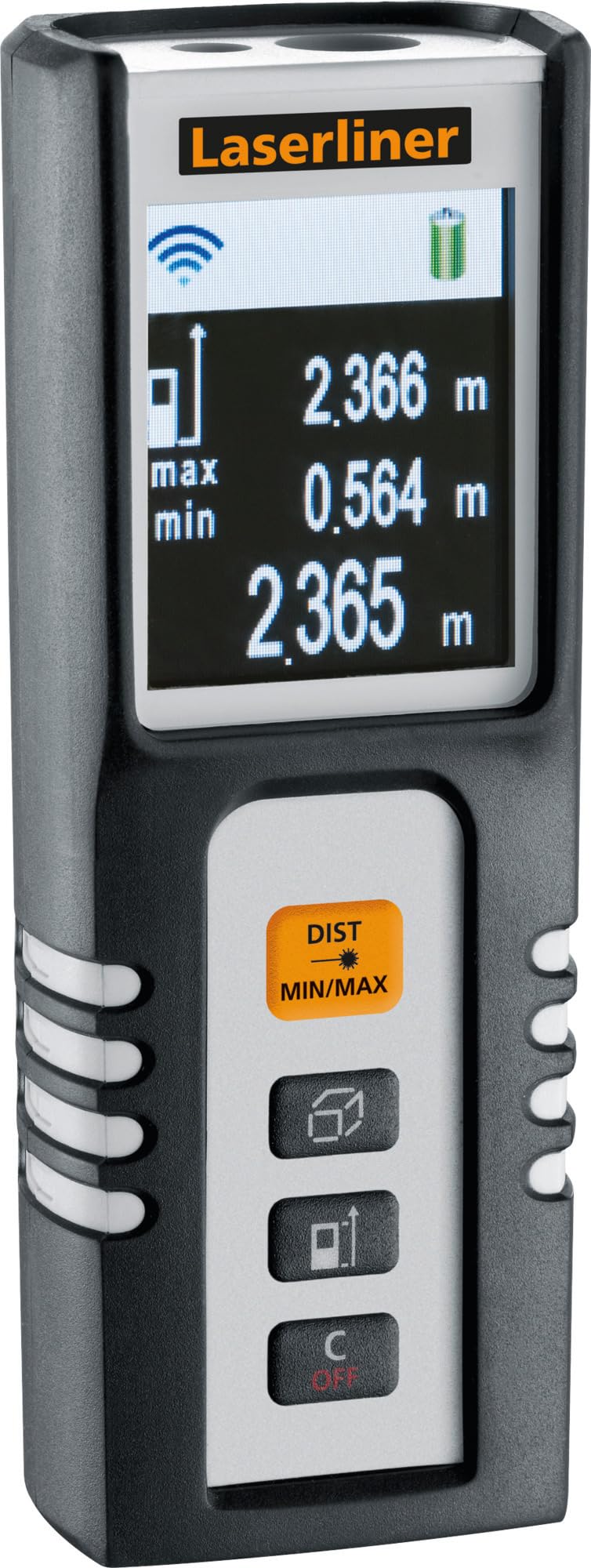
Image 1.1: The Laserliner DistanceMaster Compact laser rangefinder with its protective carrying case. The device features a clear digital display showing measurement readings and battery status.
2. Configuración
2.1 Instalación da batería
The DistanceMaster Compact requires two AAA batteries for operation. These are typically included with the device.
- Localiza a tapa do compartimento da batería na parte traseira do dispositivo.
- Deslice ou solte a tapa para abrir o compartimento.
- Insira dúas pilas AAA, asegurándose de manter a polaridade correcta (+/-) como se indica no interior do compartimento.
- Pecha a tapa do compartimento da batería de forma segura.
2.2 Acendido/Apagado
Para acender o dispositivo, prema DIST botón. Para apagar, manteña premido o botón C/OFF botón.
3. Instrucións de funcionamento
3.1 Medición básica de distancias
Para unha única medición de distancia:
- Apunte o raio láser á superficie obxectivo.
- Preme o DIST unha vez. A distancia medida aparecerá na pantalla.
3.2 Medición de área e volume
The device can calculate area and volume automatically after taking the necessary measurements.
- Preme o botón co square/cube icon to select area or volume mode.
- Follow the on-screen prompts to measure the required dimensions (length, width, height).
- The calculated area or volume will be displayed.

Image 3.1: The laser rangefinder being used to measure dimensions for calculating the area of a wall, illustrating its practical application for material estimation.
3.3 Min/Max Tracking
The Min/Max function allows for continuous measurement, displaying the minimum and maximum distances recorded during a sweep. This is useful for finding diagonals or precise horizontal/vertical distances.
- Manteña premido o DIST MIN/MAX botón.
- Sweep the device across the desired area. The display will continuously update with the minimum and maximum measured values.
- Preme DIST MIN/MAX again to stop tracking.

Imaxe 3.2: Detallada view of the control panel, highlighting the 'DIST MIN/MAX' button used for continuous measurement and tracking.
3.4 Selección do punto de referencia
The measurement reference point can be switched between the front and rear of the device. This is important for accurate measurements depending on where the device is placed.
- Preme o botón co icona de frecha to toggle between front and rear reference points. The active reference point will be indicated on the display.
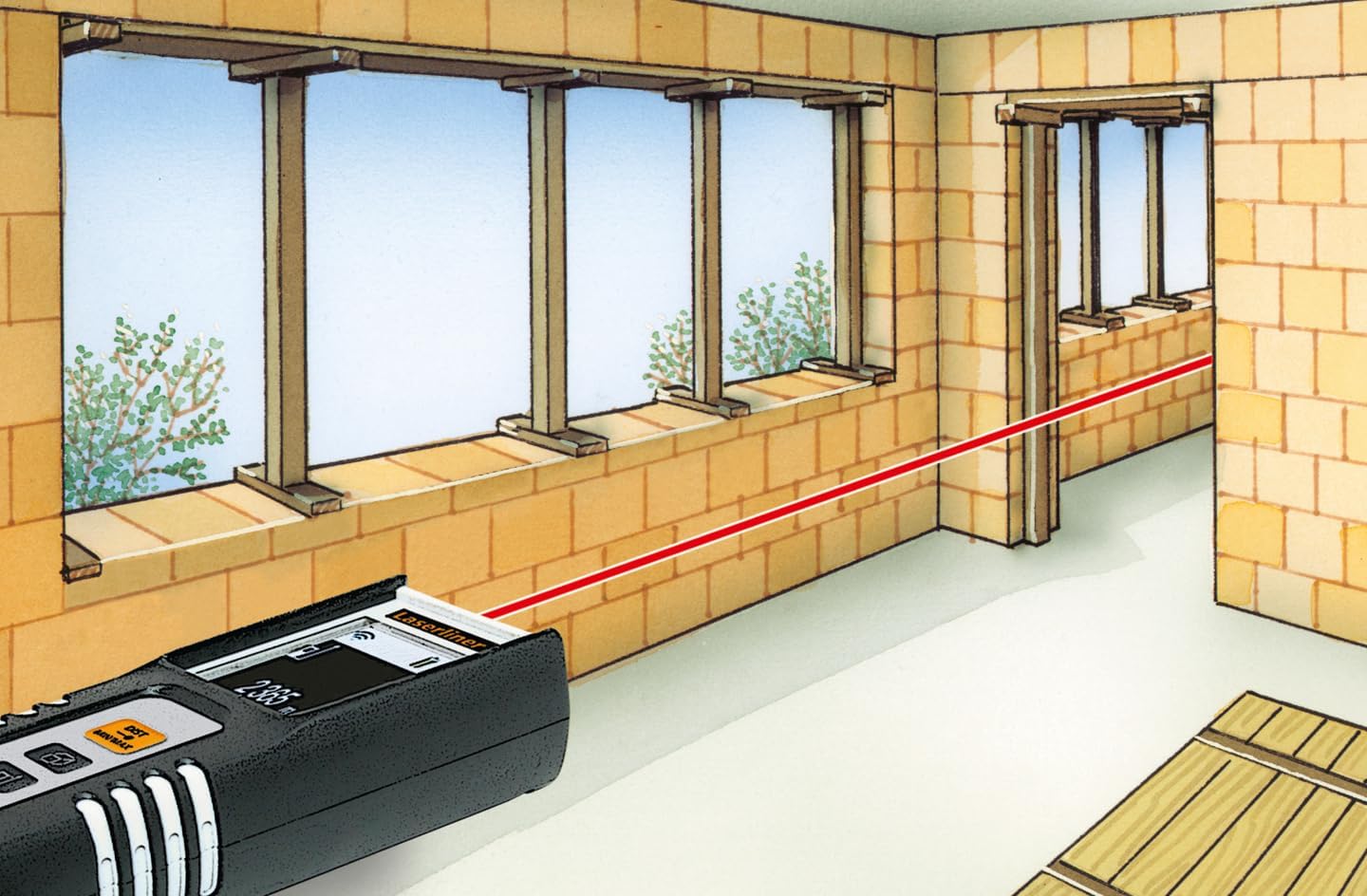
Image 3.3: The laser rangefinder in use, demonstrating a distance measurement across a room, emphasizing the importance of selecting the correct reference point.
3.5 Función de memoria
The device can store up to 10 measured values. To access or clear the memory, refer to the on-screen menu or specific button combinations detailed in the full manual (not provided here).
4. Mantemento
4.1 Limpeza
- Limpe o dispositivo cun suave, damp pano. Non use produtos de limpeza ou disolventes abrasivos.
- Manteña a lente do láser limpa e libre de po ou residuos para garantir medicións precisas.
4.2 Almacenamento
- Garde o dispositivo na súa funda protectora cando non o use.
- Retire as pilas se non vai usar o dispositivo durante un período prolongado para evitar fugas.
- Almacenar nun lugar seco, lonxe de temperaturas extremas.
5 Solución de problemas
- O dispositivo non se acende: Check battery polarity and ensure batteries are not depleted. Replace if necessary.
- Medidas inexactas: Ensure the laser lens is clean. Verify the correct reference point is selected. Avoid measuring through transparent surfaces or highly reflective materials.
- Problemas de visualización: Se a pantalla está escura ou parpadea, substitúa as pilas.
6. Especificacións

Image 6.1: The vibrant color LCD display of the DistanceMaster Compact, designed for clear visibility of measurements and functions.
| Característica | Especificación |
|---|---|
| Número de modelo | 080.936A |
| Rango de medición | 0.1 m a 25 m (0.3 pés a 82 pés) |
| Precisión | ± 3 mm |
| Unidades de medida | Metros (m), Pés (ft), Polgadas (in) |
| Clase láser | 2 |
| Lonxitude de onda | 650 nm |
| Memory Records | 10 |
| Mostrar | Illuminated 3-line color LCD |
| Fonte de alimentación | 2 pilas alcalinas AAA (incluídas) |
| Temperatura de funcionamento | -10 °C a 40 °C (14 °F a 104 °F) |
| Clasificación de protección | IP54 (protexido contra po e salpicaduras de auga) |
| Material | Goma casing |
| Cor | Negro, Branco |
| Dimensións do produto | 110 mm (alto) x 43 mm (ancho) x 27 mm (fondo) |
| Peso do produto | 100 gramos |

Image 6.2: The robust design of the laser rangefinder, featuring anti-shock rubber for durability and protection in demanding environments, indicated by the IP54 rating.
7. Garantía e soporte
For warranty information, technical support, or service inquiries regarding your Laserliner DistanceMaster Compact, please refer to the official Laserliner websitio web ou póñase en contacto co seu departamento de atención ao cliente. Garde o recibo da compra como proba de compra para reclamacións de garantía.
Para obter máis axuda, pode visitar o Laserliner official websitio.


