Introdución
This manual provides comprehensive instructions for the installation, operation, and maintenance of your Chacon 34548 Outdoor Wi-Fi IP Camera. This device allows for remote monitoring of your property, day and night, through the dedicated Chacon application. Please read this manual thoroughly before using the product to ensure proper function and safety.
Información de seguridade
- Asegúrate de que a cámara estea instalada nun lugar seguro, fóra do alcance de persoas non autorizadas.
- Empregue só o adaptador de corrente subministrado coa cámara.
- Do not expose the camera to extreme temperatures, humidity, or direct water immersion (beyond its IP66 rating).
- Evite colocar a cámara preto de campos electromagnéticos fortes.
- Desconecte a alimentación antes de limpar ou realizar calquera mantemento.
Contido do paquete
Verifica que todos os elementos estean presentes no paquete:
- Chacon 34548 Outdoor Wi-Fi IP Camera
- Adaptador de alimentación
- Kit de montaxe (parafusos, tacos)
- Manual de usuario (este documento)
Produto rematadoview
The Chacon 34548 is an outdoor-rated Wi-Fi IP camera designed for robust surveillance. It features a durable housing, integrated night vision, and Wi-Fi connectivity for remote access.

Figura 1: Fronte view of the Chacon 34548 Outdoor Wi-Fi IP Camera, showing the lens, IR illuminator, and mounting bracket.

Figura 2: Frontal perspective of the camera, highlighting the main lens, infrared sensor, and external Wi-Fi antenna for improved signal reception.

Figura 3: Lado view of the Chacon 34548 camera, illustrating its compact design and the position of the Wi-Fi antenna.

Figura 4: Traseira view of the camera, displaying the model number (34548), regulatory marks, and a QR code for easy setup.
Configuración
1. Instalación física
- Escolle unha localización: Escolle unha localización ao aire libre que ofreza o desexado viewing angle and is within range of your Wi-Fi network. Ensure the location offers protection from direct impact and allows for proper cable management.
- Montar a cámara:
- Mark the drilling points on the wall or ceiling using the camera's mounting bracket as a template.
- Drill holes and insert the provided wall plugs.
- Fixe o soporte de montaxe con parafusos.
- Attach the camera to the bracket and adjust the angle as needed.
2. Conexión de alimentación
Connect the supplied power adapter to the camera's power input port. Plug the adapter into a suitable outdoor power outlet. Ensure the connection is secure and protected from weather elements.
3. Instalación da aplicación
Download the official Chacon application from the App Store (for iOS devices) or Google Play Store (for Android devices). Busca "Chacon" and install the application.
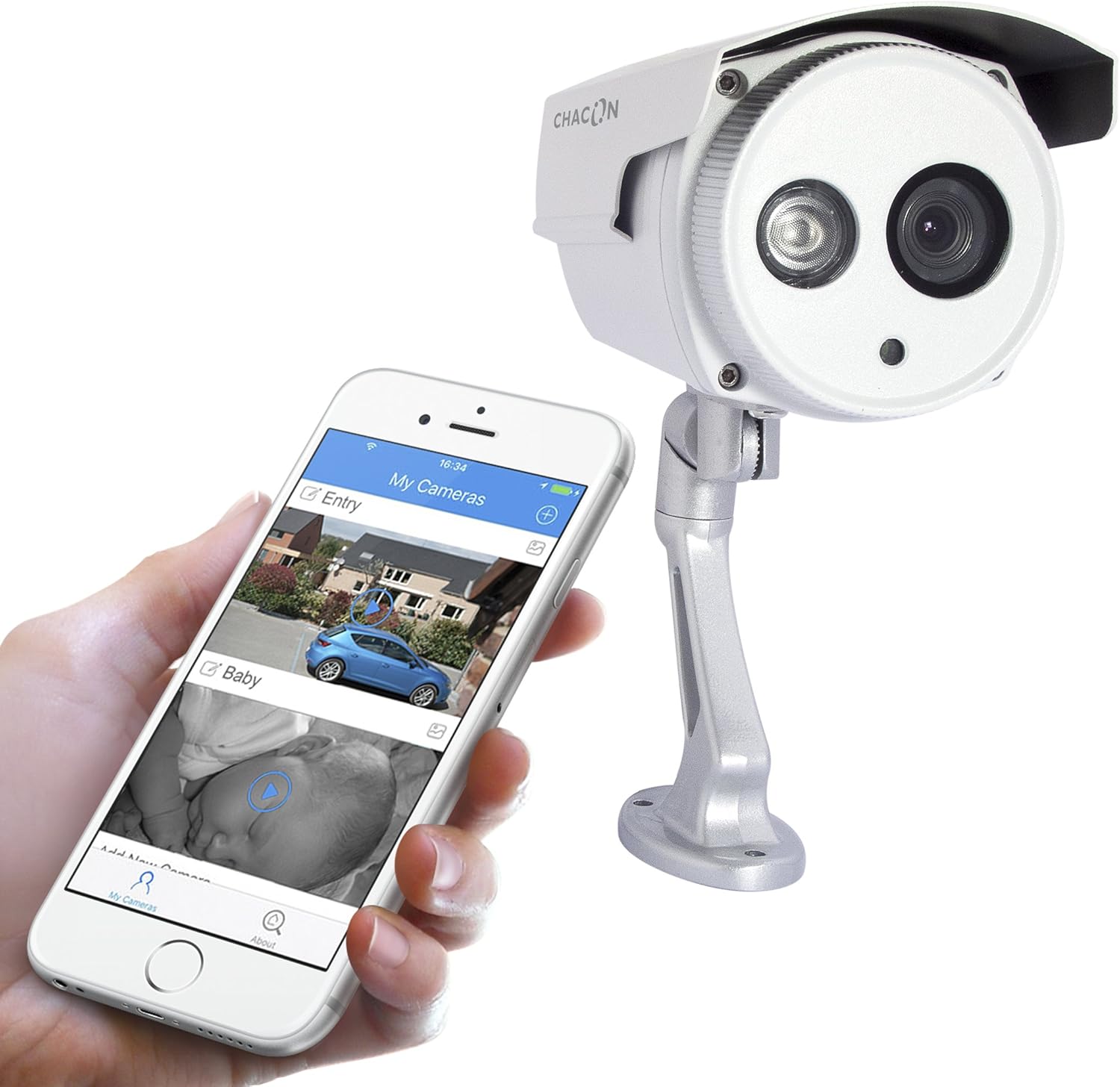
Figura 5: The Chacon 34548 camera shown alongside a smartphone running the Chacon application, demonstrating remote viewcapacidades de ing.
4. Conexión de rede (Wi-Fi)
- Open the Chacon app and create an account or log in.
- Follow the in-app instructions to add a new device. This typically involves scanning a QR code on the camera (refer to Figure 4) or manually entering the device ID.
- Select your Wi-Fi network and enter the password. Ensure your camera is within range of your Wi-Fi router.
- Wait for the camera to connect to the network. The app will indicate successful connection.
Instrucións de funcionamento
1. Viewen directo
Once connected, open the Chacon app and select your camera from the device list to view the live video feed. You can monitor your property in real-time.
2. Visión nocturna
The camera is equipped with automatic night vision, providing clear images up to 20 meters in low-light conditions. This feature activates automatically when ambient light levels are insufficient.
3. Remote Access and Control
The Chacon app allows you to access your camera feed from anywhere with an internet connection. You can also adjust settings, such as video resolution (720p), and monitor the horizontal viewing angle of 70 degrees and diagonal viewángulo de 75 graos.
4. Gravación e reprodución
Refer to the Chacon app's specific features for information on motion detection recording, cloud storage options, or local storage (if a microSD card slot is present, which is not explicitly mentioned in specifications but common). Instructions for playback of recorded footage will be available within the app.
Mantemento
- Limpeza: Limpe con coidado a lente e a carcasa da cámara cun pano suave eamp pano. Non use produtos químicos agresivos ou produtos de limpeza abrasivos.
- Actualizacións de firmware: Periodically check the Chacon app for available firmware updates. Keeping your camera's firmware updated ensures optimal performance and security.
- Inspección de cables: Regularly inspect power and network cables for any signs of wear or damage, especially in outdoor installations.
Resolución de problemas
| Problema | Causa posible | Solución |
|---|---|---|
| A cámara non se acende | Sen corrente, adaptador defectuoso, conexión solta | Check power outlet, ensure adapter is securely connected, try a different outlet. |
| Non se pode conectar á wifi | Incorrect Wi-Fi password, camera out of range, network interference | Verify Wi-Fi password, move camera closer to router, restart router, check for 2.4GHz network compatibility. |
| Sen transmisión de vídeo en directo | Network issue, camera offline, app malfunction | Check internet connection, restart camera, restart Chacon app, ensure camera is connected to Wi-Fi. |
| Mala calidade de imaxe | Dirty lens, low light, network bandwidth | Clean the camera lens, ensure adequate lighting or check night vision activation, check network speed. |
Especificacións
| Característica | Detalle |
|---|---|
| Número de modelo | 34548 |
| Marca | Chacón |
| Tecnoloxía de conectividade | Sen fíos (Wi-Fi) |
| Resolución de gravación de vídeo | 720 p |
| Resolución efectiva de vídeo | 720 píxeles |
| Características especiais | Visión Nocturna |
| Range de visión nocturna | 20 metros |
| ViewÁngulo de orientación (horizontal) | 70 graos |
| ViewÁngulo de orientación (diagonal) | 75 graos |
| Nivel de resistencia á auga | Water-repellent (IP66 rating implied by "voor buiten" and common for outdoor cameras) |
| Dispositivos compatibles | Teléfono intelixente (iOS, Android) |
| Fonte de enerxía | Cable eléctrico |
| Tipo de montaxe | Soporte de parede |
| Cor | Branco |
| Material | PVC |
| Compoñentes incluídos | Wi-Fi IP Camera for outdoor use |
Información da garantía
For detailed warranty information, please refer to the warranty card included with your product packaging or consult your purchase documentation. Warranty terms and conditions may vary by region and retailer.
Atención ao cliente
If you encounter any issues or have questions not covered in this manual, please contact Chacon customer support. Visit the official Chacon websitio para obter datos de contacto, preguntas frecuentes e recursos adicionais.


