1. Introdución
This manual provides essential information for the proper installation, operation, and maintenance of your TELEVES TVMOTION Terrestrial Tri-motion Receiver, Model 512501. This device is designed to process advanced video signals, ensuring high-quality reception of terrestrial television broadcasts. Please read this manual thoroughly before using the product to ensure optimal performance and safety.
2. Configuración
2.1 Desembalaxe
Retire con coidado todos os compoñentes da embalaxe. Asegúrese de que estean presentes todos os elementos que se indican a continuación:
- TELEVES TVMOTION Receiver (Model 512501)
- Control remoto
- Adaptador de alimentación
- Manual de usuario (este documento)
2.2 Conexións
Follow these steps to connect your receiver to your television and antenna:
- Conexión antena: Connect your terrestrial antenna cable to the 'ANT IN' port on the back of the receiver.
- Conexión HDMI: Connect an HDMI cable from the 'HDMI OUT' port on the receiver to an available HDMI input on your television. This receiver has a total of 1 HDMI port.
- Conexión de alimentación: Connect the power adapter to the 'DC IN' port on the receiver, then plug the adapter into a wall outlet.
- Conexión USB (opcional): For multimedia playback or software updates, connect a USB device to the USB port.
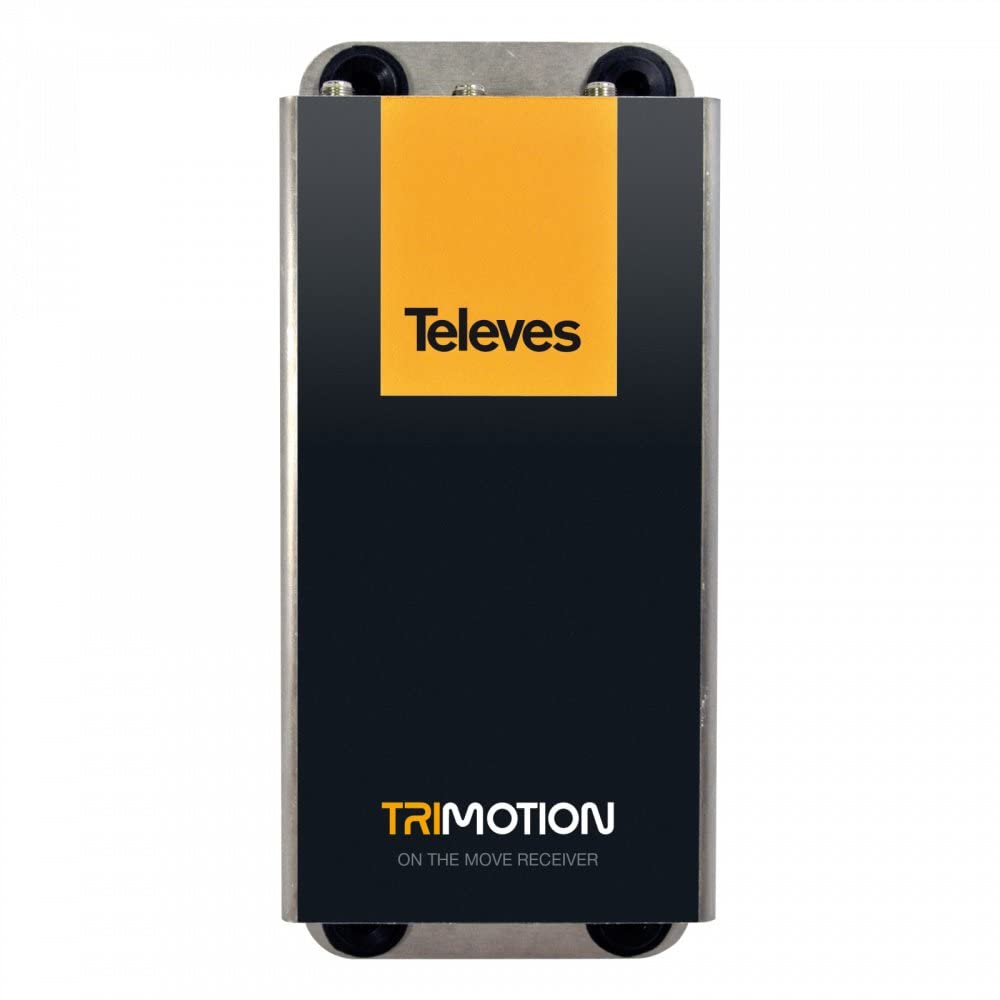
This image shows the front panel of the TELEVES TVMOTION Terrestrial Tri-motion Receiver, highlighting its compact design and user interface elements.
3. Instrucións de funcionamento
3.1 Primeiro uso
After connecting all cables and powering on the receiver, your television should display the initial setup wizard. Follow the on-screen prompts to select your language, country, and perform an automatic channel scan. This process will detect and store all available terrestrial channels.
3.2 Funcionamento básico
The receiver is primarily controlled using the provided remote control. Ensure the remote control has batteries installed and is pointed towards the front panel of the receiver.
- Botón de encendido: Turns the receiver on or off (standby mode).
- Canle arriba/abajo: Navigates through television channels.
- Subir/Baixar o volume: Axusta o volume de audio.
- Botón de menú: Accesses the main menu for settings, channel management, and other features.
- Botón Aceptar/Intro: Confirma as seleccións nos menús.
- Botóns de navegación (frechas): Moves through menu options.
- EPG (Guía electrónica de programas): Mostra información do programa.
- Configuración de audio: This receiver supports 5.1 surround sound channel configuration. Adjust audio settings as needed through the menu.
4. Mantemento
To ensure the longevity and optimal performance of your TELEVES TVMOTION receiver, follow these maintenance guidelines:
- Limpeza: Use a soft, dry cloth to clean the exterior of the receiver. Do not use liquid cleaners, aerosols, or abrasive materials, as these can damage the finish or internal components.
- Ventilación: Ensure the receiver has adequate ventilation. Do not block any ventilation openings. Avoid placing the unit in enclosed spaces or on soft surfaces that may obstruct airflow.
- Apagado: If the receiver will not be used for an extended period, disconnect it from the power outlet.
- Condicións ambientais: Avoid exposing the receiver to extreme temperatures, humidity, or direct sunlight.
5 Solución de problemas
If you encounter issues with your receiver, consult the table below for common problems and their solutions. If the problem persists, contact customer support.
| Problema | Causa posible | Solución |
|---|---|---|
| Sen imaxe nin son | Loose cable connections; Incorrect input selected on TV; Receiver not powered on. | Check all cable connections (HDMI, antenna, power). Ensure the TV is on the correct HDMI input. Power on the receiver. |
| Mala calidade de imaxe | Weak antenna signal; Antenna not properly aligned. | Check antenna connection. Adjust antenna position for better signal reception. Perform a channel rescan. |
| O control remoto non funciona | Dead batteries; Obstruction between remote and receiver; Remote not pointed correctly. | Replace remote control batteries. Remove any obstructions. Point the remote directly at the receiver's front panel. |
| No channels found during scan | Antenna not connected; No terrestrial signal in the area; Incorrect country selected. | Verify antenna connection. Check for terrestrial broadcast availability in your location. Re-run setup and ensure correct country selection. |
6. Especificacións
Below are the technical specifications for the TELEVES TVMOTION Terrestrial Tri-motion Receiver, Model 512501:
| Característica | Valor |
|---|---|
| Fabricante | Televes |
| ID do produto do fabricante | 512501 |
| Número de modelo do produto | 512501 |
| Número de produtos | 1 |
| Características especiais | Advanced video signal processing |
| ASIN | B01MRU7CSM |
| Primeira data dispoñible | 5 de decembro de 2016 |
| Marca | TELEVES |
| Tecnoloxía de conectividade | USB |
| Dispositivos compatibles | Televisión |
| Total de portos HDMI | 1 |
| Configuración da canle de son envolvente | 5.1 |
| Potencia de saída | 5 vatios |
| Número de canles | 6 |
| Método de control | Control remoto |
7. Garantía e soporte
For information regarding the product warranty, please refer to the warranty card included in the product packaging or visit the official TELEVES website. In case of technical issues or for further assistance, please contact TELEVES customer support. Keep your purchase receipt as proof of purchase for warranty claims.