1. Introdución
Grazas pola compraasing the Fenton FT10LED Portable Battery-Powered DJ Music System. This versatile 10-inch 450W Bluetooth speaker is designed for portable audio entertainment, featuring integrated LED party lights and a wireless microphone. This manual provides essential information for safe operation, setup, and maintenance of your device.

Figure 1: Fenton FT10LED Portable DJ Music System, including the main speaker unit, a wireless microphone, and a remote control.
2. Instrucións de seguridade
- Lea atentamente todas as instrucións antes do uso.
- Manteña o dispositivo lonxe da auga, da humidade e das temperaturas extremas.
- Non abras a c.asing; encomende todo o mantemento a persoal cualificado.
- Use só o adaptador de corrente especificado para cargar.
- Evita escoitar música durante moito tempo a volumes altos para evitar danos auditivos.
- Asegúrese de que haxa unha ventilación axeitada arredor da unidade durante o funcionamento.
3. Contido do paquete
Ao desembalar, comproba que estean presentes todos os artigos:
- Fenton FT10LED Portable Speaker Unit
- Micrófono sen fíos
- Control remoto
- Adaptador de alimentación
- Manual de usuario (este documento)
4. Produto rematadoview
4.1. Características da unidade principal
The FT10LED is designed for portability and ease of use, featuring a retractable handle and wheels for transport.

Figure 2: The FT10LED features a retractable handle and wheels for easy portability, allowing it to be transported like a trolley.
4.2. Panel de control e conexións
The rear panel houses all controls and input/output connections. Familiarize yourself with these components before operation.
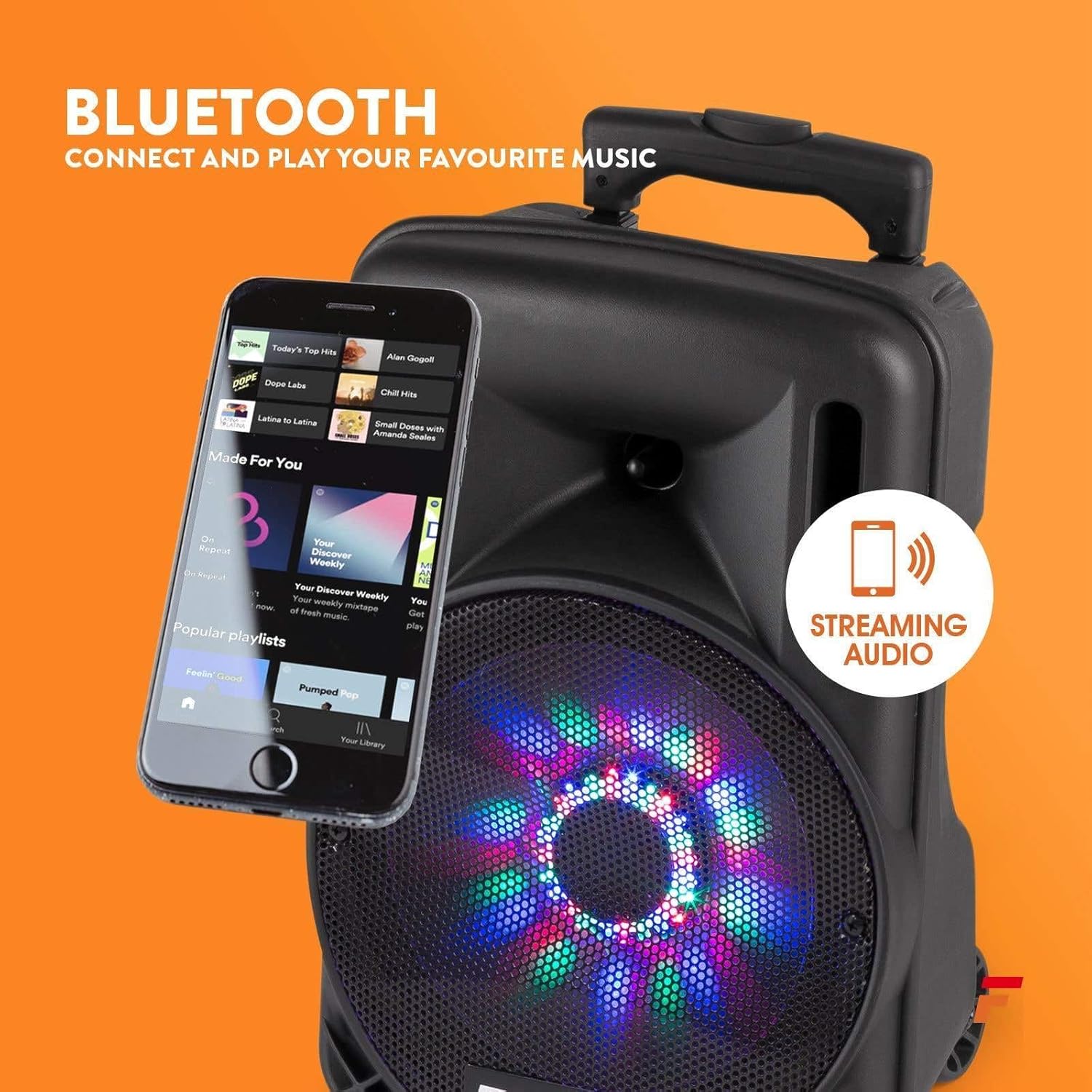
Figura 3: detallada view of the rear control panel, including media player controls, volume knobs, input ports, and power switches.
- Media Player Display: Mostra o modo actual e a información da pista.
- Botón de modo: Switches between Bluetooth, USB, SD, and AUX input.
- Media Player Controls: Reproducir/Pausa, Saltar adiante/atrás, Gravar.
- Volume principal: Axusta o volume de saída xeral.
- Volume do micrófono: Axusta o volume do micrófono conectado.
- Control de eco: Axusta o efecto de eco para o micrófono.
- Entrada AUX: Conector de 3.5 mm para conectar dispositivos de son externos.
- Ranura USB/SD: Para reproducir audio filedesde unidades USB ou tarxetas SD.
- Entrada de micrófono: 6.3mm jack for connecting a wired microphone (if applicable).
- Charge/Full Indicator: LED indicating battery charging status.
- Interruptor de alimentación: Activa / apaga a unidade.
- Interruptor LED: Turns the front LED lights ON/OFF.
- Entrada de enerxía: Para conectar o adaptador de alimentación.
5. Configuración
5.1. Carga inicial
Before first use, fully charge the speaker's internal battery. Connect the power adapter to the unit's power input and plug it into a suitable power outlet. The "Charge" indicator will illuminate. It will turn "Full" when charging is complete.
5.2. Acendido/apagado
Localiza o Interruptor de alimentación on the rear panel. Flip it to the "ON" position to power on the speaker. Flip it to "OFF" to power off.
5.3. Configuración do micrófono sen fíos
The included wireless microphone is pre-paired with the speaker. Ensure the microphone has fresh batteries and is switched on. The speaker will automatically detect it.
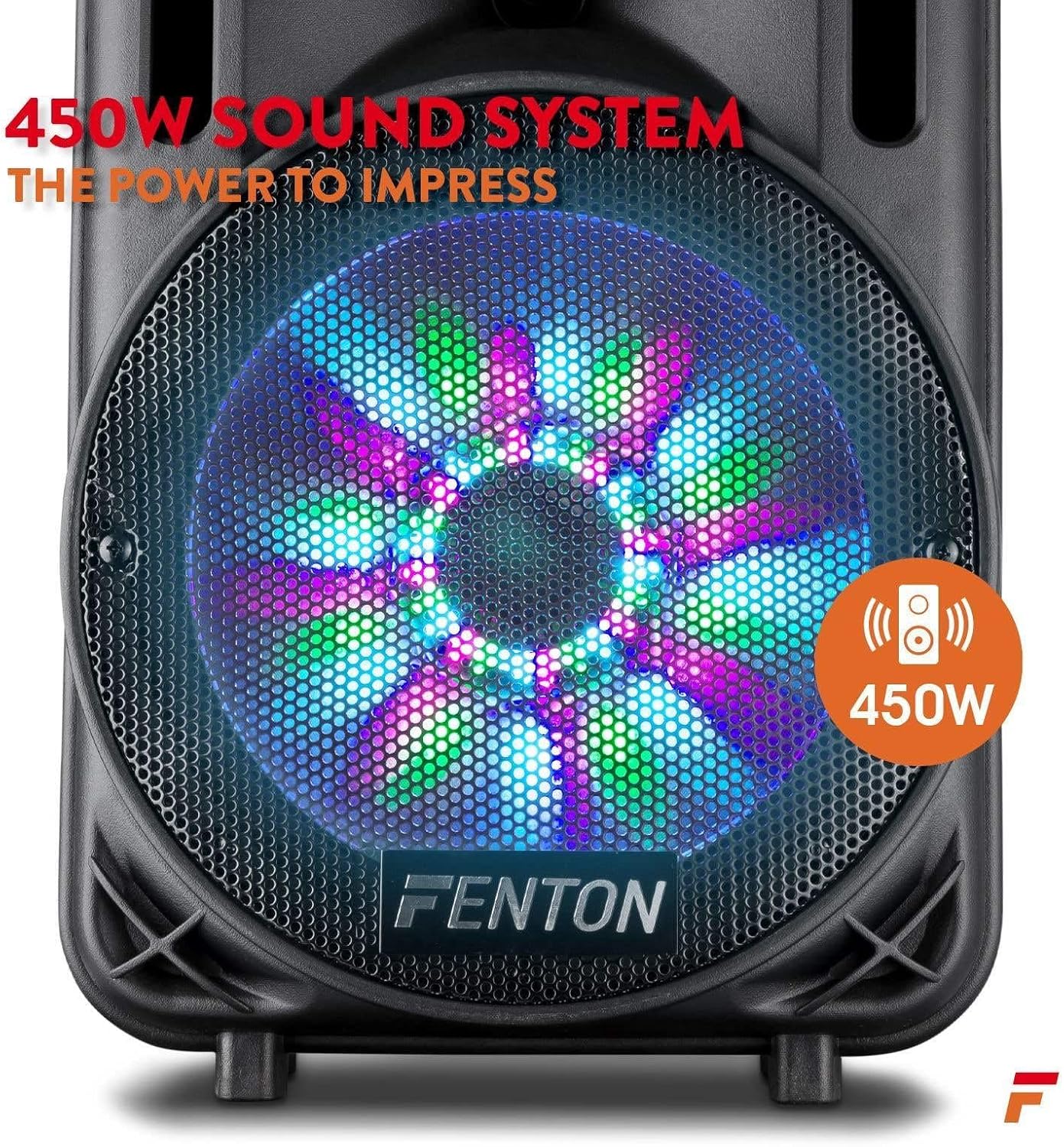
Figure 4: The wireless microphone is ready for use once powered on. The image also shows the USB/SD slot for media playback.
6. Instrucións de funcionamento
6.1. Selección do modo de entrada
Preme o Botón de modo repeatedly to cycle through available input sources: Bluetooth, USB, SD, and AUX. The selected mode will be displayed on the media player screen.
6.2. Emparellamento Bluetooth
- Activa o altofalante e selecciona o modo Bluetooth usando o botón Botón de modo. The display will show "BLUE" or a similar indicator.
- Activa o Bluetooth no teu teléfono intelixente, tableta ou outro dispositivo de son.
- Busca "Fenton FT10LED" (or similar name) in your device's Bluetooth settings.
- Select the speaker to pair. Once connected, a confirmation sound may play.
- Agora podes transmitir audio sen fíos desde o teu dispositivo ao altofalante.

Figure 5: Wirelessly stream music from your Bluetooth-enabled device to the FT10LED speaker.
6.3. Reprodución mediante USB/tarxeta SD
Insert a USB flash drive or SD card (with audio files in MP3 format) into the corresponding slot. The speaker will automatically switch to USB/SD mode and begin playback. Use the media player controls (Play/Pause, Skip) to manage your music.
6.4. Entrada AUX
Connect an external audio source (e.g., CD player, laptop) to the Entrada AUX using a 3.5mm audio cable. Select AUX mode using the Botón de modo. Control playback from your external device.
6.5. Uso do micrófono
Ensure the wireless microphone is powered on. Adjust the microphone's volume using the Volume do micrófono knob on the rear panel. Use the Control de eco botón para engadir un efecto de eco á túa voz.
6.6. Luces de festa LED
The speaker features integrated LED lights on the woofer that react to the music. To turn these lights ON or OFF, use the Interruptor LED no panel traseiro.

Figure 6: The speaker's woofer features dynamic LED lights that synchronize with the audio.
7. Mantemento
- Limpeza: Usa un pano suave e seco para limpar o exterior do altofalante. Non empregues produtos de limpeza abrasivos nin disolventes.
- Coidado da batería: For optimal battery life, avoid fully discharging the battery frequently. Recharge the unit regularly, especially if stored for extended periods.
- Almacenamento: Garde o altofalante nun lugar fresco e seco, lonxe da luz solar directa e de temperaturas extremas.
8 Solución de problemas
| Problema | Causa posible | Solución |
|---|---|---|
| Sen poder | Battery discharged; Power switch OFF; Power adapter not connected. | Charge the battery; Turn the power switch ON; Connect the power adapter securely. |
| Sen son | Volume too low; Incorrect input mode; Device not paired (Bluetooth); Cable not connected (AUX). | Increase Master Volume; Select correct input mode; Pair Bluetooth device; Check AUX cable connection. |
| O micrófono non funciona | Microphone OFF; Low microphone battery; Mic Volume too low. | Turn microphone ON; Replace microphone batteries; Increase Mic Volume. |
| Conexión Bluetooth inestable | Device too far; Obstructions; Interference. | Move device closer to speaker; Remove obstructions; Avoid other wireless devices. |
9. Especificacións
| Característica | Detalle |
|---|---|
| Marca | Fenton |
| Modelo | FT10 LED |
| Potencia de saída | 450 W |
| Tecnoloxía de conectividade | AUX, Bluetooth, USB |
| Dispositivos compatibles | Televisión, portátil, teléfono intelixente, tableta |
| Fonte de enerxía | Alimentado por batería |
| Dimensións (L x W x H) | 31.5 x 30 x 50 cm (12.4 x 11.8 x 19.7 polgadas) |
| Peso | 4.8 quilogramos (10.6 libras) |
| Material | Madeira |
| Cor | Black or Grey |
10. Garantía e soporte
Para obter información sobre a garantía e asistencia técnica, consulte a documentación incluída coa súa compra ou póñase en contacto co seu vendedor. Garde o comprobante de compra para calquera reclamación de garantía.


