1. Introdución
This manual provides detailed instructions for the Joyroom JR-P1 Bluetooth Headset. Please read this manual carefully before using the product to ensure proper operation and to maximize your user experience. The JR-P1 is a wireless on-ear headset designed for mobile phone compatibility, featuring a built-in microphone for calls and touch controls.
2. Produto rematadoview
The Joyroom JR-P1 features an ergonomic ear-hook design for comfortable and stable wear. It is lightweight and designed for various activities.
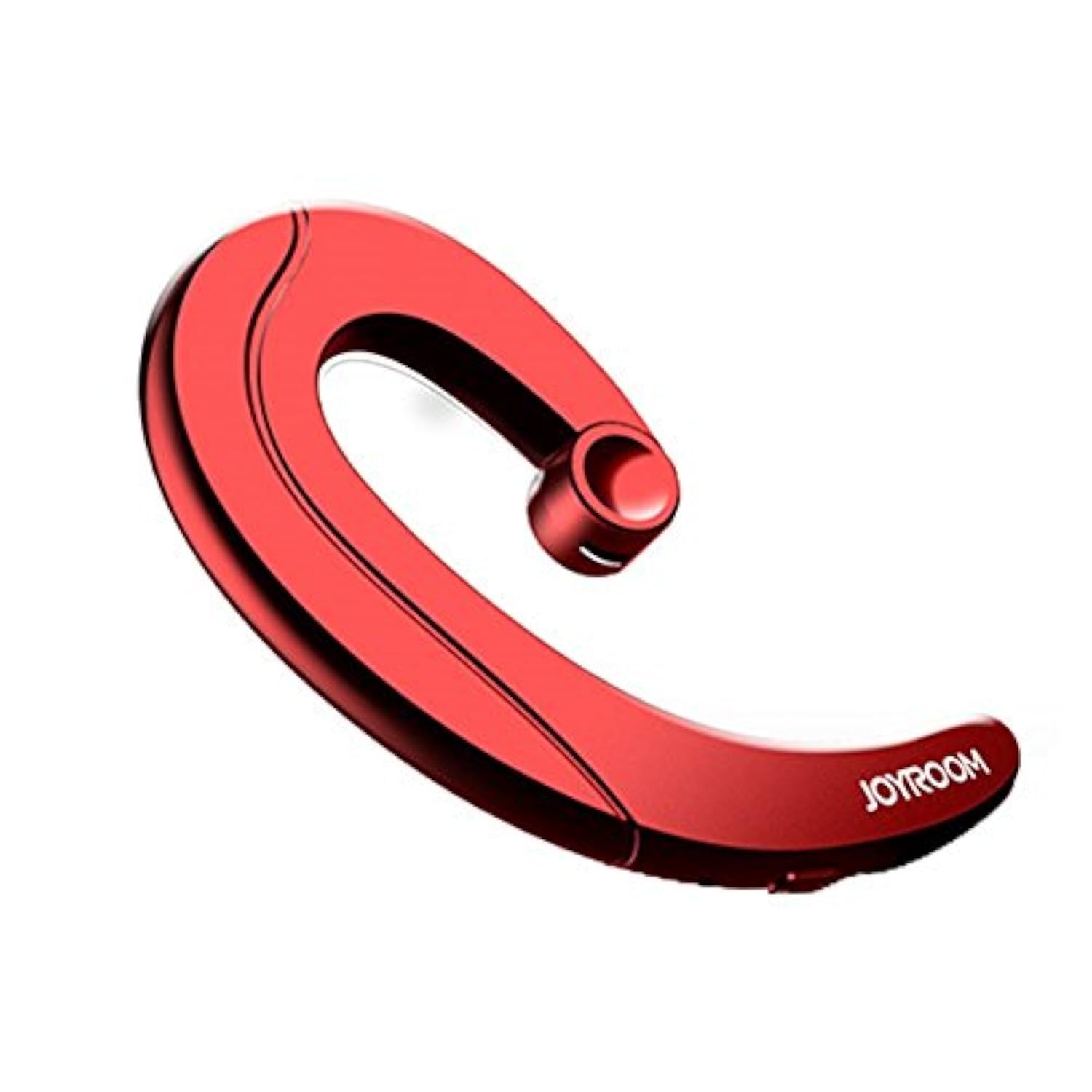
Figure 2.1: Joyroom JR-P1 Bluetooth Headset, showcasing its ear-hook design.
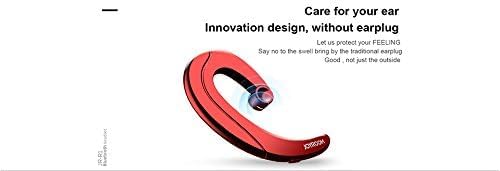
Figure 2.2: Illustration of the innovative design, providing comfort without an earplug.
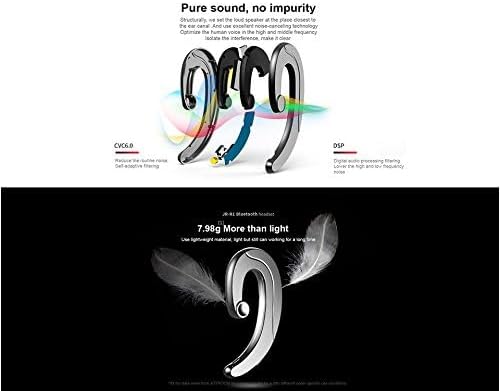
Figure 2.3: Internal technologies including CVC6.0 for noise reduction and DSP for digital audio processing.
3. Configuración
3.1 Carga dos auriculares
Before first use, fully charge the headset. Connect the charging cable (not specified, assume standard USB) to the charging port on the headset and to a compatible USB power source. The indicator light will show charging status and turn off or change color when fully charged.
3.2 Emparejamento Bluetooth
- Asegúrate de que os auriculares estean cargados e apagados.
- Press and hold the power button (or multi-function button) on the headset until the indicator light flashes red and blue, indicating pairing mode.
- On your mobile phone or device, enable Bluetooth and search for available devices.
- Select "JR-P1" from the list of found devices.
- Once connected, the indicator light on the headset will typically flash blue slowly or turn off.
- Se se lle solicita un contrasinal, introduza "0000".
4. Instrucións de funcionamento
The JR-P1 headset uses touch controls for various functions.
4.1 Encendido/apagado
- Encendido: Press and hold the multi-function button for approximately 3 seconds until the indicator light flashes.
- Apagado: Press and hold the multi-function button for approximately 5 seconds until the indicator light turns off.
4.2 Xestión de chamadas
- Responder/Finalizar chamada: Tap the multi-function button once.
- Rexeitar a chamada: Manteña premido o botón multifunción durante 2 segundos.
- Volver a marcar o último número: Double-tap the multi-function button.
4.3 Reprodución de música
- Reproducir/Pausa: Tap the multi-function button once.
- Próxima pista: Triple-tap the multi-function button.
- Pista anterior: Quadruple-tap the multi-function button.
4.4 Control de volume
Volume is typically controlled via your connected mobile device. Some headsets may have dedicated volume buttons; refer to the physical design of your JR-P1 headset.

Figure 4.1: The JR-P1 headset is suitable for hands-free communication, such as during driving.
5. Mantemento
Proper maintenance ensures the longevity and performance of your Joyroom JR-P1 headset.
- Limpeza: Use a soft, dry, lint-free cloth to clean the headset. Do not use harsh chemicals or abrasive materials.
- Resistencia á auga: Este auricular é non resistente á auga. Avoid exposure to water, moisture, rain, or sweat to prevent damage.
- Almacenamento: Garde os auriculares nun lugar fresco e seco, lonxe da luz solar directa e de temperaturas extremas.
- Cargando: Non sobrecargues a batería. Desconecta o cargador unha vez que os auriculares estean completamente cargados.
6 Solución de problemas
If you encounter issues with your JR-P1 headset, refer to the following common solutions:
| Problema | Solución |
|---|---|
| Os auriculares non se acende. | Ensure the headset is fully charged. Press and hold the power button for a longer duration. |
| Non se pode emparellar co dispositivo. | Ensure the headset is in pairing mode (flashing red/blue). Turn off and on Bluetooth on your device. Move the headset closer to your device. Clear previous Bluetooth connections on your device. |
| Sen son ou mala calidade de son. | Check the volume level on both the headset and your connected device. Ensure the headset is properly connected. Try re-pairing the headset. |
| O micrófono non funciona. | Ensure the headset is properly connected and selected as the audio input device on your phone. Check for any obstructions on the microphone. |
7. Especificacións
Key technical specifications for the Joyroom JR-P1 Bluetooth Headset:
- Marca: Joyroom
- Número de modelo: JR-P1
- Tecnoloxía de conectividade: Sen fíos
- Tecnoloxía sen fíos: Bluetooth
- Factor de forma dos auriculares: On-ear (Ear-hook)
- Método de control: Toca
- Inclúe micrófono: Si
- Illamento de ruído: Non
- Dispositivos compatibles: Teléfonos móbiles
- Uso recomendado: Facendo chamadas
- Peso: 20 gramos
- Dimensións do produto: 7.36 x 3.89 x 0.65 cm
- Nivel de resistencia á auga: Non resistente á auga
- Característica do cable: Without cable
8. Información de seguridade
Observe as seguintes pautas de seguridade:
- Do not disassemble or modify the headset. This may cause damage and void the warranty.
- Keep the headset away from extreme temperatures, humidity, and corrosive substances.
- Evite escoitar a volume alto durante períodos prolongados para evitar danos auditivos.
- Use caution when using the headset in situations requiring awareness of your surroundings, such as driving or walking in traffic.
- Desfágase do produto e da súa batería de forma responsable segundo a normativa local.
9. Garantía e soporte
For warranty information or technical support, please refer to the documentation included with your purchase or contact Joyroom customer service. Keep your proof of purchase for warranty claims.


