Introdución
This manual provides essential information for the safe and efficient operation of your Skyworth 49 M20 Full HD LED Smart TV. Please read it thoroughly before using the product and retain it for future reference.
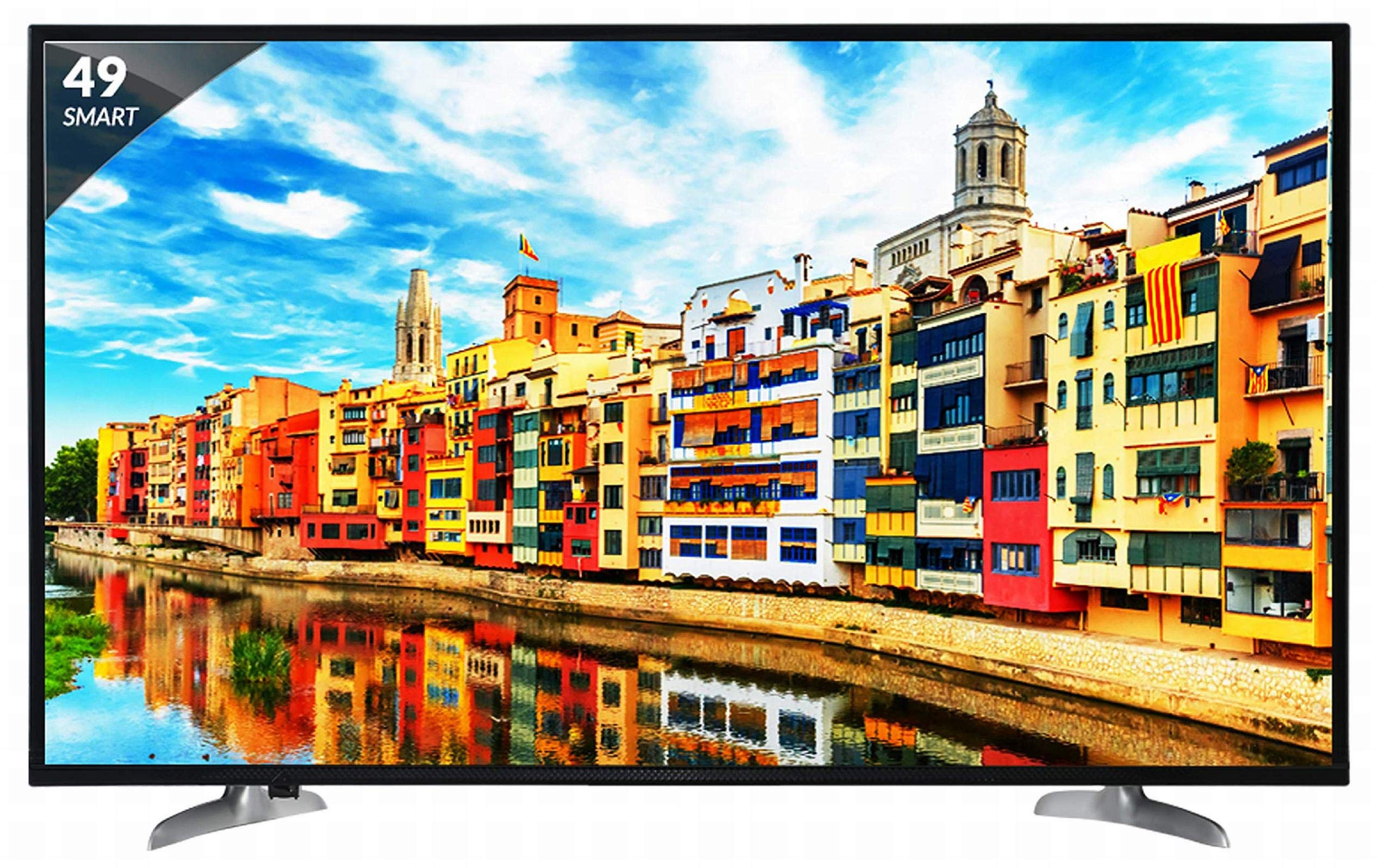
Figura 1: Fronte view of the Skyworth 49 M20 Full HD LED Smart TV.
Configuración e instalación
Unpacking the TV
Retire con coidado todos os compoñentes da embalaxe. Asegúrese de que estean presentes todos os elementos que se indican a continuación.
Que hai na caixa:
- 1 TV LED
- 1 soporte de mesa
- 1 Soporte de montaxe na parede
- 1 Manual de usuario
- 1 tarxeta de garantía
- 1 Control remoto
- 2 pilas AAA
- 1 Power Cable / Power Supply Adapter
Vídeo 1: Desempaquetado e primeira impresiónview of the Skyworth 49 M20 Smart TV.
Instalación Stand
If using the table-top stand, attach it securely to the base of the TV using the provided screws. Refer to the diagram for correct orientation.
Montaxe en parede
For wall mounting, use the included wall mount bracket. It is recommended to seek professional assistance for wall mounting to ensure safety and proper installation. Contact Skyworth at 18001210108 for installation services.

Figura 2: Lateral view of the TV, illustrating the slim design and stand attachment points.
Conectividade
Your Skyworth 49 M20 TV offers various ports for connecting external devices.
Portos dispoñibles:
- 3 portos HDMI: For connecting set-top boxes, Blu-Ray players, gaming consoles, and other HDMI-enabled devices.
- 2 portos USB: For connecting hard drives, USB flash drives, and other USB devices to play media files.
- 1 porto VGA: For connecting laptops or desktop computers.

Figure 3: Rear panel of the TV, highlighting the various input and output ports.

Figura 4: detallada view of the connectivity ports including HDMI, USB, and VGA.
Funcionamento da túa Smart TV
Encendido/apagado
Connect the power cable to the TV and a power outlet. Press the power button on the remote control or on the TV to turn it on or off.
Asistente de configuración inicial
Upon first power-on, the TV will guide you through an initial setup process, including language selection, network connection, and channel scanning.
Funcións de Smart TV
The Skyworth 49 M20 is an Android-based Smart TV with built-in Wi-Fi, offering access to a variety of applications and online content.
- Wi-Fi incorporado: Conéctate á túa rede doméstica para acceder a internet.
- Netrange App Store: Download and install applications for movies, music, games, and more.
- Install APK: Allows installation of additional applications via APK files.
- Sky Share: Share media files (videos, pictures) from your mobile phone to the TV.
- Home Network: Access media content from other devices on your home network.
- Servizos de Internet compatibles: Includes Twitter and YouTube.

Figure 5: The Smart TV home screen interface, showing various app icons.

Figure 6: The Netrange App Store interface, displaying available applications.
Vídeo 2: Rematadoview of the Skyworth Full HD IPS Smart LED TV features, including display, smart functions, and connectivity.
Visualización e audio
Tecnoloxía de visualización
The TV features a 49-inch Full HD (1920x1080p) IPS LED panel with a 60 Hz refresh rate. The IPS technology provides a wide 178-degree viewing angle, ensuring consistent picture quality from various positions.
Sistema de audio
Equipped with 20 Watts output and down-firing speakers, the TV delivers clear audio. DTS Sound technology enhances the audio experience.
Especificacións técnicas
| Característica | Detalle |
|---|---|
| Modelo | 49 M20 |
| Tamaño da pantalla | 49 polgadas (124.5 cm) |
| Tecnoloxía de visualización | IPS LED Panel |
| Resolución | Full HD (1920 x 1080p) |
| Taxa de actualización | 60 Hz |
| Viewángulo ing | 178 graos |
| Sistema Operativo | Android |
| Procesador | ARM Quad Core Processor |
| GPU | Dual Core 3D GPU |
| RAM | 512 MB |
| ROM | 4 GB |
| Conectividade | 3 HDMI, 2 USB, 1 VGA, Built-in Wi-Fi |
| Saída de audio | 20 vatios |
| Tecnoloxía de son | DTS Sound, Down Firing Speakers |
| Dimensións do produto (LxWxH) | 111.1 x 27.1 x 68.9 cm |
| Peso do elemento | 16 kg |
| Baterías | 2 pilas AAA (incluídas para o mando a distancia) |

Figure 7: Summary of key TV features including screen size, connectivity, display, sound, and smart TV capabilities.
Resolución de problemas
This section addresses common issues you might encounter with your TV. For more complex problems, please contact customer support.
Sen Poder
- Asegúrate de que o cable de alimentación estea conectado correctamente tanto ao televisor como a unha toma de corrente que funcione.
- Comprobe se a toma de corrente funciona conectando outro dispositivo.
- Verify that the power indicator light on the TV is on.
Sen imaxe/son
- Confirm the correct input source is selected (e.g., HDMI 1, AV).
- Check all cable connections (HDMI, AV, etc.) between the TV and external devices.
- Asegúrate de que o volume non estea silenciado nin demasiado baixo.
Problemas de conexión Wi-Fi
- Restart your Wi-Fi router and the TV.
- Asegúrate de que o televisor estea dentro do alcance do teu enrutador Wi-Fi.
- Verifica que o contrasinal da wifi introducido sexa correcto.
O control remoto non funciona
- Substitúe as pilas AAA do control remoto.
- Asegúrate de que non haxa obstrucións entre o mando a distancia e o sensor de infravermellos do televisor.
Coidados e Mantemento
Limpeza da pantalla
Limpe a pantalla con suavidade cun pano suave e sen pelusa. Para marcas difíciles, d lixeiramenteampEnxágüe o pano con auga ou cun limpador de pantallas especializado. Evite o uso de produtos químicos agresivos ou materiais abrasivos.
Limpeza xeral
Wipe the TV's frame and stand with a soft, dry cloth. Do not spray cleaning liquids directly onto the TV.
Ventilación
Asegúrese de que haxa unha ventilación axeitada arredor do televisor para evitar o sobrequecemento. Non bloquee as aberturas de ventilación da parte traseira do televisor.
Garantía e Soporte
Información da garantía
Your Skyworth 49 M20 TV comes with a Garantía estándar do fabricante dun ano from Skyworth. Please retain your purchase invoice for warranty claims.
Atención ao cliente
For installation, wall mounting, product demonstration, or any service-related queries, please contact Skyworth directly at 18001210108. Provide the product's model name (49 M20) and seller's details from your invoice.
This product is eligible for replacement/refund within 10 days of delivery in case of any product defects, damage, or features not matching the description provided.


