Introdución
Thank you for choosing the Redragon M602-W White Gaming Mouse. This manual provides essential information for setting up, operating, and maintaining your new gaming mouse. Please read it thoroughly to ensure optimal performance and longevity of your device.
Información de seguridade
- Manteña o dispositivo lonxe de líquidos e humidade excesiva.
- Evita temperaturas extremas.
- Do not attempt to disassemble or modify the mouse. This will void the warranty.
- Úseo só con portos USB compatibles.
Contido do paquete
- Redragon M602-W White Gaming Mouse
- Manual de usuario
Produto rematadoview
The Redragon M602-W is an ergonomic wired gaming mouse designed for precision and comfort. It features adjustable DPI, customizable RGB lighting, and programmable buttons to enhance your gaming and work experience.

Configuración
- Unpack the Redragon M602-W mouse from its packaging.
- Localiza un porto USB dispoñible no teu ordenador.
- Conecte o conector USB do rato ao porto USB.
- O teu sistema operativo debería detectar e instalar automaticamente os controladores necesarios.
- The mouse is now ready for basic use. For advanced customization, proceed to the Software Installation section.
Instrucións de funcionamento
Axuste de DPI
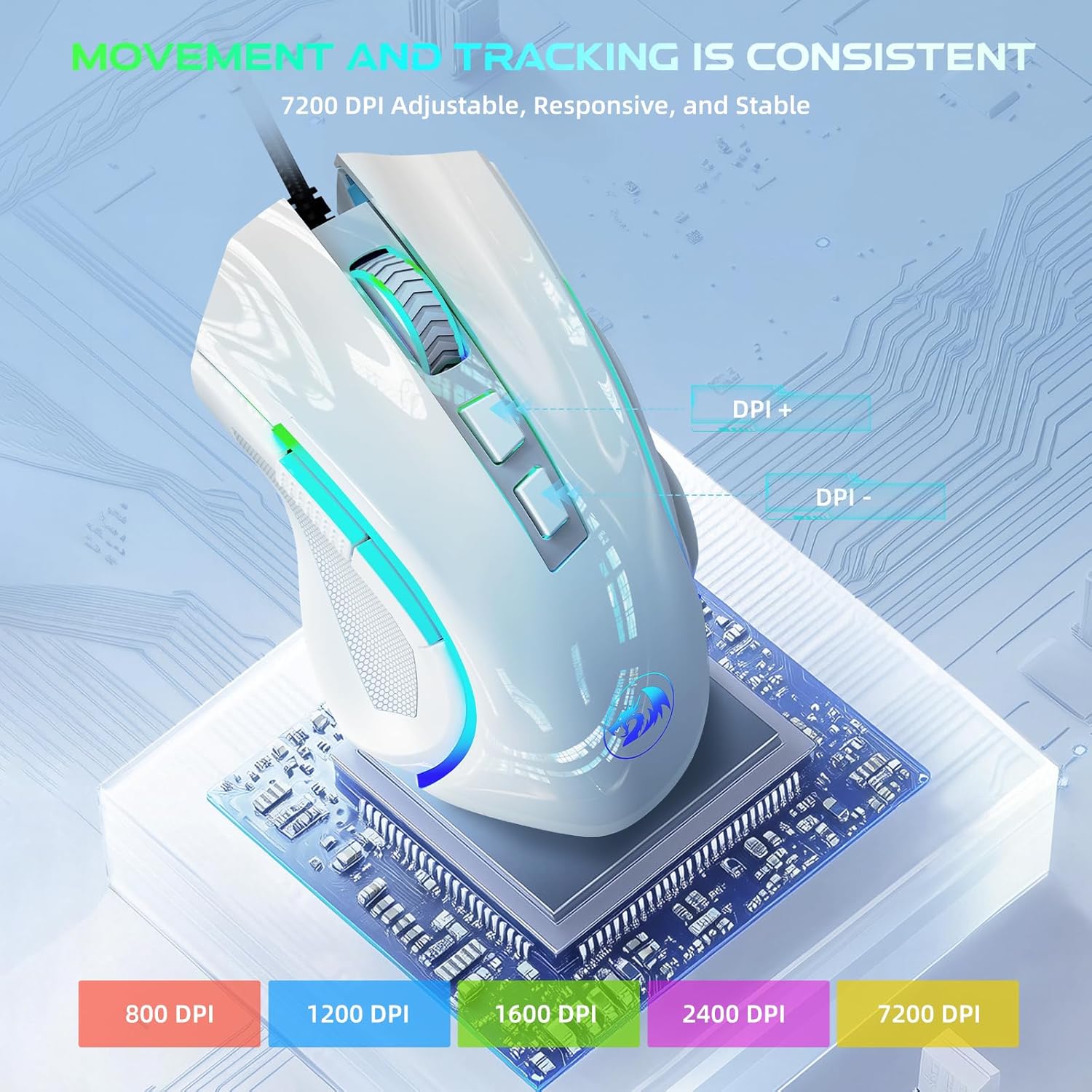
The Redragon M602-W features adjustable DPI (Dots Per Inch) settings, allowing you to change the mouse sensitivity on the fly. Use the dedicated DPI buttons located on the top of the mouse to cycle through different DPI levels, up to 7200 DPI. Each DPI level may correspond to a different LED color for easy identification.
Personalización de iluminación RGB
The mouse is equipped with truly RGB backlit lighting, offering 7 different RGB modes and effects. You can switch between single colors, various RGB patterns, or turn the lighting off. Use the dedicated lighting button or the software to customize your preferred lighting effects.

Botóns programables
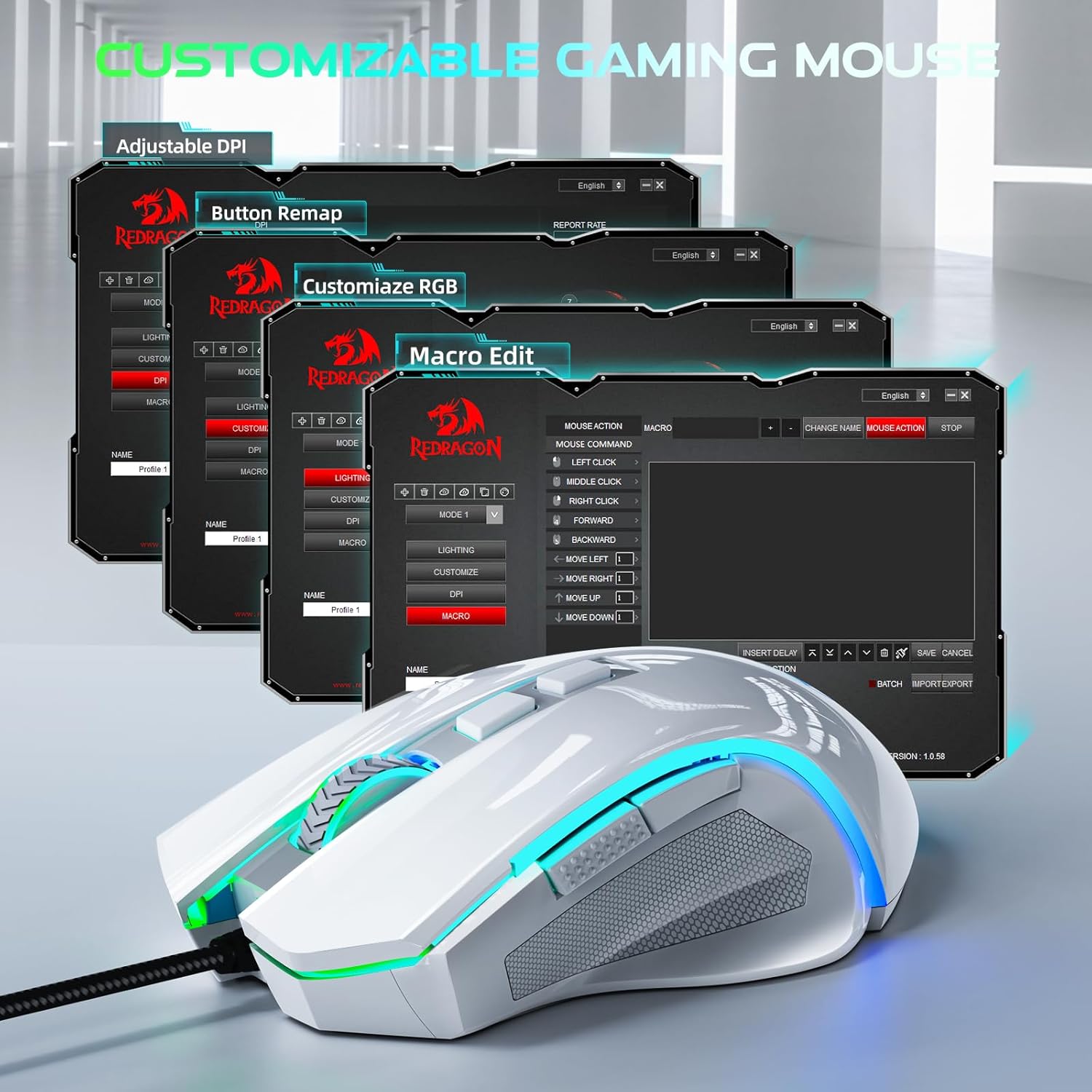
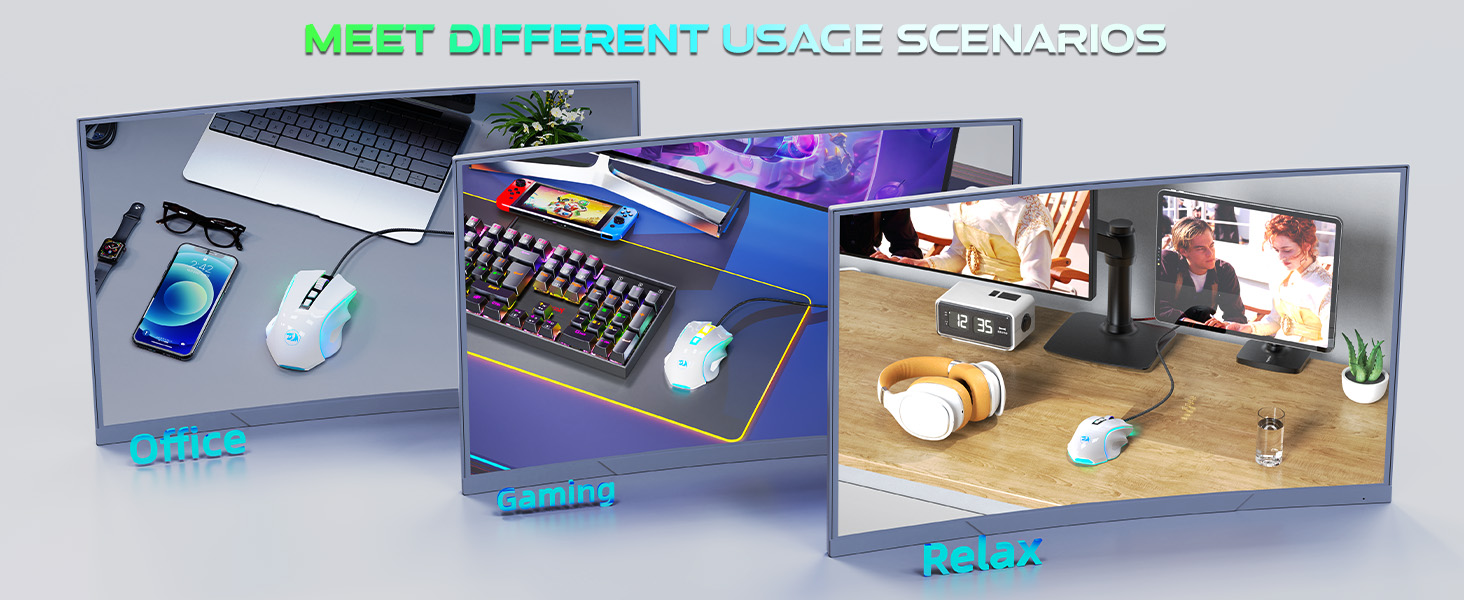
The Redragon M602-W features 9 programmable buttons. These buttons can be remapped and assigned macro functions using the professional software. This allows you to tailor the mouse to your specific needs for gaming or office tasks.
Software Installation and Customization
To unlock the full potential of your Redragon M602-W mouse, including macro editing, button remapping, and advanced RGB customization, you need to install the official Redragon software. The software can be downloaded from the official Redragon websitio (redragon.com).
- Visita redragon.com and navigate to the support or downloads section.
- Locate and download the software for the M602 model.
- Siga as instrucións en pantalla para instalar o software.
- Once installed, launch the software to access customization options for lighting, button functions, speed, and macro editing.
Deseño Ergonómico
The M602-W mouse is designed with a real comfort ergonomic shape that fits a wide range of hand sizes. It includes dedicated positions for fingers, ensuring a comfortable experience regardless of your grip style (grasp, tummy, or half grip).

Mantemento
- Limpeza: Usa un pano suave e seco para limpar a superficie do rato. Para a sucidade persistente, usa un pano lixeiramente seco.amp pódese usar un pano, garantindo que non entre humidade nos compoñentes internos.
- Coidado do cable: Evite dobrar bruscamente ou tirar demasiado do cable USB para evitar danos.
- Almacenamento: Garde o rato nun lugar fresco e seco cando non o use.
Resolución de problemas
| Problema | Solución |
|---|---|
| O rato non responde | Asegúrate de que o cable USB estea conectado correctamente a un porto USB que funcione. Proba cun porto USB ou ordenador diferente para illar o problema. |
| A iluminación DPI ou RGB non cambia | Ensure the mouse is properly connected. If using software, verify it is installed correctly and the settings are applied. Restart your computer. |
| Os botóns non funcionan como se esperaba | Check software settings for button remapping. Reset settings to default if necessary. |
Especificacións
| Característica | Detalle |
|---|---|
| Dimensións do produto | 5 x 3.2 x 0.04 polgadas |
| Peso do elemento | 5.3 onzas |
| Número de modelo do artigo | M602W |
| Marca | Redragon |
| Cor | Branco |
| Tecnoloxía de conectividade | USB |
| Características especiais | 7200 Adjustable DPI, Macro Editing, Programmable Buttons, RGB Backlit |
| Tecnoloxía de detección de movemento | Óptica |
Garantía e Soporte
For warranty information, technical support, or any other inquiries, please visit the official Redragon website or contact their customer service directly. Details can typically be found on the product packaging or the official websitio.


