Introdución
The Vimtag Wifi 1080p UHD 2MP Security Camera is designed to provide comprehensive surveillance for your home or business. Featuring 1080p Ultra HD resolution, a 2MP lens, and Wi-Fi connectivity, this camera offers clear and smooth streaming. Key functionalities include an inbuilt LED floodlight for enhanced night vision, motion detection with siren alerts, two-way audio communication, and compatibility with mobile devices and Amazon Alexa. Its robust design is suitable for outdoor use, ensuring reliable performance in various environments.
Contido do paquete
Antes de comezar a instalación, comproba que todos os compoñentes estean presentes no teu paquete:
- Vimtag Wifi 1080p UHD 2MP Security Camera
- Soporte de montaxe
- Adaptador de alimentación
- Parafusos de montaxe e tacos de parede
- Manual de usuario (este documento)

Image: Contents of the Vimtag Security Camera package, showing the camera, mounting hardware, power adapter, and documentation.
Produto rematadoview
Familiarize yourself with the various components and ports of your Vimtag cámara de seguridade.

Image: Detailed diagram illustrating the various parts of the Vimtag camera, including the antenna, LED floodlight, reset button, LAN port, power cable, sensor, camera lens, and microphone.
- Camera Antenna: For Wi-Fi signal reception.
- LED Flood Light: Provides illumination for full-color night vision and acts as a deterrent.
- Botón de reinicio: Used for factory reset or rebooting the device.
- Porto LAN: Para conexión de rede con cable (opcional).
- Cable de alimentación: Conéctase ao adaptador de alimentación.
- Sensor: Detecta a luz ambiental para o cambio automático do modo día/noite.
- Lente da cámara: Captura vídeo footage.
- MIC: Built-in microphone for audio input and two-way communication.
Guía de configuración
1. Initial Setup and App Installation
- Descargar vimtag Aplicación: Busca "Vimtag" na tenda de aplicacións do teu dispositivo móbil (iOS ou Android) e descarga a aplicación oficial.
- Crear unha conta: Open the Vimtag app and follow the on-screen instructions to register a new user account.
- Encender a cámara: Connect the power adapter to the camera's power cable and plug it into an electrical outlet. Wait for the camera to initialize (typically indicated by an LED status light).
- Engadir dispositivo: In the Vimtag app, select the option to "Add Device" or scan the QR code located on the camera or its packaging.
- Conectar a wifi: Follow the app's prompts to connect the camera to your home Wi-Fi network. Ensure the camera is within range of your Wi-Fi router for optimal signal strength. For best performance, consider the camera's proximity to the router.
2. Instalación física
The Vimtag camera comes with a universal mounting bracket for flexible installation on ceilings or walls.
- Escolle unha localización: Escolle un lugar axeitado ao aire libre que che proporcione o resultado desexado viewing angle and is within Wi-Fi range. Ensure the power cable can reach an outlet.
- Montaxe: Use the provided mounting screws and wall plugs to securely attach the mounting bracket to the chosen surface.
- Conectar cámara: Securely attach the camera to the mounting bracket. Adjust the camera's angle to cover the desired area.

Image: The Vimtag security camera mounted on its wall bracket, ready for outdoor surveillance.

Image: Two Vimtag cameras illustrating their connectivity options, including power and optional LAN connections.
Instrucións de funcionamento
En directo View e Seguimento
Once connected, you can monitor your camera feed anytime via the Vimtag mobile app or PC client. The F3.6mm 2MP lens with smart H.264 video encoding ensures smooth 1080P Ultra HD streaming even with lower internet speeds.
Audio bidireccional
Utilize the built-in microphone and speaker for two-way communication. This allows you to listen to the environment around the camera and speak through the camera from your mobile device.
Motion Detection and Siren
The camera features an inbuilt motion detection sensor that can trigger an alarm siren and activate the LED floodlight. This provides an immediate deterrent and illuminates the area for clear recording.

Image: The Vimtag camera demonstrating its LED floodlight and siren functionality, deterring an intruder.
Night Vision with LED Floodlight
The unique inbuilt LED floodlight provides clear night vision up to 32 feet. When motion is detected, the floodlight can automatically switch on, providing full-color video display even in complete darkness, unlike traditional infrared night vision which typically provides black and white images.
Storage Options: SD Card and Cloud Recording
- Almacenamento da tarxeta SD: The camera supports an SD card (up to 128 GB). Vimtag's unique compressed video technology allows the camera to save up to 75% more video on an SD card compared to other cameras.
- Gravación na nube: A cloud function is available to securely store all videos in real-time. One month of free cloud storage is typically included.
Soporte de Alexa
The Vimtag camera supports Amazon Alexa Echo Show. You can control the camera with voice commands such as "Alexa, show live view," "turn left," or "turn right."
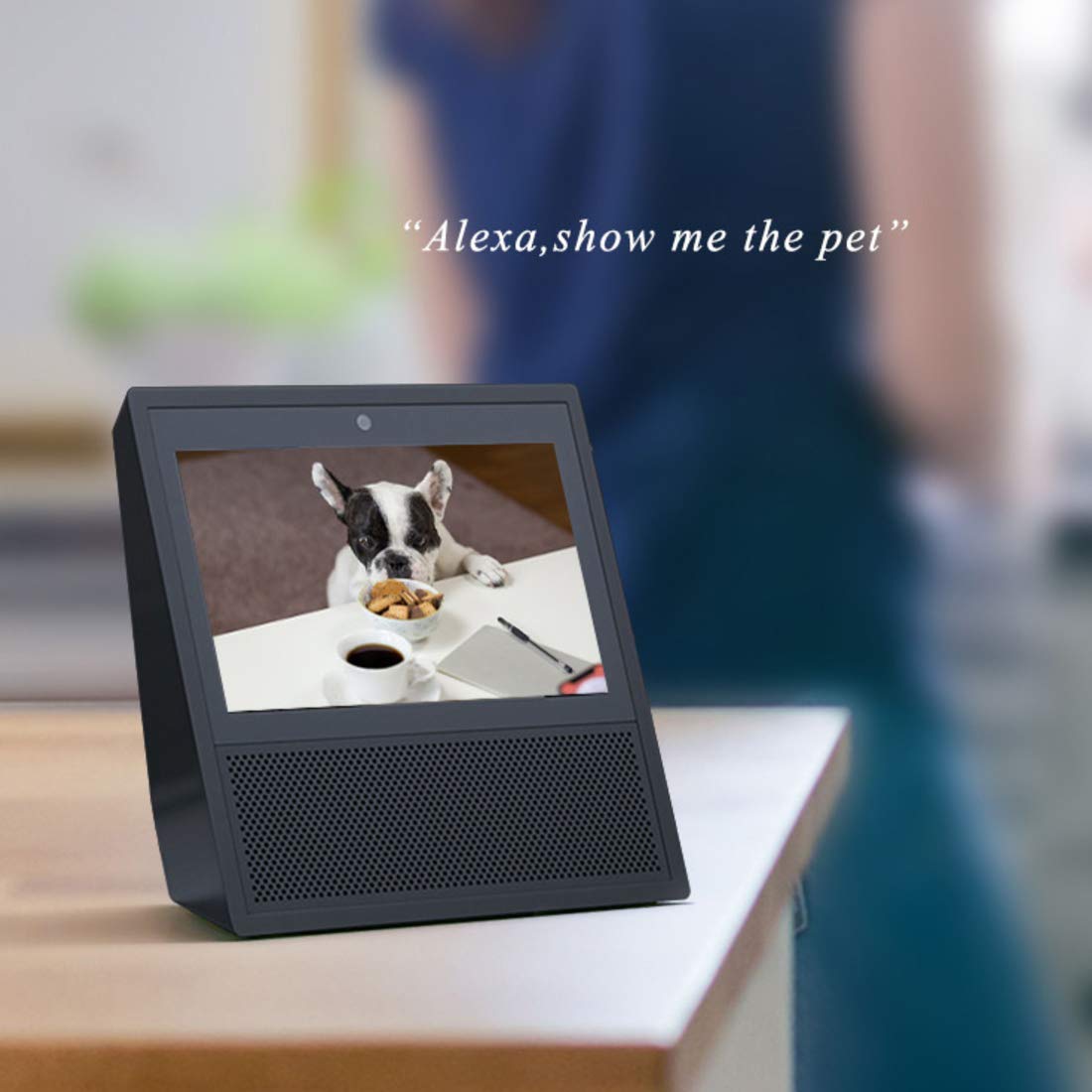
Image: An Amazon Echo Show device displaying a live video feed from the Vimtag camera, demonstrating Alexa integration.
Acceso multiusuario
Multiple users can access the camera feed simultaneously. All user access is protected by a password.
Mantemento
- Limpeza: Regularly wipe the camera lens and body with a soft, dry cloth to remove dust and dirt. Avoid using harsh chemicals or abrasive materials.
- Xestión da tarxeta SD: Periodically check the SD card status through the app. While Vimtag's compression technology maximizes storage, regular review and backup of important footage é recomendable.
- Actualizacións de firmware: Keep your camera's firmware updated through the Vimtag app to ensure optimal performance, security, and access to new features.
- Ciclo de enerxía: If the camera experiences connectivity issues or unusual behavior, try power cycling it by unplugging and re-plugging the power adapter.
Resolución de problemas
| Problema | Posible causa/solución |
|---|---|
| A cámara desconéctase con frecuencia da wifi. |
|
| Motion detection is too sensitive (false alarms). |
|
| Cannot access recorded footage from SD card via app. |
|
| App settings for motion detection times are not working correctly. |
|
| Poor image quality or night vision. |
|
Especificacións
| Característica | Detalle |
|---|---|
| Número de modelo | B4 2MP Outdoor IP Camera |
| Dimensións do produto | 15 x 8 x 6 cm |
| Peso do elemento | 400 g |
| Resolución | 1080p Ultra HD (2MP) |
| Tecnoloxía de conectividade | Wi-Fi |
| Características especiais | HD Resolution, Night Vision (with LED Floodlight), Motion Detection, Two-Way Audio |
| Uso interior/exterior | Ao aire libre |
| Fonte de enerxía | Eléctrico con cable |
| Dispositivos compatibles | Tablet, iOS, Android, Amazon Alexa Echo Show |
| Max SD Card Storage | 128 GB |
Garantía e Soporte
Información da garantía
This Vimtag o produto vén cun 2 ano de garantía desde a data de compra. Conserve o comprobante de compra para reclamacións de garantía. A garantía cobre defectos de fabricación e avarías en condicións de uso normais.
Atención ao cliente
For any technical assistance, troubleshooting, or warranty inquiries, please contact Vimtag customer care:
- Liña de axuda: +91-97114 11021
- Horario de funcionamento: Monday - Saturday, 10:30 AM - 6:30 PM (IST)
You can also visit the official Vimtag store on Amazon for more information and resources: Vimtag Tenda


