Introdución
This manual provides detailed instructions for the proper use and maintenance of your Awei T10C True Waterproof Bluetooth Wireless Earbuds. Please read this manual thoroughly before using the product to ensure optimal performance and longevity.
The Awei T10C earbuds feature Bluetooth 5.0 connectivity, a 6mm metal cavity speaker unit, smart touch controls, and a wireless charging case. They are designed for comfortable and stable wear, providing clear audio for calls and music.
Contido do paquete
- Awei T10C True Wireless Earbuds (Left and Right)
- Estuche de carga sen fíos
- Cable de carga USB
- Manual de usuario
Configuración
1. Carga inicial
Before first use, fully charge the earbuds and the charging case. Place the earbuds into the charging case. Connect the charging case to a power source using the provided USB cable, or place the case on a compatible wireless charging pad.
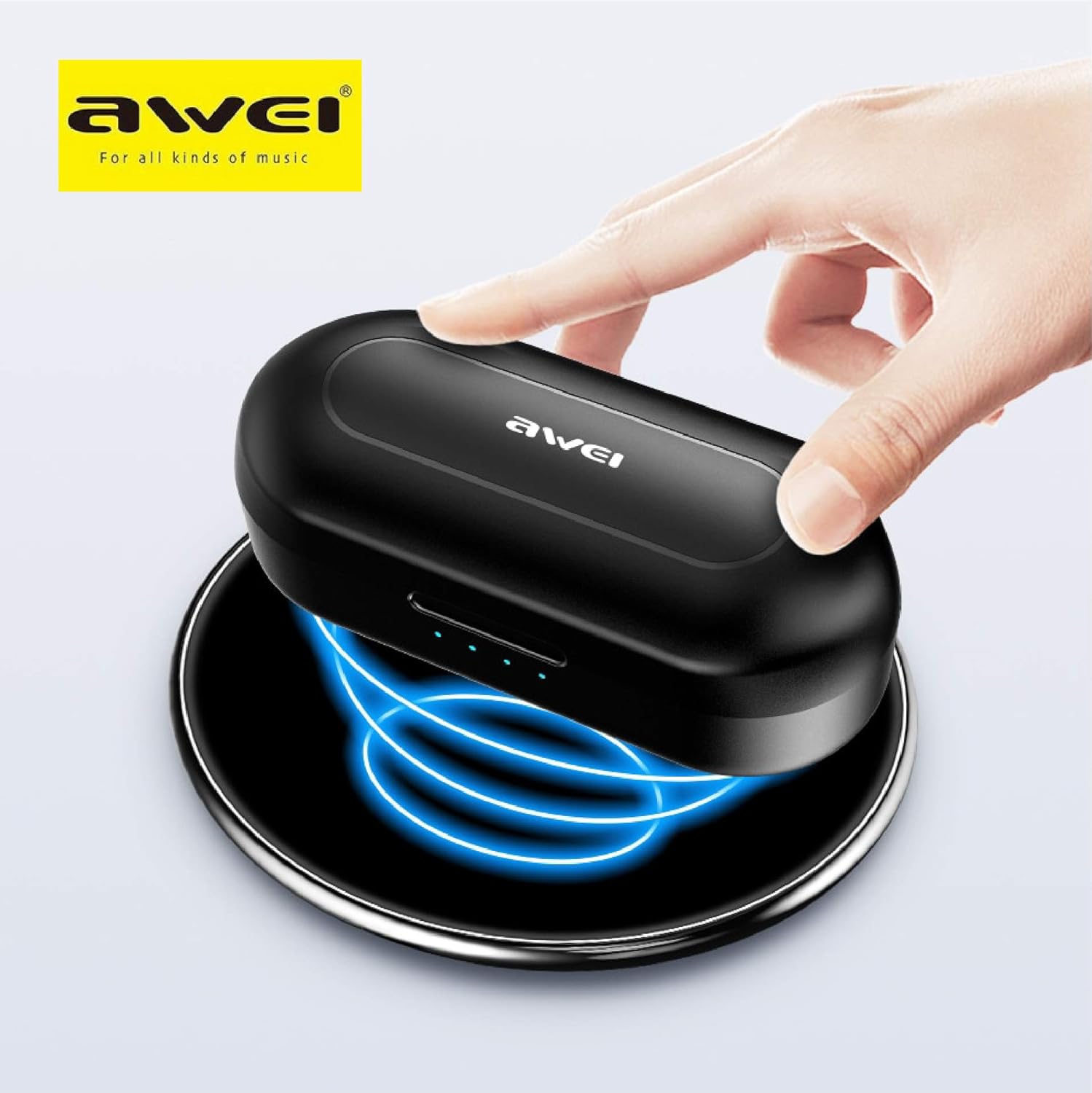
The Awei T10C charging case placed on a wireless charging pad, with blue light effects indicating active wireless charging.
The LED indicators on the charging case will show the charging status. Once fully charged, the indicators will behave according to the case's design (e.g., turn solid or off).
2. Powering On and Automatic Pairing
The earbuds are designed for automatic pairing. Simply open the charging case, and the earbuds will power on and enter pairing mode. Remove them from the case.
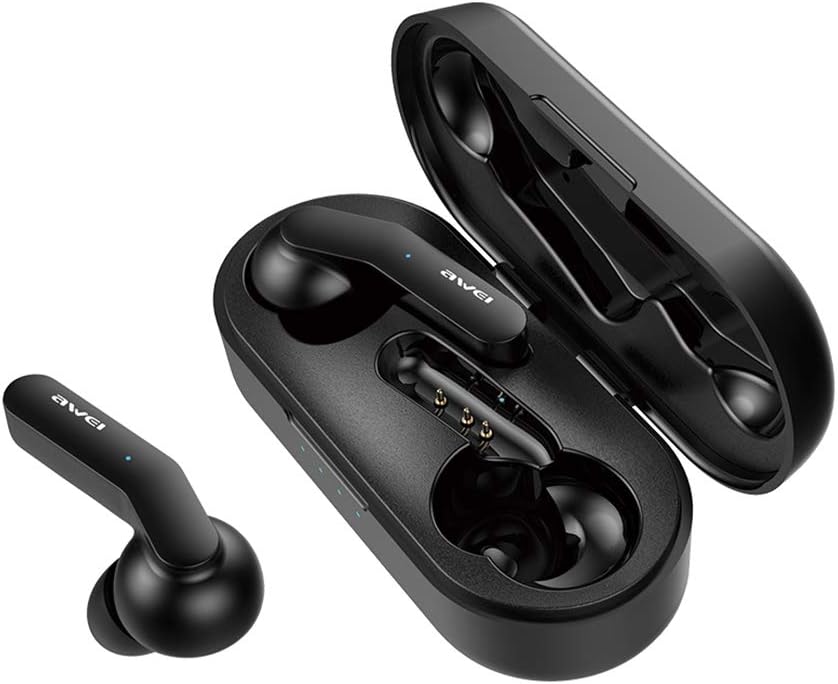
Awei T10C True Wireless Earbuds and open charging case, showcasing the earbuds nestled within the charging contacts.
3. Conexión Bluetooth
- Ensure Bluetooth is enabled on your device (smartphone, tablet, etc.).
- Busca dispositivos Bluetooth dispoñibles.
- Select "Awei T10C" from the list to connect.
- Once connected, you will hear an audible confirmation, and the earbud indicator lights will change.
The earbuds will automatically reconnect to the last paired device when removed from the case, if the device's Bluetooth is active and within range.
Instrucións de funcionamento
1. Como usar os auriculares
Gently insert the earbuds into your ears, ensuring a snug and comfortable fit. Adjust them until they feel secure. The ergonomic design is intended to provide stability during use.

Two Awei T10C True Wireless Earbuds, viewed from the side, highlighting their ergonomic design and the Awei logo.
2. Controis táctiles intelixentes
The Awei T10C earbuds feature touch-sensitive areas for controlling various functions:
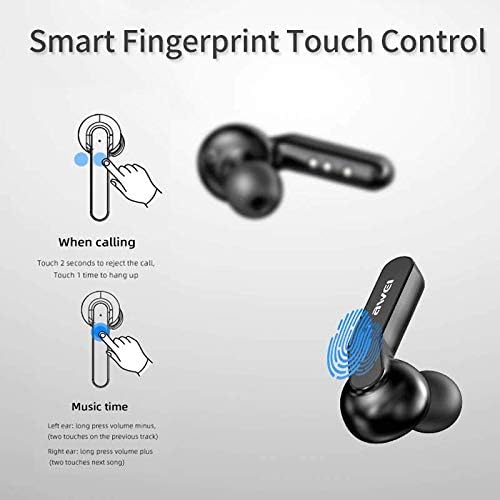
Diagram illustrating the 'Smart Fingerprint Touch Control' functions for calls and music playback on the Awei T10C earbuds.
- Atender / finalizar chamadas: Toca calquera dos auriculares unha vez.
- Rexeitando chamadas: Toca calquera dos auriculares durante 2 segundos.
- Reproducir/pausar música: Toca calquera dos auriculares unha vez.
- Próxima pista: Toca dúas veces o auricular dereito.
- Pista anterior: Toca dúas veces o auricular esquerdo.
- Subir volume: Long press the right earbud.
- Baixar volume: Long press the left earbud.
- Asistente de voz: Triple-touch either earbud (functionality may vary by device).
3. Apagado
To power off the earbuds, place them back into the charging case. They will automatically disconnect and begin charging. Alternatively, if disconnected from a device and left idle for a period, they may power off automatically.
Mantemento
1. Limpeza
Regularly clean the earbuds and charging case with a soft, dry, lint-free cloth. Do not use abrasive cleaners, alcohol, or chemical solvents. Ensure charging contacts are free of dust and debris.
2. Impermeabilización
The Awei T10C earbuds are designed to be waterproof. However, this does not mean they are suitable for prolonged submersion or use in extreme water conditions. Avoid exposing the charging case to water.
3. Almacenamento
Cando non os uses, garda os auriculares no seu estoxo de carga para protexelos e mantelos cargados. Gardaos nun lugar fresco e seco, lonxe da luz solar directa e de temperaturas extremas.
Resolución de problemas
- Auriculares sen emparellamento co dispositivo:
- Asegúrate de que os auriculares estean cargados e retirados da funda.
- Desactiva e activa o Bluetooth do teu dispositivo.
- Forget/delete "Awei T10C" from your device's Bluetooth list and try pairing again.
- Reinicia o teu dispositivo.
- Só funciona un auricular:
- Asegúrate de que os dous auriculares estean cargados.
- Place both earbuds back into the charging case, close the lid, wait a few seconds, then open and remove them again.
- Check if the earbuds are properly seated in the charging case to ensure connection.
- Sen son ou volume baixo:
- Comproba o nivel de volume tanto no dispositivo como nos auriculares (usando os controis táctiles).
- Asegúrate de que os auriculares estean conectados correctamente ao dispositivo.
- Limpa calquera residuo da malla do altofalante dos auriculares.
- Estuche de carga que non se carga:
- Asegúrate de que o cable USB estea conectado correctamente tanto á carcasa como á fonte de alimentación.
- Proba cun cable USB ou adaptador de corrente diferente.
- Se usas a carga sen fíos, asegúrate de que a funda estea colocada correctamente na base de carga.
Especificacións
| Nome do modelo | T10C |
| Número de modelo do artigo | EM-JH133-CP |
| Marca | Awei |
| Tecnoloxía de conectividade | Sen fíos (Bluetooth 5.0) |
| Factor de forma dos auriculares | En Orella |
| Control de ruído | Cancelación activa de ruído |
| Jack para auriculares | USB |
| Compoñentes incluídos | Estuche de carga sen fíos |
| Baterías | Requírese 1 batería de iones de litio (incluída) |
| Dimensións do produto | 4.5 x 2.4 x 1.8 cm |
| Peso do produto | 200 g |
| Cor | Negro |
| Fabricante | Awei |
| Data de primeira dispoñibilidade | 13 de decembro de 2019 |
Garantía e Soporte
Awei products are manufactured to high quality standards. For warranty information, technical support, or customer service inquiries, please refer to the official Awei websitio web ou póñase en contacto co seu distribuidor local.
You may also find additional support and product information via the Awei WeChat channel: http://weixin.qq.com/r/7XQ0O7vEfoUBh6pYnyHJ