1. Introdución
Thank you for choosing the MIFA A4 Bluetooth Shower Speaker. This manual provides essential information for the proper use, maintenance, and troubleshooting of your device. Please read it thoroughly before operation.
The MIFA A4 is a compact and powerful portable Bluetooth speaker designed for various environments, including bathrooms, pools, and outdoor settings, thanks to its IPX7 waterproof rating. It features a 5W speaker driver, hands-free calling, and supports True Wireless Stereo (TWS) for connecting two A4 speakers for enhanced sound. It also incorporates built-in BassUp technology for improved audio quality.

Figure 1: MIFA A4 Bluetooth Shower Speaker, showcasing o seu deseño impermeable con salpicaduras de auga ao seu redor.

Figure 2: Internal components of the MIFA A4 speaker, highlighting its built-in BassUp technology for enhanced bass.
2. Produto rematadoview
2.1 Contido do paquete
- MIFA A4 Bluetooth Shower Speaker
- Cable de carga USB
- Manual de usuario
2.2 Compoñentes do altofalante

Figura 3: Parte superior e lateral view of the MIFA A4 speaker, indicating the Power button, Volume-/Previous, Volume+/Next, Mode key, Charging port, and Suction cup.
- Botón de encendido: Mantén premido para acender/apagar.
- Volume-/Anterior: Presión curta para baixar o volume, presión longa para a pista anterior.
- Volume+/Seguinte: Prema brevemente para subir o volume, preme longa para a seguinte pista.
- Tecla de modo (M): Press to switch between Bluetooth and Micro SD card modes.
- Porto de carga: Porto USB para cargar o altofalante.
- Ventosa: For attaching the speaker to smooth surfaces.
3. Configuración e primeiro uso
3.1 Carga do altofalante
Before first use, it is recommended to fully charge the speaker. Connect the provided USB charging cable to the speaker's charging port and the other end to a USB power adapter (not included) or a computer's USB port. The charging indicator light will show the charging status.
3.2 Attaching the Suction Cup
To use the suction cup, ensure the surface (e.g., wall, glass, refrigerator) is clean and dry. Press the speaker firmly against the surface to create a vacuum seal. This allows for convenient placement in various locations.

Figura 4: Example of the MIFA A4 speaker attached to a smooth surface using its suction cup.
4. Instrucións de funcionamento
4.1 Encendido/apagado
- Encendido: Manteña premido o botón de acendido ata que se acenda o indicador luminoso.
- Apagado: Manteña premido o botón de acendido/apagado ata que o indicador luminoso se apague.
4.2 Emparejamento Bluetooth
The MIFA A4 offers universal compatibility with various Bluetooth-enabled devices.

Figure 5: The MIFA A4 speaker demonstrating its universal compatibility with various devices.
- Ensure the speaker is powered on and in Bluetooth mode (indicator light blinking).
- Activa o Bluetooth no teu dispositivo (teléfono intelixente, tableta, etc.).
- Busca "MIFA A4" in your device's Bluetooth settings.
- Select "MIFA A4" to connect. Once connected, the indicator light will become solid.
Función estéreo sen fíos verdadeiro 4.3 (TWS)
The MIFA A4 supports TWS, allowing two MIFA A4 speakers to connect wirelessly for a stereo sound experience.

Figure 6: Illustration of two MIFA A4 speakers paired together for True Wireless Stereo sound.
- Ensure both MIFA A4 speakers are powered on and not connected to any other Bluetooth device.
- Nun altofalante (este será o altofalante principal), preme dúas veces o botón de acendido/apagado. Entrará no modo de emparellamento TWS.
- The two speakers will automatically connect to each other. Once connected, the primary speaker's indicator light will blink, and the secondary speaker's light will be solid.
- Conecta o dispositivo ao altofalante principal a través de Bluetooth como se describe na sección 4.2.
4.4 Reprodución de tarxetas Micro SD
Insert a Micro SD card (up to 32GB, not included) with audio files into the card slot. The speaker will automatically switch to Micro SD card mode and begin playback. Press the 'M' (Mode) button to switch between Bluetooth and Micro SD card modes.
4.5 Chamadas mans libres
- Responder chamada: Prema brevemente o botón de acendido.
- Finalizar a chamada: Prema brevemente o botón de acendido/apagado durante unha chamada.
- Rexeitar a chamada: Mantén premido o botón de acendido/apagado.

Figure 7: The MIFA A4 speaker in use for hands-free calling, placed on a car dashboard.
5. Mantemento e coidados
Proper maintenance ensures the longevity and optimal performance of your MIFA A4 speaker.
- Limpeza: Use un suave, damp cloth to clean the speaker. Do not use organic solvents or other chemicals, as they may damage the product.
- Exposición á auga: While the speaker is IPX7 waterproof, avoid prolonged submersion. Ensure the charging port cover is securely closed before exposing it to water.
- Almacenamento: Store the product at room temperature. Avoid exposing the product to rain, humid conditions, direct sunlight, or high temperatures.
- Manexo: Do not drop the product or subject it to strong impacts to prevent damage.
- Desmontaxe: Do not disassemble or modify the structure of the product or any part of it.
- Nenos: Manter o produto fóra do alcance dos nenos.
- Volume: Maintain moderate speaker volumes to prevent temporary or permanent hearing problems.
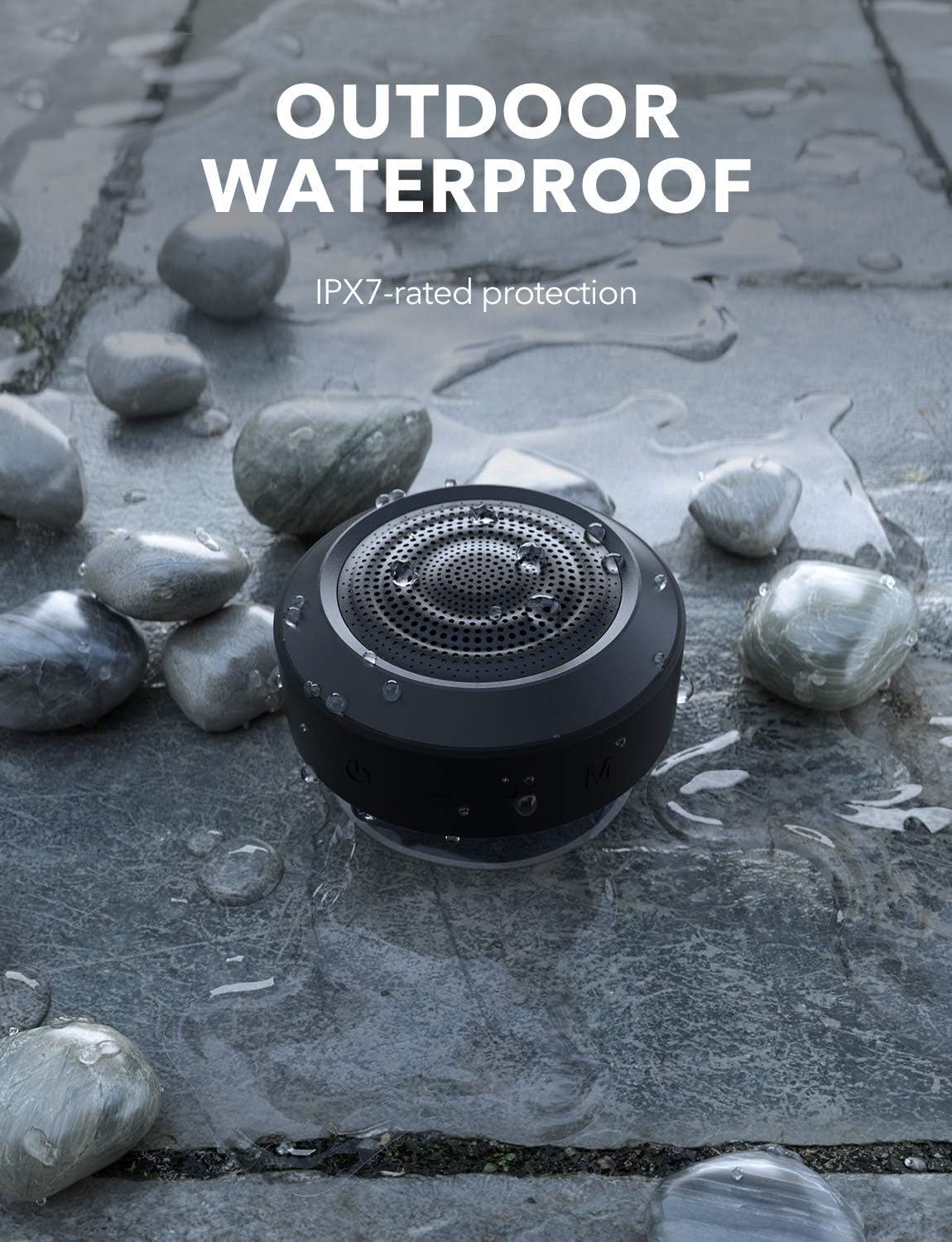
Figure 8: The MIFA A4 speaker demonstrating its IPX7 waterproof rating in an outdoor setting.
6 Solución de problemas
| Problema | Causa posible | Solución |
|---|---|---|
| O altofalante non se acende. | Batería baixa. | Cargue o altofalante completamente. |
| Non se pode sincronizar co dispositivo Bluetooth. | O altofalante non está en modo de emparellamento; o Bluetooth do dispositivo está desactivado; está demasiado lonxe do altofalante. | Ensure speaker is in pairing mode (blinking light); turn on device Bluetooth; move device closer to speaker (within 10 meters). |
| Sen son. | Volume demasiado baixo; modo incorrecto; altofalante non conectado. | Increase volume on both speaker and device; press 'M' button to switch modes; re-establish Bluetooth connection. |
| Fallou o emparellamento de TWS. | Altofalantes xa conectados a outros dispositivos; procedemento de emparellamento incorrecto. | Disconnect speakers from all devices; ensure both are powered on and follow TWS pairing steps carefully. |
7. Especificacións
| Marca | MIFA |
| Número de modelo | c83f75c5-7cb7-4e77-95fa-c3cb222b6413 |
| Dimensións do produto | 8.7 x 8.7 x 5.4 cm |
| Peso | 315 g |
| Potencia de saída do altofalante | 5 Watts (single speaker), up to 10 Watts (TWS) |
| Resposta en frecuencia | 18 kHz |
| Tecnoloxía de conectividade | Bluetooth |
| Modo de saída de audio | Estéreo (con TWS) |
| Batería | Polímero de litio de 1200 mAh (incluída) |
| Tempo de reprodución | Ata 8 horas (a volume medio) |
| Clasificación impermeable | IPX7 |

Figure 9: The MIFA A4 speaker held in a hand, illustrating its compact dimensions (87mm x 87mm x 53.8mm).
8. Garantía e soporte
For warranty information and technical support, please refer to the warranty card included with your product or visit the official MIFA websitio. Garde o recibo da compra como xustificante da mesma.
If you encounter any issues not covered in this manual, please contact MIFA customer service for assistance.


