Introdución
This manual provides essential information for the proper installation, operation, and maintenance of your Philips 278E1A 27" 4K UHD IPS Monitor. Please read this guide thoroughly before using the product to ensure optimal performance and safety. Keep this manual for future reference.
Información de seguridade
- Asegúrate de colocar o monitor sobre unha superficie estable e plana para evitar caídas accidentais.
- Use only the power adapter and cables supplied by Philips.
- Non expoña o monitor á choiva nin á humidade para evitar descargas eléctricas ou incendios.
- Evite bloquear as aberturas de ventilación para evitar o sobrequecemento.
- Non intente realizar o mantemento do monitor vostede mesmo. Encargue calquera mantemento a persoal cualificado.
Configuración
1. Desembalaxe e montaxe
Carefully remove the monitor and all components from the packaging. The box should contain the monitor, stand, HDMI cable, power cable, and user documentation.
- Fixe a base do soporte ao pescozo do soporte, asegurándoa co parafuso proporcionado.
- Align the assembled stand with the mounting holes on the back of the monitor and firmly attach it.
2. Cables de conexión
Conecte os cables necesarios ao monitor e ao ordenador.
- Cable de alimentación: Conecte un extremo do cable de alimentación á entrada de alimentación do monitor e o outro extremo a unha toma de corrente.
- Entrada de vídeo: Connect either an HDMI cable (2 ports available) or a DisplayPort cable (1 port available) from your computer's video output to the corresponding input on the monitor.
- Entrada/Saída de audio: If desired, connect an audio cable from your computer's audio output to the monitor's audio input, or connect external speakers/headphones to the monitor's audio output.

Figura 1: Traseira view of the Philips 278E1A monitor, highlighting the HDMI, DisplayPort, and audio input/output ports for connectivity.
3. Acendido inicial
Press the power button located on the bottom right of the monitor to turn it on. The monitor will automatically detect the active input source.
Instrucións de funcionamento
1. Navegación polo menú OSD
The On-Screen Display (OSD) menu allows you to adjust various monitor settings. Use the control buttons located on the bottom bezel of the monitor to navigate the menu.
- Press a button to activate the OSD menu.
- Usa os botóns de dirección para moverte polas opcións do menú.
- Press the 'OK' or 'Enter' button to select an option or confirm a setting.
- Prema o botón "Saír" ou "Atrás" para volver ao menú anterior ou saír do OSD.
2. Configuración da imaxe
Axusta as características da pantalla para unha visualización óptima viewing.
- Brillo e contraste: Adjust these settings to control the overall luminance and the difference between light and dark areas.
- Configuración de cor: Fine-tune color temperature, gamma, and saturation. The monitor supports 109% sRGB color gamut for accurate color reproduction.
- SmartContrast: This feature dynamically analyzes content and automatically adjusts backlight intensity to enhance contrast for optimal digital images and videos.
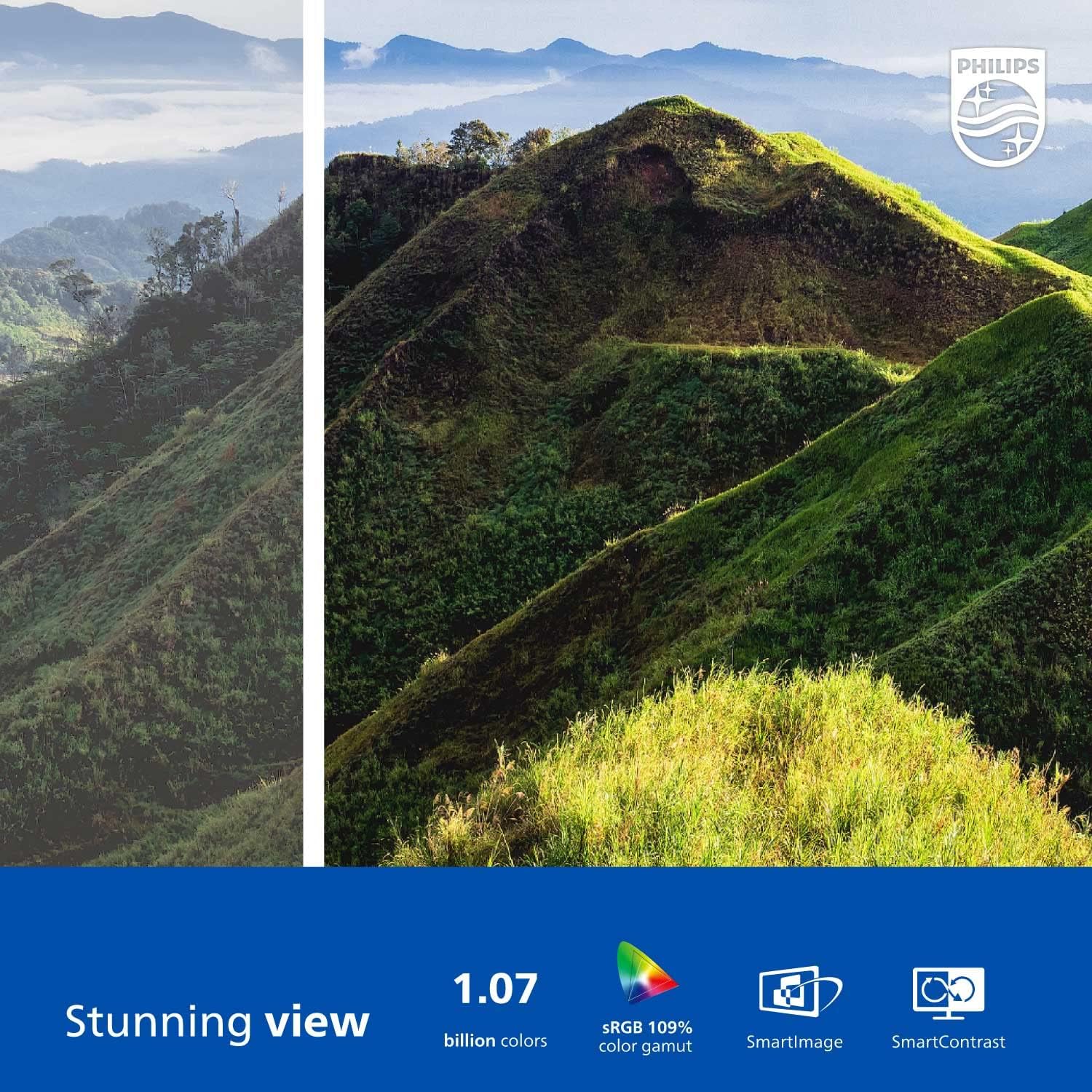
Figure 2: The Philips 278E1A monitor displaying a detailed and colorful mountain scene, illustrating its 4K UHD resolution and wide color gamut.
3. Selección de entrada
Manually select the desired video input source if the automatic detection does not work or if you have multiple devices connected.
4. Configuración de audio
Controla o volume dos altofalantes integrados ou dos dispositivos de son conectados.
5. Características do coidado dos ollos
The Philips 278E1A includes features designed to reduce eye strain during prolonged use.
- Tecnoloxía sen parpadeos: Regulates brightness and reduces screen flicker for more comfortable viewing.
- Modo LowBlue: A software solution that reduces harmful shortwave blue light emissions from the screen.

Figure 3: A split image demonstrating the visual difference when LowBlue Mode and Flicker-free technologies are active, reducing eye strain.
6. Frameless Design and Viewángulos ing
The monitor features a 3-sided frameless design, ideal for multi-monitor setups, and an IPS panel providing wide 178/178-degree viewing angles for consistent image quality from various perspectives.

Figure 4: A multi-monitor arrangement of Philips 278E1A displays, showcasing the minimal bezels and wide viewing angles suitable for extended desktop environments.
Mantemento
1. Limpeza da pantalla
Para limpar a pantalla, limpe con coidado cun pano suave e sen pelusa. Para marcas difíciles,ampen the cloth with a mild, non-abrasive screen cleaner. Never spray cleaner directly onto the screen.
2. Atención xeral
Keep the monitor away from direct sunlight, excessive heat, and humidity. Avoid placing heavy objects on the monitor or its cables.
Resolución de problemas
Se tes problemas co teu monitor, consulta as seguintes solucións habituais:
- Sen enerxía: Asegúrate de que o cable de alimentación estea conectado correctamente tanto ao monitor como á toma de corrente. Comproba se a toma de corrente funciona.
- Sen sinal: Verify that the video cable (HDMI or DisplayPort) is correctly connected to both the monitor and your computer. Ensure the correct input source is selected via the OSD menu.
- Image Problems (e.g., flickering, distorted colors): Check cable connections. Adjust picture settings in the OSD menu. If using a DisplayPort connection, ensure your graphics card supports 4K resolution at 60Hz.
- Sen audio: Check the monitor's volume settings and your computer's audio output settings. Ensure external speakers or headphones are properly connected if used.
For further assistance, please contact Philips customer support.
Especificacións
| Característica | Detalle |
|---|---|
| Tamaño da pantalla | 27 polgadas |
| Resolución | 3840 x 2160 (4K UHD) |
| Tipo de panel | IPS |
| Gama de cores | 109 % sRGB |
| Conectividade | 2x HDMI, 1x DisplayPort, Audio In & Out |
| Altofalantes | Built-in (3W stereo) |
| Dimensións (con soporte) | 18.1 x 24.1 x 7.6 polgadas |
| Peso (con soporte) | 13.57 libras |
| Características do coidado dos ollos | Flicker-Free, LowBlue Mode |
Garantía e Soporte
Información da garantía
Philips monitors sold in the United States come with a 4-Year Advance Replacement Warranty. This warranty minimizes downtime by providing a replacement unit in advance should your monitor require service.

Figure 5: Visual representation of the Philips 4-Year Warranty and Advance Replacement program, ensuring peace of mind for users.
Atención ao cliente
For technical support, warranty claims, or service inquiries, please visit the official Philips support website or contact their customer service hotline. Refer to the documentation included with your product for specific contact details in your region.
Vídeos de produtos
Philips Frameless Monitor Overview
Este vídeo ofrece un sobreview of the Philips 27-inch frameless monitor, highlighting its features and benefits for various work setups.
Why This Monitor is Top Rated
Learn about the key aspects that make this Philips monitor a top-rated choice, including its display quality and user-friendly features.


