1. Introdución e finalview
The Alienware Aurora R10 Gaming Desktop is engineered to deliver exceptional performance for gaming and demanding applications. Featuring an AMD Ryzen 7 3700X processor, AMD Radeon RX 5700 XT graphics, and a robust storage configuration, this system provides a powerful computing experience. Its innovative design prioritizes efficient airflow and ease of access for upgrades.

Figura 1: Fronte view do ordenador de sobremesa para xogos Alienware Aurora R10, mostraasing its distinctive design and front panel ports.
2. Guía de configuración
Siga estes pasos para configurar o seu ordenador de sobremesa para xogos Alienware Aurora R10:
- Desembalaxe: Carefully remove the desktop from its packaging. Ensure all accessories, including the keyboard and mouse, are present.
- Colocación: Place the desktop on a stable, flat surface with adequate ventilation around all sides. Avoid placing it in enclosed spaces or near heat sources.
- Conectar periféricos:
- Connect your monitor(s) to the appropriate display ports on the graphics card (DisplayPort, HDMI).
- Connect the included keyboard and mouse to the available USB ports.
- Conecta calquera outro periférico como altofalantes, auriculares ou unidades externas.
- Conexión de alimentación: Connect the power cable to the power port on the rear of the desktop and then to a grounded electrical outlet.
- Encendido inicial: Press the power button located on the front of the desktop. The system will boot into Windows 10 Home. Follow the on-screen instructions for initial setup.

Figura 2: Traseira view of the Alienware Aurora R10, illustrating the various connectivity ports for peripherals and power.
3. Instrucións de funcionamento
Your Alienware Aurora R10 comes pre-installed with Windows 10 Home, providing a familiar and intuitive operating environment. For optimal performance, ensure your system drivers and Windows updates are kept current.
3.1 Xestión de enerxía
- Encendido: Press the Alienware head icon on the front panel.
- Apagar: Fai clic no botón Inicio en Windows e, a seguir, en Acendido/Apagar > Apagar.
- Reiniciar: Click the Start button in Windows, then Power > Restart.
- Modo de suspensión: Click the Start button in Windows, then Power > Sleep.
3.2 AlienFX Lighting Control
The Alienware Aurora R10 features customizable AlienFX lighting. You can personalize the lighting zones on the front panel using the Alienware Command Center software, which is pre-installed on your system. This software allows you to choose from a wide range of colors and effects to match your setup or mood.
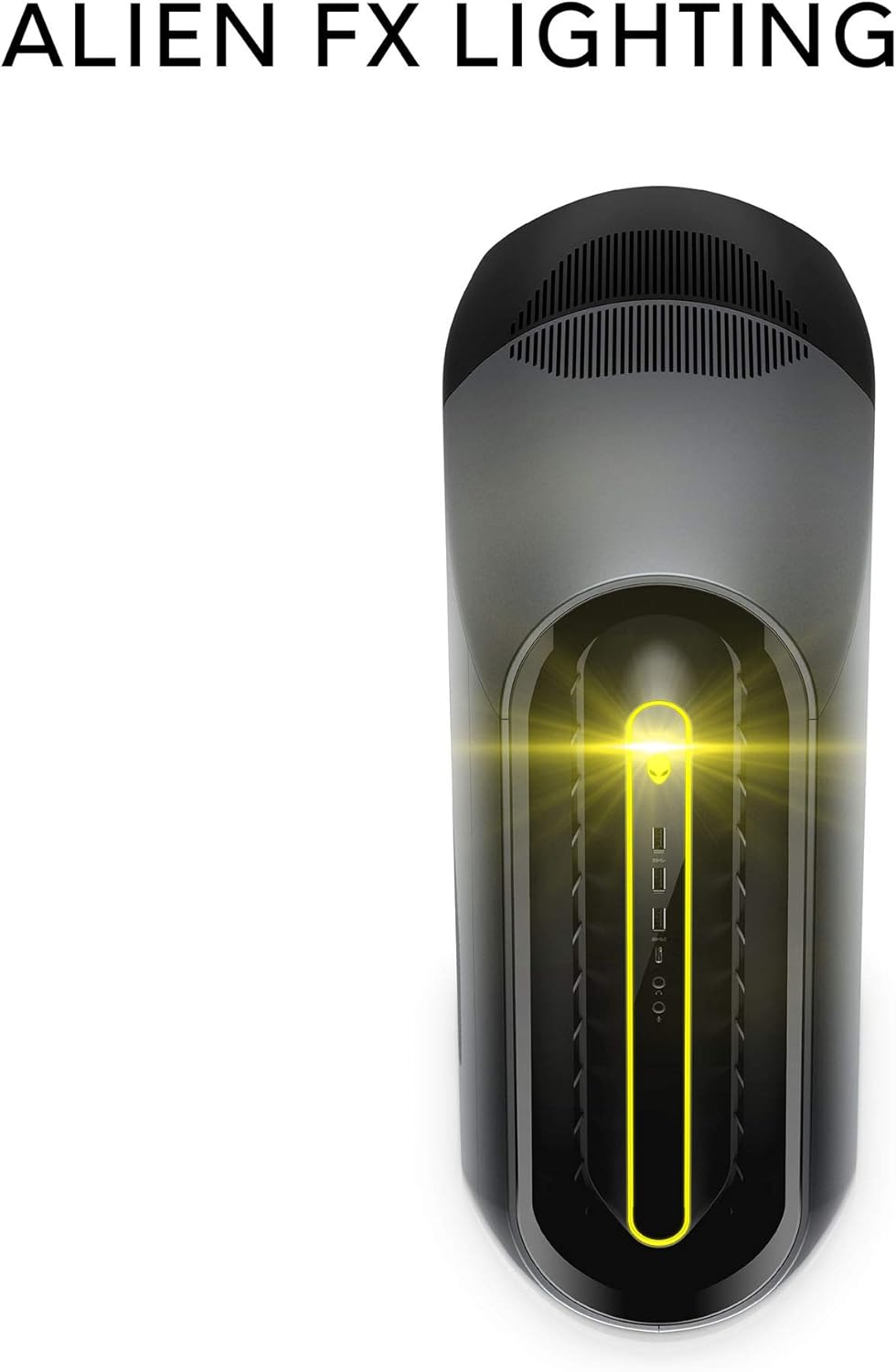
Figure 3: The AlienFX lighting system on the front of the desktop, offering personalized illumination.
3.3 Optimización do rendemento
The Alienware Command Center also provides tools for performance monitoring and optimization, including fan speed control and overclocking options for advanced users. Refer to the software's built-in help for detailed instructions on these features.
Vídeo 1: Presentación oficial do vídeoasing the features and design of the Alienware Aurora R10 Gaming Desktop.
4. Características clave
The Alienware Aurora R10 is designed with several key features to enhance your computing and gaming experience:
- Procesador potente: Equipped with an AMD Ryzen 7 3700X (8-Core, 32MB L3 Cache, max boost clock of 4.4GHz) processor, providing robust performance for multitasking and demanding applications.
- Gráficos avanzados: Features an AMD Radeon RX 5700 XT 8GB GDDR6 graphics card, delivering high frame rates and immersive visuals for modern games.
- PCI-Express 4.0 Technology: The first Alienware machine to feature PCI-Express 4.0, doubling the bandwidth available to graphics cards and other components for enhanced overall performance.
- Fluxo de aire optimizado: The Legend Industrial Design incorporates an improved airflow pattern, efficiently reducing CPU temperatures and allowing for more stable performance and higher overclocking potential.
- Hybrid Storage Solution: A combination of a 512GB M.2 PCIe NVMe SSD for fast boot times and application loading, paired with a 1TB 7200 RPM SATA 6 Gb/s HDD for ample capacidade de almacenamento.
- Tool-Less Entry: Designed for easy access to internal components, simplifying upgrades and maintenance.
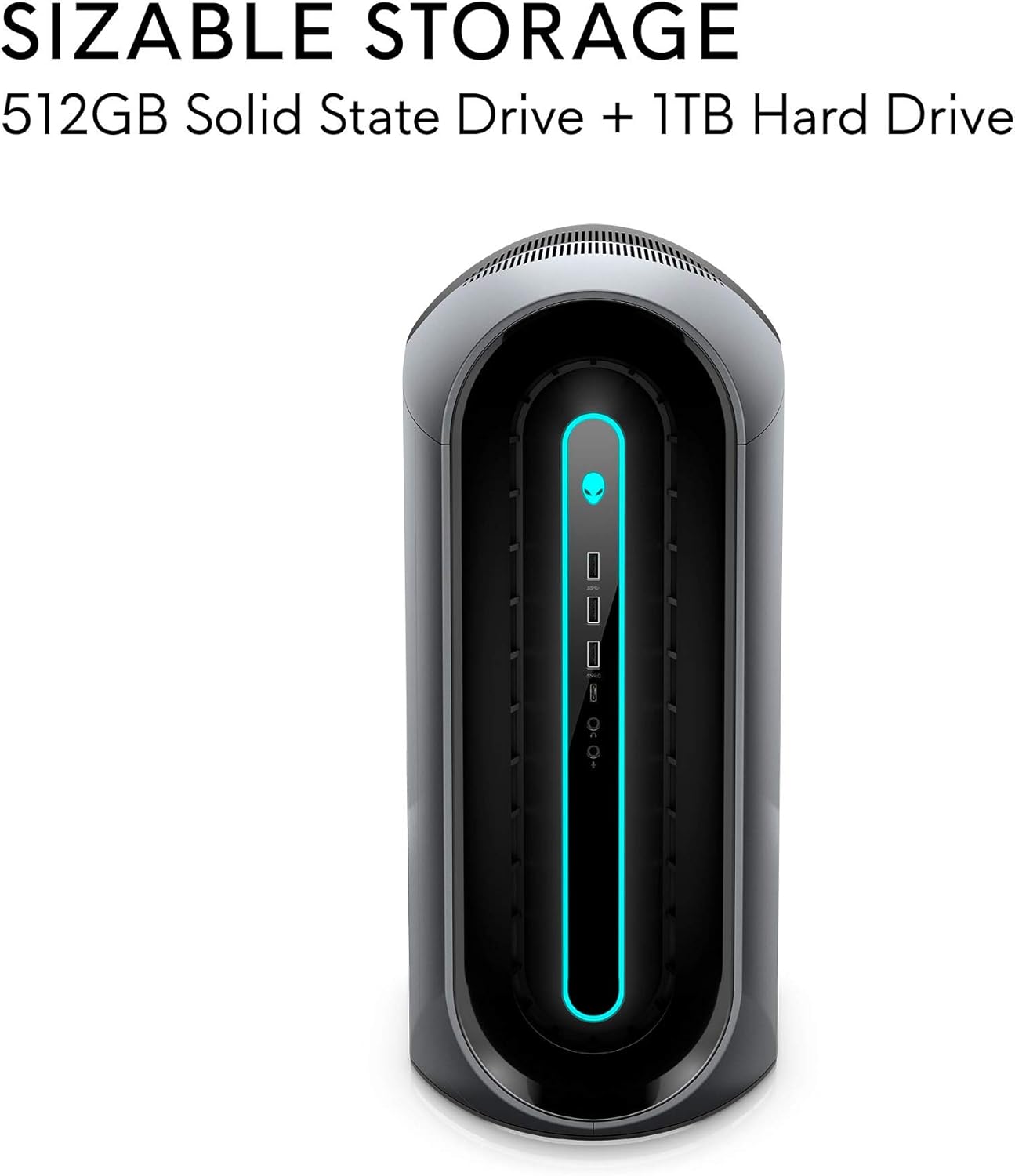
Figure 4: Illustration of the sizable storage configuration, combining SSD and HDD for speed and capacity.

Figure 5: The tool-less entry design of the desktop, allowing for convenient internal access.

Figure 6: Visual representation of the optimized airflow within the Aurora R10 chassis.

Figure 7: The AMD Radeon RX 5700 XT graphics card, a core component for high-performance gaming.
5. Mantemento
Regular maintenance helps ensure the longevity and optimal performance of your Alienware Aurora R10.
- Eliminación de po: Periodically clean the exterior and ventilation grilles with a soft, dry cloth. For internal components, use compressed air to gently remove dust from fans and heatsinks. Ensure the system is powered off and unplugged before cleaning.
- Actualizacións de software: Regularly check for and install updates for Windows 10, graphics drivers (AMD Radeon Software), and Alienware Command Center. These updates often include performance improvements, security patches, and bug fixes.
- Xestión de cables Ensure all cables are neatly organized and not obstructing airflow.
- Diagnóstico do sistema: Utilize the diagnostic tools available through Alienware Command Center or Dell SupportAssist to check for hardware issues.

Figura 8: Lateral view of the desktop, highlighting the large ventilation grilles crucial for maintaining optimal temperatures.
6 Solución de problemas
This section provides basic troubleshooting steps for common issues. For more complex problems, refer to the Alienware support websitio ou póñase en contacto co soporte técnico.
- Sen enerxía:
- Asegúrate de que o cable de alimentación estea conectado correctamente tanto ao escritorio como á toma de corrente.
- Verifica que a toma de corrente funcione conectando outro dispositivo.
- Check the power supply unit (PSU) for any indicator lights or unusual noises.
- Sen visualización:
- Confirm the monitor is powered on and connected to the correct display port on the graphics card.
- Proba cun cable de pantalla ou monitor diferente se estás dispoñible.
- Ensure the graphics card is properly seated in its slot (requires opening the chassis).
- System Slowdown/Performance Issues:
- Pecha as aplicacións en segundo plano innecesarias.
- Check for and install all available Windows updates and driver updates.
- Monitor system temperatures using Alienware Command Center to ensure components are not overheating.
- Executar unha análise completa do sistema en busca de software malicioso ou virus.
- Ruídos pouco comúns:
- Loud fan noise may indicate dust buildup or high temperatures. Clean the fans and ensure proper airflow.
- Clicking or grinding noises from the hard drive may indicate a failing drive. Back up your data immediately and contact support.
7. Especificacións
| Característica | Especificación |
|---|---|
| Marca | Alienware |
| Serie | Aurora R10 |
| Número de modelo do artigo | AWAUR10-A886BLK-PUS |
| Procesador | AMD Ryzen 7 3700X (8-Core, 4.4 GHz Max Boost) |
| RAM | 16 GB 2933MHz DDR4 XMP dual channel HyperX Fury |
| Disco duro | 512 GB M.2 PCIe NVMe SSD Boot + 1 TB 7200 RPM SATA 6 Gb/s Storage |
| Coprocesador gráfico | AMD Radeon RX 5700 XT 8GB GDDR6 |
| Sistema Operativo | Windows 10 Home |
| Plataforma de hardware | Windows |
| Peso do elemento | 38.5 libras |
| Cor | Dark Side Of The Moon |
| Número de portos USB 2.0 | 6 |
| Número de portos USB 3.0 | 1 |
| Slots de memoria dispoñibles | 4 |
8. Que hai na caixa
Your Alienware Aurora R10 Gaming Desktop package includes:
- Escritorio de xogos Alienware Aurora R10
- Teclado
- Rato
- Cable de alimentación
9. Garantía e soporte
Your Alienware Aurora R10 Gaming Desktop comes with a standard manufacturer's warranty. For detailed warranty information, technical support, and service requests, please visit the official Alienware support website or Dell's customer service portal.
Podes atopar máis información e recursos de apoio visitando o Tenda Alienware en Amazon.


