1. Introdución
The Kicker 47KEY2004 Key 4-Channel DSP Smart Amplifier is designed to enhance your vehicle's audio system by providing clearer, more powerful sound. This compact amplifier features a powerful internal computer for digital signal processing (DSP), including a 40-band equalizer and a 24dB crossover, to optimize sound output for your specific vehicle environment. It delivers 50 watts per channel across four channels, significantly improving the performance of factory or aftermarket speakers.
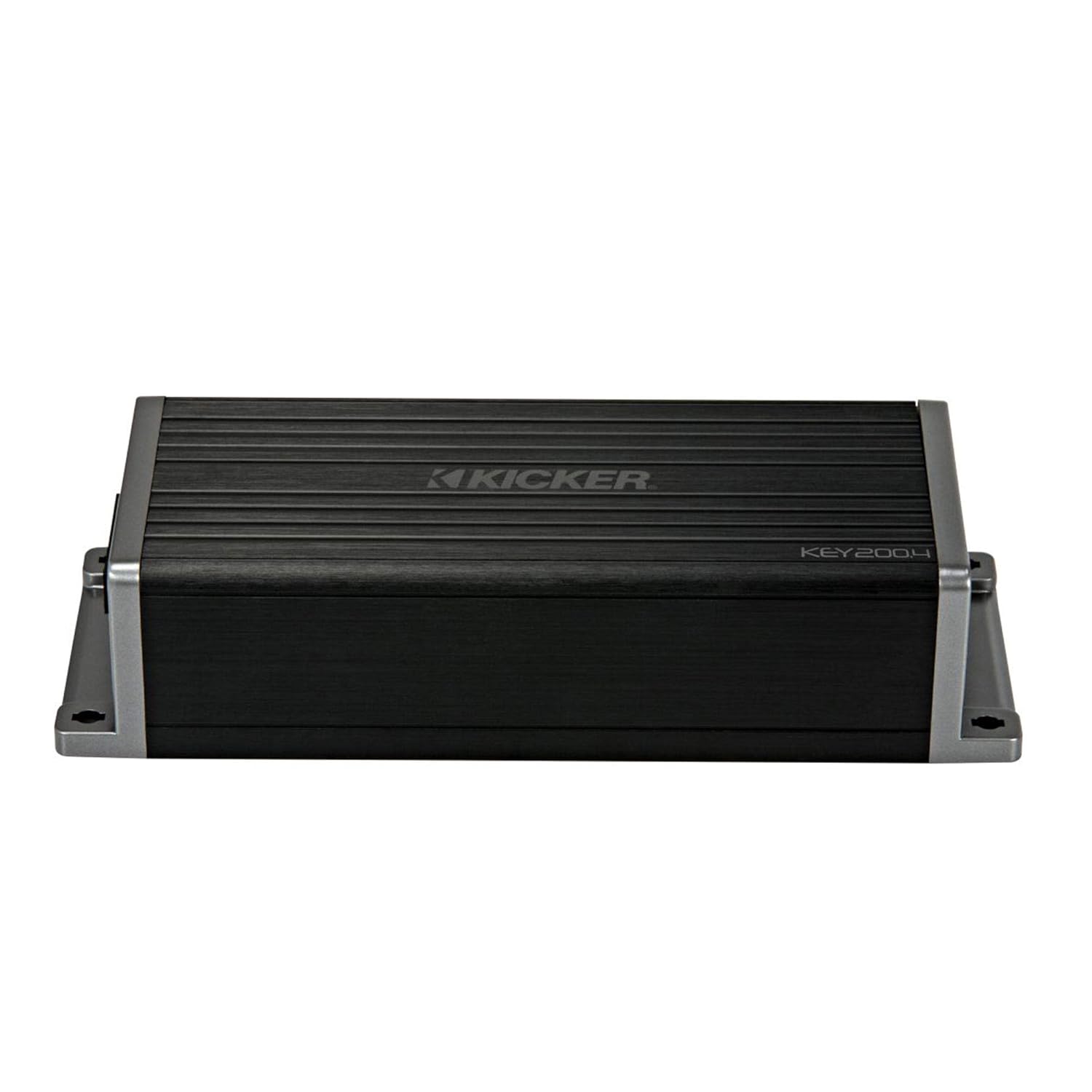
Figura 1.1: Fronte view of the Kicker 47KEY2004 Key 4-Channel DSP Smart Ampmáis vivo.
2. Configuración e instalación
The Kicker 47KEY2004 is designed for straightforward installation, often fitting discreetly within the vehicle's interior, such as behind the glove box. It can be integrated with existing factory stereo systems, typically without requiring replacement of the original speakers. Specialized wiring harnesses are available to facilitate a plug-and-play connection, minimizing the need for cutting or splicing factory wires.
2.1 Conexións de cableado
Ensure all power, ground, and speaker connections are secure and correctly polarized. Refer to the detailed wiring diagram provided in the amplifier's packaging for specific connections. The amplifier typically connects to the vehicle's factory stereo output and then to the individual speakers.

Figure 2.1: Kicker 47KEY2004 amplifier with its wiring harness connections.
2.2 Montaxe do Ampmáis vivo
Due to its compact size, the amplifier can be mounted in various locations. Common placements include under the dashboard, behind the glove box, or under a seat. Ensure the mounting location allows for adequate ventilation and protects the unit from moisture and excessive heat.

Figure 2.2: The compact dimensions of the Kicker KEY amplifier allow for flexible installation.
3. Operating the Auto-Tuning Feature
The KEY amplifier's primary feature is its automatic digital signal processing (DSP) tuning. This process uses a supplied microphone to analyze your vehicle's acoustic environment and optimize the audio output.
3.1 Auto-Tuning Process
- Conectar o micrófono: Plug the included microphone into the designated port on the ampmáis vivo.
- Posición do micrófono: Place the microphone in the primary listening position (e.g., driver's headrest).
- Initiate Tuning: Follow the instructions in the full user manual to activate the auto-tuning sequence. The amplifier will emit a series of test tones.
- Finalización: Once the tones cease, the tuning process is complete. The amplifier's internal computer will have applied a 40-band equalizer and a 24dB crossover to each speaker, optimizing the soundstage and tonality.
The auto-tuning feature significantly improves sound clarity and realism, revealing the full potential of your speakers.

Figure 3.1: The Kicker 47KEY2004 amplifier shown with its auto-tuning microphone.
4. Mantemento
To ensure optimal performance and longevity of your Kicker 47KEY2004 amplifer, siga estas pautas xerais de mantemento:
- Limpeza: Limpar periodicamente o ampo exterior do lifador cun pano suave e seco. Evite o uso de produtos químicos agresivos ou produtos de limpeza abrasivos.
- Ventilación: Asegurar o amplifier's cooling fins are free from dust and debris to prevent overheating. Do not obstruct airflow around the unit.
- Conexións: Regularly check all wiring connections for tightness and corrosion. Loose connections can lead to poor performance or damage.
- Ambiente: Evite expor amplifier to extreme temperatures, direct sunlight, or excessive moisture.
5 Solución de problemas
If you experience issues with your Kicker 47KEY2004 amplifier, consider the following troubleshooting steps:
- Sen son:
- Check all power, ground, and speaker connections.
- Verify the vehicle's stereo is powered on and outputting a signal.
- Asegurar o amplifier's power indicator light is on.
- Son distorsionado:
- Comprobe a compatibilidade da impedancia do altofalante co ampmáis vivo.
- Reduce the input gain on the amplifier if the sound is clipping.
- Re-run the auto-tuning process to re-calibrate the DSP settings.
- Noise Floor/Hissing:
- Asegurar a correcta posta a terra do amplifier e unidade principal.
- Check for interference from other electrical components in the vehicle.
- While a slight noise floor can be inherent in some compact amplifiers, ensure it is not excessive.
For persistent issues, consult a professional car audio technician or contact Kicker customer support.
6. Especificacións
Below are the technical specifications for the Kicker 47KEY2004 Key 4-Channel DSP Smart Ampmáis vivo:
| Característica | Especificación |
|---|---|
| Número de modelo do artigo | 47CLAVE2004 |
| Dimensións do produto | 10 x 12 x 9 polgadas; 2.2 libras |
| Voltage | 12 voltios |
| Vol. Subministración máximatage | 12 voltios |
| Tipo de montaxe | Autónomo |
| Fabricante | Pateador |
7. Garantía e soporte
For detailed warranty information, please refer to the official Kicker website or the warranty card included with your product. Kicker provides customer support for product inquiries, technical assistance, and warranty claims. Contact information can typically be found on the manufacturer's websitio.