Introdución
Thank you for choosing the GTRACING GT890MF Gaming Chair. This manual provides detailed instructions for the assembly, operation, maintenance, and troubleshooting of your new gaming chair. Please read this manual carefully before use to ensure proper function and longevity of the product. Keep this manual for future reference.
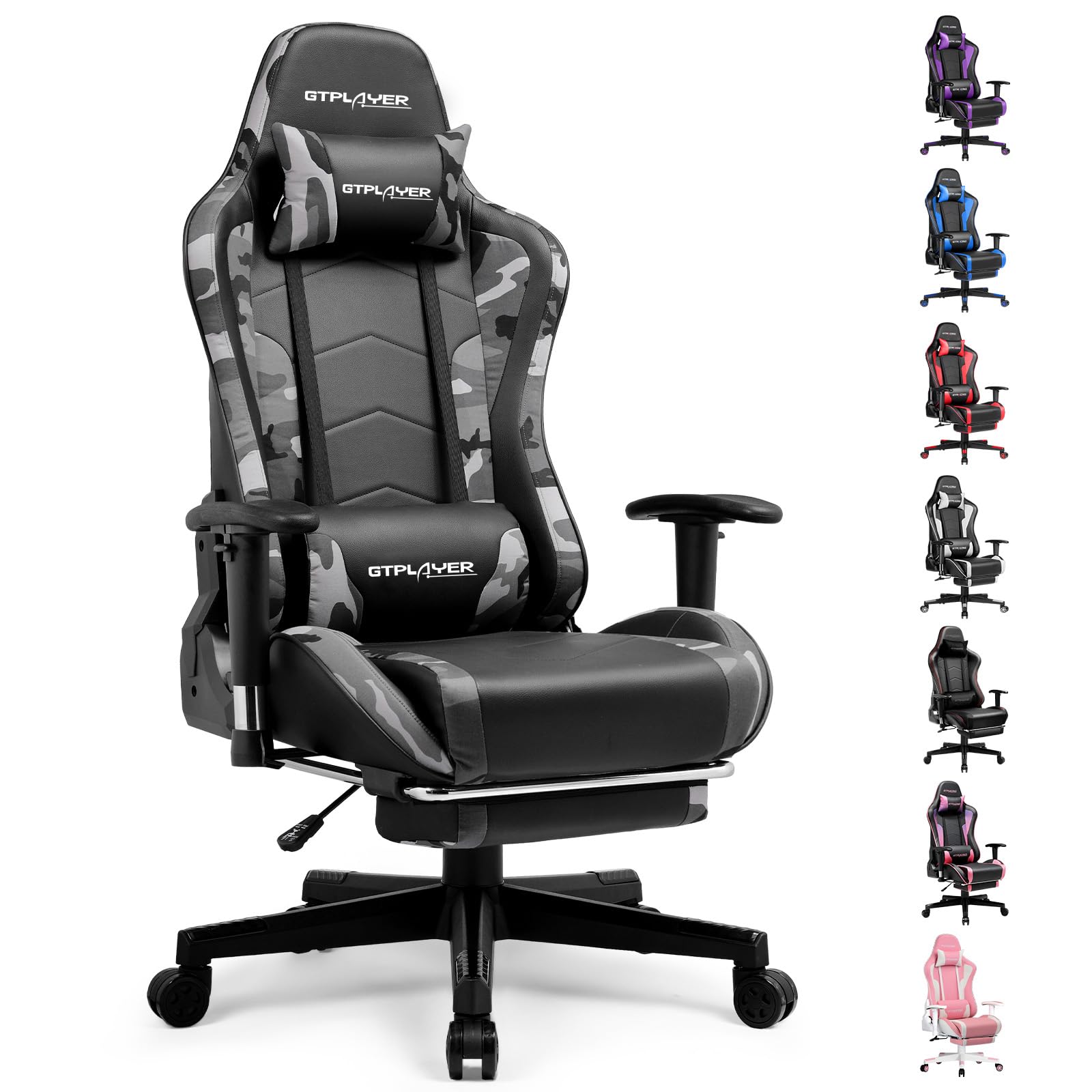
Image: The GTRACING GT890MF Gaming Chair, featuring a camouflage pattern, footrest, and integrated Bluetooth speakers, set up in a gaming environment.
Información de seguridade
- Só para uso en interiores.
- Capacidade máxima de peso: 300 kg. Non excedas este límite.
- Use caution when adjusting chair height and recline to prevent injury.
- Ensure all screws and bolts are tightened securely before use and periodically check for looseness.
- Manteña as mans e os dedos lonxe das pezas móbiles durante os axustes.
- Non te pares na cadeira.
Configuración e montaxe
Assembly is required for this chair. Please follow the steps below carefully. It is recommended to have two people for assembly.
Contido do paquete

Image: An exploded diagram showing all components of the GTRACING GT890MF Gaming Chair, including the backrest, seat, armrests, base, wheels, gas lift, and footrest.
Pasos de montaxe
- Fixar os repousabrazos: Securely fasten the armrests to the seat base using the provided screws. Ensure they are oriented correctly.
- Conectar o respaldo ao asento: Align the backrest with the seat mechanism and attach it using the designated bolts.
- Instalar o reposapés: Slide the footrest into its designated slots under the seat.
- Montar a base: Insert the casters (wheels) into the star base. Place the gas lift cylinder into the center hole of the star base.
- Fixar o asento á base: Carefully place the assembled seat and backrest onto the gas lift cylinder, ensuring it is seated firmly.
- Fixar o repousacabezas e as almofadas lumbares: Position the headrest and lumbar support pillows as desired.
Instrucións de funcionamento
Axustes da cadeira
- Axuste de altura do asento: Tire da palanca situada debaixo do lado dereito do asento cara arriba para subir ou baixar o asento. Solte a palanca na altura desexada.
- Reclinación do respaldo: Pull the lever on the right side of the chair upwards to recline the backrest. Lean back to the desired angle (90 to 160 degrees) and release the lever to lock it in place.
- Axuste do reposabrazos: The armrests are multi-directional. Use the buttons or levers on the armrests to adjust their height, pivot, and slide forward/backward.
- Extensión do reposapés: Pull the footrest out from under the seat when desired. Push it back in when not in use.
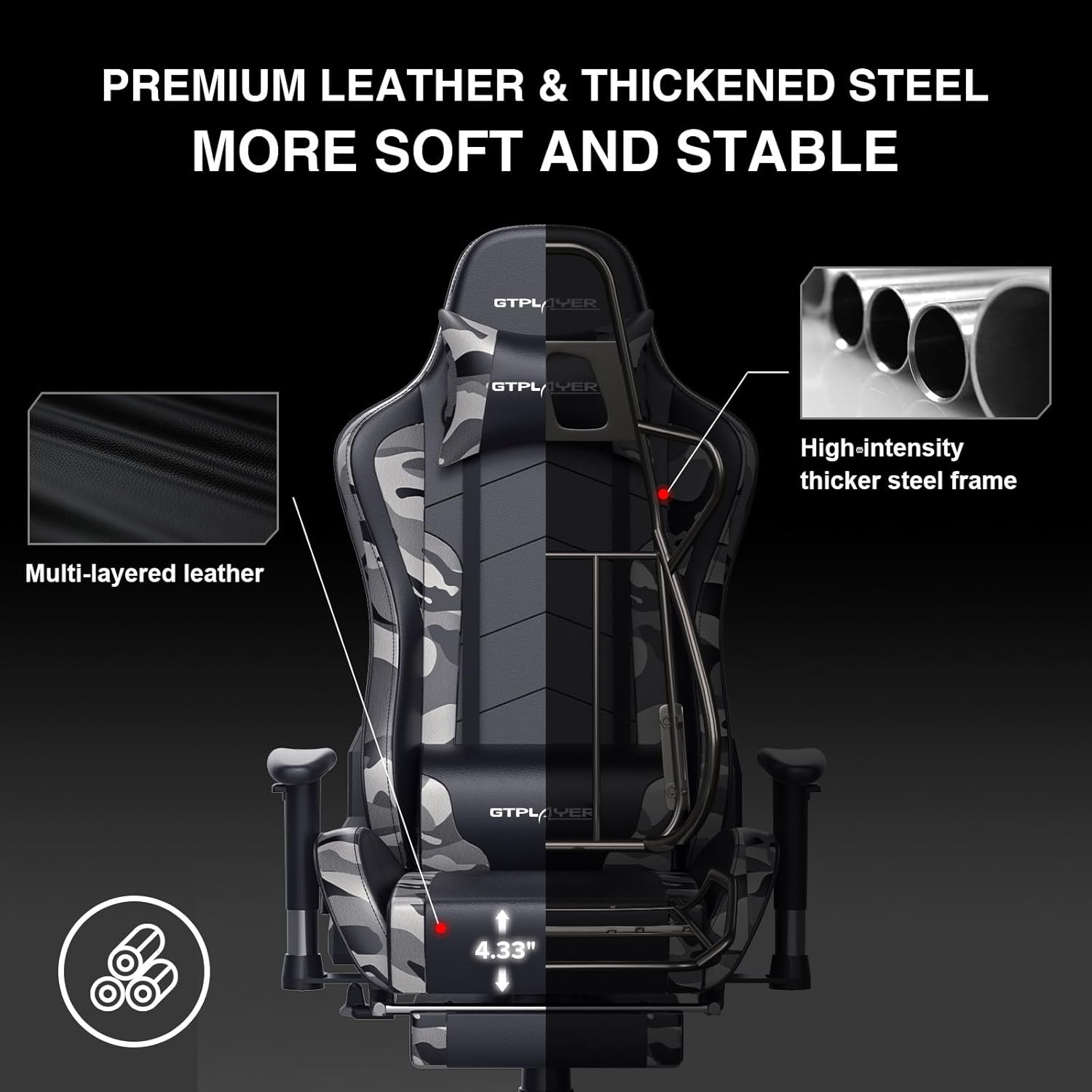
Image: The GTRACING GT890MF Gaming Chair demonstrating its backrest recline function, adjustable from 90 degrees for work to 155 degrees for resting.

Imaxe: Primeiro plano view of the GTRACING GT890MF Gaming Chair's adjustable multi-directional armrests, highlighting their ability to move up, down, and pivot for optimal positioning.
Funcionamento do altofalante Bluetooth
Your GTRACING GT890MF chair is equipped with dual Bluetooth 5.1 speakers for an immersive audio experience.
- Encendido: Locate the power button for the Bluetooth speakers, typically on the side or back of the chair. Press and hold to power on. A sound or indicator light will confirm activation.
- Modo de emparejamento: The speakers will automatically enter pairing mode when powered on for the first time, or if no device is connected. An indicator light will usually flash.
- Conectar dispositivo: On your smartphone, tablet, or other Bluetooth-enabled device, go to Bluetooth settings and search for available devices. Select "GTPLAYER" or a similar name to connect.
- Reprodución de audio: Once connected, audio from your device will play through the chair's speakers. Adjust volume from your connected device.
- Apagado: Press and hold the power button again to turn off the speakers.

Image: The GTRACING GT890MF Gaming Chair with a visual representation of sound waves emanating from the integrated Bluetooth speakers in the headrest area.

Image: A detailed diagram illustrating the dual Bluetooth 5.1 speakers within the GTRACING GT890MF Gaming Chair, highlighting features like clear treble, stereo sound, HiFi audio, and dust prevention.

Image: A user seated in the GTRACING GT890MF Gaming Chair, with an illustration showing how the chair's Bluetooth speakers can connect to various devices like PC/TV, PS4/PS5/XBOX, and other Bluetooth 5.1 enabled devices. A separate USB Bluetooth transmitter is shown as an option for non-Bluetooth devices.
Mantemento
- Limpeza: Limpa co anuncioamp cloth. Avoid harsh chemicals or abrasive cleaners that may damage the faux leather upholstery.
- Inspección: Comprobe periodicamente todos os parafusos e tornillos para asegurarse de que estean ben axustados. Volva a apertalos se é necesario.
- Coidado das rodas: Manteña as rodas libres de pelo e residuos para garantir un rodamento suave.
- Almacenamento: Store the chair in a dry, cool place away from direct sunlight to prevent material degradation.
Resolución de problemas
| Problema | Causa posible | Solución |
|---|---|---|
| A cadeira non axusta a altura | Panca do elevador de gas non activada ou elevador de gas defectuoso. | Ensure the lever is fully pulled. If issue persists, contact support for gas lift replacement. |
| Backrest does not recline/lock | Recline lever not engaged or mechanism obstructed. | Ensure the recline lever is fully pulled/released. Check for obstructions in the recline mechanism. |
| Bluetooth speakers not pairing | Speakers not powered on, out of range, or already paired to another device. | Ensure speakers are charged and powered on. Move device closer to chair. Disconnect from other devices. Try restarting both chair speakers and your device. |
| A cadeira está tremente | Parafusos soltos ou montaxe desigual. | Comprobe e aperte todos os parafusos de montaxe. Asegúrese de que a cadeira estea sobre unha superficie plana e nivelada. |
Especificacións
- Nome do modelo: GT890MF
- Marca: GTRACING
- Cor: Camuflaxe
- Material: Faux Leather, Foam Fill, Steel Frame
- Dimensións do produto (P x A x A): 20.87" x 21.65" x 53.15"
- Altura do asento: Axustable, ata 22.04 polgadas
- Profundidade do asento: 20.87 polgadas
- Peso do artigo: 47 libras
- Peso máximo recomendado: 300 libras
- Estilo de costas: Solid Back, Reclining (90 to 160 degrees)
- Características especiais: Adjustable Height, Adjustable Lumbar, Ergonomic Design, Foot Rest, Rolling Casters, Dual Bluetooth 5.1 Speakers
- Montaxe: Obrigatorio

Image: A diagram illustrating the key dimensions of the GTRACING GT890MF Gaming Chair, including overall height, width, and depth.

Image: A detailed diagram showing various dimensions of the GTRACING GT890MF Gaming Chair, including seat height, armrest height, and backrest height, along with maximum load capacity (330 lbs) and recommended user height (6.2 ft).
Garantía e Soporte
GTRACING offers a worry-free purchase experience for your gaming chair.
- 30-Day Policy: Free replacement or refund within 30 days of purchase.
- 1 ano de garantía: Free replacement or repair within 1 year of purchase for manufacturing defects.
For any questions, suggestions, or support needs, please feel free to contact our customer service team. We are dedicated to ensuring customer satisfaction.

Image: A group of customer service representatives wearing headsets, symbolizing available support.


