Introdución
Thank you for choosing the havit MS72 Wired USB Gaming Mouse. This manual provides essential information for the proper installation, operation, and maintenance of your new gaming mouse. Please read this manual thoroughly before using the product to ensure optimal performance and longevity.
The havit MS72 features an ergonomic design, an anti-slipping surface, and adjustable DPI settings (800-1200 DPI) for precise control. It also includes RGB lighting for an enhanced aesthetic experience.
Contido do paquete
- havit MS72 Wired USB Gaming Mouse
- Manual de usuario
Configuración
Follow these steps to set up your havit MS72 Gaming Mouse:
- Conecte o cable USB: Locate an available USB port on your computer (desktop or laptop). Insert the USB connector of the havit MS72 mouse into the USB port.
- Instalación automática do controlador: Your operating system (Windows, macOS, Linux) should automatically detect the mouse and install the necessary drivers. This process may take a few moments.
- Verificar a funcionalidade: Once the drivers are installed, the mouse's RGB lighting should illuminate, and the cursor should respond to movement. Test the left, right, and scroll wheel functions.
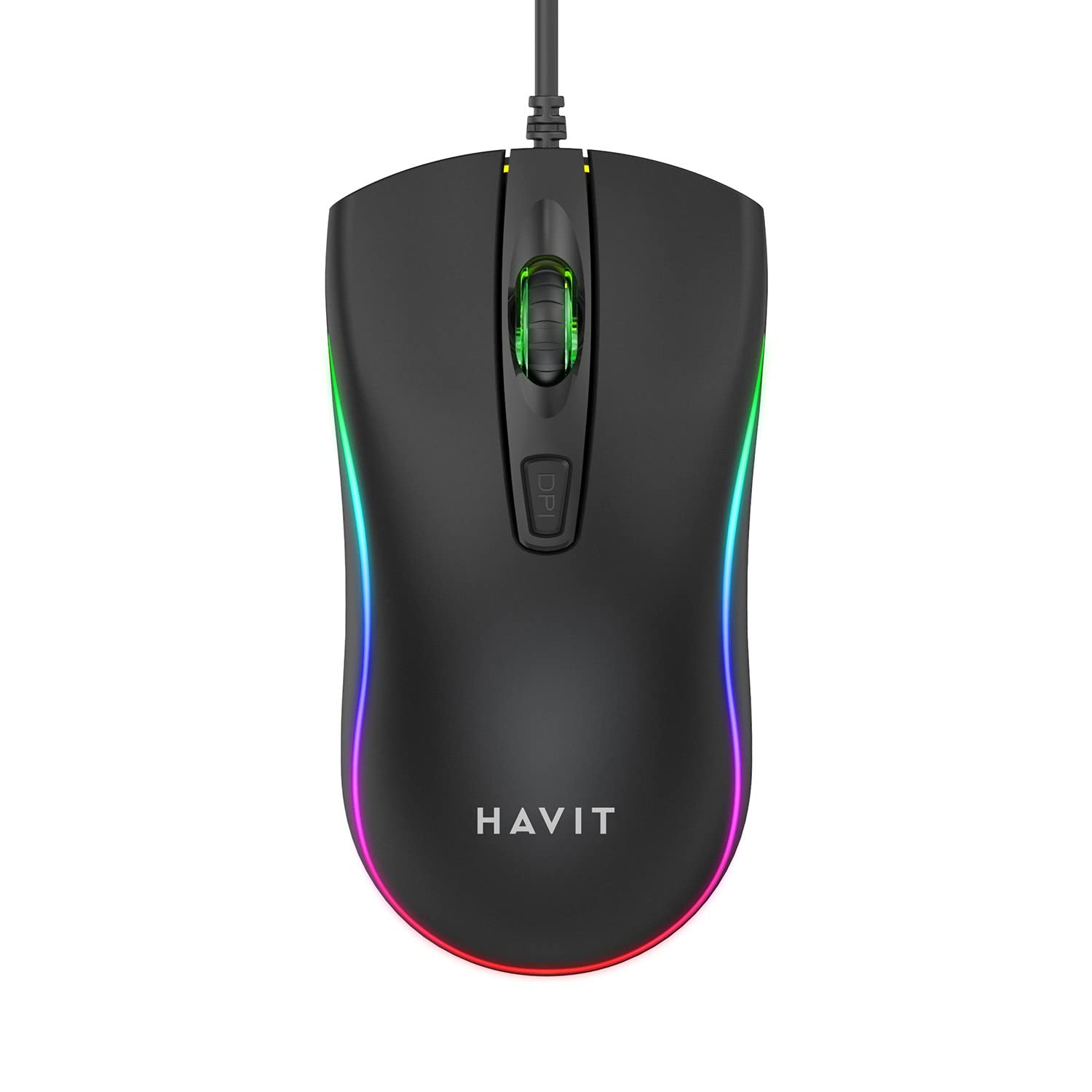
Image: The havit MS72 Gaming Mouse with its USB cable connected, showcasinpolo seu deseño ergonómico e a súa iluminación RGB.
Instrucións de funcionamento
The havit MS72 Gaming Mouse is designed for intuitive use. Here are its primary functions:
- Botón esquerdo para premer: Función de clic principal estándar.
- Botón dereito do rato: Standard secondary click function, typically for context menus.
- Roda de desprazamento: Úsase para percorrer documentos e web páxinas. Tamén pode funcionar como un botón central para premer.
- Botón de axuste de DPI: Located behind the scroll wheel. Press this button to cycle through the available DPI settings (800 DPI and 1200 DPI). The mouse's sensitivity will change with each press.
- Botóns laterais (adiante/atrás): Typically located on the left side of the mouse. These buttons are commonly used for navigation (e.g., forward/backward in web browsers) or can be programmed for specific in-game actions.
- Iluminación RGB: The mouse features integrated RGB lighting that cycles automatically. There are no user-adjustable controls for the lighting patterns or colors.
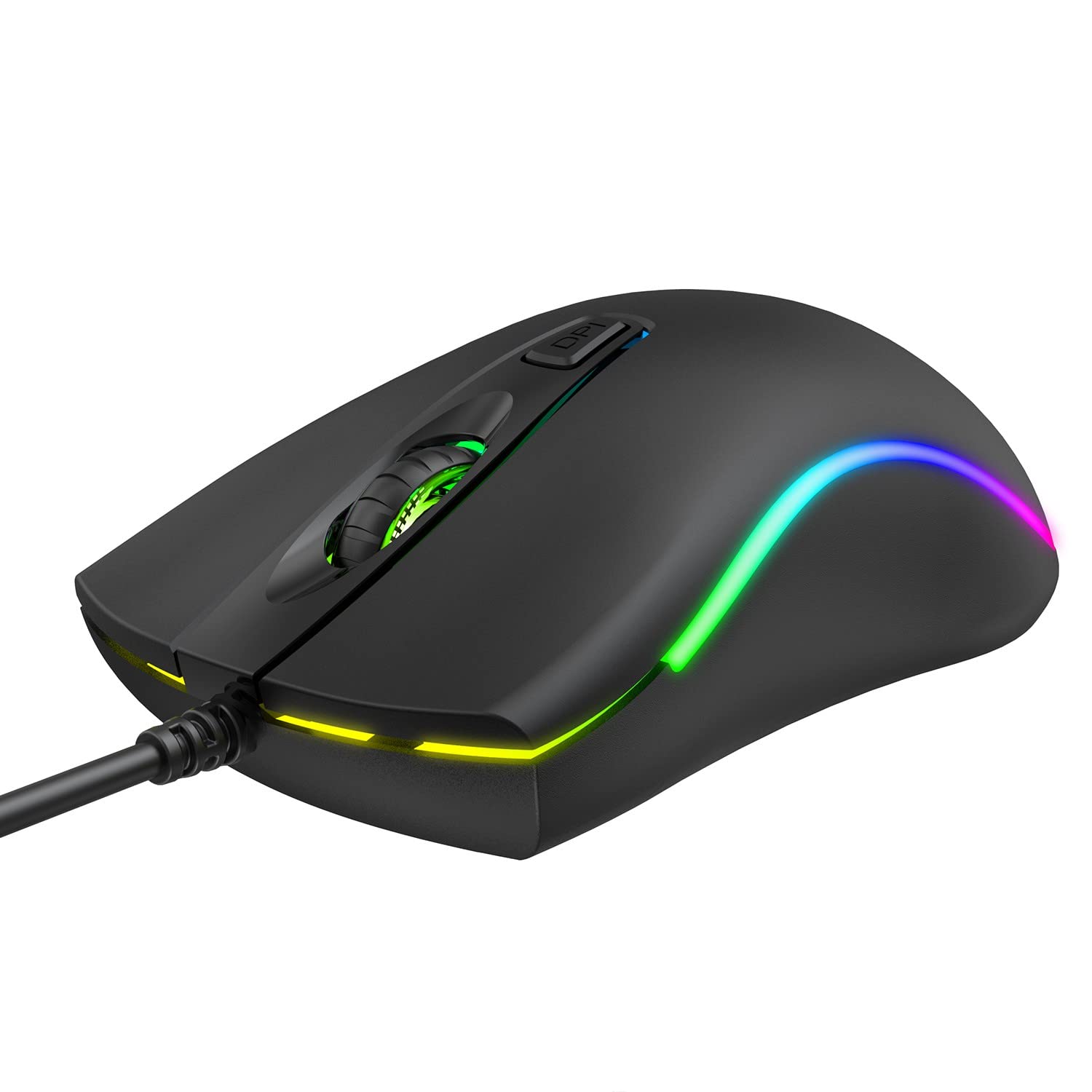
Imaxe: Arriba view of the havit MS72 Gaming Mouse, highlighting the scroll wheel and the DPI adjustment button.

Imaxe: Lateral view of the havit MS72 Gaming Mouse, illustrating the placement of the forward and backward side buttons.
Mantemento
Un mantemento axeitado garante a lonxevidade e o rendemento óptimo do teu rato para xogos:
- Limpeza: Usa un pano suave e seco para limpar a superficie do rato. Para a sucidade persistente, limpa lixeiramenteampEnxágüe o pano con auga ou unha solución de limpeza suave. Evite produtos químicos agresivos ou materiais abrasivos.
- Sensor óptico: Periodically clean the optical sensor on the underside of the mouse with a cotton swab to prevent tracking issues.
- Coidado do cable: Avoid sharply bending or twisting the USB cable. Store the mouse in a way that prevents stress on the cable connection.
- Almacenamento: Cando non o use durante períodos prolongados, garde o rato nun ambiente limpo e seco, lonxe da luz solar directa e de temperaturas extremas.
Resolución de problemas
If you encounter issues with your havit MS72 Gaming Mouse, refer to the following common solutions:
| Problema | Causa posible | Solución |
|---|---|---|
| O rato non responde | Conexión USB solta, porto USB defectuoso, problema co controlador. |
|
| O movemento do cursor é errático ou brusco | Sensor óptico sucio, superficie inadecuada da alfombrilla do rato. |
|
| O botón DPI non cambia a sensibilidade | Conflito de software, mal funcionamento do botón. |
|
| A iluminación RGB non funciona | Problema de alimentación, fallo interno. |
|
Especificacións
| Marca | ter |
| Modelo | MS72 |
| Tecnoloxía de conectividade | USB (con cable) |
| Tecnoloxía de detección de movemento | Óptica |
| Configuración de DPI | 800-1200 DPI (Two gears) |
| Orientación das mans | Ambidiestro |
| Características especiais | Ergonomic Design, Anti-Slipping Surface, RGB Light |
| Sistemas operativos compatibles | Linux, Windows 7, Windows XP, macOS |
| Plataforma de hardware | Ordenador portátil, ordenador persoal |
| Dimensións do produto (LxWxH) | 11.4 x 6 x 3.8 cm |
| Peso do elemento | 150 g |
Garantía e Soporte
The havit MS72 Wired USB Gaming Mouse comes with a standard manufacturer's warranty. Please refer to the warranty card included with your product for specific terms and conditions.
For technical support, warranty claims, or any product-related inquiries, please contact the importer/manufacturer directly:
- Importador: Origin Marketing Private Limited
- Enderezo: 121 Raj Ratna Industrial Estate, Liberty Garden, Malad West, Mumbai 400064
- Teléfono: 022 40224087
- Correo electrónico: service@originmarketing.in
When contacting support, please have your product model (MS72) and purchase details readily available.


