1. Introdución
This manual provides detailed instructions for the installation, operation, and maintenance of your Lorex E893AB-E 4K IP Bullet Security Camera. This camera is designed for outdoor surveillance, offering 4K resolution, smart motion detection, two-way talk, and color night vision. It requires connection to a compatible Lorex NVR for full functionality.

Image 1.1: Lorex 4K IP Bullet Security Camera and its retail packaging.
2. Contido do paquete
Verifique que todos os elementos que se indican a continuación estean incluídos no seu paquete:
- 1x Lorex E893AB-E 4K IP Bullet Camera
- 1x Cat5e Ethernet Cable
- 1x Mounting Kit (screws and wall anchors)
3. Configuración e instalación
3.1 Cámara encimaview

Imaxe 3.1: Lateral view of the Lorex E893AB-E camera, showing its bullet form factor and adjustable mount.
3.2 Montaxe da cámara
- Escolle unha localización: Escolle unha localización exterior axeitada que proporcione o campo de luz desexado view and is within reach of the Ethernet cable connection to your NVR. The camera is IP67 waterproof, suitable for various weather conditions.
- Prepare a superficie: Use the mounting template (if provided) to mark screw holes on the wall or ceiling.
- Perforación: Drill pilot holes for the screws. Insert wall anchors if mounting on drywall or masonry.
- Protexe a cámara: Attach the camera's mounting base to the surface using the provided screws. Adjust the camera angle as needed.

Imaxe 3.2: Ex.ample of the Lorex camera securely mounted on an exterior wall.
3.3 Connecting to an NVR
This camera is an add-on unit and requires connection to a compatible Lorex Network Video Recorder (NVR). Compatible NVR series include N843, N844, N845, N846, N847, N884, and N910-series recorders.
- Conectar o cable Ethernet: Connect one end of the provided Cat5e Ethernet cable to the camera's Ethernet port.
- Conectar ao NVR: Connect the other end of the Ethernet cable to an available PoE (Power over Ethernet) port on your compatible Lorex NVR. The camera will receive power and data through this single cable.
- NVR Configuration: Refer to your NVR's instruction manual for specific steps on adding and configuring new IP cameras. The camera should be automatically detected by the NVR.
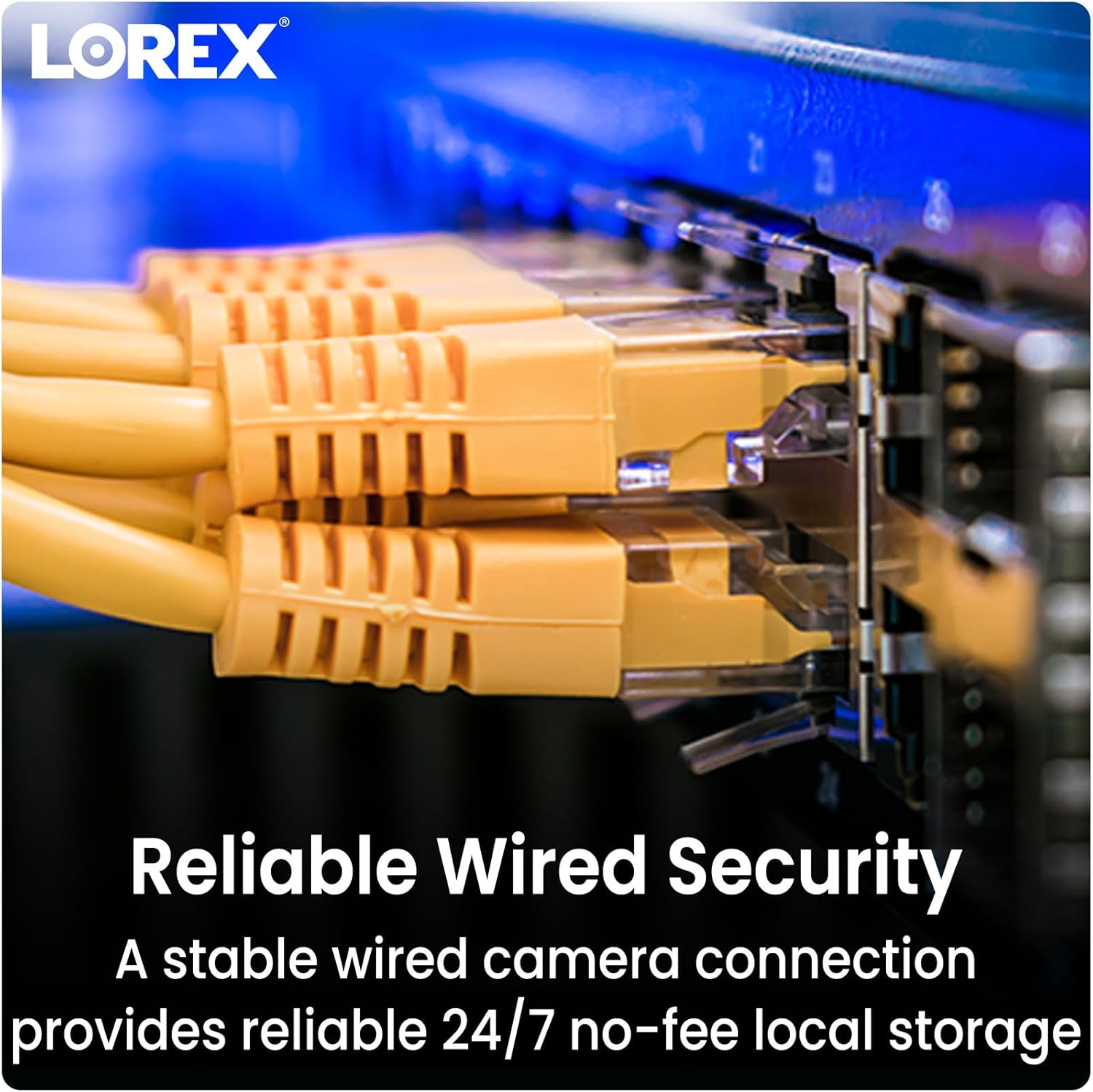
Image 3.3: Ethernet cables providing reliable wired security connection to the NVR.
4. Funcionamento da cámara
4.1 4K Ultra HD Resolution
The camera captures video in 4K (8MP) Ultra HD resolution, providing clear and detailed images. This high resolution allows for enhanced digital zoom capabilities to view specific areas with greater clarity.

Image 4.1: Visual comparison demonstrating the sharpness and detail of 4K Ultra HD video.
4.2 Detección de movemento intelixente
The camera features Smart Motion Detection Plus, which can differentiate between persons, vehicles, and faces. This reduces false alarms and ensures you receive relevant mobile push notifications through the Lorex Home app.

Image 4.2: A smartphone screen showing a notification from the Lorex Home app indicating detected motion.
4.3 Color Night Vision and IR Night Vision
A cámara ofrece dous modos de visión nocturna:
- Visión nocturna en cor: Provides full-color video in low-light conditions with ambient light present.
- Visión nocturna IR: Utilizes infrared LEDs to deliver clear black and white video in complete darkness, with a range of up to 150 feet.

Image 4.3: A split image comparing the view from infrared night vision (monochrome) and color night vision in a dark environment.

Image 4.4: The camera's integrated spotlight illuminating an area at night.
4.4 Conversación bidireccional
Utilize the built-in microphone and speaker for two-way communication. This allows you to speak with visitors or deter unwanted guests directly through the Lorex Home app on your smartphone.

Image 4.5: An illustration of the two-way talk feature, showing a user communicating with a delivery person.
4.5 Compatibilidade con fogares intelixentes
The Lorex Home app provides hands-free voice control and integration with smart home platforms. Use simple voice commands with Amazon Alexa and Google Assistant to activate features or view transmisións da cámara.
5. Mantemento
To ensure optimal performance and longevity of your Lorex E893AB-E camera, follow these maintenance guidelines:
- Limpeza regular: Limpe periodicamente a lente e a carcasa da cámara cun pano suave eamp un pano para eliminar o po, a sucidade ou as manchas de auga que poidan obstruír o viewEvitar produtos de limpeza abrasivos.
- Comproba as conexións: Ensure the Ethernet cable connection remains secure and free from damage.
- Actualizacións de firmware: Regularly check for and install firmware updates for your NVR and camera through the Lorex Home app or Lorex website to benefit from improved features and security enhancements.
5.1 Weatherproof Durability
The camera features robust metal housing and an IP67 weatherproof rating, indicating it is protected against dust ingress and immersion in water up to 1 meter for 30 minutes. This ensures reliable operation in various outdoor conditions.

Image 5.1: The camera operating effectively outdoors during a rain shower, highlighting its weatherproof construction.
6 Solución de problemas
If you encounter issues with your Lorex E893AB-E camera, consider the following troubleshooting steps:
- Sen fonte de vídeo:
- Verify the Ethernet cable is securely connected to both the camera and the NVR.
- Ensure the NVR is powered on and functioning correctly.
- Check if the camera's PoE port on the NVR is active.
- Confirm the camera is compatible with your specific Lorex NVR model (N843/N844/N845/N846/N847/N884/N910-series).
- Baixa calidade do vídeo:
- Limpa a lente da cámara para eliminar calquera sucidade ou manchas.
- Asegúrate de que non haxa obstáculos no campo de acción da cámara view.
- Check network bandwidth if experiencing lag or pixelation.
- A detección de movemento non funciona:
- Review motion detection settings in your NVR or Lorex Home app.
- Ensure the detection zones are correctly configured.
- Comprobe se hai algunha obstrución física que bloquee a cámara view.
- Problemas de conversa bidireccional:
- Verify microphone and speaker settings in the Lorex Home app.
- Ensure your smartphone's volume is adjusted correctly.
- Check network connectivity for real-time audio transmission.
7. Especificacións
Detailed technical specifications for the Lorex E893AB-E 4K IP Bullet Security Camera:

Image 7.1: Product label showing model number E893AB-E, serial number, and power specifications.
| Característica | Especificación |
|---|---|
| Nome do modelo | E893AB-E |
| Resolución de captura de vídeo | 4K (8MP) |
| Uso interior/exterior | Ao aire libre |
| Tecnoloxía de conectividade | Con cable (Ethernet) |
| Fonte de enerxía | Cableado eléctrico (PoE) |
| Viewángulo ing | 108 graos |
| Range de visión nocturna | 150 Feet (IR) |
| Nivel de resistencia á auga | Impermeable IP67 |
| Características especiais | 2-Way Audio, Built-In Light, Smart Motion Sensor, Weather Proof |
| Material | Metal |
| Dimensións (L x W x H) | 6.89 x 2.87 x 2.76 polgadas |
| Peso do elemento | 3.1 libras |
| UPC | 695529034133 |
8. Garantía e soporte
8.1 Información da garantía
Lorex products typically come with a limited warranty. Please refer to the official Lorex website or your product's packaging for specific warranty terms and conditions, as these may vary by region and product.
8.2 Atención ao cliente
For technical assistance, product registration, or further inquiries, please visit the official Lorex support websitio web ou póñase en contacto co seu servizo de atención ao cliente. Pode atopar os datos de contacto e os recursos de asistencia en www.lorex.com.


