1. Introdución
The Arlo Essential Video Doorbell Wire-Free (AVD2001B) provides comprehensive security for your doorstep. This battery-operated video doorbell offers a wide field of view, high-definition video with HDR, and direct Wi-Fi connectivity for easy installation and monitoring.
As características principais inclúen:
- Deseño sen fíos: Battery-operated for flexible placement and easy recharging.
- 180-Grao View: See a person from head to toe or a package on the ground.
- HD Video with HDR: Clear, detailed video in various lighting conditions.
- Direct to Wi-Fi: Connects directly to your home Wi-Fi network without a separate hub.
- Audio bidireccional: Communicate with visitors in real-time.
- Visión nocturna: Monitor your doorstep effectively, even in the dark.
- Resistente á intemperie: Designed to withstand heat, cold, rain, and sun.
- Integración do fogar intelixente: Compatible with Amazon Alexa, Google Assistant, and Samsung SmartThings.
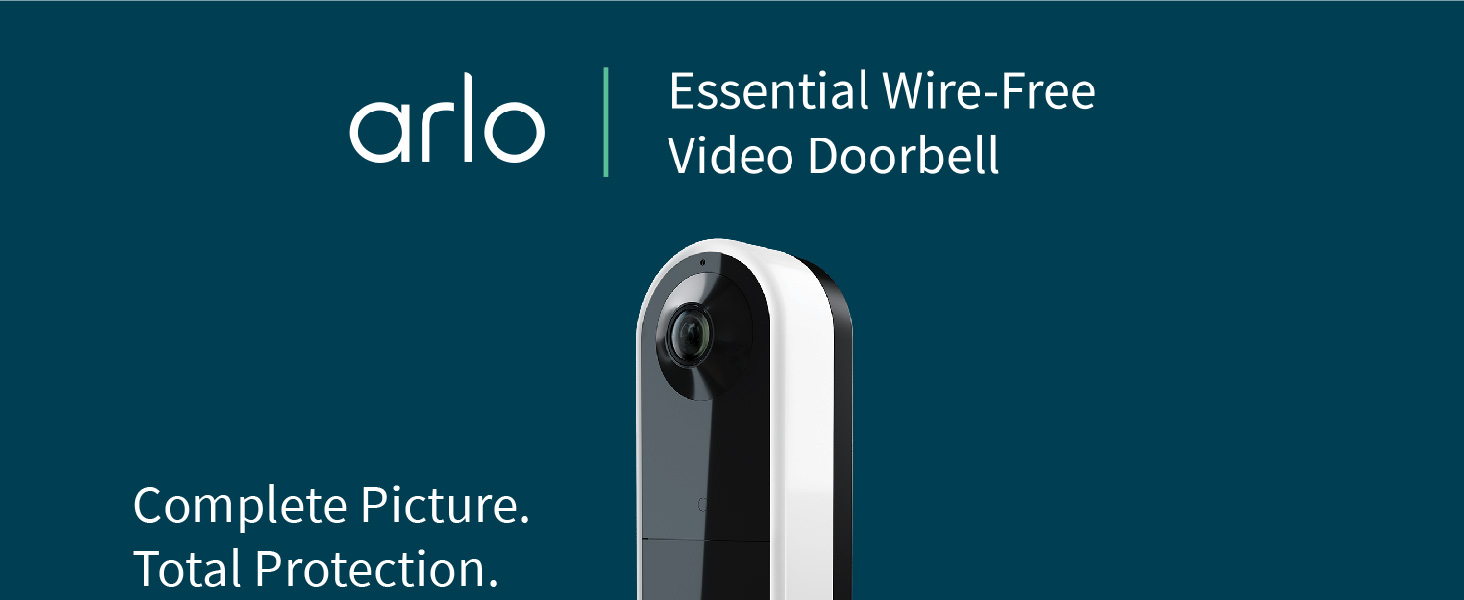
Image: Comparison of Arlo's 180-degree diagonal viewing angle (1:1 aspect ratio) showing a full person and package, versus a traditional video doorbell's reduced viewing angle (16:9 aspect ratio).
2. Que hai na caixa
Asegúrate de que todos os compoñentes estean presentes antes de comezar a instalación:
- Arlo Essential Video Doorbell Wire-Free (Camera Body)
- Rechargeable Battery Pack (4 AA batteries included)
- Cable de carga de batería
- Placa de montaxe plana
- Optional Angled Mounting Plate
- Wall Mount Screw Kit (screws and wall anchors)
- Wire Extension Kit (for hardwiring)
- Pin de liberación
- Guía de inicio rápido

Image: The Arlo Essential Video Doorbell Wire-Free shown with its packaging and all included accessories, such as mounting plates, battery, charging cable, and installation hardware.
3. Configuración e instalación
For detailed, step-by-step installation instructions, please download the Arlo app and follow the in-app guide. The app will walk you through the entire process, including wiring and device pairing.
3.1 Carga inicial da batería
- Fully charge the battery pack using the provided charging cable until the LED indicator turns green.

Image: A split image showing the Arlo doorbell battery being charged via a USB cable and then being inserted into the back of the doorbell unit.
3.2 Descarga da aplicación e creación de conta
- Download the Arlo app from the App Store (iOS) or Google Play Store (Android).
- Crea unha conta de Arlo ou inicia sesión se xa tes unha.
3.3 Montaxe do timbre
- Use the release pin to detach the mounting plate from the doorbell.
- Choose between the flat or angled mounting plate based on your desired viewángulo de ing.
- Secure the chosen mounting plate to your wall using the provided screws and wall anchors.
- If hardwiring, connect the wire extensions to your existing doorbell wiring and then to the doorbell unit.
- Snap the Arlo Essential Video Doorbell onto the mounted plate.
Video: An unboxing video of the Arlo Essential Video Doorbell Wire-Free, showcasing all components and a brief overview do proceso de instalación.
4. Operating Your Arlo Doorbell
4.1 En directo View e audio bidireccional
- Access the live video feed anytime through the Arlo app.
- When a visitor presses the doorbell, you will receive a video call on your phone.
- Use the two-way audio feature to speak with visitors or select from pre-recorded quick reply messages.
Video: A demonstration of receiving a video call on a mobile phone when the Arlo Video Doorbell is pressed, showing the live feed and two-way audio functionality.
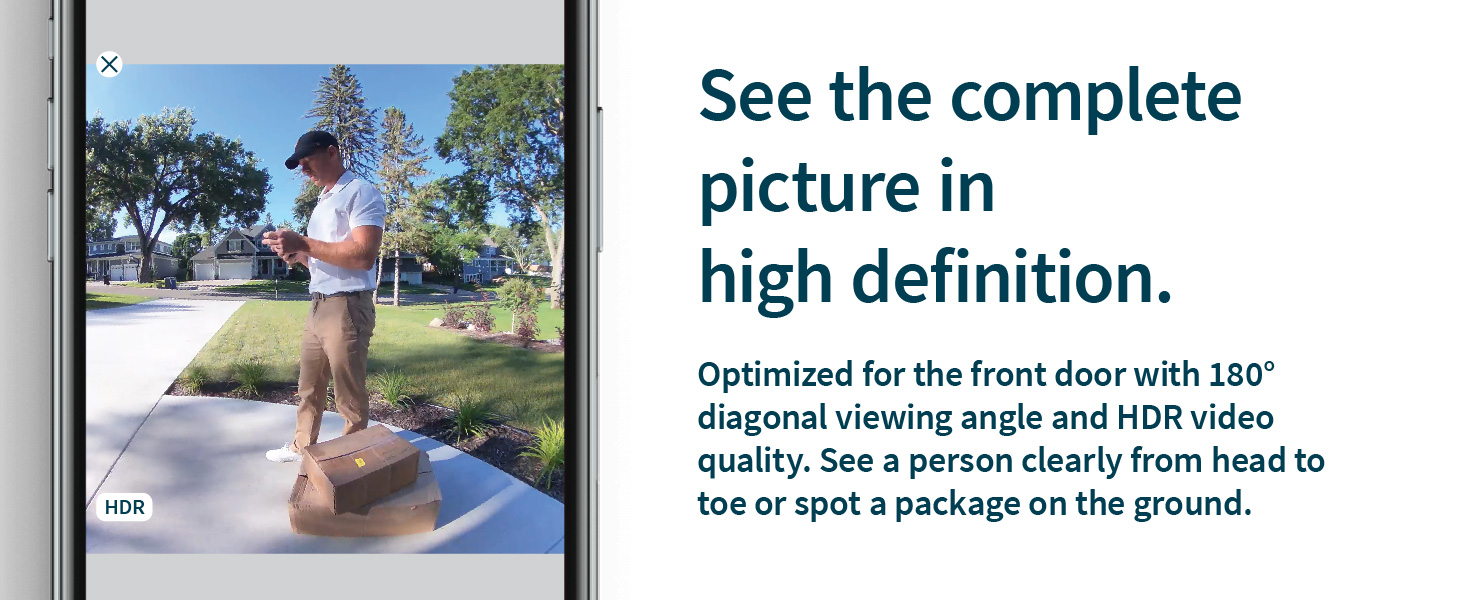
Image: A person speaking into the Arlo doorbell, with speech bubbles indicating two-way audio communication and quick reply options.
4.2 Detección de movemento e alertas
- The doorbell detects motion and sends instant notifications to your phone.
- With Arlo Foresight, video is captured prior to motion-triggered recordings, ensuring you don't miss critical moments.
- Customize Activity Zones in the Arlo app to receive alerts only for relevant areas.
Video: A demonstration of motion detection and alerts from the Arlo Video Doorbell, showing how notifications appear on a mobile device.
Image: A mobile phone displaying an interactive notification from the Arlo doorbell, with options to mute, activate siren, call a friend, or initiate emergency response.
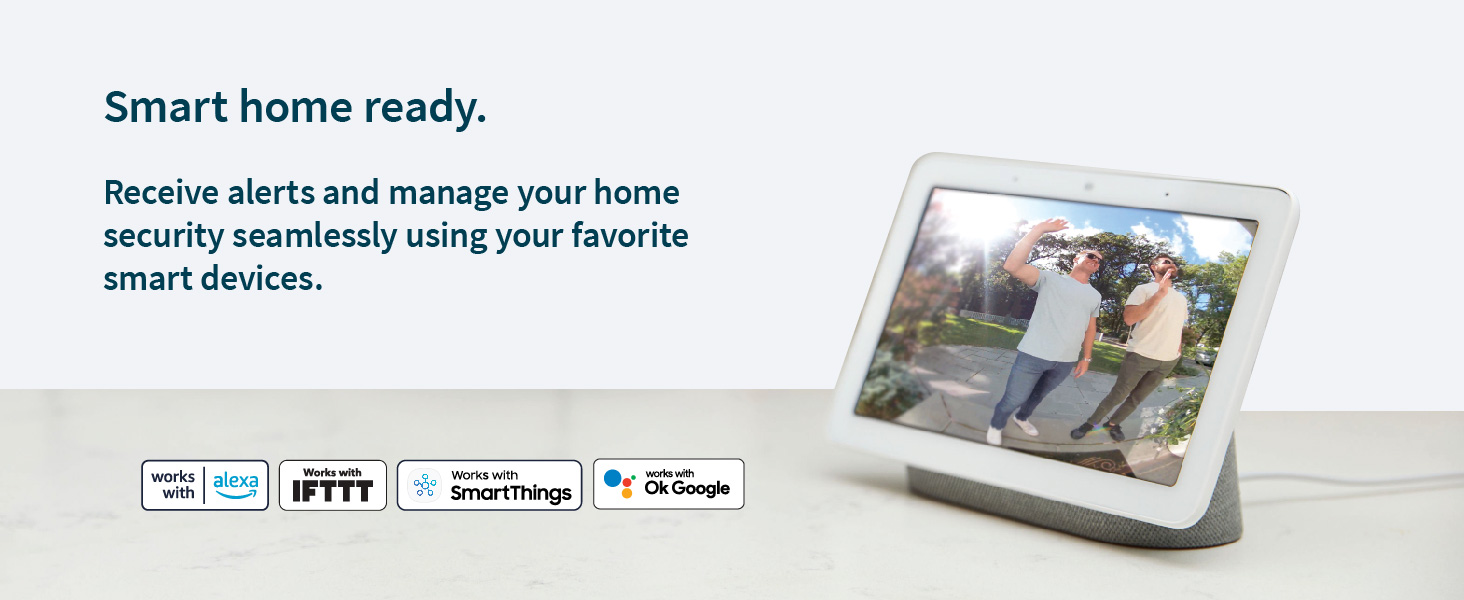
Image: A mobile phone screen showing the setup of Activity Zones for the Arlo doorbell, allowing users to define specific areas for motion alerts.
4.3 Visión nocturna
- The doorbell features Night Color technology for clear visibility in low-light conditions.
4.4 Sirena
- Deter unwanted guests by activating the built-in siren manually from the Arlo app or setting it to trigger automatically.
5. Mantemento
5.1 Recarga da batería
- The wire-free design allows for easy removal and recharging of the battery pack.
- If hardwired, the doorbell will continuously charge the battery.
5.2 Resistencia ás inclemencias meteorolóxicas
- The Arlo Essential Video Doorbell is weather-resistant (IP65 rated) and built to withstand various environmental conditions.
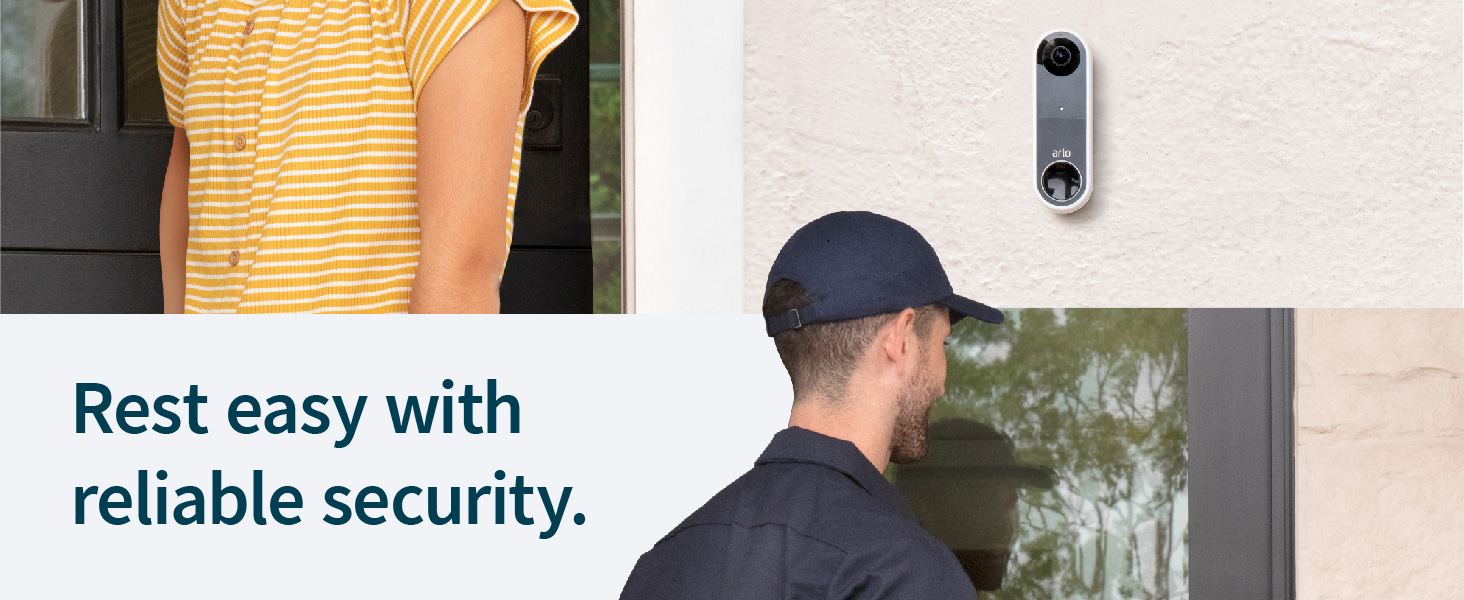
Image: The Arlo doorbell mounted on a wall, with raindrops visible, illustrating its weather-resistant design.
6 Solución de problemas
If you encounter any issues with your Arlo Essential Video Doorbell, please refer to the troubleshooting section within the Arlo app or visit the Arlo support website for common solutions and FAQs.
- Problemas de conectividade: Ensure your Wi-Fi signal strength is adequate at the doorbell's location.
- Duración da batería: Check battery charge level in the app. If hardwired, verify proper connection to your chime system.
- Alertas de movemento: Review Activity Zone settings and motion sensitivity in the Arlo app.
7. Especificacións
| Nome do modelo | Vídeo imprescindible sen fíos |
| Número de modelo | AVD2001B |
| Cor | Negro |
| Uso interior/exterior | Ao aire libre |
| Fonte de enerxía | Battery Powered (Rechargeable Battery Pack) |
| Conectividade | Wi-Fi (Direct to Wi-Fi) |
| Resolución de vídeo | 1536x1536, 1:1 Ratio, HD with HDR |
| Campo de View | Diagonal de 180 graos |
| Visión Nocturna | Cor da noite |
| Audio | Audio de 2 vías |
| Resistencia á intemperie | Clasificación IP65 |
| Compatible Smart Home Systems | Amazon Alexa, Asistente de Google, Samsung SmartThings |
| Dimensións (L x W x H) | 4 x 5 x 3 polgadas |
| Peso do elemento | 8.82 onzas |
8. Arlo Secure Plan and Support
Maximize your security with an Arlo Secure plan. A trial of Arlo Secure is included with your purchase, offering advanced features such as:
- Cloud recordings of video clips (up to 30 days).
- Advanced object detection (people, vehicles, packages).
- Rich notifications and quick responses.
- Cloud activity zones.
- Emergency services dialing (where available).
Renewal of an Arlo Secure plan is required to maintain these features after the trial period. For more information on plans and pricing, visit arlo.com/secure.

Image: A table comparing features available with and without an Arlo Secure plan, detailing cloud storage, object detection, and emergency response options.
8.1 Recursos de apoio
For additional support, troubleshooting tips, and how-to videos, please visit the official Arlo support website or contact customer service through the Arlo app.


