Introdución
This manual provides detailed instructions for the installation, operation, and maintenance of your Morimoto M LED 2.0 Bi-LED Projector. Designed for custom automotive retrofits, this universal projector lens offers both low beam and high beam functionality with an ECE-compliant RHD (Right-Hand Drive) beam pattern and cutoff. Please read this manual thoroughly before beginning any installation or operation to ensure proper function and safety.
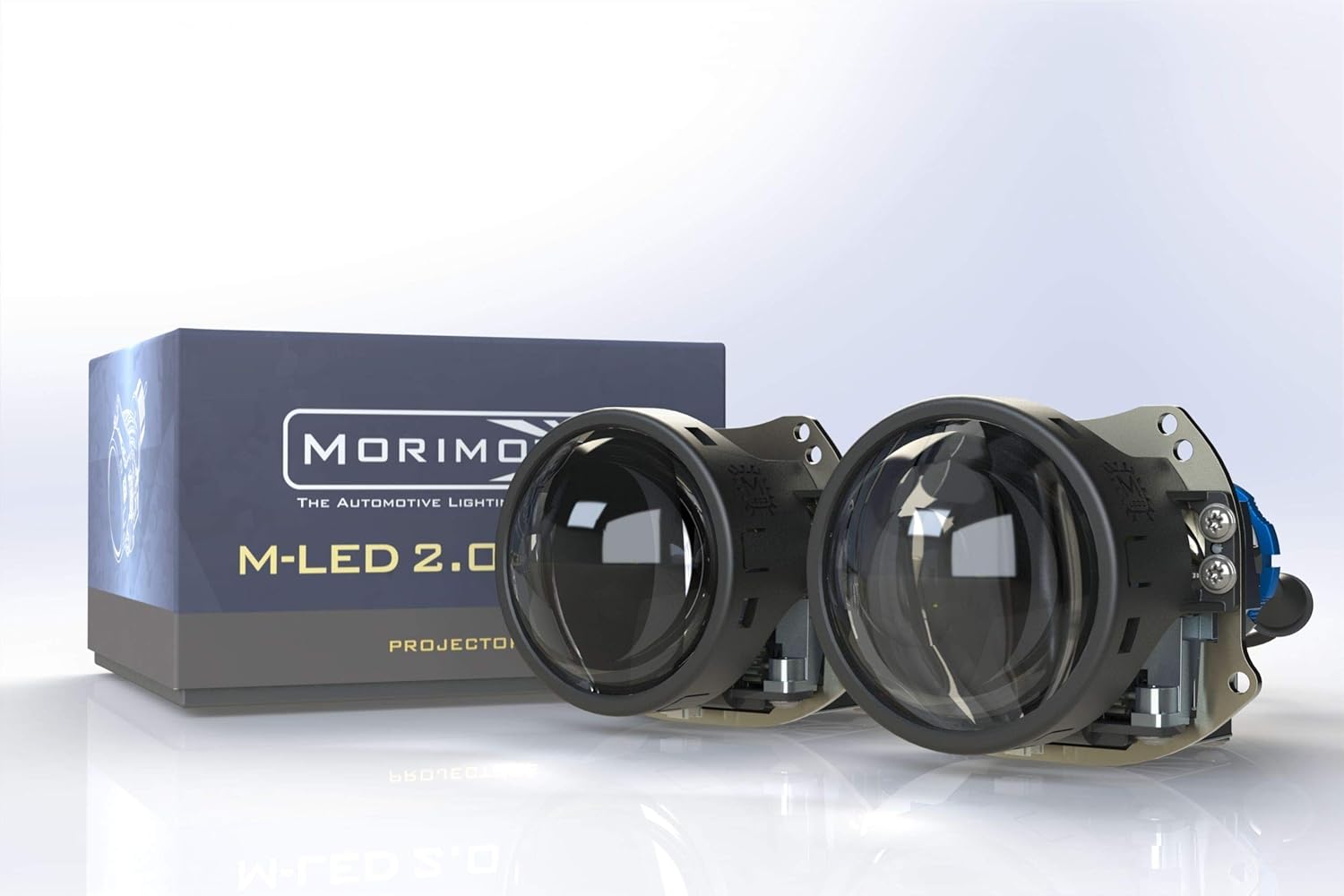
Image: The Morimoto M LED 2.0 Bi-LED Projectors, showcasing the compact design and the product packaging.
Que está incluído
Verifique que todos os compoñentes estean presentes e sen danos antes de continuar coa instalación.
- Proxector: 1x Morimoto M LED 2.0 Bi-LED RHD Projector
- Condutor: 1x M LED 1.0 Driver
- Hardware: 1x Threaded shaft with lock ring
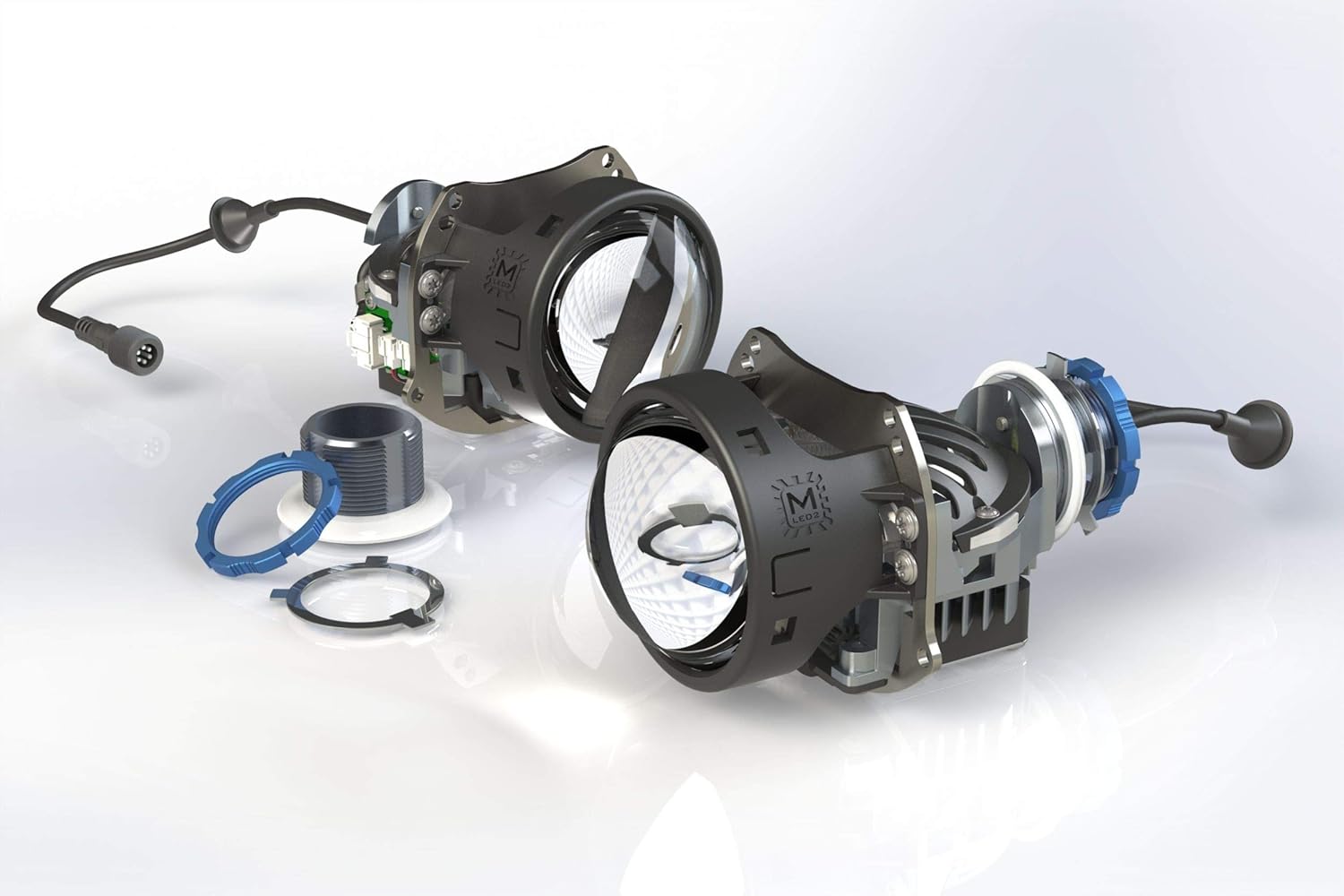
Imaxe: Explosión view of the projector components, illustrating the lens, housing, and associated hardware.
Configuración e instalación
The Morimoto M LED 2.0 Bi-LED Projector is designed for universal fitment in custom automotive retrofit applications. Due to the specialized nature of headlight retrofitting, professional installation is highly recommended. This section provides general guidance.
Comprobacións previas á instalación
- Ensure the vehicle's battery is disconnected before starting any electrical work.
- Confirm the projector fits within the intended headlight housing.
- Inspeccione todos os compoñentes para detectar calquera sinal de danos.
Montaxe do proxector
The projector utilizes a threaded shaft for secure mounting. This allows for precise adjustment and locking into place within the headlight assembly.
- Carefully insert the projector into the headlight housing opening.
- Secure the projector using the provided threaded shaft and lock ring from the rear of the housing.
- Ensure the projector is oriented correctly for the RHD beam pattern.
Conexións Eléctricas
Connect the M LED 1.0 Driver to the projector and then to the vehicle's electrical system. The system operates on a 9-30V DC input.
- Connect the projector's cable to the input port on the M LED 1.0 Driver.
- Connect the driver's power input to the vehicle's low beam and high beam wiring. Consult a vehicle-specific wiring diagram if unsure.
- Asegúrate de que todas as conexións estean seguras e debidamente illadas para evitar curtocircuítos.

Image: The M LED 2.0 Bi-LED drivers, essential components for power regulation and function of the projectors.
Operación
The Morimoto M LED 2.0 is a Bi-LED projector, meaning it provides both low beam and high beam functionality from a single projector unit. The transition between low and high beam is controlled by an internal cutoff shield mechanism.
Low Beam Function
When the low beams are activated, the internal cutoff shield is in place, creating a sharp, ECE-compliant RHD cutoff line. This prevents glare for oncoming traffic while providing ample illumination of the road ahead.
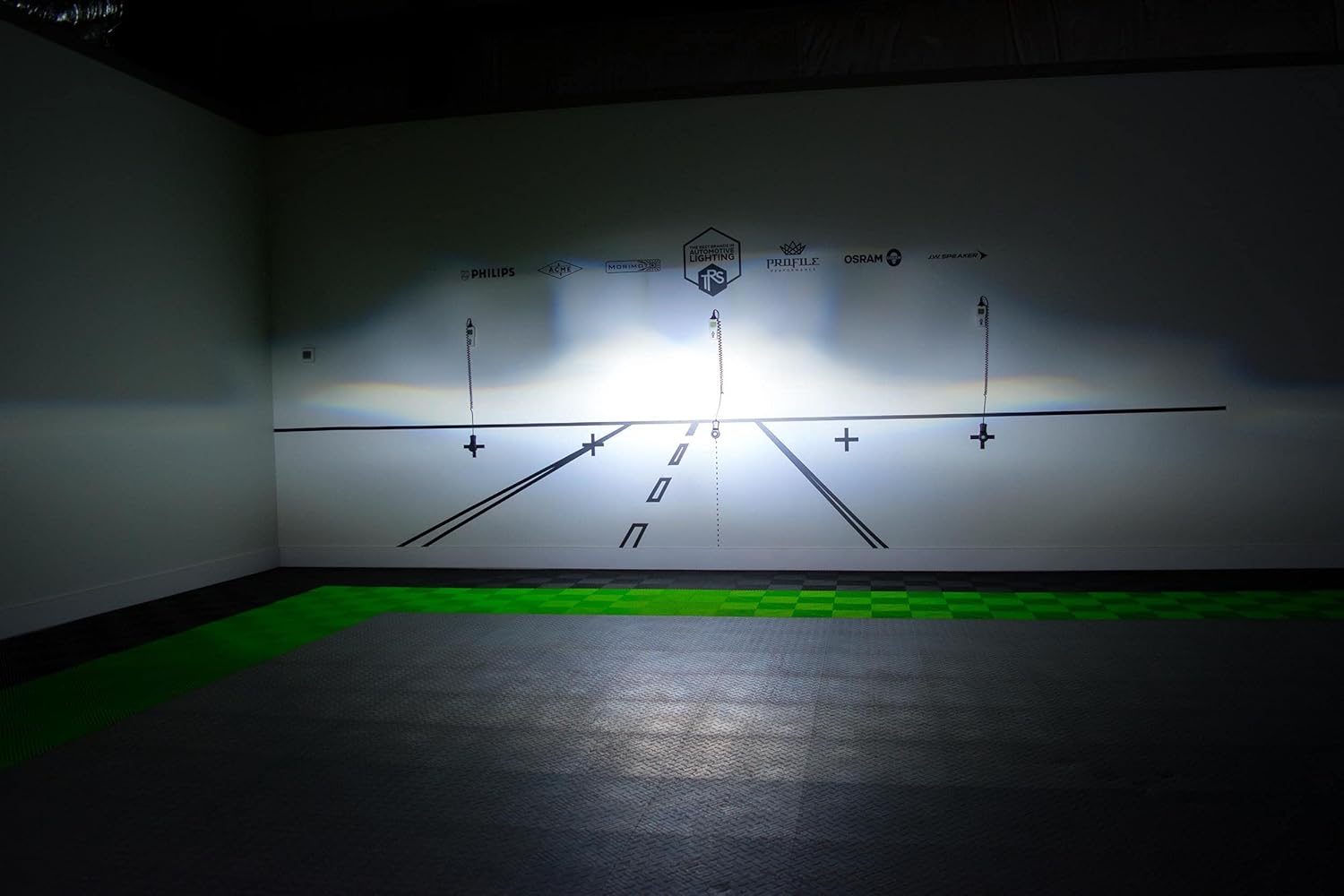
Imaxe: Example of the RHD beam pattern with a distinct cutoff line, as projected on a test wall.
High Beam Function
When the high beams are activated, the cutoff shield retracts, allowing the full light output to be projected. This provides maximum illumination for increased visibility during night driving in areas without oncoming traffic.
Light Path and Cutoff Mechanism
The projector utilizes a sophisticated optical system, including a sub-reflector and cutoff shield, to precisely control the light output and beam pattern. The RHD beam pattern ensures proper illumination for right-hand drive vehicles.

Image: Technical diagram explaining the internal optics and how the light is managed to create the desired beam patterns.
Mantemento
The Morimoto M LED 2.0 Bi-LED Projector is designed for long-term, maintenance-free operation. However, periodic checks can help ensure optimal performance.
- Limpeza: Keep the exterior lens of the headlight assembly clean from dirt and debris. Use a soft cloth and mild cleaning solution. Do not use abrasive cleaners.
- Inspección: Periodically check the wiring connections for any signs of wear or corrosion.
- Característica impermeable: The projector is designed to be waterproof. Ensure that the headlight housing itself is properly sealed after installation to protect the internal components from moisture.
Resolución de problemas
If you encounter issues with your Morimoto M LED 2.0 Bi-LED Projector, refer to the following common problems and solutions:
| Problema | Causa posible | Solución |
|---|---|---|
| Projector does not illuminate | No power, loose connection, faulty driver. | Check all wiring connections. Verify power supply to the driver. Test the driver if possible. |
| High beam not activating | Wiring issue to high beam trigger, faulty driver. | Ensure high beam trigger wire is correctly connected to the driver. Check driver functionality. |
| Improper beam pattern/cutoff | Projector not seated correctly, internal component misalignment. | Re-check projector mounting and orientation. If issue persists, contact support. |
For issues not listed here or if troubleshooting steps do not resolve the problem, please contact Morimoto customer support.
Especificacións técnicas
| Característica | Detalle |
|---|---|
| Modelo | PR353 |
| Fonte de luz | HML-3 7545 LED |
| Temperatura da cor | 6300 mil |
| Función | Bi-LED (Low Beam & High Beam) |
| Traffic Pattern | RHD (Right-Hand Drive) with ECE Cutoff |
| Intensidade | 70,000 cd |
| Poder | 29.5 W |
| Vol. De entradatage | 9-30V DC |
| Diámetro da lente | 3.0 polgadas |
| Material da lente | Vidro de zafiro |
| Dimensións (H x W x D) | 82mm x 95mm x 124mm (150mm with shaft) |
| Diámetro do eixe | 35 mm |
| Peso do elemento | 1 libra |
| Características especiais | Impermeable |
| Tipo de ajuste automotriz | Ajuste universal |
Garantía e Soporte
Información da garantía
The Morimoto M LED 2.0 Bi-LED Projector comes with a 5 ano de garantía. This warranty covers defects in materials and workmanship under normal use. Please retain your proof of purchase for warranty claims. For full warranty terms and conditions, please refer to the official Morimoto websitio ou póñase en contacto co seu servizo de atención ao cliente.
Atención ao cliente
For technical assistance, troubleshooting, or warranty inquiries, please contact Morimoto customer support. You can typically find contact information on the official Morimoto websitio web ou a través do seu distribuidor autorizado.
Recursos en liña: Visita o Morimoto Store on Amazon para obter información e recursos adicionais sobre o produto.


