1. Introdución
Thank you for choosing the BOBLOV M6 Body Camera. This manual provides essential information for the proper setup, operation, and maintenance of your device. The M6 is a high-definition body-worn camera designed for various applications, featuring 1440P video recording, GPS functionality, and robust construction.

The BOBLOV M6 Body Camera is suitable for diverse environments, including law enforcement, security, and personal use.
2. Produto rematadoview
Características clave
- Resolución de vídeo: Up to 1440P (2K) at 30 frames per second.
- Resolución fotográfica: Up to 36 Megapixels.
- Lente gran angular: Campo de 170° view.
- Función GPS: Records location data (requires external software for viewing).
- Visión nocturna: Automatic/Manual IR for clear footage in low light.
- Función de alarma: Red-blue flashing lights and alarm sound.
- Durabilidade: IP65 water-resistance and 3-meter drop resistance.
- Duración da batería: Approximately 7 hours of recording, 24 hours standby.
- Almacenamento: Built-in 64GB or 128GB internal memory.

Acabadoview of the BOBLOV M6 Body Camera's main features.
Contido do paquete
Verifica que todos os elementos estean presentes no teu paquete:

The BOBLOV M6 Body Camera package includes the camera unit, two types of clips, a Type-C charging cable, and a user manual.
- BOBLOV M6 Body Camera
- Short 360° Rotatable Clip
- Long 180° Rotatable Clip
- Cable USB tipo C
- Manual de usuario
3. Configuración
Cargando o dispositivo
Before first use, fully charge the body camera. Connect the Type-C cable to the camera and a power source. The charging indicator will show the charging status.

The camera charges via a Type-C cable and charging base. A full charge takes approximately 3 hours, providing about 7 hours of recording or 24 hours of standby time.
Anexo do clip
Select the appropriate rotatable clip (180° long clip or 360° short clip) and attach it to the back of the camera. Ensure it is securely fastened before wearing.

The camera comes with two types of rotatable clips for flexible mounting options.
4. Instrucións de funcionamento
Encendido/apagado
- Para acender: Press and hold the Power button until the device starts.
- Para apagar: Manteña premido o botón de acendido/apagado ata que o dispositivo se apague.
Gravación de vídeo
The M6 records video at 1440P resolution with a 170° wide-angle lens.
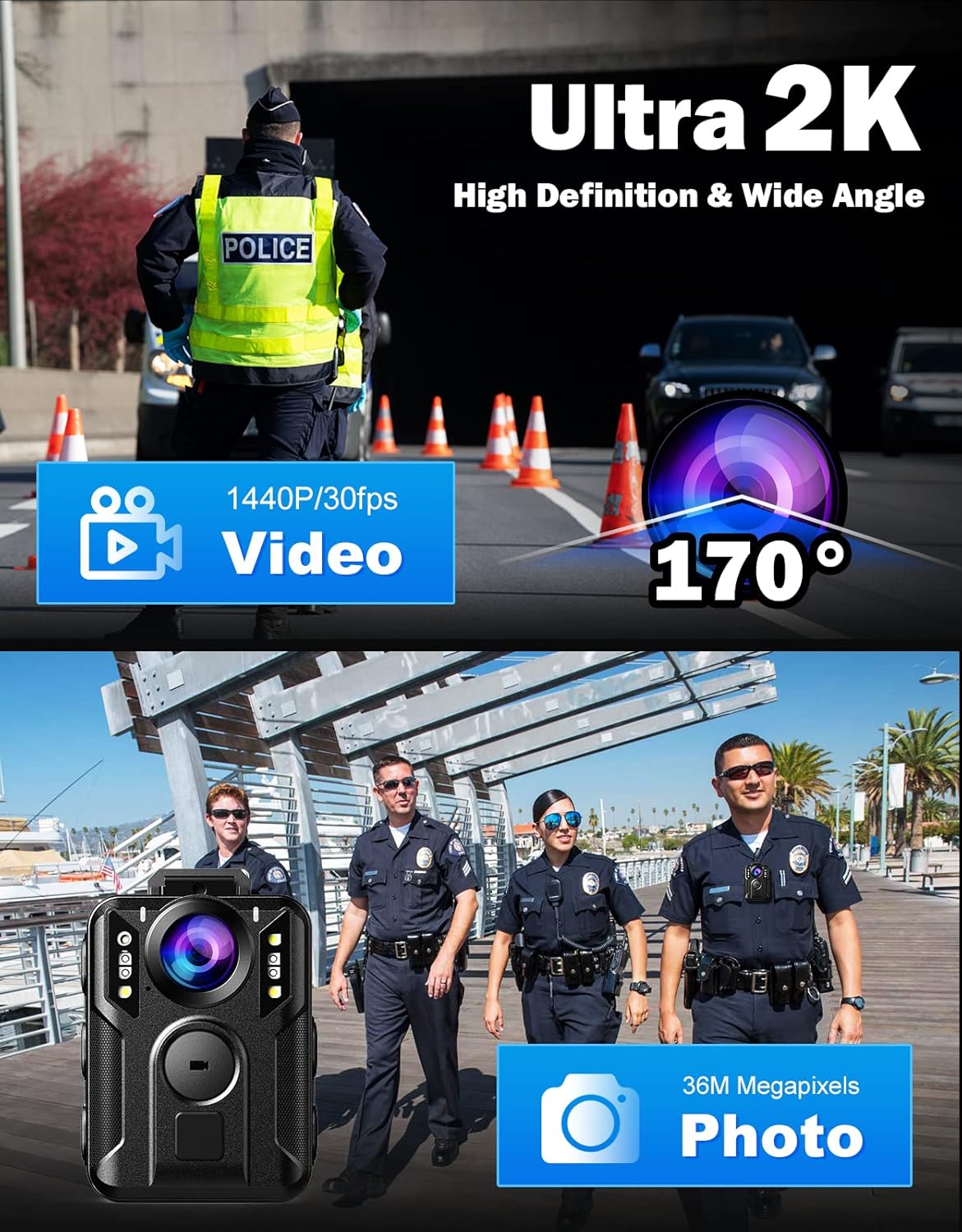
The camera records high-definition video with a wide field of view.
Captura de fotos
Capture still images up to 36 Megapixels.
Visión Nocturna
The camera features automatic and manual infrared night vision, allowing clear recording up to 49 feet (15 meters) in dark conditions.

Night vision allows for clear recording in low-light conditions.
Función de alarma
The M6 is equipped with red-blue flashing lights and an alarm sound for emergency situations.
- Para activar: Long press the "Alarm" button after booting.
- Para desactivar: Press the "Alarm" button again.

The alarm function provides visual and audible alerts.
Función GPS
The camera supports GPS functionality to record location data with your footage. Para view detailed location information, download and use DATAKAM PLAYER or RegistratorViewer software no seu ordenador.
- GPS On/Off: This option can be toggled in the camera's settings menu.

GPS data can be reviewed using dedicated software on a computer.

Access GPS settings through the camera's menu.
Opcións do menú
Navigate the camera's menu using the control buttons to adjust various settings.

The camera offers various configurable functions and options.
A configuración clave inclúe:
- GPS: On/Off
- Luz branca: On/Off
- Secret Record: On/Off
- Pre-gravación: On/Off
- Data St.amp: On/Off
- Posicionamento láser: Luz vermella
- Contrasinal da cámara: On/Off
- Detección de movemento: On/Off
- Delay Records: 3s, 1min, 5mins
- Son do vídeo: On/Off (Turning off video sound can save storage space.)

Option to disable video sound to optimize storage.
5. Mantemento
Limpeza
Usa un pano suave e seco para limpar o corpo da cámara. Para a lente, usa un pano e unha solución de limpeza de lentes especializados para evitar rabuñaduras. Non empregues produtos químicos agresivos nin materiais abrasivos.
Water Resistance and Drop Resistance
The BOBLOV M6 is rated IP65 for water resistance and can withstand drops from up to 3 meters. While durable, avoid intentional submersion or severe impacts to prevent damage.

The camera is designed to be resistant to water splashes and drops.
Almacenamento
Store the camera in a cool, dry place away from direct sunlight and extreme temperatures. Ensure the battery is partially charged if storing for extended periods.
6 Solución de problemas
- A cámara non se acende: Ensure the battery is fully charged. Connect to a power source and try again. If the issue persists, contact support.
- Problemas de gravación (por exemplo, conxelación, gravación danada) files): Ensure the internal memory is not full. Try resetting the camera to factory settings (refer to the menu options).
- GPS data not showing: Verify that the GPS function is enabled in the camera settings. Ensure you are using the correct viewing software (DATAKAM PLAYER or RegistratorViewer) on your computer.
- Mala calidade de visión nocturna: Ensure the lens is clean and there are no obstructions. Check if the IR lights are functioning correctly.
7. Especificacións
| Característica | Especificación |
|---|---|
| Marca | BOBLOV |
| Modelo | M6 |
| Resolución de captura de vídeo | 1440 p |
| Tipo de memoria flash | Internal (64GB/128GB options) |
| Formato de captura de vídeo | MPEG 4 |
| Tamaño da pantalla | 2.7 polgadas |
| Tecnoloxía de conectividade | Infravermello |
| Característica especial | Portable, Lightweight, GPS, Red-Blue Alarm |
| Tipo de lente | Zoom (Wide Angle 170°) |
| Estabilización da imaxe | No (Features Anti-shaking technology) |
| Factor de forma | Compacto |
| Compatibilidade do sistema operativo | Android, iOS (for data transfer/management, not direct camera operation) |
| Tipo de foco | Enfoque automático |
| Número de unidades | 1 Conta |
| Modos de disparo | Noite |
| Capacidade da batería | 2600 mAh |
| Tempo de carga | Aprox. 3 horas |
| Tempo de gravación | Aprox. 7 horas |
| Tempo de espera | Aprox. 24 horas |
| Resistencia á auga | IP65 |
| Resistencia a caídas | 3 metros |

Visual summary of key specifications and dimensions.

The M6 Body Camera is available with 64GB or 128GB built-in memory.
8. Garantía e soporte
BOBLOV products are designed for reliability and performance. For warranty information, please refer to the specific warranty card included with your product or visit the official BOBLOV website. For technical support, troubleshooting assistance, or any inquiries, please contact BOBLOV customer service through the contact information provided in your product packaging or on the official BOBLOV brand store.
You can visit the BOBLOV store for more information: BOBLOV Official Store


