1. Introdución
Grazas pola compraasing the BUFFBEE Digital Alarm Clock FM Radio with Wireless Charging. This device combines a digital alarm clock, FM radio, 10W fast wireless charger, and a USB charging port into a single unit. It features five distinct wake-up sounds, adjustable volume control, and a full brightness dimmer for optimal comfort in your bedroom environment. Please read this manual carefully to ensure proper setup and operation.

Figure 1.1: BUFFBEE Digital Alarm Clock with a smartphone wirelessly charging on top.
2. Configuración
2.1 Conexión de alimentación
- Connect the provided power adapter to the DC 9V port on the back of the alarm clock.
- Plug the power adapter into a standard electrical outlet. The clock display will illuminate.
- Nota: The internal battery backup is for saving time and alarm settings only. The device requires a continuous power connection to function.
2.2 Axustar a hora
- Manteña premido o TEMPO botón situado no panel superior. Os díxitos das horas comezarán a parpadear.
- Usa o UP (▲) ou ABAIXO (▼) buttons to adjust the hour.
- Preme o TEMPO button again to confirm the hour and proceed to set the minutes. The minute digits will flash.
- Usa o UP (▲) ou ABAIXO (▼) buttons to adjust the minutes.
- Preme o TEMPO button one more time to save the time setting.
2.3 Axustar a alarma
- Manteña premido o ALARMA button. The alarm hour digits will begin to flash.
- Usa o UP (▲) ou ABAIXO (▼) buttons to adjust the alarm hour.
- Preme o ALARMA button again to confirm the hour and proceed to set the alarm minutes. The minute digits will flash.
- Usa o UP (▲) ou ABAIXO (▼) buttons to adjust the alarm minutes.
- Preme o ALARMA button one more time to save the alarm time.
- Para activar ou desactivar a alarma, prema brevemente o botón ALARMA button. An alarm icon will appear on the display when activated.

Figure 2.1: Rear panel with power and USB connections.
3. Instrucións de funcionamento
3.1 Carga sen fíos
The top surface of the alarm clock features a 10W fast wireless charging pad. This is compatible with 5W, 7.5W, and 10W wireless-enabled phones.
- Place your wireless-enabled smartphone directly on the charging pad located on the top of the clock.
- Ensure the phone is centered on the charging pad for optimal connection.
- A lightning icon will appear on the clock's display to indicate that your phone is charging.

Figura 3.1: Carga sen fíos en curso.
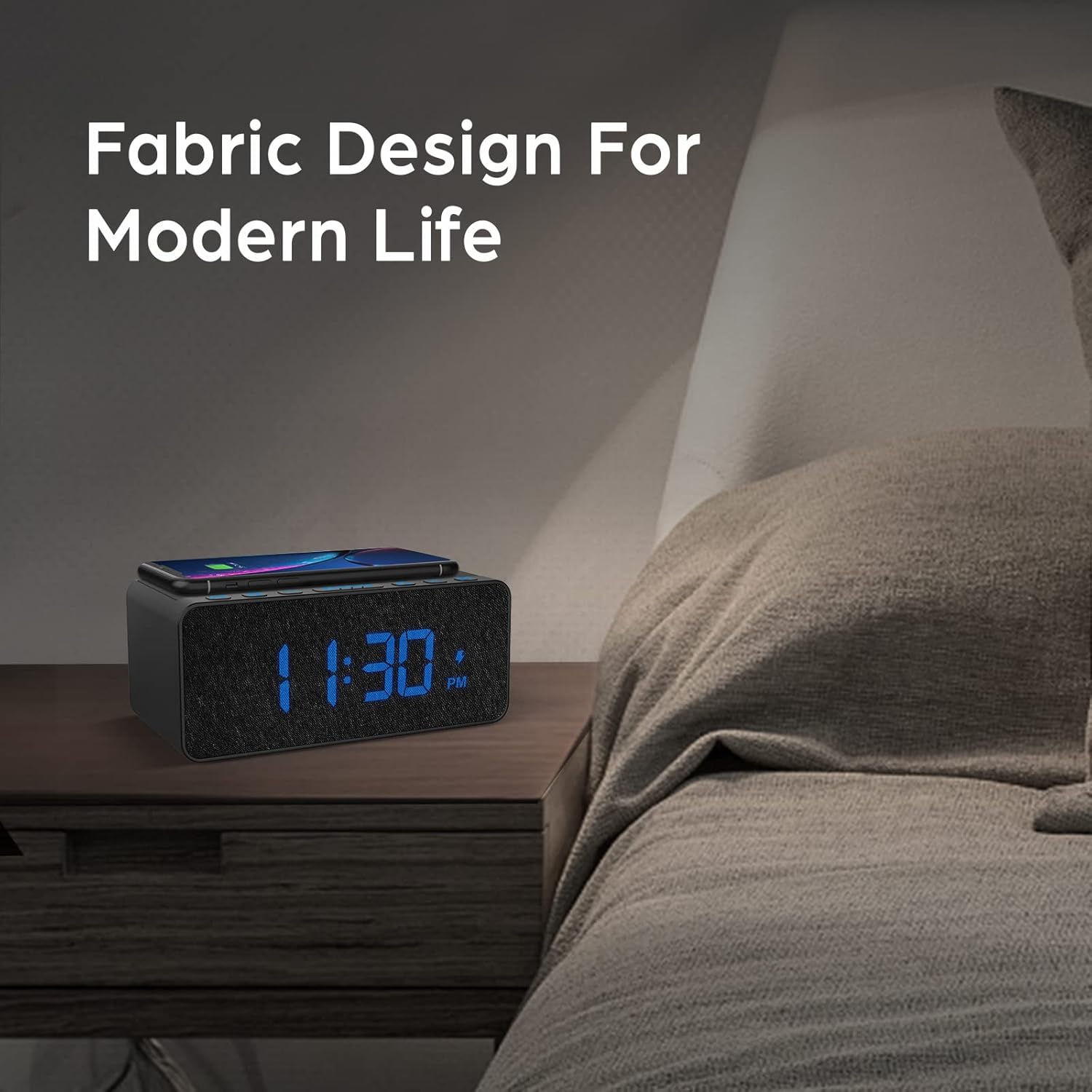
Figure 3.2: Wireless charging compatibility.
3.2 porto de carga USB
An additional USB port is located on the back of the unit for charging other devices, such as smartwatches or non-wireless charging phones.
- Conecta o cable de carga USB do teu dispositivo ao porto USB da parte traseira do reloxo despertador.
- Conecte o outro extremo do cable ao dispositivo.

Figure 3.3: Simultaneous wireless and USB charging.
3.3 Funcionamento da radio FM
The alarm clock includes an FM radio with a frequency range of 87.5-108.0 MHz.
- Para activar a radio FM, prema o botón RADIO botón.
- To scan for stations, press and hold the UP (▲) ou ABAIXO (▼) buttons. The radio will automatically tune to the next available station.
- Para sintonizar manualmente, prema brevemente o botón UP (▲) ou ABAIXO Botóns (▼).
- To save a preset station, press and hold the RADIO button until the preset number flashes, then use the UP (▲) ou ABAIXO (▼) buttons to select a preset slot. Press RADIO de novo para confirmar.
- Para recuperar unha emisora presintonizada, prema brevemente o botón RADIO para percorrer os preajustes gardados.
- Adjust the radio volume using the volume control dial or buttons (if present, otherwise use general volume controls).
- To improve FM reception, ensure the radio antenna on the back of the unit is fully extended.
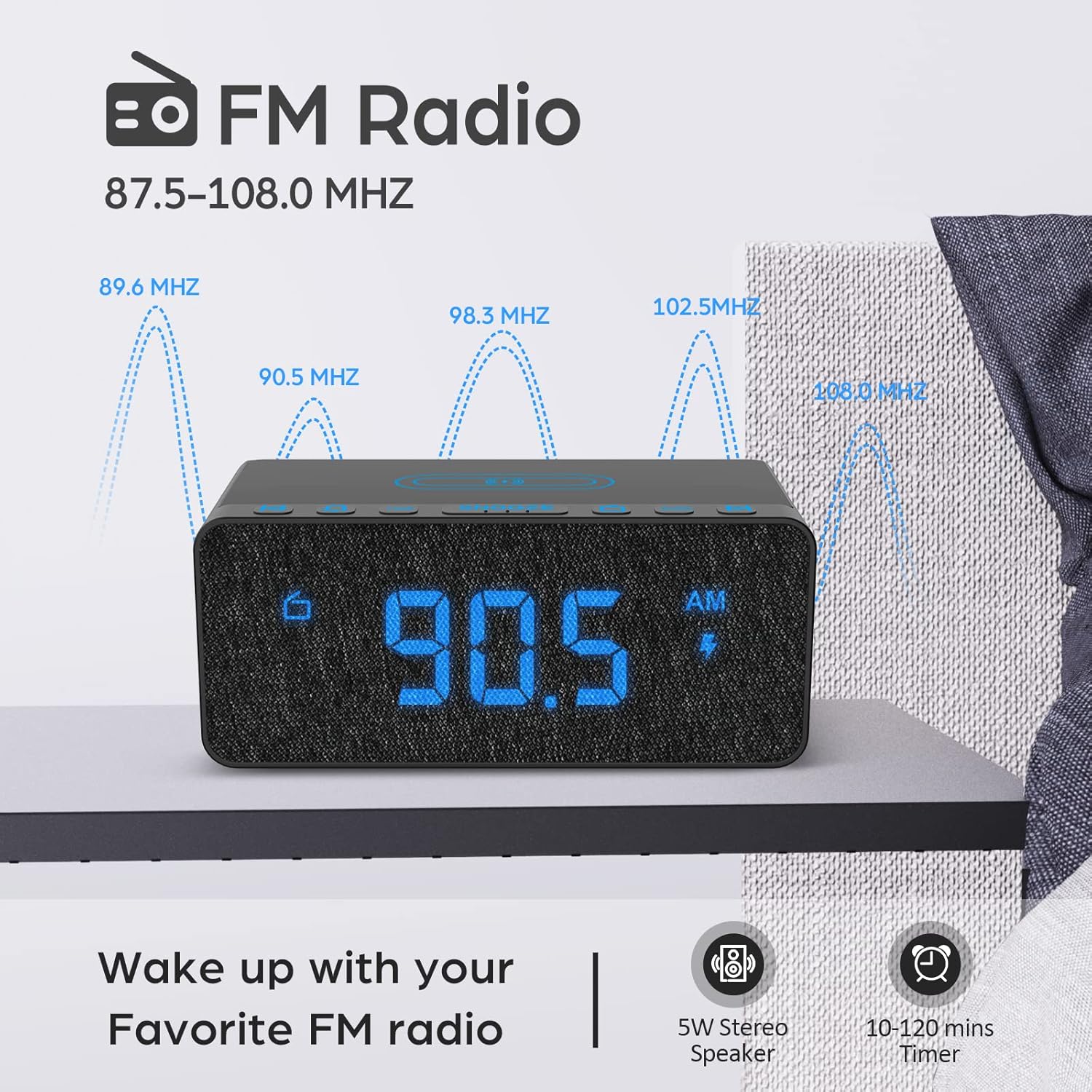
Figure 3.4: FM Radio display.
3.4 Alarm Sounds and Volume
The alarm clock offers 5 distinct wake-up sounds and adjustable alarm volume (0-15 levels).
- When setting the alarm, after setting the time, you can select the alarm sound.
- Preme o SONS DE ALARMA button to cycle through the available sounds: Beep, Bird Sound, Bells, Piano Sound, or FM Radio.
- To adjust the alarm volume, use the dedicated volume buttons or dial on the unit.

Figure 3.5: Available alarm sounds.
3.5 Atenuador de pantalla
The display brightness can be adjusted from 0% to 100% to suit your preference.
- Localiza o DIMMER DE PANTALLA switch or dial, typically on the back or side of the unit.
- Adjust the switch/dial to increase or decrease the display brightness.

Figure 3.6: Display brightness adjustment.
3.6 Controisview
For a visual guide to the top panel controls, please refer to the video below.
Vídeo 3.1: Rematadoview of BUFFBEE Digital Alarm Clock features and top panel controls, including time setting, alarm, radio, and snooze functions.
4. Mantemento
4.1 Limpeza
- Para limpar o dispositivo, use un pano suave e seco.
- Do not use liquid cleaners, abrasive cleaners, or chemical sprays, as these may damage the surface or internal components.
- Asegúrese de que o dispositivo estea desconectado antes de limpar.
4.2 Coidados xerais
- Evite expoñer o dispositivo a temperaturas extremas, luz solar directa ou humidade elevada.
- Do not disassemble the unit. Any repairs should be performed by qualified personnel.
- Manteña o dispositivo lonxe da auga ou doutros líquidos.
5 Solución de problemas
- P: Por que a pantalla está en branco despois de conectar?
- A: Please check if the DISPLAY DIMMER switch on the back of the unit is set to the HIGH position. If it is set to a very low position, the display may appear blank in bright environments.
- Q: How can I tell if my phone is wirelessly charging?
- A: A lightning icon will appear on the alarm clock's display when a compatible phone is correctly placed on the wireless charging pad and is actively charging.
- Q: Does the battery backup allow the clock to work without a power cord?
- A: No, the battery backup is solely for saving the time and alarm settings during a power outage. The device requires the power cord to be plugged in for full functionality (display, radio, charging, alarm sound).
- Q: Which phones are supported by wireless charging?
- A: The wireless charger is compatible with most Qi-enabled smartphones, including but not limited to: iPhone 13/13 Pro/13 Pro Max/13 Mini/12/12 Pro/12 Pro Max/12 Mini/11/11 Pro/11 Pro Max/X/XS/XS Max/XR/8/8+/SE; Samsung S21/S21+/21 Ultra/S20/S20+/S20 Ultra/S10/S10+/S10E/S9/S9+/S8/S8+/S7/S7+/S6/S6E; Note 20/20 Ultra/Note 10/10 Pro/Note 9/8/5; Google Nexus 4/5/6, and other wireless-enabled phones.
6. Especificacións
| Marca | BUFFBEE |
| Modelo | B09LCCJZ3H |
| Tipo de visualización | Dixital |
| Estilo | Moderno |
| Características especiais | Adjustable Brightness, Charging Port, Music |
| Dimensións do produto | 6.9" de ancho x 2.8" de alto |
| Fonte de enerxía | Eléctrico con cable |
| Tipo de habitación | Dormitorio |
| Uso interior/exterior | Interior |
| Material do marco | Estirreno Acrilonitrilo Butadieno |
| Pilas incluídas | No (for operation, backup only) |
| Reloxo despertador | Si |
| Número de elementos | 1 |
| Modo de operación | Eléctrico |
| Peso do elemento | 14.9 onzas |
| UPC | 766891334623 |
7. Información da garantía
BUFFBEE products are designed and manufactured to the highest quality standards. This product is covered by a limited warranty against defects in materials and workmanship for a period of one (1) year from the original date of purchase. This warranty does not cover damage caused by accident, misuse, abuse, improper installation or operation, or unauthorized repairs. Please retain your proof of purchase for warranty claims.
8. Atención ao cliente
If you have any questions, concerns, or require assistance with your BUFFBEE Digital Alarm Clock, please contact our customer support team. For the most up-to-date contact information, please visit the official BUFFBEE websitio web ou consulte a embalaxe do seu produto.
Soporte en liña: Visit the BUFFBEE Store on Amazon


