Introdución
The One For All Slate R18200 Universal Remote Control is specifically designed for hospitality and medical applications. It provides simple yet effective control of entertainment systems in guest rooms, ensuring reliable performance and integrity. The Slate remote is fully cleanable, allowing it to be disinfected with common cleaning agents or wipes for the hospitality sector before each new guest stay, promoting hygiene and safety.
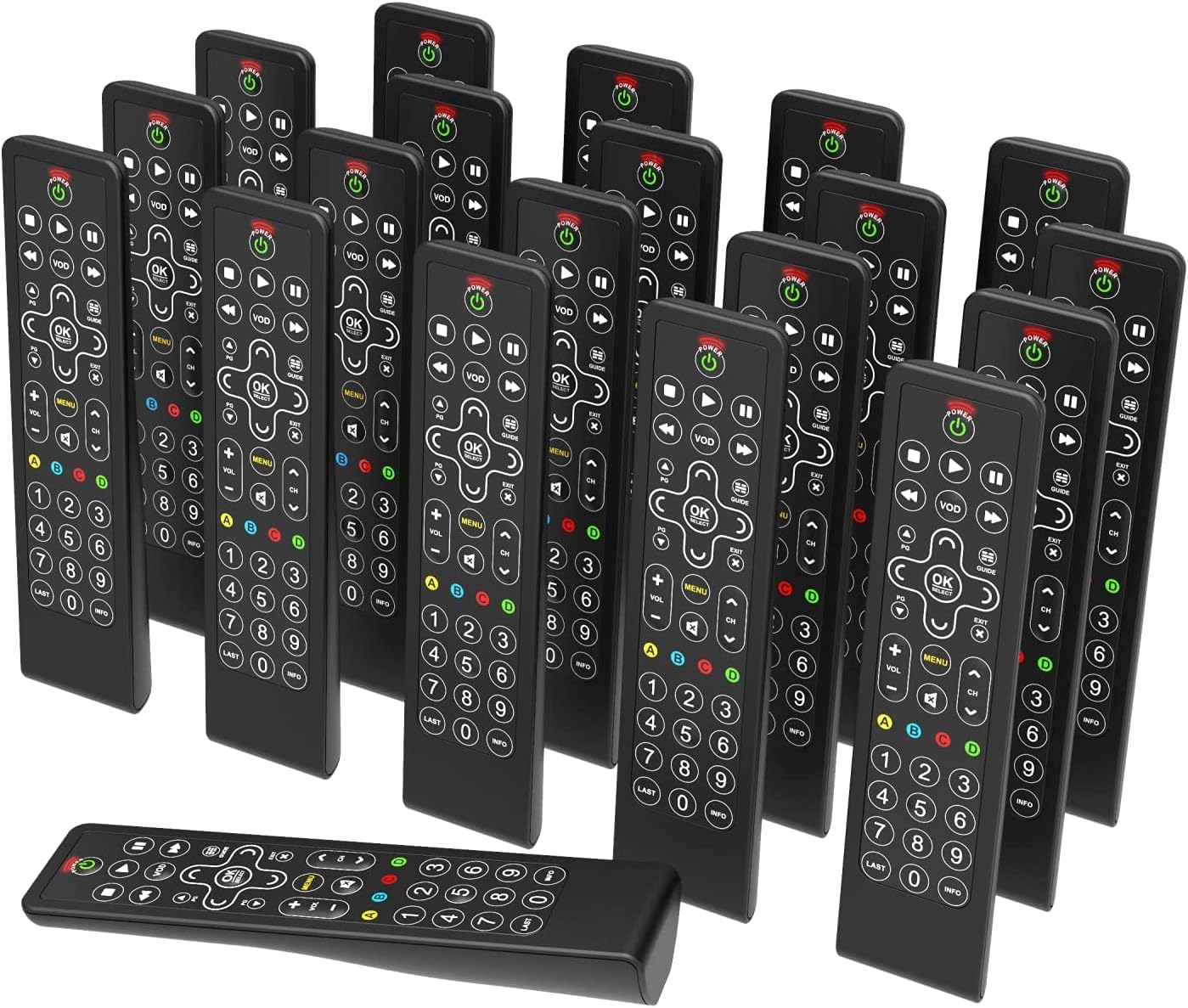
Image: A collection of One For All Slate R18200 universal remote controls, highlighting their availability in bulk for commercial use.
Características clave
- Fully Cleanable Design: Engineered to be entirely cleanable, suitable for hospitality and medical environments.
- Disinfectant Resistant: Withstands daily cleaning with common disinfectants and wipes.
- Anti-Theft Battery Compartment: Features a secure battery compartment that does not require tools for access, deterring theft.
- Fully Backlit Keys: All keys are backlit for easy visibility and operation in low-light conditions.
- Só para uso comercial: Designed and packaged specifically for commercial applications, available in convenient multi-packs (e.g., 20 remotes).

Imaxe: Unha detallada view of the remote control's buttons, illuminated by backlighting, demonstrating the fully backlit key feature.
Configuración
1. Instalación da batería
- Localice o compartimento da batería na parte traseira do control remoto.
- Open the anti-theft battery cover. This compartment is designed to be secure but accessible without tools.
- Introduza dúas pilas alcalinas AAA, asegurándose de manter a polaridade correcta (+/-).
- Peche a tapa da batería firmemente ata que encaixe no seu lugar.

Image: The rear side of the remote control, illustrating the design of the anti-theft battery compartment.
2. Initial Programming (if required)
The Slate R18200 remote is pre-programmed for common hospitality TV systems. If your specific TV or entertainment system requires programming, refer to the detailed programming instructions provided with your bulk purchase or consult the One For All support website for specific codes and setup procedures. Typically, this involves a simple code entry or auto-search function.
Instrucións de funcionamento
The Slate R18200 remote control features a simplified layout for intuitive use in hospitality settings.
- Botón de encendido (POTENCIA): Press to turn the TV or connected device on or off.
- Volume Control (VOL +/-): Axusta o volume do son cara arriba ou cara abaixo.
- Channel Control (CH +/-): Cambia a canle de televisión cara arriba ou cara abaixo.
- Navigation Pad (FRECHAS & Aceptar/SELECCIONAR): Use the arrow keys to navigate menus and the OK/SELECT button to confirm selections.
- Menú (MENÚ): Accede ao menú principal do televisor.
- VOD (VOD): Direct access to Video On Demand services (if supported by the TV system).
- Guide (GUÍA): Mostra a guía electrónica de programas.
- Controis de reprodución (PLAY, PAUSE, STOP, REW, FF): Controla a reprodución multimedia.
- Teclado numérico (0-9): Introduza directamente os números de canle.
- Teclas retroiluminadas: The entire keypad illuminates when a button is pressed, making it easy to use in dimly lit rooms.

Imaxe: Unha fronte despexada view of the remote control, detailing the layout and function of each button.
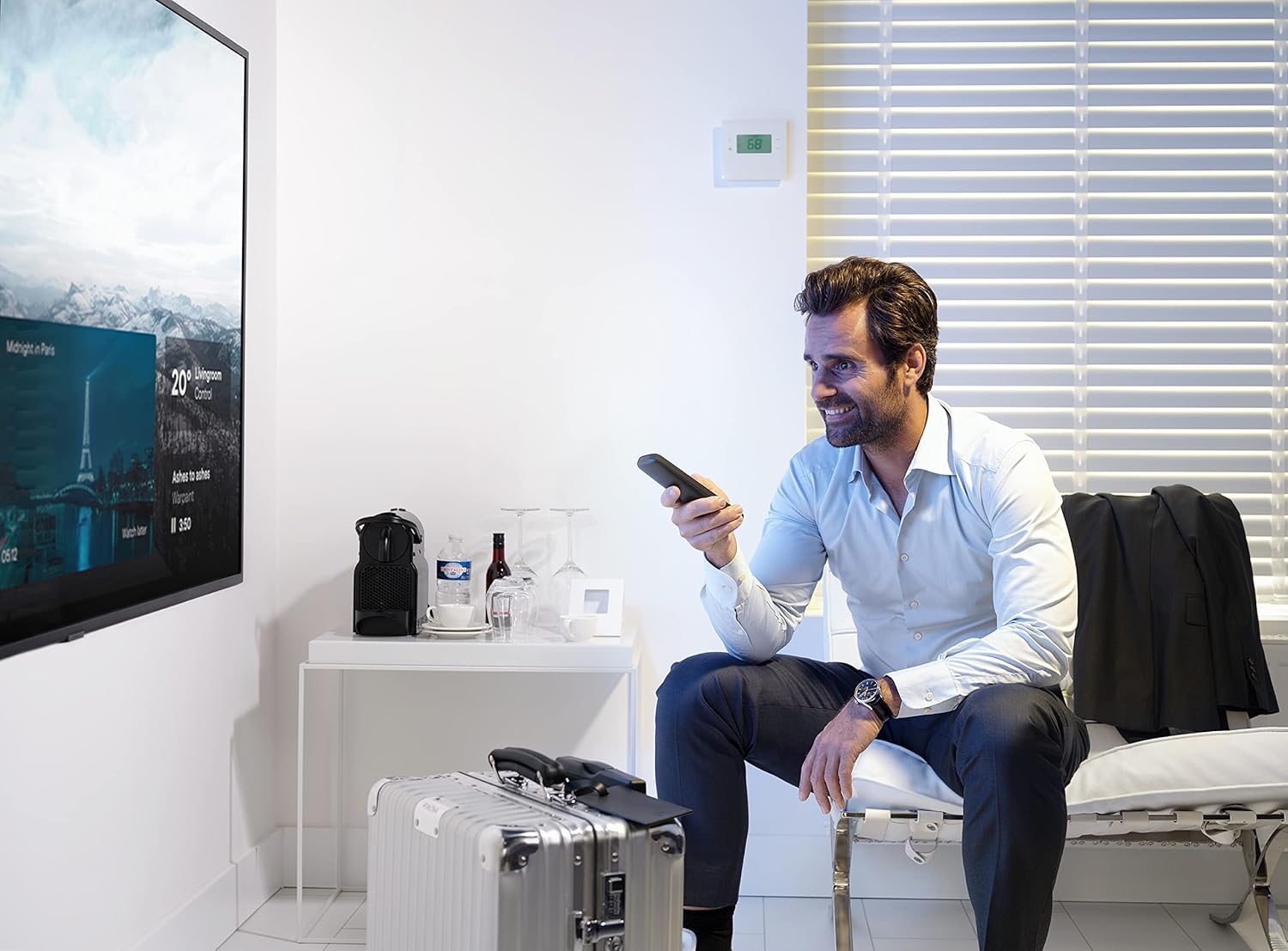
Image: An individual operating the remote control in a hotel room, demonstrating typical usage.
Mantemento
Limpeza do mando a distancia
The Slate R18200 is designed for easy and thorough cleaning, crucial for hospitality environments.
- Ensure the remote control is powered off (if applicable) or remove batteries before cleaning for safety.
- Use un pano suave dampened with common disinfectants or pre-moistened disinfectant wipes.
- Wipe down all surfaces of the remote control, paying attention to the buttons and crevices.
- Allow the remote to air dry completely before reinserting batteries or using.
- Do not submerge the remote control in liquid. Avoid harsh abrasive cleaners.

Image: The remote control positioned in a hotel room setting, emphasizing its cleanable nature and readiness for guest use.
Substitución da batería
Replace batteries when the remote's performance degrades or the backlit keys no longer illuminate brightly. Follow the battery installation steps outlined in the "Setup" section.
Resolución de problemas
| Problema | Causa posible | Solución |
|---|---|---|
| O mando a distancia non responde. | Pilas gastadas ou inseridas incorrectamente. | Comprobe a polaridade das baterías. Substitúa as baterías se é necesario. |
| Remote not controlling the TV. | Remote not programmed correctly for the TV. | Refer to programming instructions or One For All support for correct setup. Ensure line of sight to the TV's IR receiver. |
| Os botóns están pegañentos ou non responden. | Dirt or residue under buttons. | Clean the remote thoroughly as per maintenance instructions. |
| A retroiluminación non funciona. | Batería baixa. | Substitúe as pilas. |
Especificacións
- Marca: Un Para Todos
- Número de modelo: R18200
- Cor: Negro
- Tecnoloxía de conectividade: Infravermello (IR)
- Características especiais: Backlit Keys, Universal, Cleanable Design
- Dispositivos compatibles: Televisions (designed for hospitality TV systems)
- Composición da batería: Alcalino
- Fonte de enerxía: Alimentado por pilas (2 pila AAA, non incluída)
- Rango máximo: Approximately 10 Meters (33 feet)
- Peso do artigo: Approximately 3.43 Kilograms (for a pack of 20 remotes)
- Fabricante: Electrónica Universal
- País de orixe: China
Garantía e Soporte
Warranty information for the One For All Slate R18200 remote controls is typically provided at the point of purchase or with the bulk packaging. For detailed warranty terms, technical support, or programming assistance, please visit the official One For All website or contact your commercial distributor.
Please note that information regarding spare parts availability and guaranteed software updates is not publicly available for this product.
Para obter máis axuda, visite: www.oneforall.com


