1. Introdución
This manual provides instructions for the safe and efficient operation of your MIFA S2118 WildRod Portable Bluetooth Speaker. Please read this manual thoroughly before using the product and retain it for future reference.
2. Contido do paquete
Verifica que todos os elementos estean presentes no paquete:
- MIFA WildRod Speaker
- Cable USB-C
- Manual de usuario (este documento)
3. Produto rematadoview
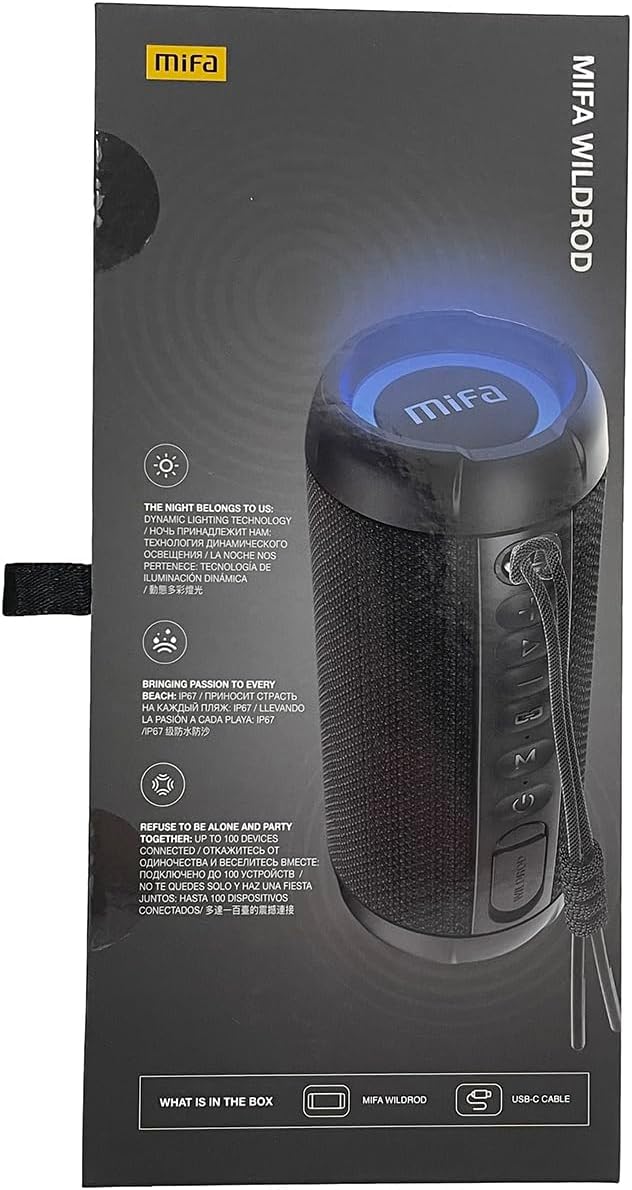
The MIFA S2118 WildRod is a portable Bluetooth speaker designed for outdoor use, featuring robust construction and dynamic audio capabilities.
Características principais:
- IP67 a proba de auga e po: Designed to withstand immersion in water up to 1 meter for 30 minutes and protected against dust ingress.
- Potencia de saída 30 W: Delivers clear and powerful sound with a 2-way speaker system, including a racetrack-shaped woofer and a separate tweeter.
- Dynamic LED Light: Features 16.8 million Aurora colors and 36 mixed color flashing lights that synchronize with music.
- Bluetooth 5.3: For stable wireless connectivity.
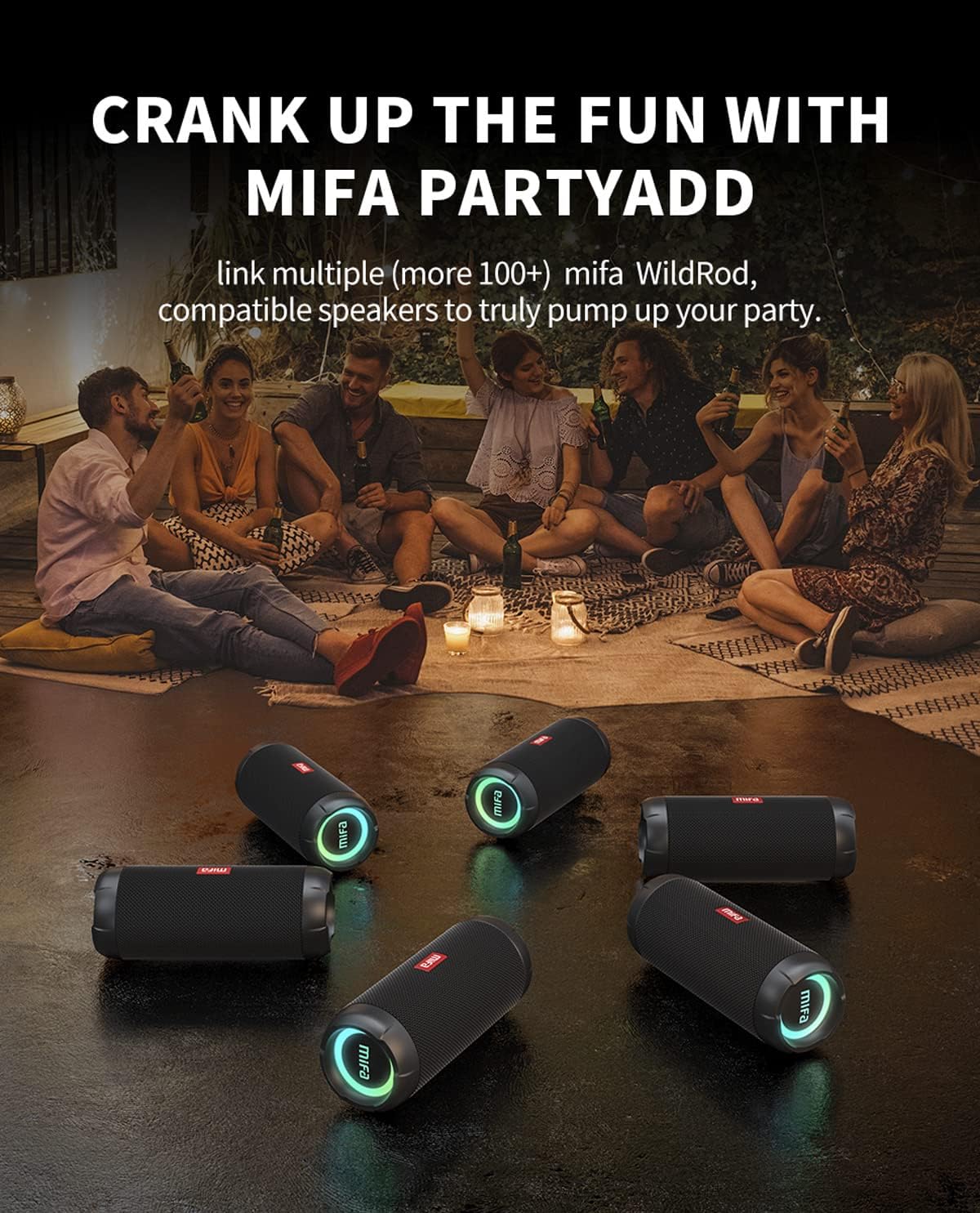
- MIFA PartyAdd: Allows linking multiple (100+) compatible speakers for synchronized audio.
- 12 horas de xogo: Equipped with a 5000mAh lithium battery.
- Múltiples opcións de entrada: Supports Bluetooth and Micro SD card playback.


4. Configuración
4.1 Carga inicial
- Before first use, fully charge the speaker using the provided USB-C cable.
- Connect the USB-C cable to the charging port on the speaker and the other end to a compatible USB power adapter (not included).
- The LED indicator will show charging status and turn off or change color when fully charged.

5. Instrucións de funcionamento
5.1 Encendido/apagado
- Para acender, manteña premido o botón de acendido ata que se acenda o indicador luminoso.
- Para apagar, manteña premido o botón de acendido ata que o indicador luminoso se apague.
5.2 Emparejamento Bluetooth
- Asegúrate de que o altofalante estea acendido e en modo de emparellamento Bluetooth (a luz indicadora parpadeará).
- No teu dispositivo (teléfono intelixente, tableta, etc.), activa o Bluetooth e busca os dispositivos dispoñibles.
- Select "MIFA S2118" or "MIFA WildRod" from the list of devices.
- Once paired, the speaker will indicate a successful connection, and the indicator light will become solid.
5.3 Controis de reprodución
- Reproducir/Pausa: Preme o botón Reproducir/Pausa.
- Subir volume: Preme o botón Volume +.
- Baixar volume: Prema o botón de Volume -.
- Próxima pista: Manteña premido o botón Volume +.
- Pista anterior: Manteña premido o botón de Volume -.
5.4 modos de luz LED
The speaker features dynamic LED lights. Refer to the specific button on your speaker (often marked with a light icon) to cycle through different light modes or turn them off.
5.5 MIFA PartyAdd (True Wireless Stereo Pairing)
To connect multiple MIFA WildRod speakers for a synchronized audio experience:
- Asegúrate de que ambos altofalantes estean acendidos e non conectados a ningún dispositivo Bluetooth.
- On one speaker, press the PartyAdd button (or designated TWS button). It will enter pairing mode.
- Repita o proceso no segundo altofalante.
- Once connected, the speakers will indicate successful pairing. You can then connect your device to one of the speakers via Bluetooth.

5.6 Reprodución de tarxetas Micro SD
Inserir unha tarxeta Micro SD con son files into the designated slot. The speaker will automatically switch to Micro SD card playback mode. Use the playback controls to manage your music.
6. Mantemento
- Limpeza: Use un suave, damp pano para limpar o exterior do altofalante. Non empregue produtos químicos agresivos nin produtos de limpeza abrasivos.
- Almacenamento: Garde o altofalante nun lugar fresco e seco, lonxe da luz solar directa e de temperaturas extremas.
- Coidado da batería: To prolong battery life, fully charge the speaker before long periods of inactivity. Avoid completely draining the battery frequently.
7 Solución de problemas
| Problema | Causa posible | Solución |
|---|---|---|
| O altofalante non se acende. | Batería baixa. | Cargue o altofalante completamente. |
| Non se pode emparellar por Bluetooth. | O altofalante non está en modo de emparellamento; o Bluetooth do dispositivo está desactivado; está demasiado lonxe do altofalante. | Asegúrate de que o altofalante estea en modo de emparellamento. Apaga e activa o Bluetooth do dispositivo. Achega o dispositivo ao altofalante. |
| Sen son. | Volume demasiado baixo; dispositivo non conectado; fonte de entrada incorrecta. | Increase volume on both speaker and device. Re-pair Bluetooth. Check if Micro SD card is inserted. |
| Distorsión do son. | Volume demasiado alto; batería baixa. | Baixa o volume. Carga o altofalante. |
8. Especificacións
- Nome do modelo: WildRod
- Número de modelo do artigo: S2118
- Marca: MIFA
- Potencia de saída máxima do altofalante: 30 vatios
- Resposta en frecuencia: 20000 Hz
- Tecnoloxía de conectividade: USB (for charging), Bluetooth 5.3
- Modo de saída de audio: Estéreo
- Vol. De entradatage: 5 voltios
- Tipo de montaxe: Mesa
- Material: Waterproof and dustproof plastic with LED lights
- Tipo de altofalante: Ao aire libre
- Baterías: 1 batería de iones de litio (incluída)
- Dimensións do produto: 7 x 7 x 19 cm
- Peso: 600 g
- Clasificación impermeable: IP67
- Clasificación a proba de po: IP6X
- Tempo de xogo: Ata 12 horas
9. Información de seguridade
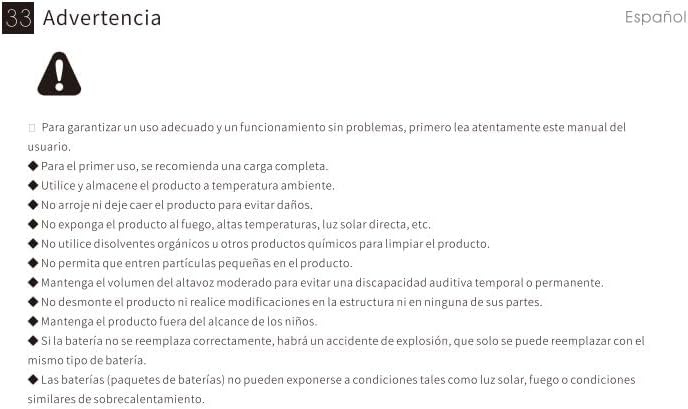
⚠ Aviso: For proper use and trouble-free operation, please read this user manual carefully first.
- For first use, a full charge is recommended.
- Use e almacene o produto a temperatura ambiente.
- Non deixe caer o produto para evitar danos.
- Non expoña o produto ao lume, a altas temperaturas, á luz solar directa, etc.
- Do not use organic solvents or other chemical products to clean the product.
- Non permita que entren partículas pequenas no produto.
- Maintain moderate speaker volume to avoid temporary or permanent hearing impairment.
- Do not disassemble the product or make modifications to the structure or any of its parts.
- Manter o produto fóra do alcance dos nenos.
- If the battery is not replaced correctly, there will be an explosion accident, and it can only be replaced with the same type of battery.
- Batteries (battery packs) cannot be exposed to conditions such as light, fire, or overheating.
10. Garantía e soporte
MIFA products are covered by a limited warranty. For detailed warranty information and support, please visit the official MIFA websitio ou póñase en contacto co servizo de atención ao cliente.
- Fabricante: MIFA INNOVATIONS LLC
- Websitio: www.mifa.net
- Contacto: 4007-881-899


