1. Introdución
Thank you for choosing the Skyworth 55-inch 4K QLED Google TV, Model 55SUE9500. This manual provides essential information for the safe and efficient use of your television. Please read it thoroughly before operating the device and retain it for future reference.
This television features a 55-inch QLED 4K UHD display, Google TV operating system, Dolby Vision & HDR 10+ support, Google Assistant with far-field voice control, Dolby Atmos, DTS Virtual X, and built-in Chromecast. It is designed to deliver a high-quality viewing and smart home entertainment experience.
2. Información de seguridade
Siga sempre as seguintes precaucións de seguridade para evitar descargas eléctricas, incendios ou danos no televisor:
- Non expoña o televisor á choiva nin á humidade.
- Non abras a televisión casing; encomende todo o mantemento a persoal cualificado.
- Asegúrese de ventilar adecuadamente o televisor.
- Use só o cable de alimentación subministrado co televisor.
- Manteña o televisor lonxe da luz solar directa, de fontes de calor e de campos magnéticos fortes.
- Limpa o televisor cun pano suave e seco. Evita os produtos de limpeza líquidos.
3. Contido do paquete
Verifica que todos os elementos estean presentes no paquete:
- Skyworth 55-inch 4K QLED Google TV (Model 55SUE9500)
- Control remoto
- Cable de alimentación
- Soporte para TV (2 pezas)
- Parafusos para a instalación do soporte
- Manual de usuario (este documento)
4. Produto rematadoview
Fronte View
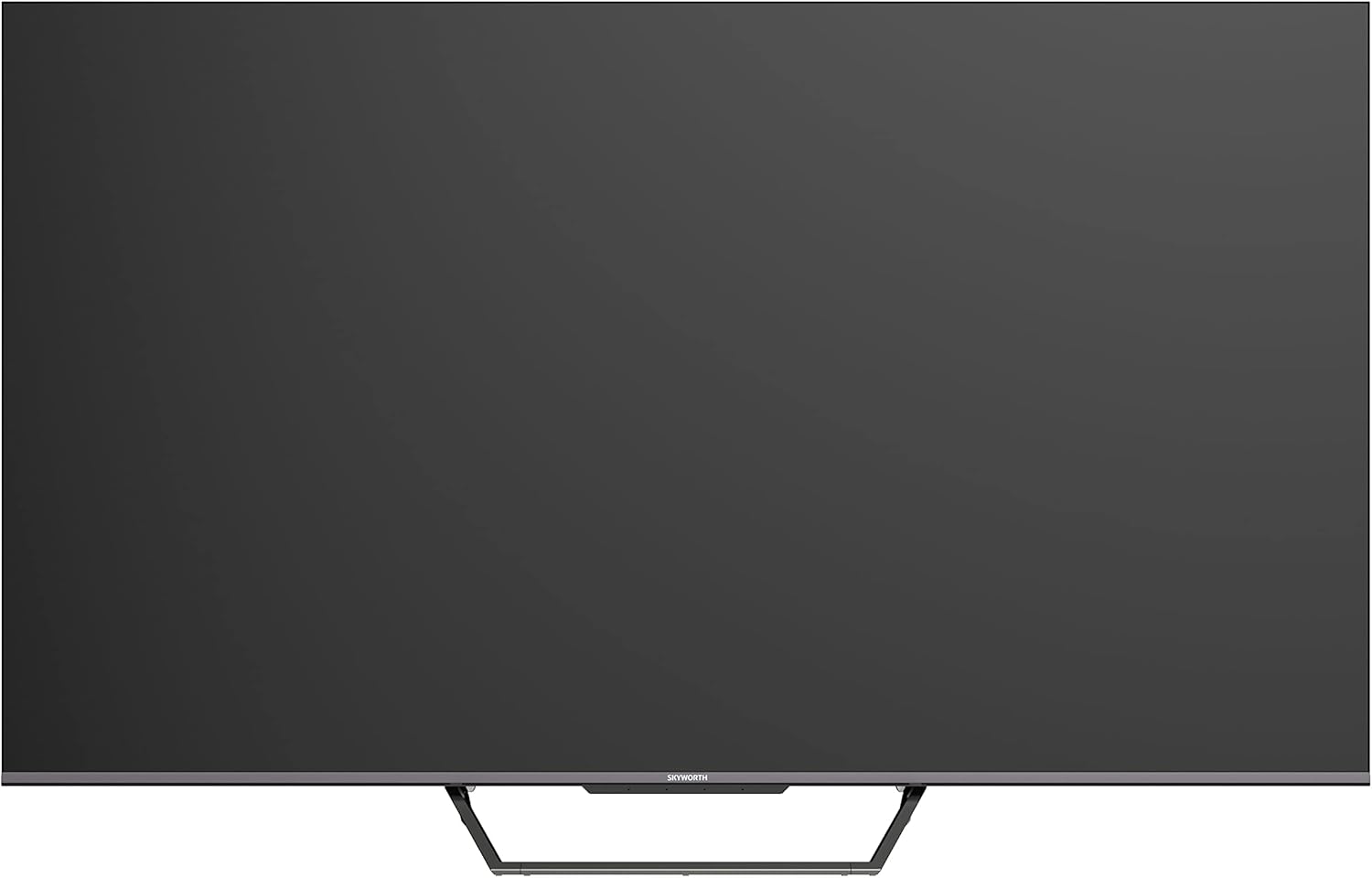
This image displays the front of the Skyworth 55-inch 4K QLED Google TV, showcasing its slim bezels and central stand design.
Lado View

Esta imaxe mostra o lado profile of the television, highlighting its thin design and the depth of the screen.
De volta View

Esta imaxe proporciona unha view of the back panel of the TV, including the mounting points and general layout.
Portos de entrada/saída

This image details the various input and output ports located on the side/back of the television, including HDMI, USB, and other connectivity options.

The television offers multiple interfaces to meet various connectivity needs, including USB (x2), RF, AV IN, HDMI (x3), LAN, and Digital Out.
5. Configuración
5.1 Instalación do stand
Para instalar o soporte da TV:
- Coloque con coidado o televisor boca abaixo sobre unha superficie suave e plana para evitar danar a pantalla.
- Aliñe as pezas do soporte coas ranuras correspondentes na parte inferior do televisor.
- Fixa o soporte cos parafusos fornecidos. Asegúrate de que estean ben axustados.

The TV features a unique U-shaped central base design, crafted with metal die-casting technology for stability.
5.2 Conexión de periféricos
Connect your external devices (e.g., cable box, Blu-ray player, gaming console) to the appropriate HDMI or AV IN ports. For internet access, connect an Ethernet cable to the LAN port or use the built-in Wi-Fi.
5.3 Encendido inicial
After connecting all necessary cables, plug the power cable into an electrical outlet. Press the power button on the remote control or the TV to turn it on. Follow the on-screen instructions to complete the initial setup, including network connection, Google account login, and channel scanning.
6. Instrucións de funcionamento
6.1 Control remoto
The remote control allows you to navigate the Google TV interface, adjust volume, change channels, and access smart features. Ensure batteries are correctly inserted.
6.2 Interface de Google TV
Your TV runs on Google TV OS, providing a personalized content experience. The home screen displays recommended content, installed apps, and quick access to settings.

Google TV refines the Android TV experience with personalized content and tailored recommendations based on your viewhábitos e intereses.

Enjoy abundant resources with Google TV, including over 700,000 movies & TV series and millions of songs from platforms like Netflix, YouTube, and Prime Video.
6.3 Funcións intelixentes
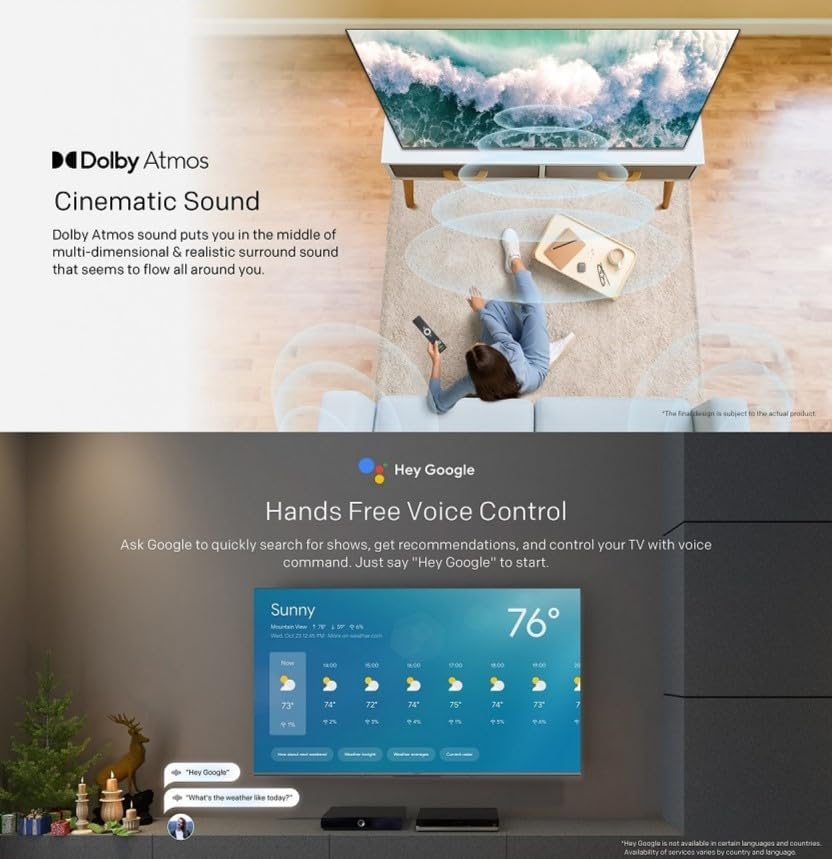
- Control de voz mans libres: Use "Hey Google" to search for shows, get recommendations, and control your TV with your voice.
- Chromecast integrado: Easily cast content from your compatible mobile devices (Android and iOS) to the TV.
- Bluetooth bidireccional: Connect Bluetooth headphones or speakers to the TV, or use the TV as a speaker for your mobile devices.
- Kids Care: Configurar profiles for children with age-appropriate content recommendations and parental controls.
- Google Duo: Make video calls directly from your TV to connect with friends and family.
- Google Fotos: Share and view your memories on the big screen.

Ask Google to quickly search for shows, get recommendations, and control your TV using voice commands. Simply say "Hey Google" to activate.
The TV supports bidirectional Bluetooth, allowing connection to mobile phones and Bluetooth audio products for versatile sound options.

This image highlights key features such as Kids Care for child-friendly content, Google Duo for video calls, Google Photos for sharing memories, and Chromecast built-in for easy content casting.
6.4 Axustes de imaxe e son
Access the settings menu to customize picture and sound preferences.
- QLED 4K UHD with Dolby Vision & HDR10+: Experience vibrant colors and enhanced contrast.
- Modo cineasta: Disables post-processing to preserve the original aspect ratios, colors, and frame rates as intended by the filmmaker.
- Dolby Atmos & DTS Virtual X: Enjoy immersive, multi-dimensional sound.
- Health Platform: Includes Eye Protection Mode, Night Mode, and Auto Volume Control for comfortable viewing.
- Sen parpadeo: Reduce a fatiga ocular minimizando o parpadeo da pantalla.

With Dolby Vision and advanced HDR10+, the TV enhances the viewing experience, producing images with greater realism and brightness.

Filmmaker Mode ensures a cinematic experience by disabling post-processing, preserving the director's original vision.
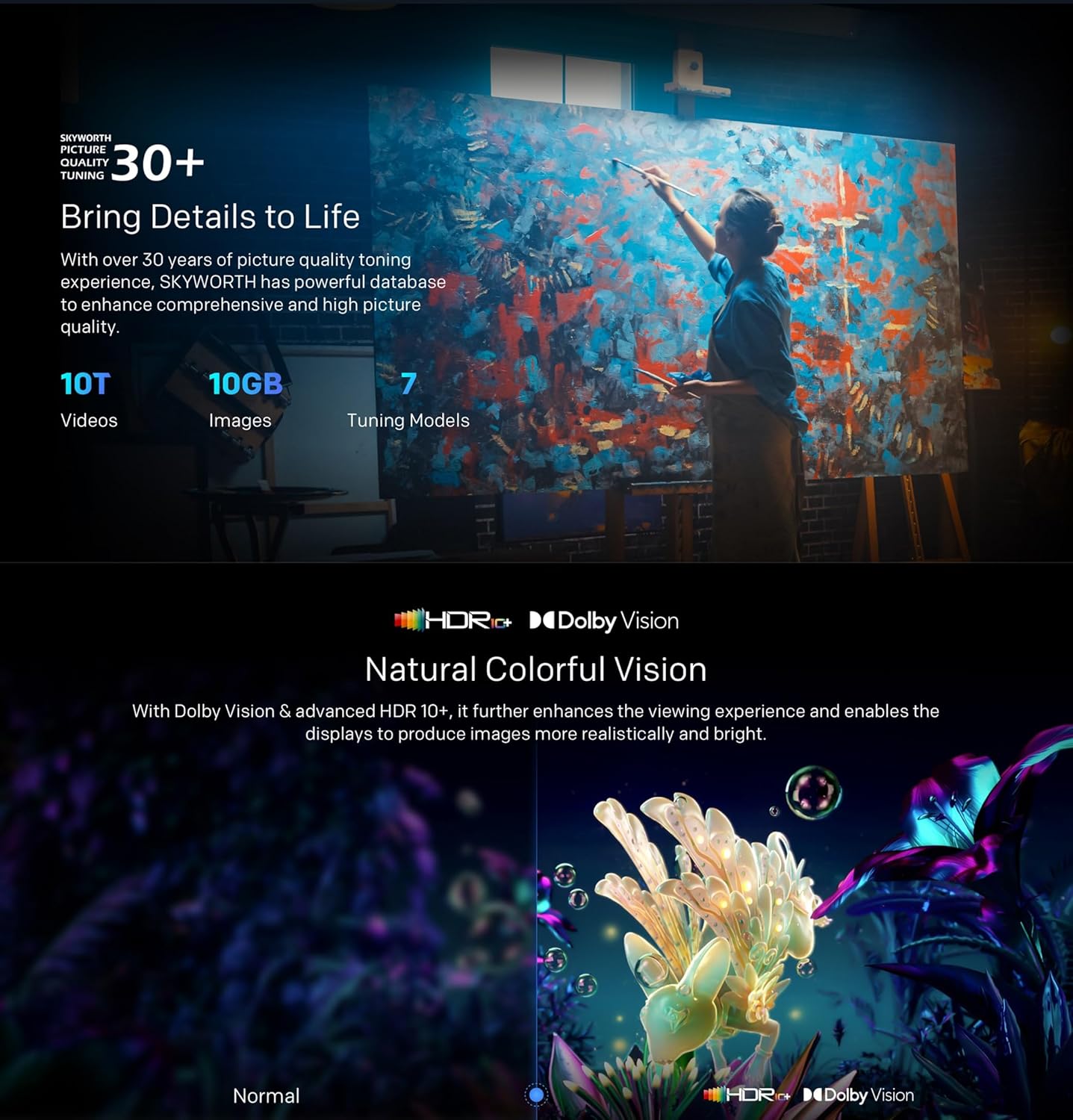
Dolby Atmos sound technology provides a multi-dimensional and realistic surround sound experience that flows around you.

The Health Platform allows you to choose comfort modes such as Eye Protection Mode, Night Mode, or Auto Volume Control for an optimized viewexperiencia ing.

Flicker Free technology effectively reduces harm from rapid flickers by adapting direct current backlight, protecting your eye health.
7. Mantemento
7.1 Limpeza
To clean the TV screen and casing:
- Unplug the TV from the power outlet before cleaning.
- Usa un pano suave e sen pelusa para limpar a pantalla con suavidade. Para marcas difíciles, limpa lixeiramenteampEnxágüe o pano con auga ou cun limpador de pantallas especializado (asegúrese de que sexa apto para televisores).
- Limpe o casinLimpe cun pano suave e seco. Evite produtos de limpeza ou solventes abrasivos.
7.2 Actualizacións de software
Your Google TV may receive automatic software updates. Ensure your TV is connected to the internet to receive these updates, which can improve performance and add new features. You can also manually check for updates in the settings menu.
8 Solución de problemas
Se tes problemas co teu televisor, consulta as seguintes solucións habituais:
| Problema | Posible Solución |
|---|---|
| Sen poder | Comprobe se o cable de alimentación está ben conectado ao televisor e á toma de corrente. Probe cunha toma diferente. |
| Sen imaxe, pero hai son | Asegúrate de que estea seleccionada a fonte de entrada correcta. Comproba as conexións dos cables aos dispositivos externos. |
| Sen son, pero si imaxe | Check volume levels and mute settings. Verify audio cable connections. |
| O control remoto non funciona | Substitúa as pilas. Asegúrate de que non haxa obstrucións entre o mando a distancia e o sensor de infravermellos do televisor. |
| Problemas de conexión wifi | Restart your router and the TV. Check network settings on the TV. Ensure the TV is within range of your Wi-Fi signal. |
Se o problema persiste, póñase en contacto co servizo de atención ao cliente.
9. Especificacións
The following table outlines the key specifications for the Skyworth 55SUE9500 TV:
| Característica | Descrición |
|---|---|
| Número de modelo | 55 SUE9500 |
| Tamaño da pantalla | 55 polgadas |
| Tecnoloxía de visualización | QLED |
| Resolución | 4K UHD (3840 x 2160) |
| Taxa de actualización | 60 Hz |
| Sistema Operativo | Google TV |
| Soporte HDR | Dolby Vision, HDR10+ |
| Tecnoloxía de audio | Dolby Atmos, DTS Virtual X |
| Procesador | Chameleon Extreme 2.0 |
| RAM | 2 GB |
| Almacenamento | 16 GB |
| Conectividade | Wi-Fi, Bluetooth 5.1, Ethernet (LAN) |
| Portos | HDMI x3, USB x2, RF, AV IN, Digital Out |
| Características especiais | Google Assistant, Chromecast Built-in, Game Mode, Flicker Free, Health Platform, Filmmaker Mode |
| Dimensións do produto (con soporte) | 122.5 x 77 x 26 cm (aprox.) |
| Peso (con soporte) | 12.2 kg (aprox.) |

This diagram provides detailed measurements of the television, including its width, height, and depth, both with and without the stand, along with the corresponding weights.
10. Garantía e soporte
10.1 Información da garantía
Your Skyworth 55-inch 4K QLED Google TV Model 55SUE9500 comes with a 2-year warranty. This warranty covers manufacturing defects and malfunctions under normal use. Please retain your proof of purchase for warranty claims. The warranty does not cover damage caused by misuse, accidents, unauthorized repairs, or acts of nature.
10.2 Atención ao cliente
For technical assistance, troubleshooting beyond this manual, or warranty service, please contact Skyworth customer support. Refer to the contact information provided in your product packaging or on the official Skyworth websitio para a súa rexión.


