1. Introdución
The ICY BOX IB-DK8801-TB4 is a versatile Thunderbolt 4 docking station designed to expand the connectivity of your laptop or Mac. It offers a 10-in-1 solution, enabling connection of multiple peripherals, external displays, and providing power delivery through a single Thunderbolt 4 cable. This manual provides instructions for setup, operation, and maintenance to ensure optimal performance.

Figure 1: The IB-DK8801-TB4 docking station integrated into a workspace, demonstrating universal PC connectivity.
2. Contido do paquete
- 1x ICY BOX IB-DK8801-TB4 Thunderbolt 4 Docking Station
- 1 x adaptador de alimentación
- 1 cable Thunderbolt 4
- 1 x Manual de usuario
3. Produto rematadoview
The IB-DK8801-TB4 docking station features a comprehensive array of ports for various connectivity needs. Familiarize yourself with the port layout before connecting devices.

Figure 2: Port layout and daisy-chaining illustration of the docking station.
Portos do panel frontal:
- Lector de tarxetas SD 4.0: For high-speed data transfer from SD cards.
- Porto USB 3.1 tipo A: Connect USB peripherals.
- Porto USB-C: Connect USB-C devices.
- Porto de subida de Thunderbolt 4: Connects to your host laptop/Mac.
- Botón de encendido: To power on/off the docking station.
Portos do panel traseiro:
- DC IN: Conecte o adaptador de alimentación incluído.
- Porto HDMI: Conectar unha pantalla externa.
- Porto Ethernet: Para conexión de rede por cable.
- 2x Thunderbolt 4 Downstream Ports: Connect additional Thunderbolt devices or displays, supporting daisy-chaining.
- 3 portos USB 3.1 tipo A: Connect additional USB peripherals.
4. Configuración
Follow these steps to set up your ICY BOX Thunderbolt 4 Docking Station:
- Conectar enerxía: Plug the power adapter into the DC IN port on the rear of the docking station, then connect it to a power outlet.
- Conectar ao dispositivo anfitrión: Use the provided Thunderbolt 4 cable to connect the Thunderbolt 4 Upstream port on the front of the docking station to a Thunderbolt 4 port on your laptop or Mac.
- Conectar pantallas:
- For a single 8K@30Hz display, connect it to one of the Thunderbolt 4 downstream ports using a compatible cable.
- For dual 4K@60Hz displays, connect one display to the HDMI port and the other to a Thunderbolt 4 downstream port (using a compatible adapter/cable if necessary).

Figure 3: Connecting external monitors to the docking station.
- Conectar periféricos: Connect your USB devices (keyboard, mouse, external drives) to the available USB 3.1 Type-A or USB-C ports. Insert SD cards into the SD 4.0 card reader as needed.
- Conectar rede: For a wired internet connection, connect an Ethernet cable from your router/modem to the Ethernet port on the rear of the docking station.
5. Instrucións de funcionamento
Encendido/apagado:
Press the power button on the front panel to turn the docking station on or off. The LED indicator will illuminate when the device is powered on.
Configuración da pantalla:
Your host device should automatically detect connected displays. You can configure display settings (resolution, orientation, extended/mirrored mode) through your operating system's display settings.
Entrega de enerxía (PD):
The docking station provides up to 96W Power Delivery through the Thunderbolt 4 upstream port to charge your connected laptop or Mac. Ensure your device supports charging via Thunderbolt 4.

Figure 4: The docking station providing 96W Power Delivery to a laptop.
Thunderbolt 4 Capabilities:
The Thunderbolt 4 ports support data transfer speeds of up to 40 Gbit/s. They are compatible with DisplayPort, PCIe, and USB 4, and are backward compatible with previous Thunderbolt versions. This allows for high-speed external storage, external graphics cards, and other high-bandwidth devices.
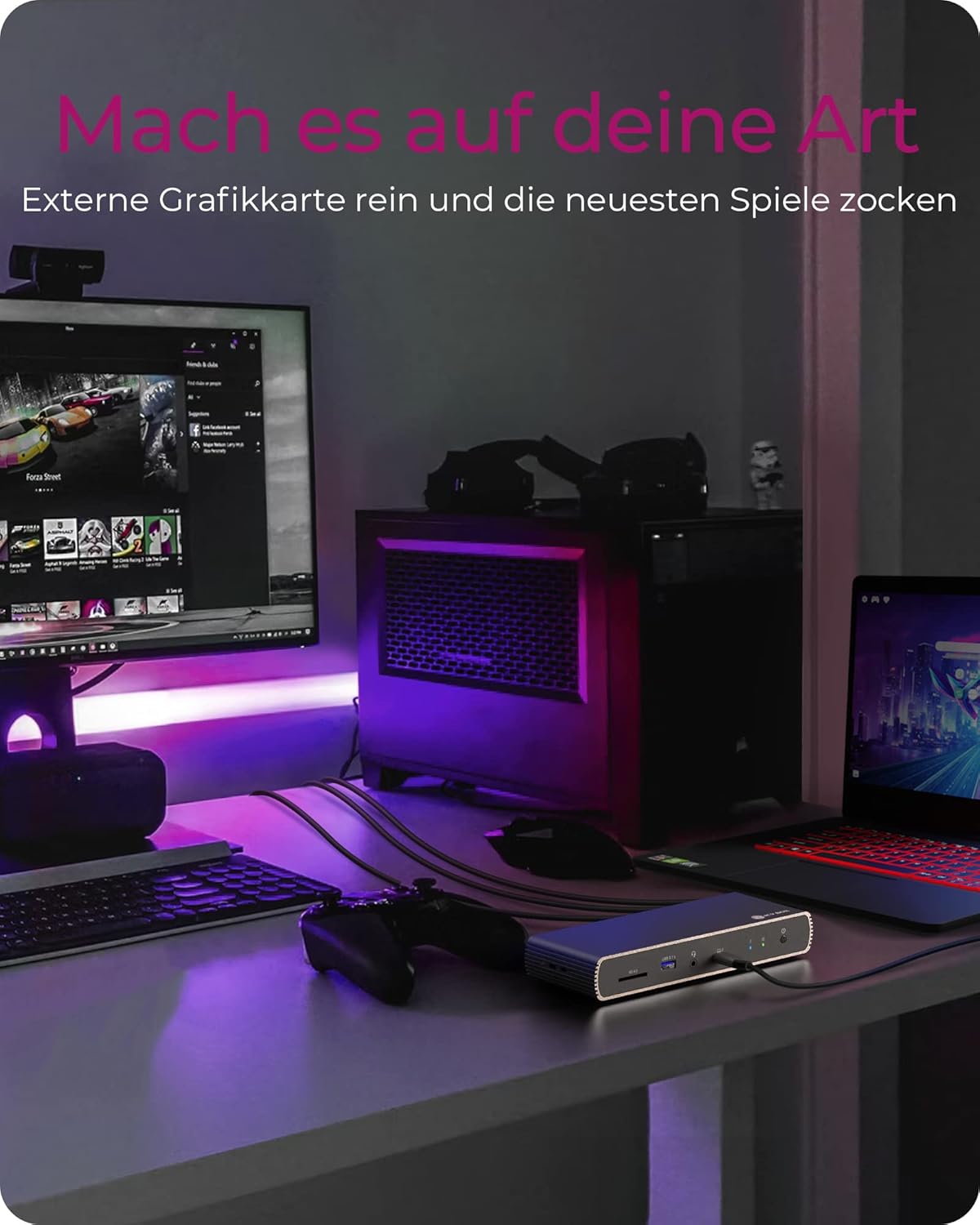
Figure 5: Using the docking station with an external graphics card for enhanced performance.

Figure 6: The docking station facilitating creative workflows with various connected devices.
6. Mantemento
Para garantir a lonxevidade e o rendemento óptimo da súa estación de acoplamento:
- Garde o dispositivo nun lugar seco e ben ventilado, lonxe da luz solar directa e de fontes de calor.
- Avoid exposing the device to liquids or excessive moisture.
- Limpa o exterior cun pano suave e seco. Non empregues produtos químicos agresivos nin produtos de limpeza abrasivos.
- Asegúrate de que todos os cables estean conectados de forma segura e non estean sometidos a tensión.
7 Solución de problemas
Se tes problemas coa túa estación de acoplamento, consulta os seguintes problemas e solucións comúns:
| Problema | Posible Solución |
|---|---|
| No power to the docking station. | Ensure the power adapter is securely connected to both the docking station and a working power outlet. Check the power button status. |
| Non se mostra no monitor externo. | Verify display cables are securely connected. Ensure the docking station is powered on and connected to your host device. Check your host device's display settings. Try a different display cable or port. |
| Dispositivos USB non recoñecidos. | Ensure the docking station is powered on and connected to your host device. Try connecting the USB device to a different port on the dock or directly to your host device to rule out device issues. |
| Laptop not charging. | Confirm your laptop supports charging via Thunderbolt 4. Ensure the Thunderbolt 4 upstream cable is correctly connected. Check the power adapter connection. |
| Problemas de conexión á rede. | Check the Ethernet cable connection. Verify your router/modem is working correctly. Ensure network drivers are up to date on your host device. |
8. Especificacións
| Característica | Detalle |
|---|---|
| Nome do modelo | IB-DK8801-TB4 |
| Marca | CAIXA DE XEO |
| Interface de hardware | DisplayPort, HDMI, Thunderbolt, USB, USB Type C |
| Dispositivos compatibles | MacBook Air, MacBook Pro, Thunderbolt 4 enabled laptops |
| Número de portos | 10 |
| Total de portos USB | 4 (USB 3.1) + 1 (USB-C) |
| Total de portos HDMI | 1 |
| Portos Thunderbolt 4 | 2x Downstream, 1x Upstream |
| Entrega de enerxía | Ata 96W |
| Saída de vídeo | Single 8K@30Hz or Dual 4K@60Hz |
| Ethernet | Si |
| Lector de tarxetas SD | 4.0 SD |
| Dimensións do produto | 50 x 50 x 28 cm |
| Peso do elemento | 440 g |
9. Garantía e soporte
ICY BOX products are designed for reliability and performance. For warranty information and technical support, please refer to the official ICY BOX websitio web ou póñase en contacto co seu distribuidor local. Garde o comprobante de compra para reclamacións de garantía.


