Produto rematadoview
The Leviton EV320 is a Level 2 Electric Vehicle Charging Station designed for efficient and reliable home charging. This hardwired unit delivers 32 Amps at 208/240 VAC, providing 7.6 kW of power output through an 18-foot charging cable. Its robust design allows for both indoor and outdoor installation, ensuring durability in various environmental conditions.

The Leviton EV320 charging station mounted on an exterior wall, ready for use with an electric vehicle.
Información de seguridade
This product is designed and manufactured to meet high safety standards, including UL and Energy Star certifications. Proper installation by a qualified electrician is crucial for safe operation. Always adhere to local electrical codes and regulations.
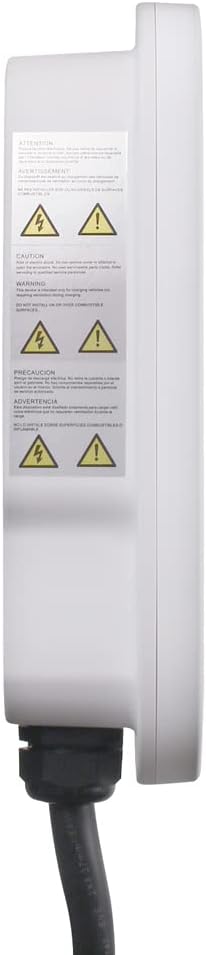
AVISO: Este produto pode expoñelo a produtos químicos, incluído o chumbo, que o Estado de California sabe que causa cancro e defectos de nacemento ou outros danos reprodutivos. Para máis información, vai a www.P65Warnings.ca.gov.

Lado view of the charging station displaying important safety and warning labels.
Configuración
Requisitos de instalación
- The EV320 is a hardwired charging station and does not require a receptacle.
- Require un 40 dedicado Amp interruptor.
- A instalación debe ser realizada por un electricista cualificado de acordo con todos os códigos eléctricos nacionais e locais.
- The water-resistant NEMA Type 3R enclosure allows for both indoor and outdoor installation.
The EV320 charging station requires a hardwired connection, suitable for outdoor installation.

Traseira view of the EV320, illustrating the mounting bracket and cable entry points for hardwired installation.
My Leviton App Setup
For smart features and remote control, download the My Leviton app. Follow the in-app instructions to connect your EV320 charger to your Wi-Fi network. This enables monitoring charging status, receiving notifications, and controlling the charger remotely.
Este vídeo ofrece un sobreview of setting up your Leviton EV Series charger with the My Leviton app, demonstrating the process of connecting the device to your Wi-Fi network and accessing smart features.
Instrucións de funcionamento
Cargando o teu vehículo
- Ensure the EV320 is properly installed and powered.
- Connect the SAE J1772 charging cable to your electric vehicle's charging port. The EV320 is compatible with any EV using the industry-standard SAE J1772 coupler, including Tesla with a Tesla-supplied adapter.
- The charger will automatically begin the charging process. Monitor the status indicator light on the unit or through the My Leviton app.
- To stop charging, disconnect the cable from your vehicle.
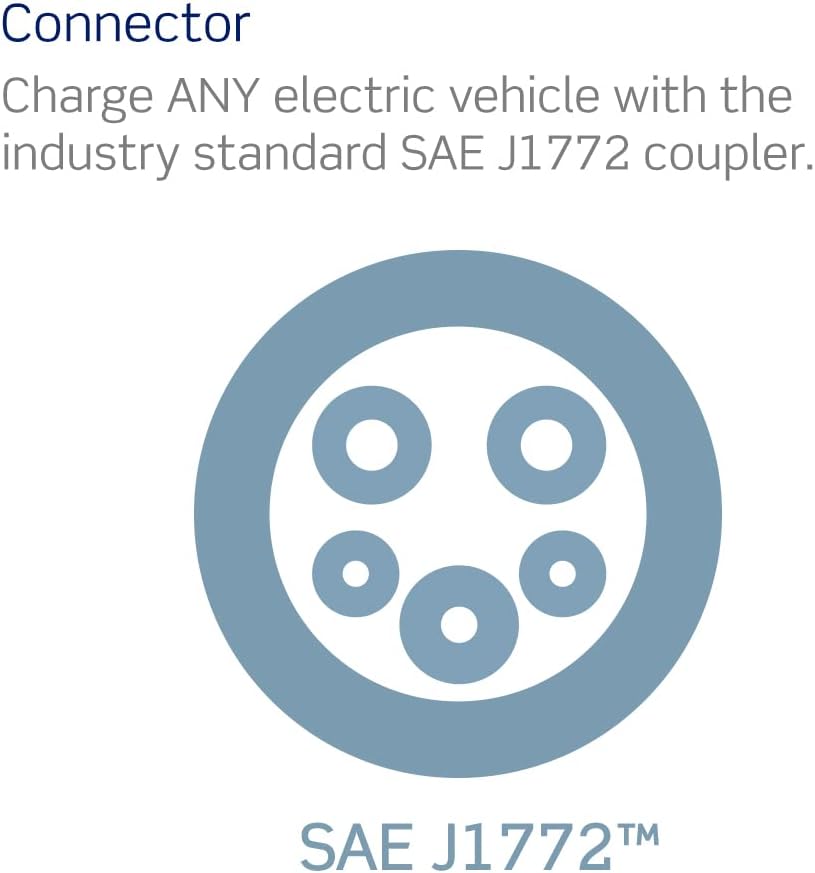
The EV320 utilizes the industry-standard SAE J1772 connector, ensuring compatibility with a wide range of electric vehicles.
Luz indicadora de estado
The EV320 features an LED indicator light to communicate its operational status:
- Blue Light (Steady): Modo de espera.
- Green Light (Steady): Waiting for charge. Occurs after the vehicle connector is plugged into the vehicle inlet.
- Green Light (Flashing): A carga está en curso.
- Luz vermella: A fault has occurred. Refer to the Troubleshooting section.

Visual guide to the EV charger's LED status indicator lights and their meanings.
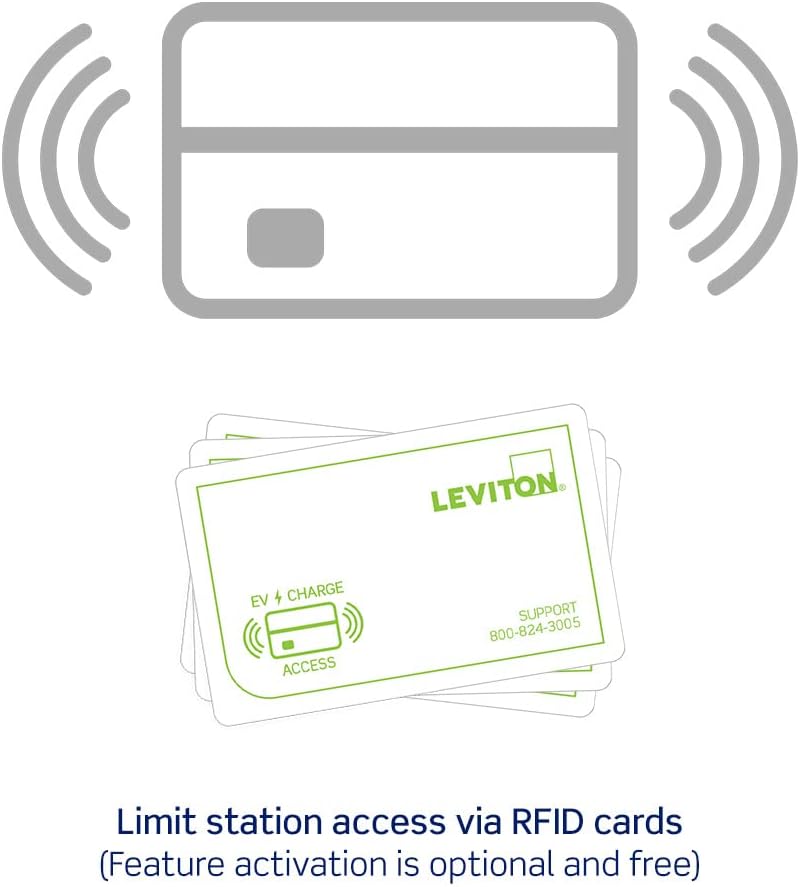
Optional Access Control (RFID)
The EV320 supports optional access control via RFID cards. This feature is disabled by default. To activate and limit access, tap your ADMIN RFID card to the designated area on the charger. This allows you to control who can use the charging station.
RFID cards can be used to limit access to the charging station, a feature that is optional and free to activate.
Características
- Marca de confianza: Leviton has over a century of experience in homes and a decade in EV charging, offering UL/Energy Star Certified stations with dedicated 24/7 support.
- Compatibilidade universal: Equipped with an industry-standard SAE J1772 cable, the EV Series can charge any electric vehicle, including Audi, BMW, Ford, Honda, Subaru, and Tesla (with a Tesla-supplied adapter).
- Indoor/Outdoor Application: Features a water-resistant NEMA Type 3R enclosure and a cable designed to resist freezing and cracking in extreme weather, making it suitable for both indoor and outdoor installations.
- Fácil instalación: Designed for time savings with a pre-attached input cable and included mounting hardware. Note: This station is hardwired and requires a 40 Amp rompedor.
- Optional Access Control (RFID): Each EV Series station comes with access control disabled. Users can limit access via RFID cards by tapping an ADMIN card to activate this feature.
Este vídeo ofrece unha visión xeralview of the Leviton EV Series, highlighting key features such as safety, charging speed, indoor/outdoor use, and smart home integration.
Mantemento
To ensure optimal performance and longevity of your Leviton EV320 charging station, follow these maintenance guidelines:
- Limpeza regular: Periodically wipe down the exterior of the charging station and the charging cable with a soft, damp pano. Evite o uso de produtos químicos agresivos ou produtos de limpeza abrasivos.
- Inspección de cables: Regularly inspect the charging cable and connector for any signs of wear, damage, or fraying. Do not use the charger if the cable or connector is damaged.
- Almacenamento: When not in use, properly coil the charging cable and store the connector in its holster to protect it from environmental elements and accidental damage.
- Protección ambiental: While designed for outdoor use, ensure the unit is not continuously submerged in water or exposed to extreme physical impact.
Resolución de problemas
If you encounter issues with your EV320 charging station, refer to the following common troubleshooting steps:
- Sen alimentación/Sen luz indicadora:
- Check the circuit breaker in your electrical panel to ensure it has not tripped. Reset if necessary.
- Verify that the charging station is securely hardwired.
- Red Fault Light:
- A red light indicates a fault. Disconnect the charging cable from your vehicle and the charging station.
- Wait a few minutes, then reconnect the cable. If the fault persists, consult a qualified electrician.
- Charging Not Initiating (Steady Green Light):
- Ensure the charging cable is fully and securely inserted into your vehicle's charging port.
- Check your vehicle's charging settings to ensure it is ready to accept a charge.
- If using RFID access control, ensure you have tapped an authorized card.
- Problemas de conectividade da aplicación:
- Ensure your home Wi-Fi network is active and the signal strength at the charger's location is adequate.
- Restart your Wi-Fi router and the EV320 charger (by cycling its circuit breaker).
- Verify that the My Leviton app is updated to the latest version.
For persistent issues or complex problems, contact Leviton customer support or a qualified electrician.
Especificacións
| Especificación | Detalle |
|---|---|
| Número de modelo | EV320 |
| Marca | Leviton |
| Saída Ampera | 32 Amp |
| Vol. De entradatage | 208 / 240 VAC |
| Potencia de saída | 7.6 kW |
| Lonxitude do cable de carga | 18 pés |
| Tipo de instalación | Cableado |
| Valoración do recinto | NEMA Type 3R (Indoor/Outdoor) |
| Dimensións do produto | 14.19 x 9.84 x 3.42 polgadas |
| Peso do elemento | 12.79 libras |
| Cor | Branco |
| Certificacións | Energy Star, UL |
Garantía e Soporte
Leviton stands by the quality of its products. For specific warranty details, please refer to the documentation included with your product or visit the official Leviton website. For technical assistance, troubleshooting, or any inquiries, Leviton offers a dedicated 24/7 support team.
Información de contacto: Please refer to the contact details provided in your product packaging or on the official Leviton websitio para obter a información de soporte máis actualizada.


