Introdución
This manual provides essential instructions for the operation and maintenance of your Creative Sensemore Air True Wireless In-Ear Headphones. These headphones are designed to deliver a versatile audio experience with advanced features for various listening environments.

Image: Creative Sensemore Air earbuds shown with their charging case.
Características principais:
- Sensemore Mode: Amplifies surrounding sounds for enhanced awareness.
- Modo ambiente: Permite escoitar o que che rodea mentres desfrutas do son.
- Cancelación activa de ruído (ANC): Reduce o ruído externo para unha escoita envolvente.
- Quad Microphones: Ensures clear voice pickup for calls and voice commands.
- Duración prolongada da batería: Up to 10 hours per charge, with a total of 35 hours using the charging case.
- Resistente á suor IPX5: Deseñado para soportar a suor e as salpicaduras lixeiras.
- Carga sen fíos: Supports Qi-certified wireless charging for convenience.
- Bluetooth 5.2: Ofrece conectividade sen fíos estable e eficiente.
- Controis táctiles personalizables: Personalize earbud functions via the Creative app.
Configuración
1. Cargando o dispositivo
Before first use, fully charge the Creative Sensemore Air earbuds and their charging case.
- Mediante cable USB-C: Connect the provided USB-C charging cable to the charging port on the case and to a power source.
- Carga sen fíos: Place the charging case on a Qi-certified wireless charging pad.
The LED indicators on the front of the charging case will show the charging status. A full charge provides up to 10 hours of playtime for the earbuds and up to 35 hours total with the case. A 10-minute quick charge provides up to 2 hours of playtime.

Image: The charging case showing LED indicators for battery status.
2. Emparejamento cun dispositivo
- Asegúrate de que os auriculares estean na caixa de carga e que a tapa da caixa estea aberta.
- No teu dispositivo (teléfono intelixente, tableta, etc.), activa o Bluetooth e busca os dispositivos dispoñibles.
- Select "Creative Sensemore Air" from the list of detected devices to pair.
- Unha vez emparellados, os auriculares conectaranse automaticamente ao teu dispositivo ao retiralos da funda.
3. Installing the Creative App
For full functionality and customization, download the Creative app from your device's app store. The app allows you to:
- Switch between Sensemore Mode, Ambient Mode, and Active Noise Cancellation.
- Personaliza os controis táctiles.
- Adjust audio settings with a graphic equalizer.
- Realizar actualizacións de firmware.

Image: Creative app icon for mobile devices.
Funcionamento dos auriculares
Modos de control de ruído
The Creative Sensemore Air headphones offer three distinct noise control modes to adapt to your environment:
- Sensemore Mode: This proprietary technology enhances ambient sound beyond conventional transparency modes. It focuses on vocals and amplifies surrounding sounds for improved hearing and clearer conversations.
- Modo ambiente: Allows you to hear your surroundings naturally, useful for staying aware in busy environments.
- Cancelación activa de ruído (ANC): Blocks out unwanted external noise, providing a more immersive audio experience.
Switch between these modes using the customizable touch controls on the earbuds or through the Creative app.

Image: A person on a bus using the Creative Sensemore Air earbuds, illustrating the noise control features.
Vídeo: Un overview of the Creative Sensemore Air True Wireless in-Ear Headphones, demonstrating key features like Sensemore Mode, Ambient Mode, and Active Noise Cancellation.
Funcionalidade de chamada
Equipped with four microphones, the earbuds provide enhanced voice pickup and call clarity. You can also activate voice assistants like Siri or Google Assistant with ease.

Image: A woman using the earbuds to interact with a voice assistant, highlighting the quad mic feature.
Controis táctiles
The earbuds feature intuitive touch controls for managing playback, calls, and noise control modes. These controls can be customized through the Creative app to suit your preferences.

Image: Screenshot of the Creative app showing customizable touch control settings.
Mantemento
Limpeza e coidado
To ensure longevity and optimal performance, regularly clean your earbuds and charging case.
- Limpe os auriculares e a caixa de carga cun pano suave, seco e sen fiapos.
- Retire as almofadas dos oídos e límpeas con auga e xabón suave, logo séqueas ben antes de volvelas colocar.
- Evite o uso de limpadores abrasivos ou disolventes.
Resistencia á auga (IPX5)
The Creative Sensemore Air earbuds are rated IPX5 sweatproof, meaning they are protected against low-pressure water jets from any direction. This makes them suitable for workouts and use in light rain.
Importante: A caixa de carga é non water-resistant. Do not expose it to water or moisture.
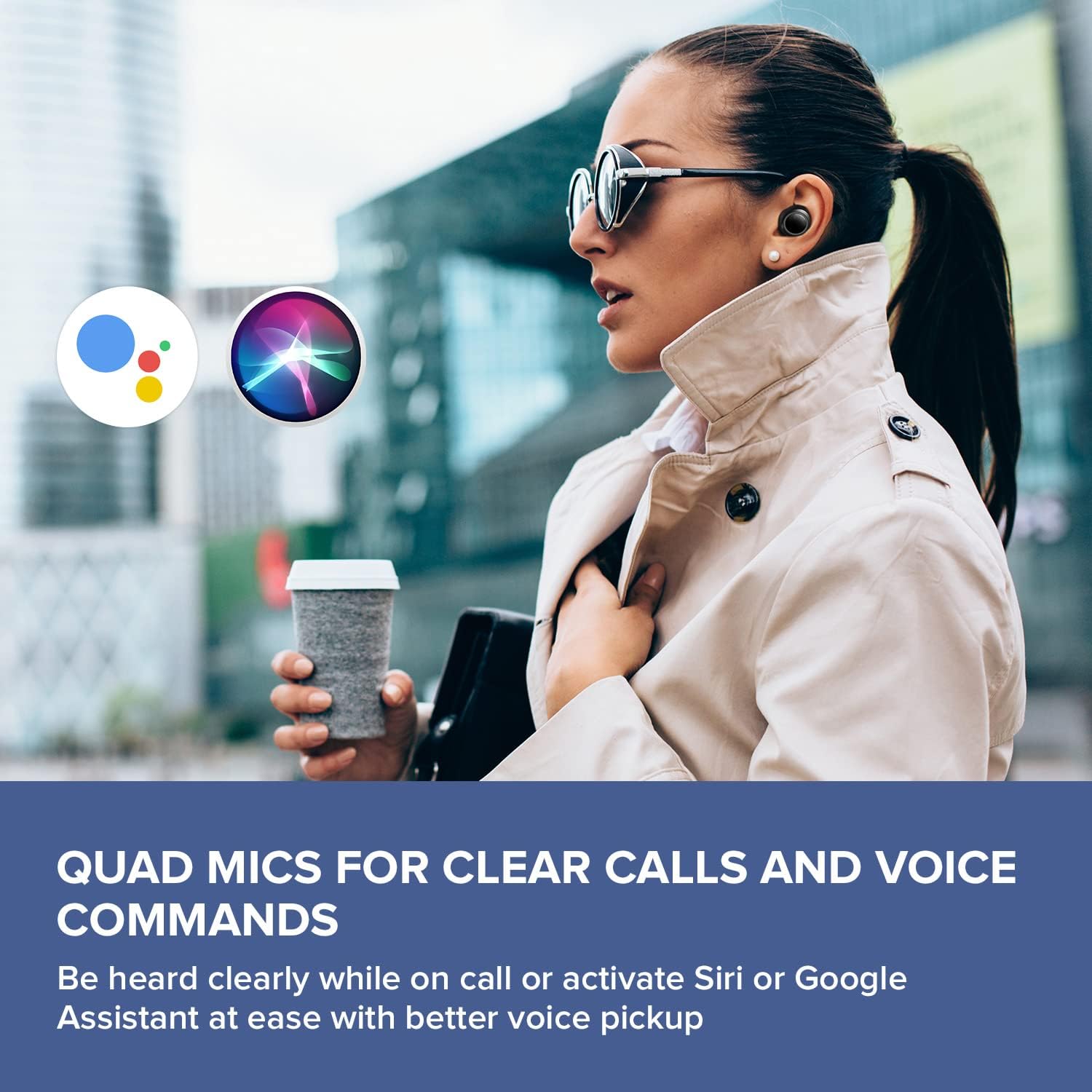
Image: A woman running outdoors, demonstrating the IPX5 sweatproof feature of the earbuds.
Resolución de problemas
Problemas comúns e solucións
- Sen son/Mala calidade de son:
- Asegúrate de que os auriculares estean completamente cargados.
- Comprobe a conexión Bluetooth e volva a emparellala se é necesario.
- Axusta o volume tanto nos auriculares como no dispositivo conectado.
- Limpa as almofadas e as boquillas dos auriculares para eliminar calquera residuo.
- Proba almofadas de diferentes tamaños para unha mellor selaxe.
- Os auriculares non se emparejan:
- Place earbuds back in the case, close the lid, then open it again to reset.
- Asegúrate de que o Bluetooth estea activado no teu dispositivo e dentro do alcance.
- Esquece o dispositivo na configuración de Bluetooth do teu teléfono e tenta emparellalo de novo.
- Problemas de carga:
- Verify the USB-C cable is securely connected to both the case and power source.
- If using wireless charging, ensure the case is correctly positioned on the Qi-certified pad.
- Comproba se os contactos de carga dos auriculares e do interior da funda están limpos.
- Problemas de conectividade da aplicación:
- Ensure the Creative app is updated to the latest version.
- Reinicia a aplicación ou o teu dispositivo móbil.
- Confirm Bluetooth is active and the earbuds are connected to your device.
Especificacións
| Característica | Detalle |
|---|---|
| Nome do modelo | EF1020 |
| Conectividade | Bluetooth 5.2 |
| Alcance Bluetooth | 10 metros |
| Codecs de audio | AAC, SBC |
| Condutores | 6 mm Bio-cellulose Dynamic Drivers |
| Micrófonos | Cuádruple micrófonos |
| Control de ruído | Sensemore Mode, Ambient Mode, Active Noise Cancellation |
| Tempo de xogo total | Ata 35 horas (con funda de carga) |
| Tempo de reprodución por carga | Ata 10 horas |
| Tempo de carga | 2 horas |
| Interfaz de carga | USB-C, Wireless (Qi-certified) |
| Resistencia á auga | IPX5 (só auriculares) |
| Método de control | Toca |
| Peso do elemento | 1.76 onzas |
| Dimensións do produto | 2.7 x 1.9 x 1.3 polgadas (estuche de carga) |
Garantía e Soporte
Creative products are designed for reliability and performance. For warranty information and customer support, please refer to the official Creative websitio web ou a documentación incluída co produto.
- Rexistro do produto: Rexistra o teu produto en liña para recibir actualizacións e asistencia.
- Soporte técnico: Visit the Creative support page for FAQs, troubleshooting guides, and contact information.
Nota: Warranty terms may vary by region and retailer. Please retain your proof of purchase.


