1. Introdución
This manual provides essential instructions for the SOLTECH CCTV Remote Control, model RCWN00001B (also identified as EP10-001090A). This remote is specifically designed for use with various Samsung Wisenet Security & Surveillance Camera Systems, including DVRs and NVRs. Please read this manual thoroughly to ensure proper use and functionality of your remote control.
2. Produto rematadoview
The SOLTECH CCTV Remote Control is a dedicated device for managing your Samsung Wisenet security system. It replicates the functionality of the original remote control included with Wisenet All-In-One systems, providing convenient access to your DVR or NVR functions.
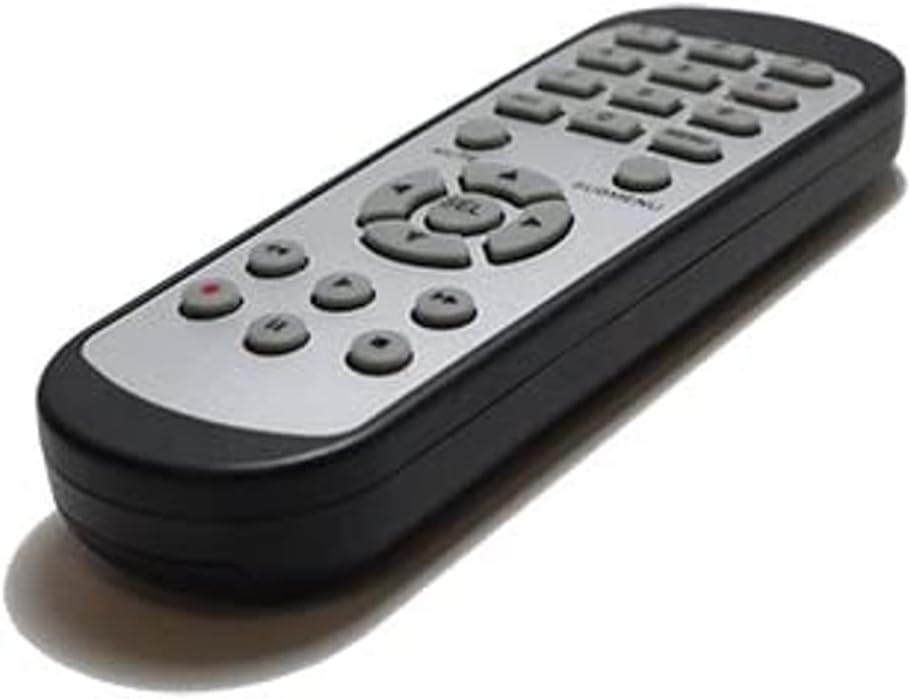
Imaxe 2.1: Fronte view of the SOLTECH CCTV Remote Control (Model RCWN00001B / EP10-001090A).
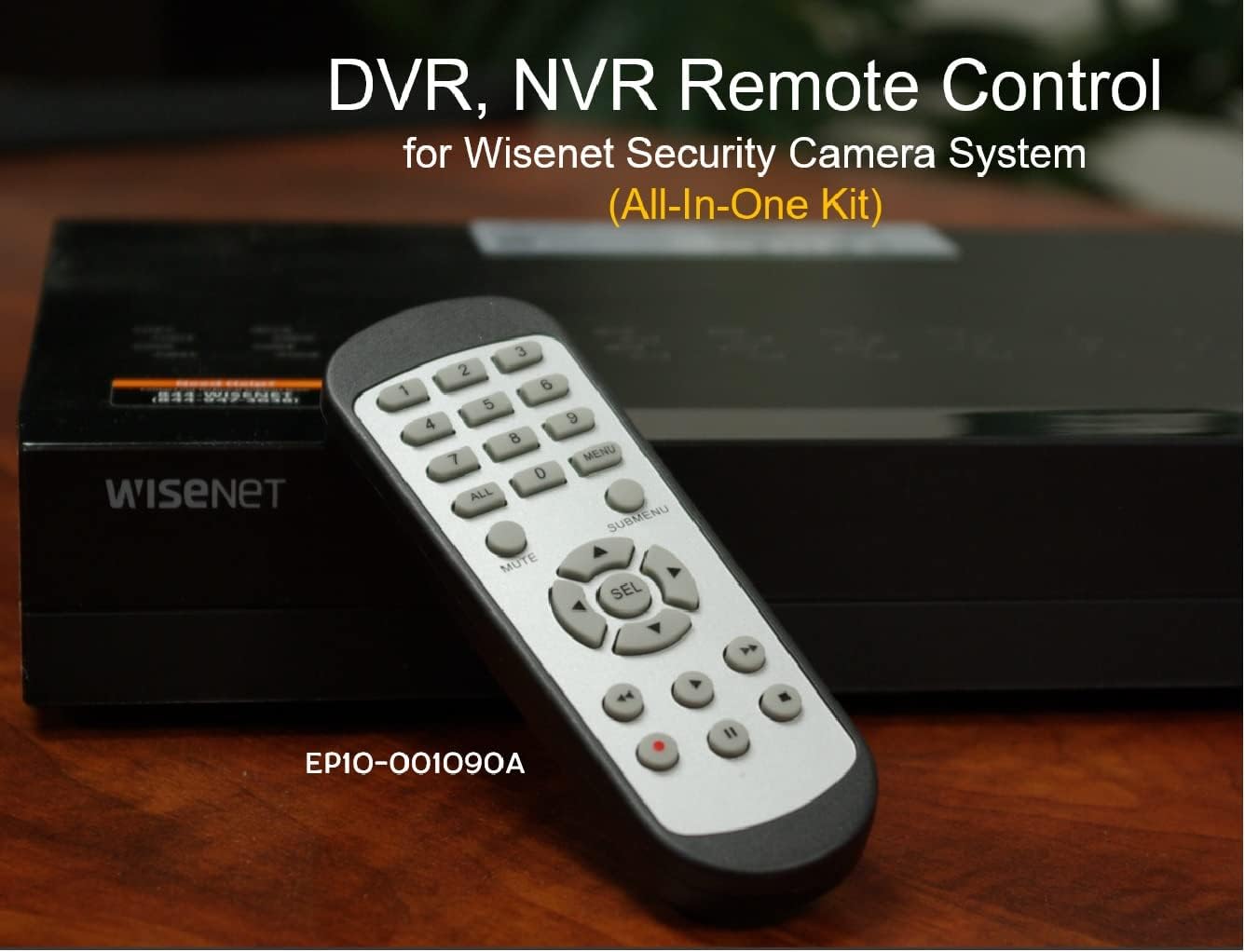
Image 2.2: The remote control positioned on a Wisenet Digital Video Recorder (DVR).
3. Configuración
This remote control requires two AAA batteries for operation. Batteries are not included with the product and must be purchased separately.
3.1 Instalación da batería
- Localice o compartimento da batería na parte traseira do control remoto.
- Slide the battery compartment cover downwards and lift it off.
- Insira dúas pilas AAA, asegurándose de manter a polaridade correcta (+ e -) como se indica no interior do compartimento.
- Volva colocar a tapa do compartimento da batería deslizándoa de volta ao seu lugar ata que faga clic de forma segura.

Imaxe 3.1: Traseira view do mando a distancia co compartimento das pilas aberto, mostrando onde inserir as pilas AAA.
3.2 Conexión inicial
The SOLTECH CCTV Remote Control is pre-configured for Samsung Wisenet All-In-One System DVRs and NVRs. No additional setup, programming, or pairing is required. Once batteries are installed, the remote is ready for immediate use with compatible systems.
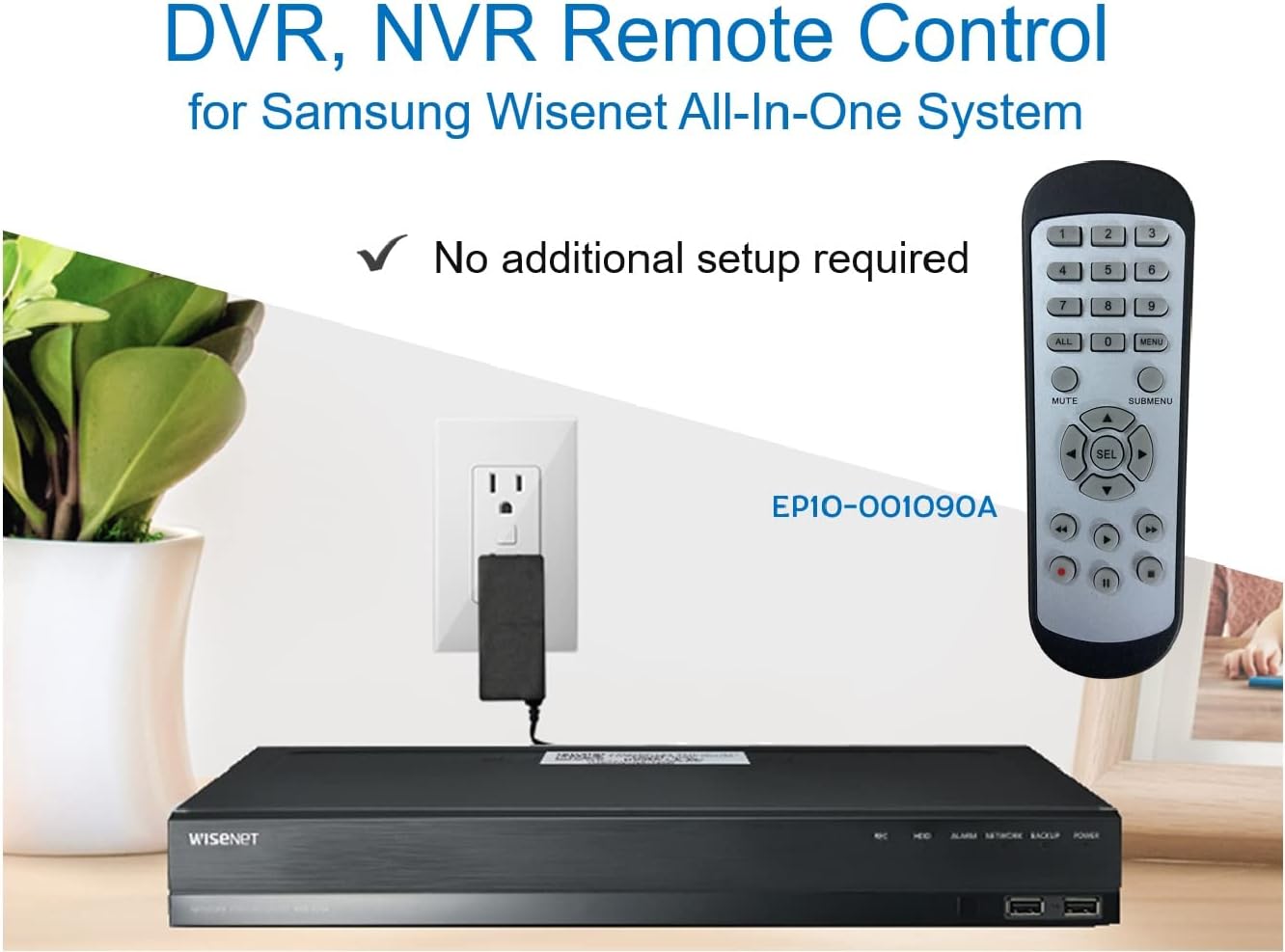
Image 3.2: The remote control shown alongside a Wisenet DVR, illustrating the 'no additional setup required' feature.
4. Instrucións de funcionamento
Point the remote control directly at your Samsung Wisenet DVR or NVR. Press the desired buttons to navigate menus, control playback, switch camera views, and access other functions of your security system. The button layout is standard for Wisenet systems, allowing for intuitive operation.
- Botóns numéricos (0-9): Used for direct camera selection or data entry.
- Directional Pad (Up, Down, Left, Right, SEL): Para a navegación e selección de menús.
- MUTO: Silencia a saída de audio.
- SUBMENU: Accesses sub-menus within the system interface.
- Playback Controls (Play, Pause, Stop, Fast Forward, Rewind): Manages recorded footage reprodución.
- GRAVACIÓN (Gravación): Inicia a gravación manual.
5. Compatibilidade
This remote control is compatible with various Samsung Wisenet All-In-One System Series. It is designed to function as a direct replacement for the original remote controls supplied with these systems.
5.1 Compatible System Series
The remote control is compatible with, but not limited to, the following Samsung Wisenet All-In-One System Series:
- SDH-E95127
- SDH-B94047
- SDH-C94087
- SDH-B73043
- SDH-C85080
- SDH-SF440
- SDH-B74043
- SDH-B74083
- SDH-B74041
- SDH-B74081
- SDH-C85100
- SDR-C85300
- SNK-B73047
- SDH-B74086
- SDH-C73043
- SDR-C73303
- SDH-C74043DF
- SDR-C74303N1T
- SDR-B74301

Image 5.1: The remote control displayed alongside a partial list of compatible Samsung Wisenet All-In-One System Series.

Image 5.2: An illustration showing the remote control's compatibility with a range of Samsung Wisenet security camera systems.
6. Mantemento
6.1 Substitución da batería
When the remote control's performance diminishes or it stops responding, replace the AAA batteries. Always replace both batteries at the same time with new ones. Do not mix old and new batteries, or different types of batteries.
6.2 Limpeza
Para limpar o mando a distancia, use un pano suave e seco. Para a sucidade persistente, dóreo lixeiramente.ampEnxágüe o pano con auga. Evite o uso de produtos químicos agresivos, produtos de limpeza abrasivos ou solventes, xa que poden danar a superficie ou os compoñentes internos do mando a distancia.
6.3 Almacenamento
Garda o mando a distancia nun lugar fresco e seco, lonxe da luz solar directa e de temperaturas extremas. Se o mando a distancia non se vai usar durante un período prolongado, é recomendable retirar as pilas para evitar fugas.
7 Solución de problemas
If you experience issues with your SOLTECH CCTV Remote Control, refer to the following common troubleshooting steps:
- O control remoto non responde:
- Comprobe se as pilas están inseridas correctamente coa polaridade correcta.
- Substitúe as pilas por pilas AAA novas.
- Ensure there is a clear line of sight between the remote control and the infrared receiver on your Wisenet DVR/NVR. Obstructions can block the signal.
- Verify that the remote control is pointed directly at the Wisenet system.
- Funcionalidade intermitente:
- Isto adoita indicar que a batería ten pouca enerxía. Substitúa as baterías.
- Ensure no strong light sources (like direct sunlight or bright fluorescent lights) are interfering with the infrared signal.
- Remote Does Not Control My System:
- Confirm that your security system is a Samsung Wisenet All-In-One System and is listed as compatible in Section 5.1. This remote is specifically designed for these systems and may not work with other brands or models.
- As this remote requires no additional setup, if it is not working with a confirmed compatible system after battery replacement, contact customer support.
8. Especificacións
| Característica | Detalle |
|---|---|
| Número de modelo | RCWN00001B (EP10-001090A) |
| Dimensións do produto | 5 x 1.75 x 0.75 polgadas |
| Peso do elemento | 1.76 onzas |
| Pilas necesarias | 2 pilas AAA (non incluídas) |
| Fabricante | SOLTECH |
| Cor | Gris |
| Número máximo de dispositivos compatibles | 1 (Wisenet DVR/NVR) |
| Dispositivos compatibles | Samsung Wisenet Security Camera Systems (DVR/NVR) |

Image 8.1: The remote control with its physical dimensions (length, width, thickness) indicated.
9. Garantía e soporte
For information regarding product warranty, please refer to the documentation provided with your purchase or contact the seller directly. The seller for this product is SOLTECH America.
For further assistance or technical support, please reach out to the manufacturer or seller through their official contact channels.


