1. Introdución
Thank you for choosing the Auna Connect 100 MKII Portable Bluetooth DAB/DAB+/FM Radio. This device offers a versatile listening experience with access to digital DAB/DAB+ radio, traditional FM radio, and wireless audio streaming via Bluetooth. It also features USB playback, an AUX input, a TFT display, and an alarm clock function. This manual provides essential information for safe operation, setup, and maintenance of your radio.
2. Instrucións de seguridade
- Lea atentamente todas as instrucións antes de usar o dispositivo.
- Conserve este manual para futuras consultas.
- Non expoñas o dispositivo á choiva, á humidade nin a temperaturas extremas.
- Asegúrese de que haxa unha ventilación axeitada; non obstrua ningunha das aberturas de ventilación.
- Use só o adaptador de alimentación que se proporciona coa unidade.
- Non intente desmontar nin modificar a unidade. Encargue calquera mantemento a persoal cualificado.
- Clean the unit only with a dry, soft cloth.
3. Produto rematadoview
Controis e pantalla do panel frontal

Imaxe: Fronte view of the Auna Connect 100 MKII radio, showing the central TFT display, two rotary knobs (Volume and Navigate/Snooze), and various control buttons below the display, including USB IN port.
- Pantalla TFT: Shows current mode, station information, track details, time, and menu options.
- Botón de volume/encendido: Rotate to adjust volume; press to power on/off.
- OK/Navigate/Snooze Knob: Rotate to navigate menus/stations; press to confirm selection or snooze alarm.
- Porto de entrada USB: Para conectar dispositivos de almacenamento USB para a reprodución de son.
- Botóns de control: Include Home, Scan, Presets (1-5+), Menu/Info, Back, and Headphone Jack.
Conexións do panel traseiro

Imaxe: Traseira view of the Auna Connect 100 MKII radio, highlighting the telescopic antenna, AUX IN, DC power input, and Line-Out ports.
- Antena telescópica: For DAB/DAB+ and FM radio reception.
- AUX IN: Conector de 3.5 mm para conectar fontes de son externas.
- DC IN: Power input for the mains adapter.
- Saída de liña: Para conectar a dispositivos externos amplificadores ou altofalantes.
4. Configuración
4.1 Desembalaxe
Carefully remove the radio from its packaging. Retain the packaging materials for future transport or storage.
4.2 Conexión de alimentación
- Conecte o adaptador de corrente subministrado ao porto DC IN na parte traseira da radio.
- Plug the power adapter into a suitable mains power outlet.
- The radio is designed for mains operation.
4.3 Axuste da antena
Extend the telescopic antenna fully and adjust its position for optimal DAB/DAB+ and FM radio reception.
5. Funcionamento
5.1 Encendido/apagado
Preme o Botón de volume/encendido to turn the radio on or off.
5.2 Selección de modo
Preme o Casa button to access the main menu and select your desired mode (e.g., DAB, FM, Bluetooth, USB, AUX). Use the OK/Navigate Knob to scroll and select.

Imaxe: Arriba view of the Auna Connect 100 MKII radio, showing icons for various connection types and modes such as FM Antenna, DAB/DAB+, USB, Headphone, Aux, WiFi, and Bluetooth.
5.3 Radio DAB/DAB+
- Seleccione DAB mode from the main menu.
- The radio will automatically scan for available DAB/DAB+ stations.
- Usa o OK/Navigate Knob to browse the station list and press to select a station.
- Preme o Menú/Información botón para view información da estación.
5.4 Radio FM
- Seleccione FM mode from the main menu.
- Preme o Escanear button to automatically scan for FM stations.
- Usa o OK/Navigate Knob to fine-tune frequencies or select a scanned station.

Image: Two individuals smiling and enjoying music, illustrating the stereo sound output of the Auna Connect 100 MKII radio.
5.5 Emparejamento Bluetooth
- Seleccione Bluetooth mode from the main menu. The display will show "Pairing".
- Activa o Bluetooth no teu teléfono intelixente ou tableta e busca os dispositivos dispoñibles.
- Select "Auna Connect 100 MKII" from the list to pair.
- Unha vez emparellado, podes transmitir audio desde o teu dispositivo á radio.
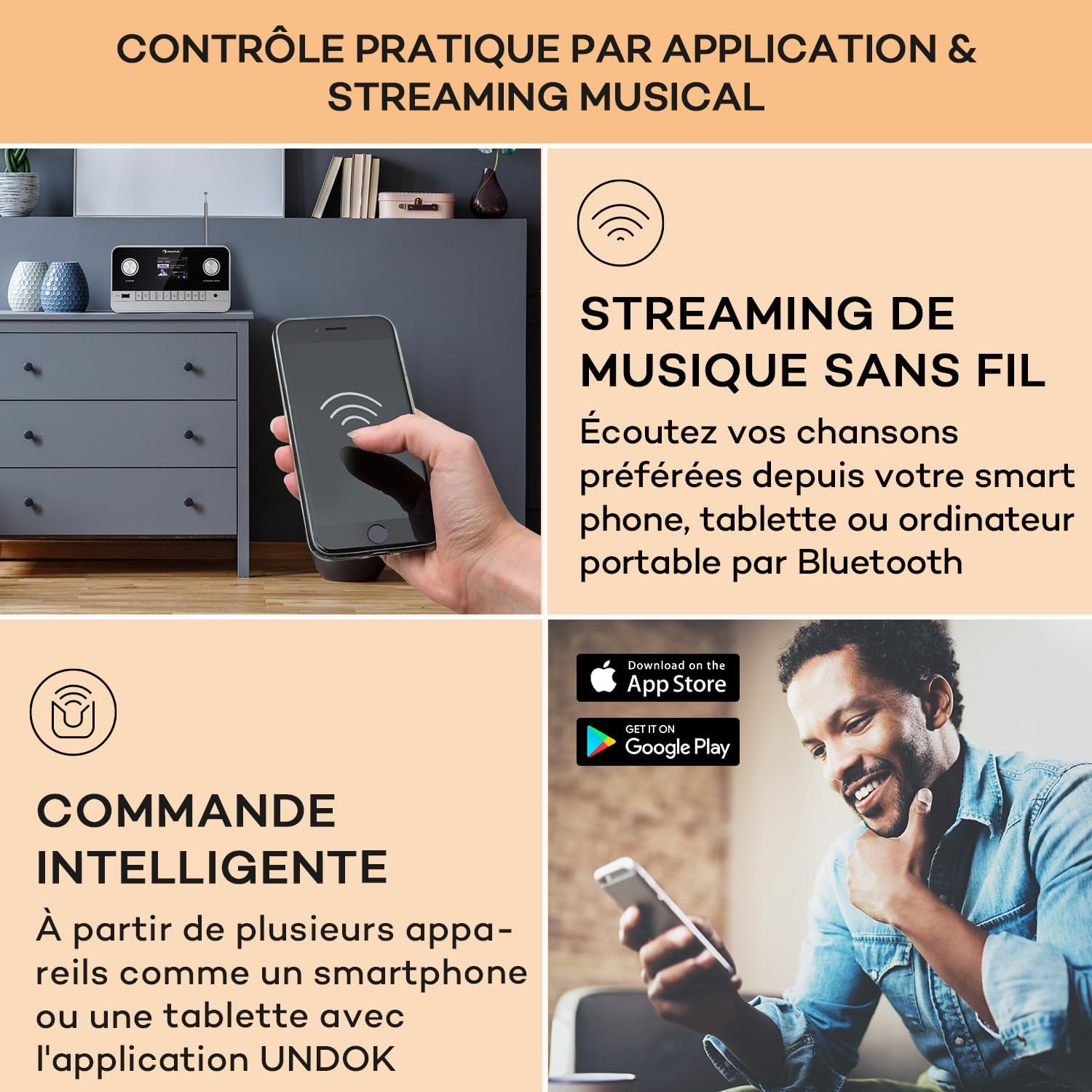
Image: A hand holding a smartphone, demonstrating wireless music streaming and smart control of the Auna Connect 100 MKII radio via a dedicated application.
Reprodución por USB 5.6
- Insira un dispositivo de almacenamento USB no ENTRADA USB porto no panel frontal.
- Seleccione USB mode from the main menu.
- Usa o OK/Navigate Knob to browse folders and tracks, then press to play.
5.7 Entrada AUX
- Conecte un dispositivo de son externo (por exemplo, un reprodutor de MP3) ao AUX IN porto do panel traseiro mediante un cable de audio de 3.5 mm.
- Seleccione AUX mode from the main menu.
- Audio from the external device will now play through the radio.
5.8 Reloxo despertador e temporizador de sono
The radio includes an alarm clock and sleep timer function. Access these settings via the Menú button and follow the on-screen instructions to set alarms or a sleep timer.
5.9 Configuración da pantalla
Adjust display brightness and other settings through the Menú options. The TFT color display provides clear visibility of information.
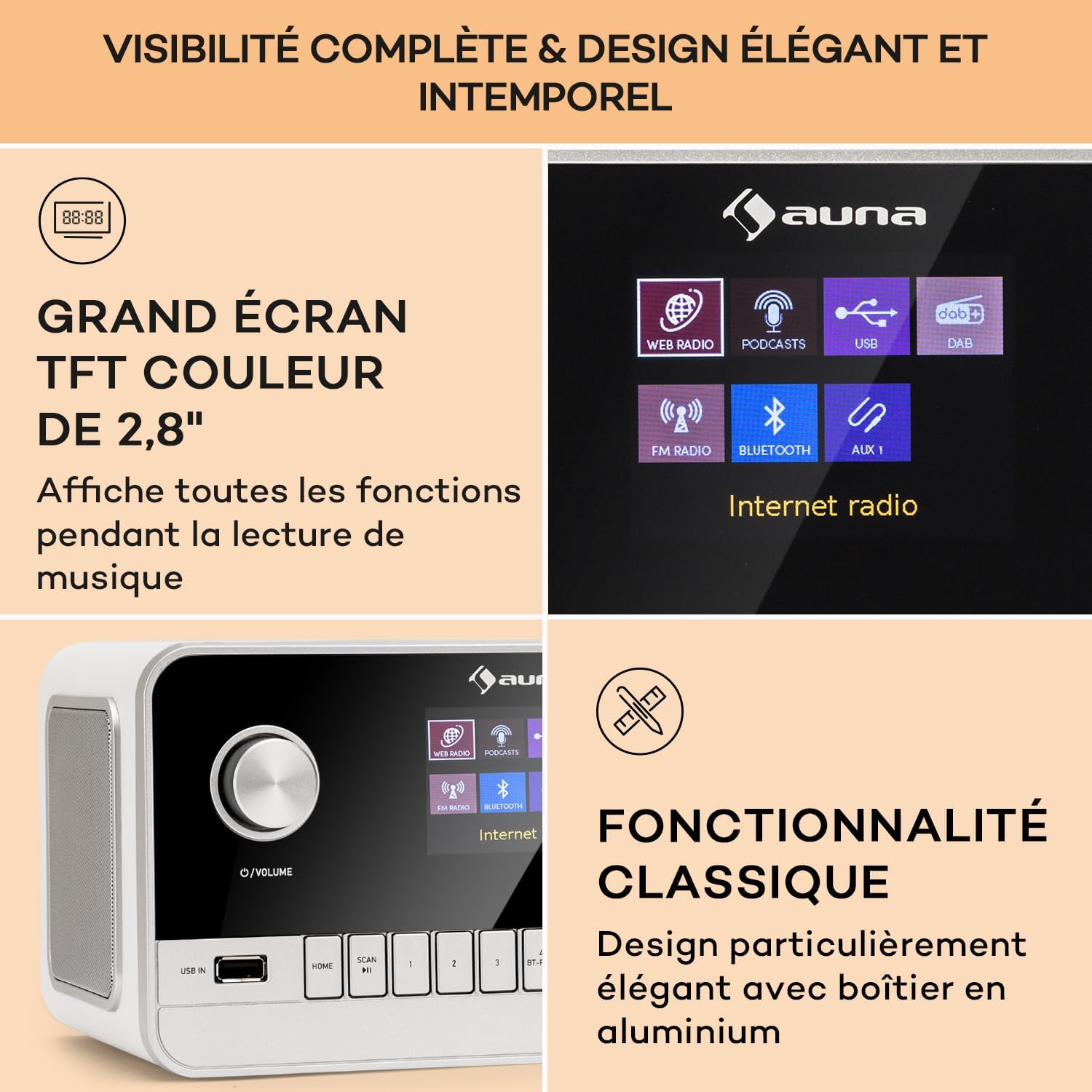
Image: Close-up of the Auna Connect 100 MKII's 2.8-inch TFT color display, showing various function icons and music playback information, highlighting its elegant design.
5.10 Control remoto
The included remote control allows for convenient operation of all radio functions from a distance. Ensure the remote's battery is correctly inserted.
6. Mantemento
- Limpeza: Disconnect the power before cleaning. Use a soft, dry cloth to wipe the surface of the radio. Do not use liquid cleaners or abrasive materials.
- Almacenamento: Se non usa a radio durante un período prolongado, desconéctea da toma de corrente e gárdea nun lugar fresco e seco.
7 Solución de problemas
| Problema | Causa posible | Solución |
|---|---|---|
| Sen poder | O adaptador de corrente non está conectado ou a toma de corrente está defectuosa. | Comprobe as conexións de alimentación e probe cunha toma de corrente diferente. |
| Mala recepción de radio (DAB/FM) | Antena non estendida ou sinal deficiente na zona. | Fully extend and adjust the telescopic antenna. Try repositioning the radio. |
| O dispositivo Bluetooth non se pode emparellar | A radio non está en modo de emparellamento ou o dispositivo está demasiado lonxe. | Ensure radio is in Bluetooth mode and displaying "Pairing". Move device closer to the radio. |
| No sound from USB | Non é compatible file format or USB device issue. | Check USB device for compatible audio files. Ensure USB is properly inserted. |
8. Especificacións
| Característica | Detalle |
|---|---|
| Marca | AUNA |
| Número de modelo | Connect 100 MKII |
| Cor | Branco |
| Tecnoloxía de conectividade | Bluetooth, USB, Auxiliar |
| Características especiais | Portable, Alarm Clock |
| Dispositivos compatibles | Devices with Bluetooth or USB connectivity |
| Dimensións do produto (LxWxH) | 22.5 x 16.5 x 12.1 cm |
| Tecnoloxía de afinación | Dixital |
| Bandas de radio compatibles | DAB/DAB+/FM |
| Fonte de enerxía | Electric Cable (Mains Powered) |
9. Que hai na caixa
- 1 x Auna Connect 100 MKII Portable DAB+/FM Radio
- 1 x adaptador de alimentación
- 1 x mando a distancia
- 1 x Manual de usuario multilingüe
10. Garantía e soporte
For warranty information and technical support, please refer to the documentation provided with your purchase or contact Auna customer service. Keep your proof of purchase for any warranty claims.


