Introdución

Imaxe: The iJoy Disney Nightmare Before Christmas Sally Dress Bluetooth Headphones, showcasing their unique design.
Thank you for choosing the iJoy Disney Nightmare Before Christmas Sally Dress Bluetooth Headphones. These wireless over-ear headphones are designed to provide a rich audio experience with a unique Sally Dress design. They feature a built-in microphone for hands-free calling, a foldable design for portability, and versatile connectivity options. This manual will guide you through the setup, operation, and maintenance of your new headphones.
Configuración
1. Carga dos auriculares
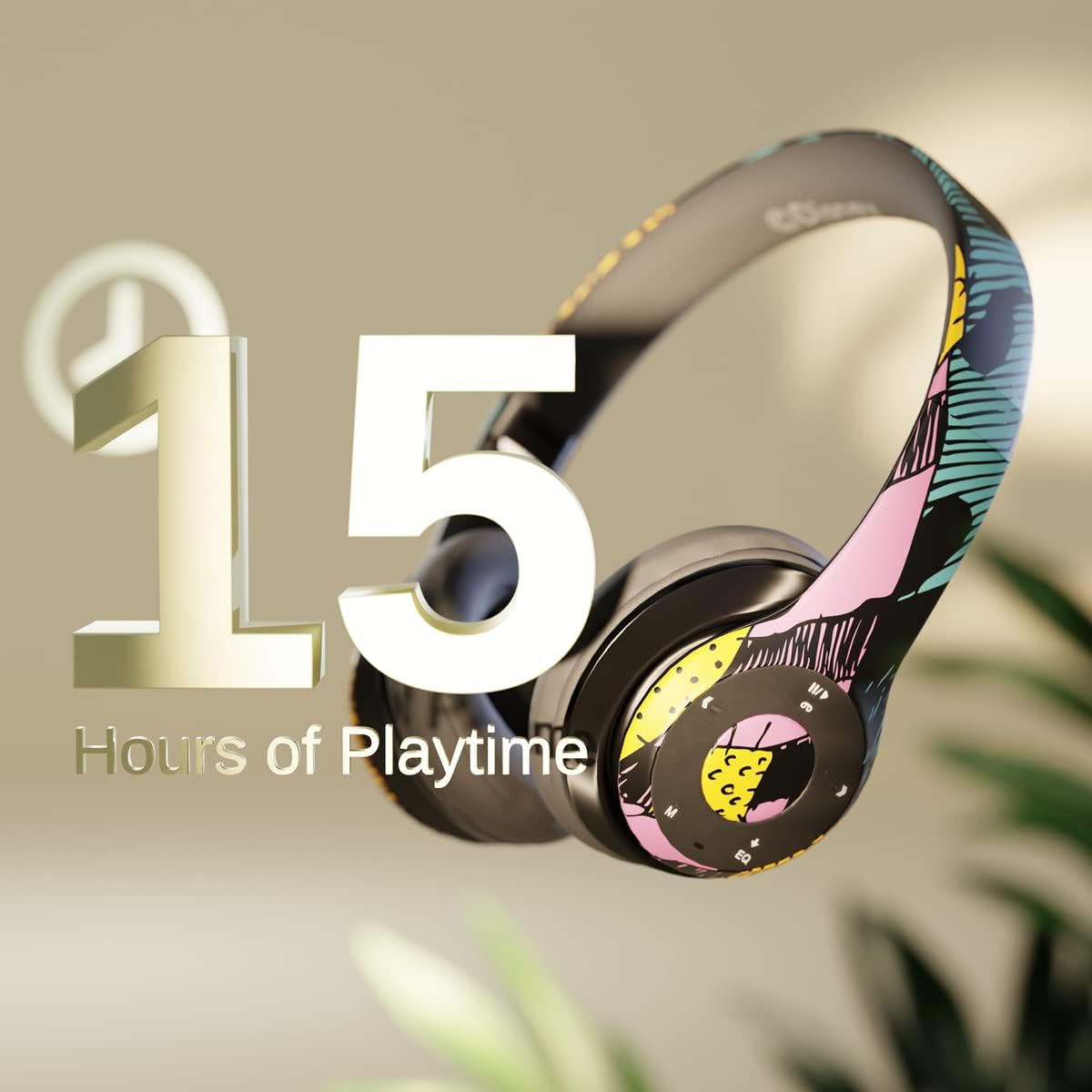
Imaxe: Graphic indicating 15 hours of playtime for the headphones, highlighting battery endurance.
Before first use, fully charge your headphones. Connect the provided charging cable to the charging port on the headphones and a USB power source. The LED indicator will show charging status and turn off when fully charged. A full charge provides approximately 15 hours of battery life.
2. Emparellamento Bluetooth

Imaxe: The headphones with a graphic illustrating universal compatibility with both Apple and Android devices.
- Asegúrese de que os auriculares estean apagados.
- Manteña premido o botón de acendido/apagado ata que o indicador LED parpadee en azul e vermello, o que indica o modo de emparellamento.
- On your Bluetooth-enabled device (smartphone, tablet, computer), go to Bluetooth settings and search for available devices.
- Select "iJoy DHP2431" (or similar name) from the list.
- Unha vez conectado, o indicador LED parpadeará azul lentamente.
3. Using the Auxiliary Cable
For a wired connection, plug one end of the 3.5mm auxiliary cable into the headphone's audio jack and the other end into your audio device. This allows for continued listening even if the battery is depleted.
4. Reprodución de tarxetas Micro SD
Insert a Micro SD card with your favorite music into the designated slot on the headphones. The headphones will automatically switch to Micro SD card playback mode. Use the control buttons to manage your music.
Instrucións de funcionamento
Encendido/apagado
- Para acender: Manteña premido o botón de acendido ata que o indicador LED se acenda.
- Para apagar: Manteña premido o botón de acendido/apagado ata que o indicador LED se apague.
5-Button Control System
The headphones feature a convenient 5-button control system located on the ear cup for easy management of audio and calls.

Imaxe: Detallado view of the 5-button control panel on the headphone ear cup, indicating functions for volume, track navigation, equalizer, and call management.
- Play/Pause/Answer/Hang-up: Press the center button to play or pause music, or to answer/end a phone call.
- Subir volume / Seguinte pista: Press the '+' button to increase volume. Hold the '+' button to skip to the next track.
- Baixar o volume / Pista anterior: Press the '-' button to decrease volume. Hold the '-' button to go to the previous track.
- Equalizer: Press the 'EQ' button to cycle through different equalizer presets.
- Selector de modo: Press the 'M' button to switch between Bluetooth, Micro SD card, and FM Radio modes.
Chamadas mans libres
With the built-in microphone, you can make and receive calls directly through your headphones when connected via Bluetooth to your smartphone. Use the center button to answer or end calls.
Receptor de radio incorporado
Switch to FM Radio mode using the 'M' button. The headphones will automatically scan and tune into available radio stations. Use the track navigation buttons to change stations.
Deseño plegable

Imaxe: The headphones are shown in their folded configuration, highlighting their compact and portable design for easy storage and transport.
The headphones feature a foldable design, allowing for easy storage and portability. Simply fold the ear cups inwards towards the headband to reduce their size for travel or storage in a backpack.
Noise Canceling Design

Imaxe: Un estoupou view of the headphone's ear cup, illustrating the internal speaker components and the connection point for the auxiliary cable, emphasizing the noise-canceling technology.
The over-ear cup design helps to isolate audio, providing a more immersive listening experience by reducing external noise interference.
Mantemento
- Limpeza: Usa un pano suave e seco para limpar os auriculares. Non empregues produtos de limpeza abrasivos nin disolventes.
- Almacenamento: When not in use, store the headphones in a cool, dry place. Utilize the foldable design for compact storage.
- Coidado da batería: Para prolongar a duración da batería, evite descargar completamente os auriculares con frecuencia. Cárgueos regularmente, mesmo se non os usa de forma constante.
- Resistencia á auga: Estes auriculares non son resistentes á auga. Evita a exposición a líquidos.
Resolución de problemas
- Sen enerxía: Asegúrate de que os auriculares estean completamente cargados. Conéctaos a unha fonte de alimentación e comproba o indicador de carga.
- Non se pode emparellar por Bluetooth:
- Ensure the headphones are in pairing mode (LED flashing blue and red).
- Asegúrate de que o Bluetooth estea activado no teu dispositivo e que estea dentro do seu alcance (normalmente 10 metros).
- Esquece o dispositivo da lista de Bluetooth do teu teléfono e tenta emparellalo de novo.
- Reinicia tanto os auriculares como o dispositivo.
- Sen son:
- Comprobe o nivel de volume tanto nos auriculares como no dispositivo conectado.
- Ensure the headphones are properly connected via Bluetooth or auxiliary cable.
- If using an SD card, ensure the audio files están nun formato compatible.
- Mala calidade de son:
- Acércate máis ao teu dispositivo Bluetooth para evitar interferencias.
- Comprobe se hai problemas de calidade na fonte de son.
- Ensure the ear cups are properly positioned over your ears for optimal sound isolation.
Especificacións
| Nome do modelo | DHP2431 |
| Tecnoloxía de conectividade | Sen fíos (Bluetooth) |
| Tecnoloxía de comunicación sen fíos | Bluetooth |
| Compoñentes incluídos | Headphones, Charging Cable, Auxiliary Cable |
| Franxa de idade (descrición) | Adult (suitable for kids) |
| Material | Plastic, Metal, Fabric, Memory Foam |
| Usos recomendados para o produto | Música, chamada |
| Dispositivos compatibles | Dispositivos habilitados para Bluetooth |
| Tipo de control | Volume Control, Track Navigation, Equalizer, Mode Selector |
| Función de cable | Retractable, Without Cable (for wireless use) |
| Peso do elemento | 0.26 quilogramos (9.1 onzas) |
| Nivel de resistencia á auga | Non resistente á auga |
| Estilo | Sally Dress |
| Método de control | Botón |
| Número de elementos | 1 |
| Duración da batería | 15 horas |
| Tipo de controlador de audio | Driver dinámico |
| Forma do auricular | Sobre orella |
| Interface de hardware | Audio de 3.5 mm |
| UPC | 842700197150 |
| Característica especial | Built-in Radio Receiver, Foldable and Adjustable headband, Micro SD Card Plug-in, Microphone Included |
| Fabricante | iJoy |
| Dimensións do paquete | 6.57 x 6.1 x 3.19 polgadas |
| Baterías | Requírese 1 batería de polímero de litio (incluída) |
Garantía
iJoy provides a 6-month exchange warranty for these headphones. If your headset breaks or is damaged for any reason within this period, iJoy will provide you with a free replacement.
Apoio
For further assistance, troubleshooting, or warranty claims, please contact iJoy customer support. You can often find contact information on the product packaging or by visiting the official iJoy websitio.
Vídeos de produtos
iJoy Disney Nightmare Before Christmas Headphones Overview
Vídeo: Unha presentación oficial do produto en vídeoasing the iJoy Disney Nightmare Before Christmas Headphones, highlighting their design and features.


