1. Introdución
Thank you for choosing the Baseus Bowie H2 True Wireless Earphones. This manual provides detailed instructions on how to set up, operate, maintain, and troubleshoot your earphones to ensure optimal performance and longevity. Please read this manual thoroughly before using the product.
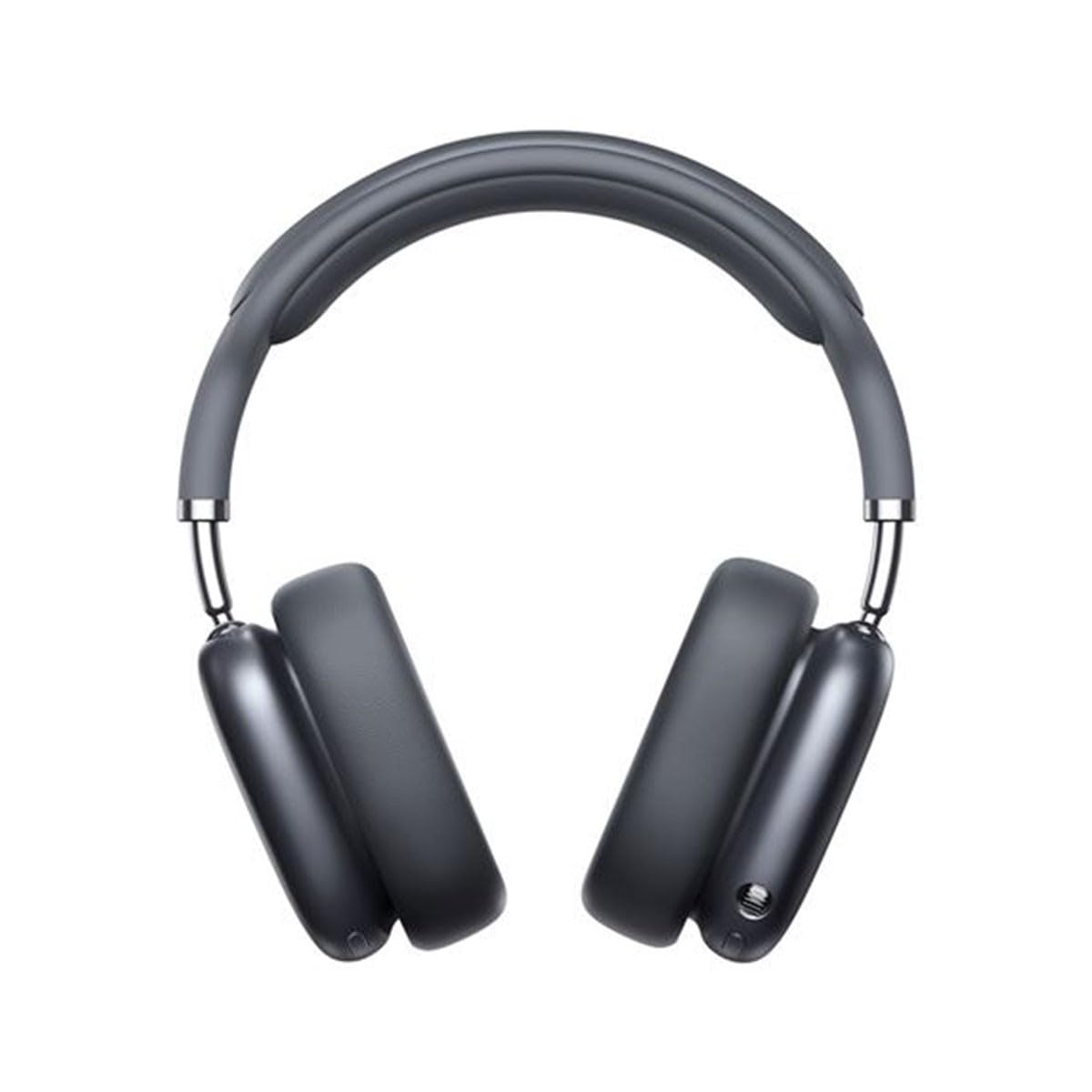
Image 1.1: Baseus Bowie H2 product overview. Please note that while this image displays over-ear headphones, the product described in this manual is the Baseus Bowie H2 True Wireless Earphones (in-ear type).
2. Que hai na caixa
Carefully unpack the product and ensure all items are present and in good condition. The package should contain:
- Baseus Bowie H2 True Wireless Earphones (Left and Right)
- Estuche de carga sen fíos
- Cable de carga USB
- Manual de usuario

Imaxe 2.1: Ex.ample of Baseus headphones in a case. The Baseus Bowie H2 True Wireless Earphones come with a compact wireless charging case.
3. Configuración
3.1 Carga dos auriculares e da funda
Before first use, fully charge the earphones and the charging case. Place the earphones into the charging case. Connect the USB charging cable to the charging port on the case and plug the other end into a USB power adapter (not included) or a computer's USB port. The indicator light on the case will show charging status and turn off or change color when fully charged.
3.2 Emparejamento Bluetooth
- Asegúrese de que os auriculares estean cargados.
- Open the charging case. The earphones will automatically enter pairing mode, and an indicator light (usually on the earphones or case) will flash, indicating they are ready to pair.
- No teu dispositivo (teléfono intelixente, tableta, portátil), activa o Bluetooth.
- Busca available Bluetooth devices. Select "Baseus Bowie H2" from the list.
- Once connected, the indicator light will stop flashing, and you may hear a confirmation tone.
- If pairing fails, place the earphones back into the case, close it, and then reopen to re-enter pairing mode.
4. Funcionamento dos auriculares
4.1 Como usar os auriculares
Gently insert the earphones into your ear canals. Adjust them for a comfortable and secure fit to ensure optimal sound quality and noise isolation. The left (L) and right (R) earphones are marked.

Imaxe 4.1: Fronte view of Baseus headphones. For the Bowie H2 earphones, ensure a snug fit in the ear canal.
4.2 Controis táctiles
The Baseus Bowie H2 earphones feature touch controls for various functions. The specific touch gestures may vary slightly, but common functions include:
- Reproducir/Pausa: Un só toque en calquera dos auriculares.
- Próxima pista: Toca dúas veces no auricular dereito.
- Pista anterior: Toca dúas veces no auricular esquerdo.
- Responder/Finalizar chamada: Un só toque en calquera dos auriculares.
- Rexeitar a chamada: Prema longamente en calquera dos auriculares.
- Activar o asistente de voz: Toque tres veces en calquera dos auriculares.
Refer to the quick start guide included in your package for precise touch control mapping.

Imaxe 4.2: Arriba view of Baseus headphones. The touch control areas are typically located on the outer surface of the earphones.
5. Mantemento
Proper maintenance ensures the longevity and performance of your Baseus Bowie H2 earphones.
- Limpeza: Use a soft, dry, lint-free cloth to clean the earphones and charging case. Do not use abrasive cleaners, alcohol, or chemical solvents.
- Almacenamento: When not in use, always store the earphones in their charging case to protect them from dust, dirt, and damage.
- Evitar auga: Aínda que os auriculares poidan ser resistentes á auga, evite mergullalos na auga ou expoñelos a unha humidade excesiva.
- Temperatura: Do not expose the earphones to extreme temperatures (hot or cold) or direct sunlight for extended periods.
6 Solución de problemas
If you encounter issues with your Baseus Bowie H2 earphones, try the following solutions:
| Problema | Solución |
|---|---|
| Os auriculares non se emparellan |
|
| Non hai son dun auricular |
|
| Problema de carga |
|
| Volume baixo ou mala calidade de son |
|
7. Especificacións
Key technical specifications for the Baseus Bowie H2 True Wireless Earphones (Model: NGTW260013):
- Número de modelo:
- NGTW260013
- Marca:
- Baseus
- Tecnoloxía de conectividade:
- Sen fíos (Bluetooth)
- Versión Bluetooth:
- 5.2
- Colocación do oído:
- En Orella
- Factor de forma:
- En Orella
- Tipo de control:
- Control táctil
- Tipo de controlador de audio:
- Driver dinámico
- Compoñentes incluídos:
- Estuche de carga sen fíos
- Material:
- Plástico
- Peso do artigo:
- 582 g (Note: This weight is unusually high for in-ear earphones and may refer to the package weight or a different product variant.)
- Dimensións do produto:
- 50 x 50 x 28 cm (Note: These dimensions are unusually large for in-ear earphones and may refer to the package dimensions or a different product variant.)
- Dispositivos compatibles:
- Teléfonos intelixentes, tabletas, portátiles, altofalantes intelixentes
8. Garantía e soporte
Baseus products are designed with quality and reliability in mind. For specific warranty information, please refer to the warranty card included with your purchase or visit the official Baseus websitio. Se precisa asistencia técnica ou ten preguntas que non se tratan neste manual, póñase en contacto co servizo de atención ao cliente de Baseus a través dos seus canais oficiais.
Conserve o seu comprobante de compra para reclamacións de garantía.


