1. Introdución
The BuzzTV B5 is an advanced Android 11 TV Box designed to deliver a superior 4K UHD streaming experience. This device allows you to access a wide range of entertainment, including movies, TV shows, and applications, directly on your television. This manual provides essential information for the proper setup, operation, maintenance, and troubleshooting of your BuzzTV B5.
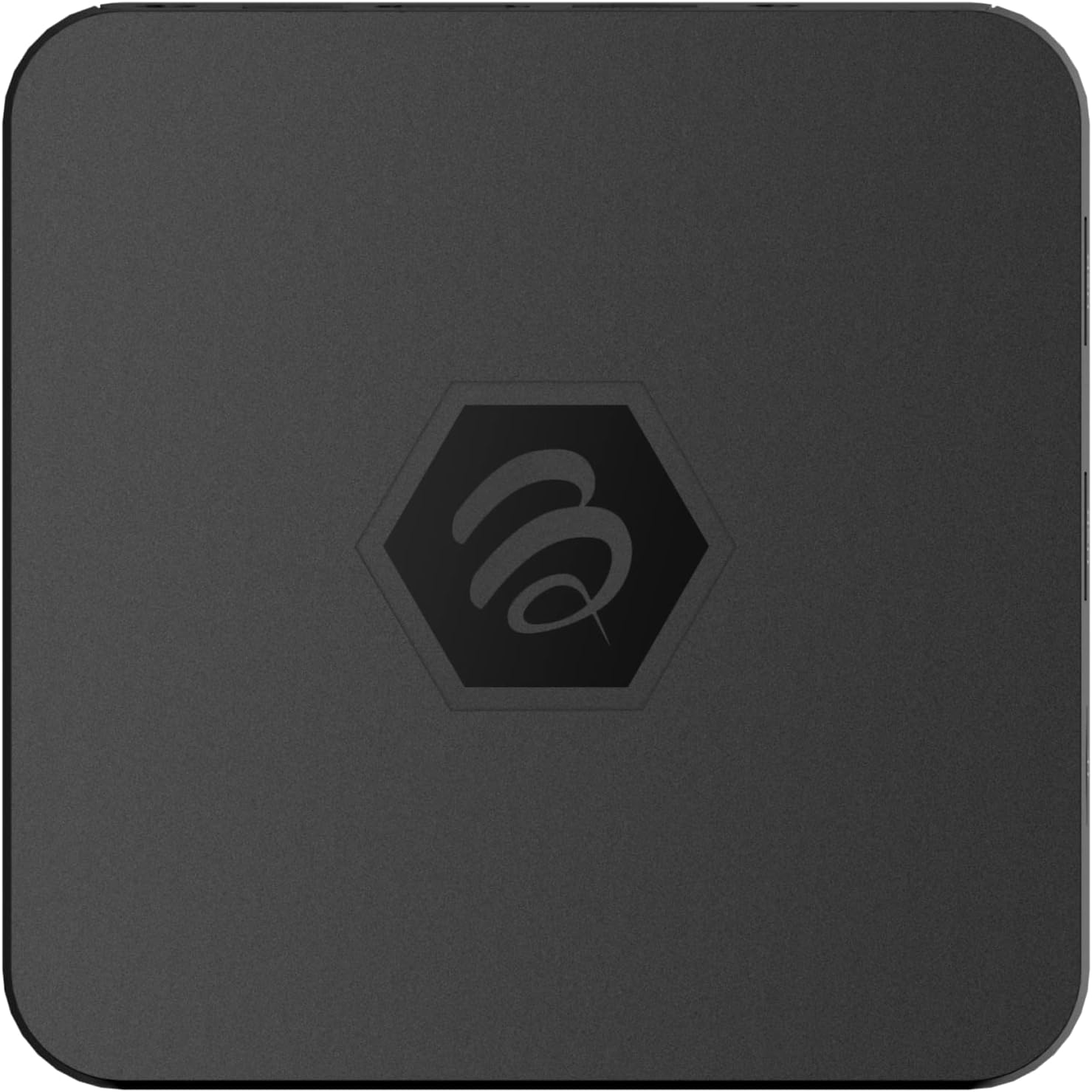
Imaxe 1.1: Arriba view of the BuzzTV B5 Android 11 TV Box.
2. Contido do paquete
Please verify that all items listed below are included in your BuzzTV B5 package:
- BuzzTV B5 Set Top Box
- IR-100 Remote Control
- Adaptador de fonte de alimentación
- 2 pilas AAA (para o control remoto)
- Cable HDMI
- Manual de usuario (este documento)

Image 2.1: Contents included in the BuzzTV B5 retail package.
3. Guía de configuración
Follow these steps to set up your BuzzTV B5 TV Box:
- Conectar á televisión: Connect one end of the provided HDMI cable to the HDMI port on the BuzzTV B5 and the other end to an available HDMI input on your television.
- Conectar enerxía: Plug the power supply adapter into the DC 5V port on the BuzzTV B5, then plug the adapter into a wall outlet. The device should power on automatically or can be powered on using the remote control.
- Inserir as pilas no mando a distancia: Open the battery compartment on the back of the IR-100 Remote Control and insert the two AAA batteries, ensuring correct polarity (+/-).
- Conexión de rede: Once the device boots up, follow the on-screen instructions to connect to your network. You can choose between Wi-Fi (wireless) or Ethernet (wired) connection. For a wired connection, connect an Ethernet cable from your router to the Ethernet port on the BuzzTV B5.
- Configuración inicial: Complete the initial Android setup process, which may include language selection, Google account login, and time zone settings.

Image 3.1: Rear ports of the BuzzTV B5 for connectivity.
4. Instrucións de funcionamento
The BuzzTV B5 operates on Android 11, providing a user-friendly interface for navigation and content access.
4.1 Funcións de control remoto
The IR-100 Remote Control is your primary interface for the BuzzTV B5. Key functions include:
- Botón de encendido: Acende ou apaga o dispositivo.
- Panel de navegación (Arriba/Abaixo/Esquerda/Dereita/Aceptar): Úsase para navegar por menús e seleccionar elementos.
- Botón Atrás: Volve á pantalla ou menú anterior.
- Botón de inicio: Returns to the main Android home screen.
- Botóns de volume: Axusta o volume de audio.
- App/Menu Buttons: Accesses specific applications or context menus.

Image 4.1: Layout of the IR-100 Remote Control.
4.2 Acceso ás aplicacións
From the home screen, you can access pre-installed applications like Netflix and YouTube, or download new applications from the Google Play Store. Use the navigation pad on your remote to select and launch applications.
4.3 4K UHD Streaming
The BuzzTV B5 supports 4K UHD resolution. Ensure your television is 4K compatible and that you are using a high-speed HDMI cable for optimal picture quality. Streaming quality will also depend on your internet connection speed and the content source.
5. Mantemento
To ensure the longevity and optimal performance of your BuzzTV B5, consider the following maintenance tips:
- Limpeza: Usa un pano suave e seco para limpar o exterior do dispositivo. Evita produtos de limpeza líquidos ou materiais abrasivos.
- Ventilación: Asegúrate de colocar o dispositivo nunha zona ben ventilada para evitar o sobrequecemento. Non cubras as aberturas de ventilación.
- Actualizacións de software: Periodically check for and install system updates to benefit from new features, performance improvements, and security patches. These can usually be found in the device's settings menu.
- Ciclo de enerxía: Se o dispositivo deixa de responder, desconecte o adaptador de corrente, agarde 10 segundos e volva conectalo para apagalo e encenderlo.
6 Solución de problemas
If you encounter issues with your BuzzTV B5, refer to the following common problems and solutions:
| Problema | Causa posible | Solución |
|---|---|---|
| Sen Poder | Power adapter not connected; outlet not working. | Ensure power adapter is securely connected to the device and a working power outlet. Try a different outlet. |
| No Signal on TV | Incorrect HDMI input selected; faulty HDMI cable. | Select the correct HDMI input on your TV. Check HDMI cable connections or try a different HDMI cable. |
| O control remoto non responde | Dead batteries; remote not paired (if applicable); obstruction. | Replace AAA batteries. Ensure no obstructions between remote and device. |
| Problemas de conexión de rede | Incorrect Wi-Fi password; router issues; weak signal. | Verify Wi-Fi password. Restart your router. Move the device closer to the router or use an Ethernet cable. |
| Applications Crashing/Freezing | Insufficient memory; outdated app; software glitch. | Close background apps. Update the app or the device's firmware. Clear app cache/data in settings. |
7. Especificacións
Detailed technical specifications for the BuzzTV B5 Android 11 TV Box:
- Sistema operativo: Android OS 11
- CPU: Amlogic S905W2 Quad-Core A-35
- GPU: Mali-G31 MP2
- RAM: DDR de 2 GB
- Almacenamento: eMMC de 16 GB
- Wi-Fi: Dual Band AC
- LAN: Ethernet 10/100 Mbps
- Bluetooth: 4.2
- Portos USB: 2x USB 2.0
- Ranura MicroSD: 1
- Interface de alimentación: DC 5 V
- Saída HDMI: 1
- Saída de audio óptico: 1
- Resolución de saída: 4K (32 fotogramas por segundo)
- Dimensións: 9.06 x 5.63 x 2.32 polgadas
- Peso do artigo: 1.01 libras

Image 7.1: BuzzTV B5 with a summary of its technical specifications.
8. Información da garantía
For detailed warranty information regarding your BuzzTV B5, please refer to the warranty card included in your product packaging or visit the official BuzzTV websitio. Os termos e condicións da garantía poden variar segundo a rexión e o vendedor.
9. Apoio
If you require further assistance or have questions not covered in this manual, please contact BuzzTV customer support or visit their official websitio web con preguntas frecuentes, descargas de software e recursos adicionais.
BuzzTV Official Websitio: www.buzztv.com


