1. Introdución
Thank you for choosing the Choetech True Wireless Earbuds. This manual provides detailed instructions on how to set up, operate, and maintain your earbuds to ensure optimal performance and longevity. Please read this manual carefully before using the product and keep it for future reference.
2. Contido do paquete
- Choetech True Wireless Earbuds (Left & Right)
- Estuche de carga
- Cable de carga USB
- Varios tamaños de almofadas para os oídos
- Manual de usuario
3. Produto rematadoview
Familiarize yourself with the components of your Choetech True Wireless Earbuds.

Image: The Choetech True Wireless Earbuds and their compact charging case.

Image: The earbuds placed inside the open charging case, showing the charging contacts.
Compoñentes dos auriculares:
- Área de control táctil: Para xestionar a reprodución, as chamadas e o asistente de voz.
- Indicador LED: Mostra o estado do emparellamento e o nivel da batería.
- Micrófono: Para chamadas e comandos de voz.
- Contactos de carga: Para cargar dentro da caixa.
Compoñentes da caixa de carga:
- Ranuras de carga para auriculares: Suxeita e carga os auriculares de forma segura.
- Charging Case LED Indicator: Mostra o estado da batería da caixa.
- Porto de carga USB: Para cargar o estuche.
4. Configuración
4.1 Carga dos auriculares e da funda
Antes do primeiro uso, carga completamente tanto os auriculares como a caixa de carga.
- Coloca os auriculares na caixa de carga, asegurándote de que estean correctamente asentados.
- Conecta o cable de carga USB ao porto de carga da carcasa e a unha fonte de alimentación (por exemplo, un adaptador de parede USB, un porto USB do ordenador).
- The LED indicators on the earbuds and case will show charging status. They will turn off or change color when fully charged.
A full charge provides over 5 hours of playback time for the earbuds, and the charging case extends total usage to approximately 120 hours in standby mode.

Image: Visual representation of the earbuds' long battery endurance, indicating playback, talk, and standby times.
4.2 Pairing with Your Device (Bluetooth 5.2)
The earbuds utilize advanced Bluetooth 5.2 technology for a fast and stable connection.
- Open the charging case. The earbuds will automatically power on and enter pairing mode. The earbud LED indicators will flash, indicating they are ready to pair.
- No teu dispositivo (teléfono intelixente, tableta, etc.), activa o Bluetooth.
- Busca available Bluetooth devices and select "Choetech BH-T06" from the list.
- Once connected, the earbud LED indicators will stop flashing. You will hear a confirmation tone.
The earbuds support seamless switching, allowing each earbud to independently fast switch between two different audio devices.
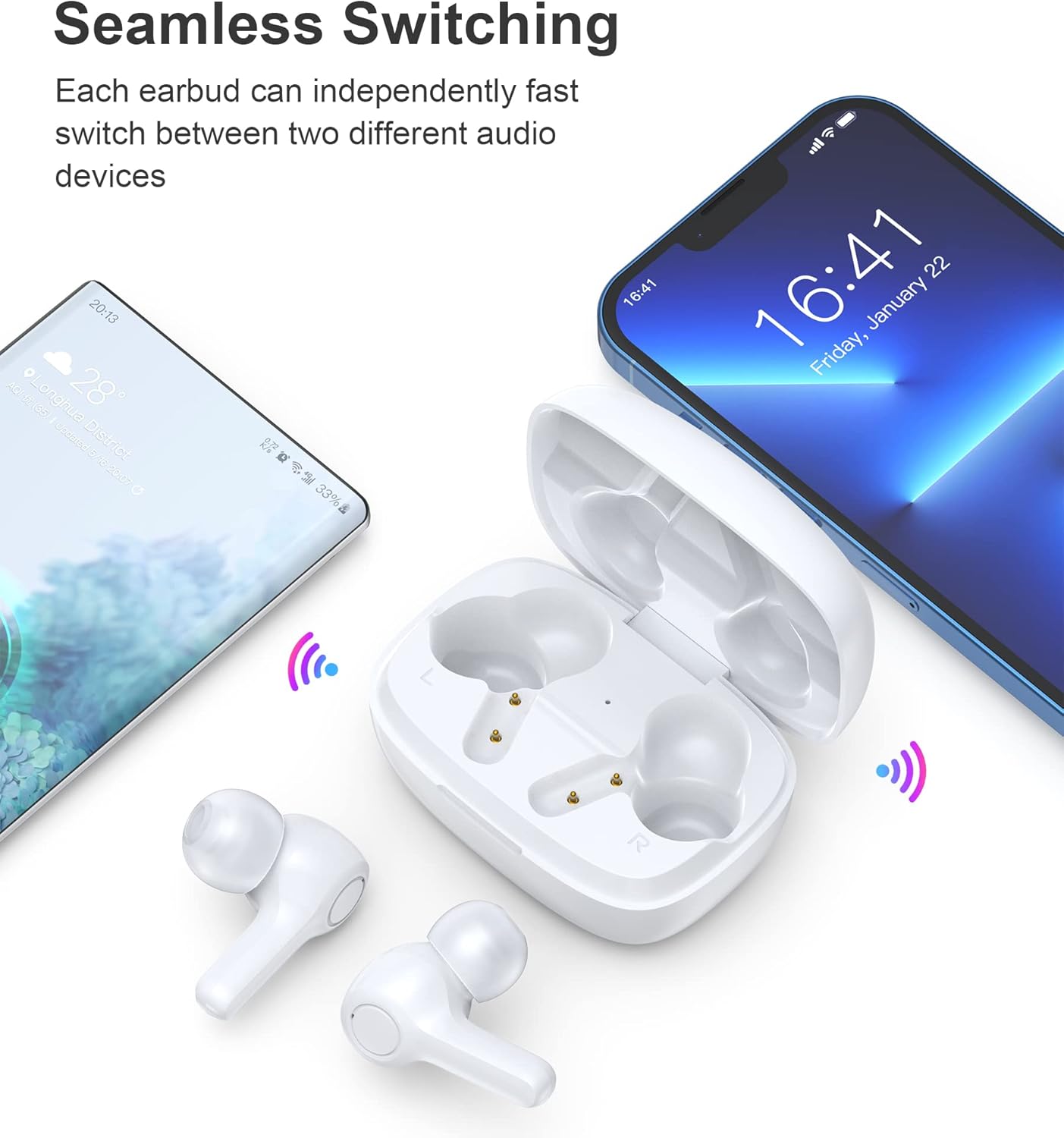
Image: Illustration demonstrating the seamless switching capability between a smartphone and another device.
Nota: Despois do emparellamento inicial, os auriculares conectaranse automaticamente co último dispositivo emparellado ao sacalos da funda, sempre que o Bluetooth estea activado no dispositivo.
5. Instrucións de funcionamento
5.1 Encendido/apagado
- Encendido: Abre o estuche de carga e os auriculares acenderanse automaticamente.
- Apagado: Volve colocar os auriculares na caixa de carga e pecha a tapa. Apagaranse automaticamente e comezarán a cargar.
5.2 Controis táctiles
The earbuds feature sensitive touch controls for easy operation.
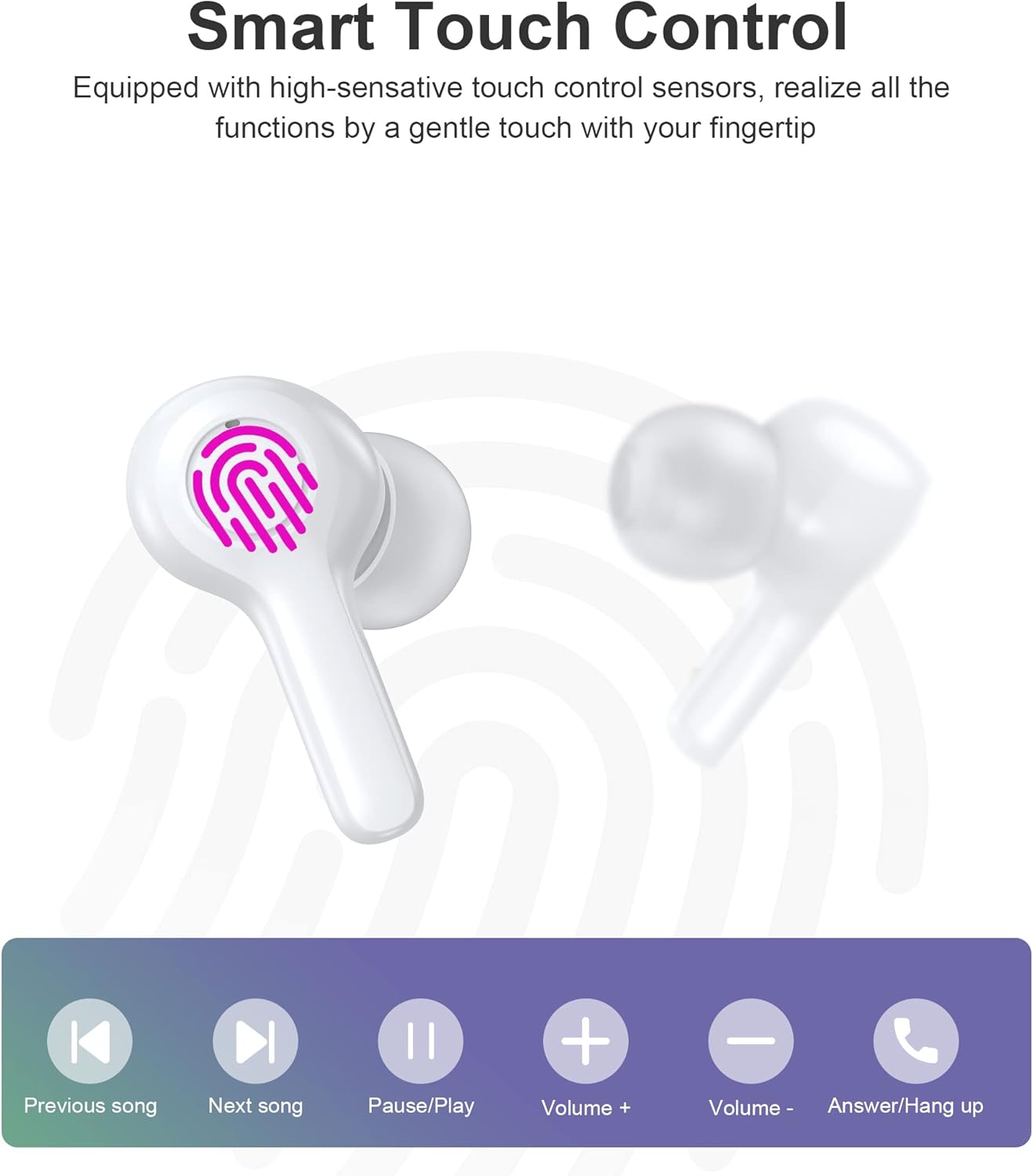
Image: Diagram illustrating the various touch control functions on the earbuds, including playback, volume, and call management.
| Acción | Auricular esquerdo | Earbud dereito |
|---|---|---|
| Reproducir/Pausa | Toque un só | Toque un só |
| Próxima canción | Toca dúas veces | |
| Canción anterior | Toca dúas veces | |
| Subir volume | Toca tres veces | |
| Baixar o volume | Toca tres veces | |
| Responder/Finalizar chamada | Toque un só | Toque un só |
| Rexeitar a chamada | Presión longa (2 s) | Presión longa (2 s) |
| Activa o asistente de voz | Presión longa (2 s) | Presión longa (2 s) |
Nota: Specific touch control functions may vary slightly depending on your connected device and its operating system.
6. Mantemento
6.1 Limpeza
The earbuds are IPX8 waterproof, making them resistant to sweat and water. They can be easily cleaned.
- Limpe os auriculares e a caixa de carga cun pano suave, seco e sen fiapos.
- Para a sucidade persistente, d lixeiramenteampEnxágüe o pano con auga. Non empregue produtos químicos agresivos nin materiais abrasivos.
- Asegúrate de que os contactos de carga tanto dos auriculares como da funda estean limpos e secos para evitar problemas de carga.

Image: Visual representation of the earbuds' IPX8 waterproof protection, showing them submerged in water.
6.2 Almacenamento
- Cando non estean en uso, garde os auriculares no seu estoxo de carga para protexelos e mantelos cargados.
- Garda o produto nun lugar fresco e seco, lonxe de temperaturas extremas e da luz solar directa.
7 Solución de problemas
Se tes algún problema, consulta as seguintes solucións habituais:
- Auriculares sen emparellamento: Ensure both earbuds are out of the case and in pairing mode. Turn off and on your device's Bluetooth. Try forgetting the device in your Bluetooth settings and re-pairing.
- Só funciona un auricular: Volve colocar os dous auriculares na caixa de carga, pecha a tapa, agarda uns segundos e volve retiralos. Isto adoita volver sincronizalos.
- Sen son: Comproba o nivel de volume do teu dispositivo e dos auriculares. Asegúrate de que os auriculares estean conectados correctamente ao teu dispositivo.
- Problemas de carga: Clean the charging contacts on both earbuds and the case. Try a different USB cable and power source.
- Baixa calidade das chamadas: Ensure the microphones are not obstructed. Move closer to your device. The smart noise reduction technology helps provide clear calls, but extreme noisy environments may still affect quality.

Image: Visual representation of the noise reduction technology, showing sound waves being processed for clearer audio.
Se o problema persiste, póñase en contacto co servizo de atención ao cliente.
8. Especificacións
| Característica | Detalle |
|---|---|
| Modelo | BH-T06 |
| Versión Bluetooth | 5.2 |
| Clasificación impermeable | IPX8 (resistente á auga ata 1 metro durante 30 minutos) |
| Capacidade da batería dos auriculares | 40 mAh (cada auricular) |
| Capacidade da batería do estuche de carga | 300 mAh |
| Tempo de reprodución | ~5+ hours (earbuds) |
| Standby Time (with case) | ~120 horas |
| Tamaño do altofalante | 8 mm |
| Micrófonos | 4 (for clear calls) |
| Tecnoloxía de conectividade | Sen fíos (Bluetooth) |
| Control de ruído | Automatic Noise Reduction |
9. Información de seguridade
- Non desmonte nin modifique o produto.
- Manter lonxe de temperaturas extremas, luz solar directa e chamas abertas.
- Evite deixar caer ou someter o produto a fortes impactos.
- Manter fóra do alcance dos nenos e animais.
- Non empregues os auriculares a volumes excesivamente altos durante períodos prolongados para evitar danos auditivos.
10. Garantía e soporte
Choetech products come with a standard warranty. Please refer to the warranty card included in your package or visit the official Choetech website for detailed warranty terms and conditions. For technical support, troubleshooting assistance, or any inquiries, please contact Choetech customer service through their official channels.