1. Introdución
This manual provides detailed instructions for the installation, operation, and maintenance of your LAMTTO 4K WiFi 2160P Dash Cam. Please read this manual thoroughly before using the product to ensure proper function and safety.
2. Que hai na caixa
- Dash Cam 4K WiFi 2160P (x1)
- Cargador de coche (x1)
- Car Mount (x1)
- Hardwire Kit (x1)
- Manual de usuario (x1)
- 64GB SD Card (x1)

The package includes all necessary components for initial setup and operation. The included 64GB SD card allows for immediate use.
3. Características do produto
- Gravación 4K Ultra HD: Captures video at 3840x2160P/30fps with a 170° wide-angle lens.
- Super visión nocturna: Features an advanced sensor, 6-layer glass lens, and F2.0 large aperture for clear imaging in low-light conditions.
- WiFi integrado e control por aplicación: Connects to your smartphone via the "WitCam" mobile app (iOS/Android) for viewing, downloading, and sharing videos.
- Gravación en bucle: Sobrescribe automaticamente o vídeo máis antigo files cando a tarxeta de memoria está chea, garantindo a gravación continua.
- Sensor G: Detects sudden shakes or collisions and automatically locks the current video to prevent it from being overwritten.
- Monitor de estacionamento 24 horas: Requires an additional hardwire kit (included) to function. Activates recording upon collision or scratch when parked.
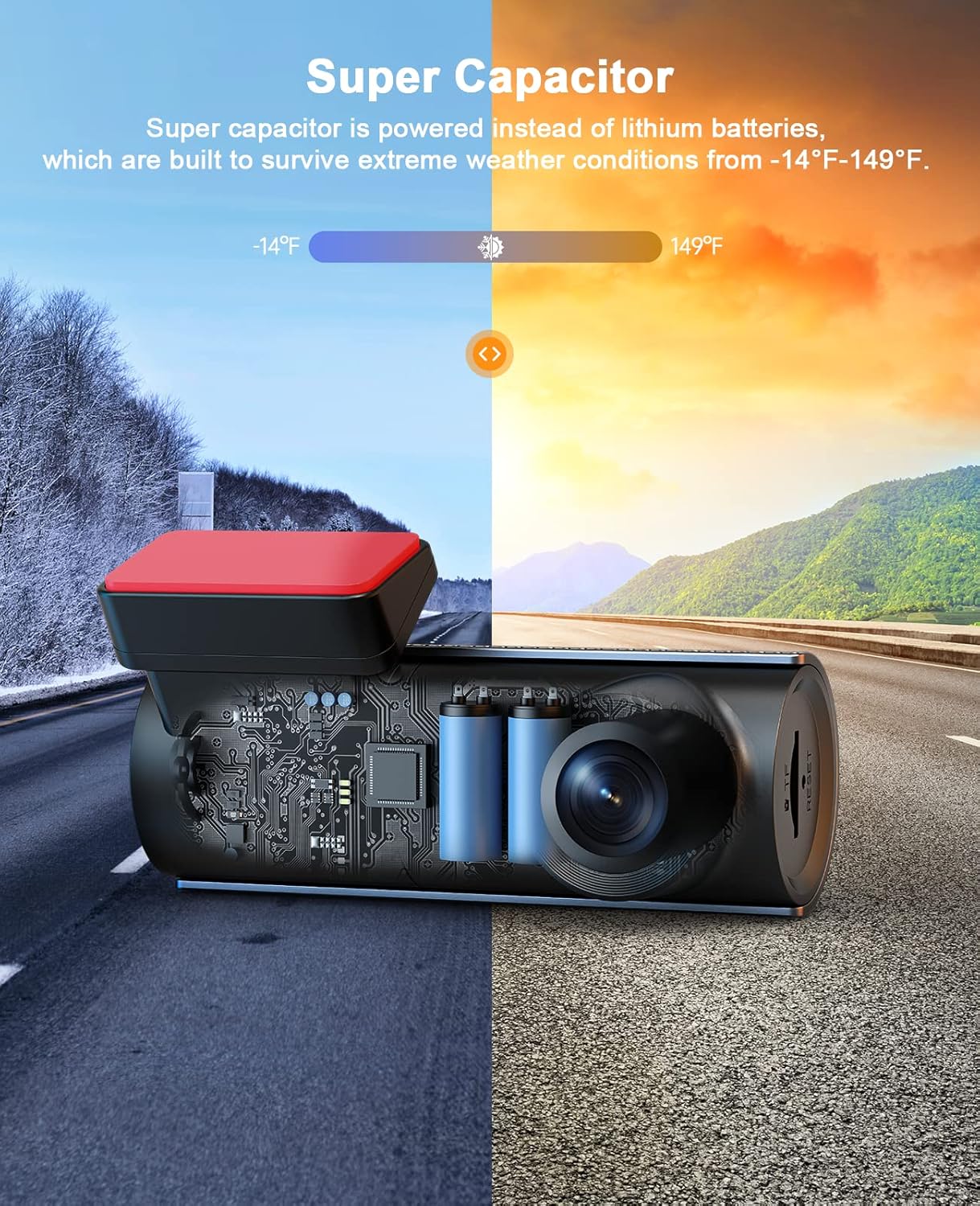
- Supercondensador: Utilizes a supercapacitor instead of lithium batteries, providing enhanced durability and performance in extreme temperatures (-14°F to 149°F).
- Indicacións de voz: Provides audio notifications for operational status, such as "Starting up," "Recording Start," and "Recording Stop."
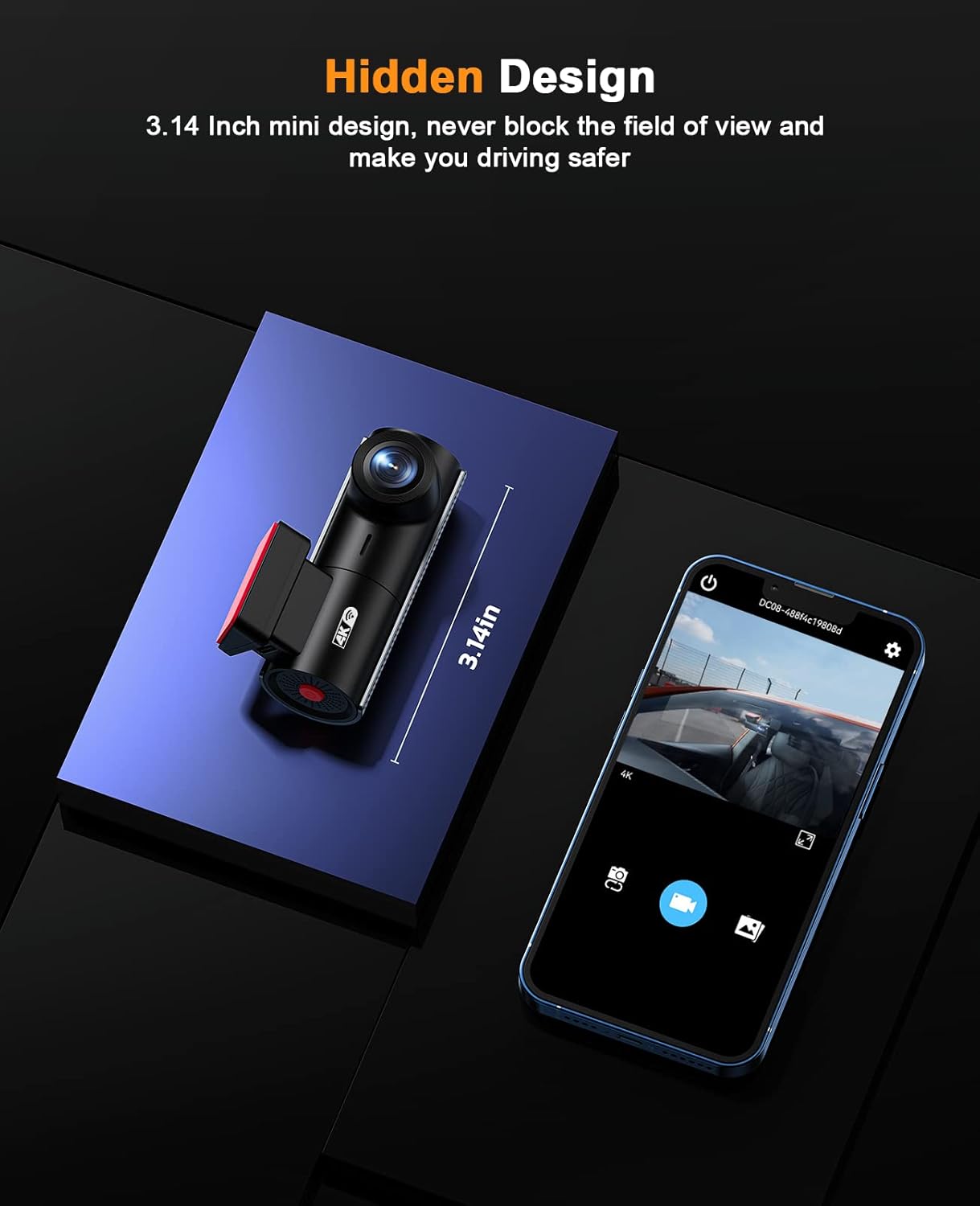
- Compact & Hidden Design: Small form factor (2.36 x 2.36 x 2.36 inches) designed to be discreetly installed without obstructing the driver's view.

4. Configuración e instalación
4.1 Montaxe da cámara para o salpicadero
- Clean the windshield area where you intend to mount the dash cam. Ensure it does not obstruct your view.
- Attach the static sticker to the windshield first, then attach the car mount to the static sticker. This allows for easier removal without leaving residue.
- Slide the dash cam onto the car mount until it clicks into place.
- Adjust the camera angle to ensure optimal road coverage.
4.2 Conexión de alimentación
- Connect the car charger cable to the dash cam's Type-C port.
- Route the power cable neatly along the windshield edge, down the A-pillar, and under the dashboard to the car's cigarette lighter socket. Use the included wiring tool to tuck the cable.
- Enchufe o cargador do coche na toma do chisqueiro.
4.3 Inserción da tarxeta SD
The 64GB SD card is typically pre-installed. If not, insert the SD card into the TF card slot until it clicks. The dash cam supports up to 128GB SD cards.

5. Instrucións de funcionamento
5.1 Encendido/apagado
- A cámara do salpicadero acenderase automaticamente e comezará a gravar cando se acenda o contacto do vehículo.
- Apagarase automaticamente ao cortar o contacto.
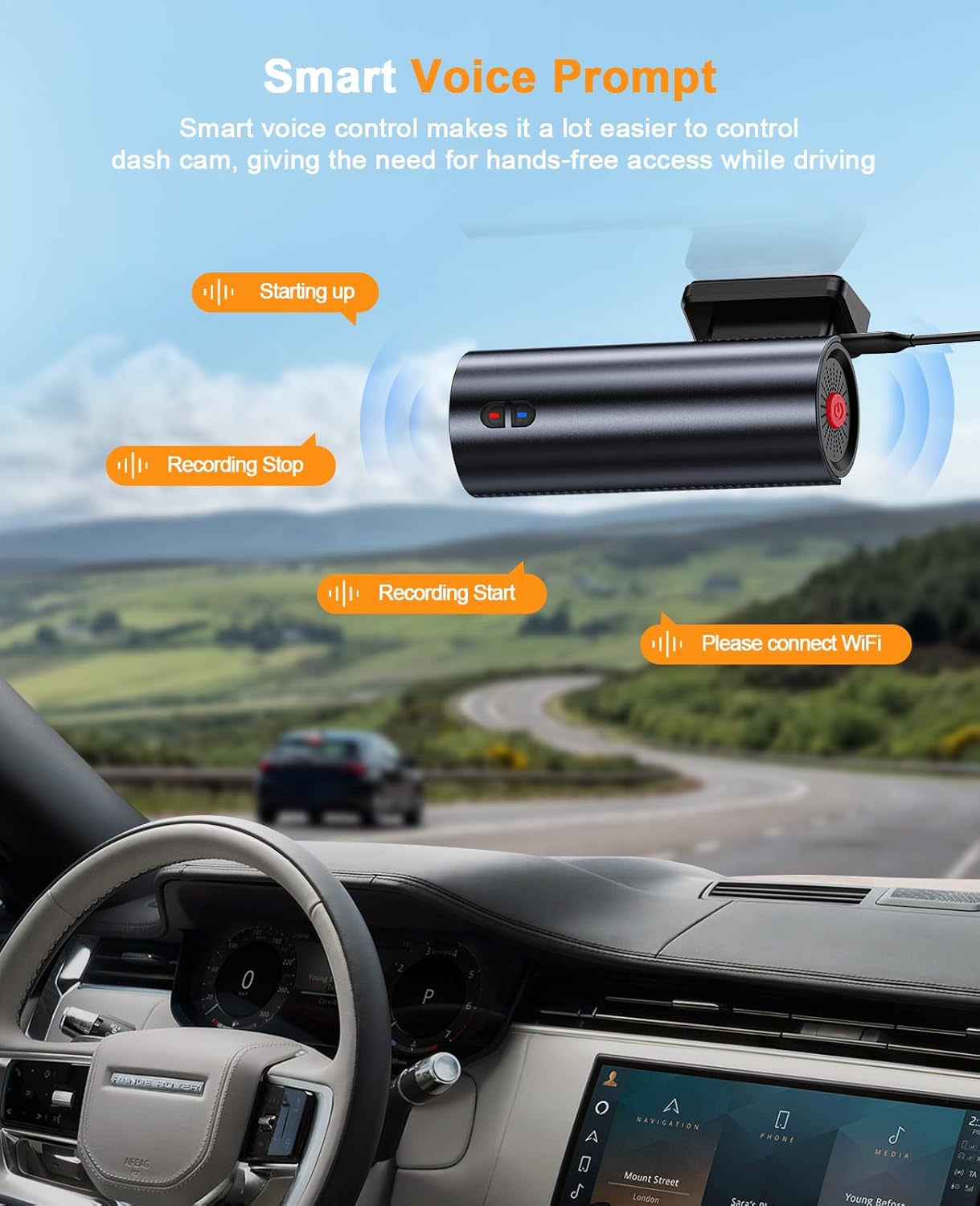
5.2 Indicacións de voz
The dash cam provides intelligent voice prompts to inform you of its status:
- "Starting up": Indicates the device is powering on.
- "Recording Start": Indicates video recording has begun.
- "Recording Stop": Indicates video recording has stopped.
- "Please connect WiFi": Prompts to connect to the mobile app.
- "Storage Full": Indicates the SD card is full (if loop recording is off or emergency files fill up).
5.3 App Control (WitCam)
- Download the "WitCam" app from the App Store (iOS) or Google Play Store (Android).
- Acende a cámara do taboleiro.
- On your smartphone, go to WiFi settings and connect to the dash cam's WiFi network (usually named "DC#####" followed by numbers). The password can be found in the dash cam's manual or on the device itself.
- Open the "WitCam" app. You can now view vivir footage, adjust settings, and download recorded videos or photos directly to your phone.

6. Funcións avanzadas de gravación
6.1 Gravación en bucle
The dash cam records video in continuous loops. When the SD card reaches its capacity, the oldest unlocked fileAs novas gravacións sobrescríbense automaticamente. Isto garante que a gravación nunca se deteña debido a unha tarxeta de memoria chea.
6.2 Sensor G
The built-in G-sensor detects sudden impacts or rapid deceleration/acceleration. In such events, it automatically locks the current video segment, preventing it from being overwritten by loop recording. These locked fileOs ficheiros almacénanse nunha carpeta separada na tarxeta SD.
6.3 24H Parking Monitor
For continuous monitoring when your vehicle is parked, the 24H Parking Monitor feature can be activated. This requires the included hardwire kit to be properly installed, providing constant power to the dash cam. If a collision or vibration is detected while parked, the dash cam will automatically power on and record a short video, then power off. These events are saved as emergency files.

6.4 Supervisión nocturna
Equipped with an advanced sensor, a 6-layer glass lens, and an F2.0 large aperture, the dash cam enhances exposure automatically in dark situations. This allows for clear video capture at night, providing crucial details like license plates even in low-light environments.

6.5 Supercapacitor Technology
The LAMTTO Dash Cam uses a supercapacitor for power instead of traditional lithium batteries. This design choice significantly improves durability and reliability, allowing the dash cam to operate effectively in extreme weather conditions, ranging from -14°F to 149°F, without risk of battery degradation or failure.
7. Especificacións
| Característica | Detalle |
|---|---|
| Dimensións do produto | 2.36 x 2.36 x 2.36 polgadas |
| Peso do elemento | 9.9 onzas |
| Número de modelo do artigo | Dash Cam 4K WiFi 2160P |
| Tecnoloxía de conectividade | Wi-Fi |
| Características especiais | App Control, Night Vision, Loop Recording, G-Sensor, Parking Monitor, Voice Prompt, Supercapacitor |
| Cor | Black+Darkgrey |
| Fabricante | LAMTTO |
| Resolución de captura de vídeo | 2160 p |
| Tipo de montaxe | Montaxe do parabrisas |
| Campo de View | 170 graos |
8. Mantemento
- Limpeza: Regularly clean the camera lens with a soft, lint-free cloth to ensure clear video quality. Avoid abrasive materials.
- Xestión da tarxeta SD: Periodically format the SD card (at least once a month) through the app or dash cam settings to maintain optimal performance and prevent data corruption. Back up important files antes de formatar.
- Actualizacións de firmware: Consulte o do fabricante website or the WitCam app for any available firmware updates to ensure your dash cam has the latest features and bug fixes.
9 Solución de problemas
- A cámara do salpicadero non se acende: Ensure the car charger is securely plugged into both the dash cam and the car's power outlet. Check if the car's power outlet is functioning.
- Problemas de gravación: Verify that an SD card is inserted and properly formatted. Check if the SD card is full (if loop recording is disabled or emergency files occupy all space). Try formatting the SD card.
- Problemas de conexión WiFi: Ensure the WitCam app is installed and updated. Confirm you are connecting to the correct dash cam WiFi network and entering the correct password. Try restarting both the dash cam and your smartphone.
- Baixa calidade do vídeo: Clean the camera lens. Ensure the protective film has been removed from the lens. Check the video resolution settings in the app.
- Voice Prompts Not Working: Check the volume settings within the app or on the device if applicable.
Para obter máis axuda, consulte a sección Garantía e asistencia.
10. Garantía e soporte
LAMTTO offers a 2 ano de garantía for this product. Additionally, Soporte técnico 24/7 is available to assist you with any questions or issues regarding your dash cam. Please feel free to contact LAMTTO customer service for support.


