Introdución
This manual provides essential instructions for setting up, operating, and maintaining your KALOC Fitness Tracker. Please read this guide thoroughly to ensure proper use and to maximize the device's features.
O que hai na caixa
Ao desembalar, comproba que estean presentes todos os elementos:
- KALOC Fitness Tracker (main unit)
- Banda de reloxo
- Cable de carga
- Manual de usuario
Configuración
1. Cargando o dispositivo
Before first use, fully charge your fitness tracker. Connect the charging cable to the charging port on the back of the device and to a USB power source. The screen will indicate charging status.

Image: The KALOC Fitness Tracker displaying a '100% Fully charged' message while connected to its charging cable.
2. Instalación e emparellamento da aplicación
To utilize all features and synchronize data, download the companion application to your smartphone. The app is compatible with Android 6.0 and iOS 12.0 or above, and requires Bluetooth 4.0.
- Scan the QR code in the quick guide or search for the app name (usually mentioned in the quick guide or packaging) in your phone's app store.
- Instala a aplicación.
- Open the app and follow the on-screen instructions to create an account and pair your fitness tracker via Bluetooth. Ensure Bluetooth is enabled on your phone.
- Allow necessary permissions for the app to function correctly (e.g., location, notifications).
Instrucións de funcionamento
Visualización e navegación
The KALOC Fitness Tracker features a 1.58-inch AMOLED touch display. Navigate through menus and functions by swiping up, down, left, or right, and tapping to select options.

Image: The 1.58-inch AMOLED screen of the KALOC Fitness Tracker, highlighting its resolution and brightness capabilities.
Funcións básicas
- Data e hora: Automatically synchronizes with your paired smartphone.
- Ver caras: Customize your watch face through the companion app or directly on the device.

Imaxe: Examples of personalized watch faces available for the KALOC Fitness Tracker.
Funcións de seguimento da saúde
The KALOC Fitness Tracker provides comprehensive health monitoring throughout the day.
- Monitorización da frecuencia cardíaca: Rexistra continuamente a túa frecuencia cardíaca. View real-time data on the device or detailed trends in the app.
- Medición do osíxeno no sangue (SpO2): Mide os niveis de saturación de osíxeno no sangue.
- Monitorización do sono: Analiza os teus patróns de sono, incluíndo o sono profundo, o sono lixeiro e as horas de vixilia.
- Stress Level Tracking: Monitors your stress levels and provides insights into your mental well-being.
- Pedometer & Calorie Tracker: Records daily steps, distance covered, and estimated calories burned.

Image: The KALOC Fitness Tracker displaying 24-hour health tracking data, including heart rate, sleep, and stress.

Image: The KALOC Fitness Tracker tracking daily fitness data, including steps, distance, calories, and activity time.
Modos deportivos
The fitness tracker supports over 100 sports modes to accurately track your workouts. Select the appropriate mode before starting an activity for precise data collection.
- Examples include outdoor walking, running, cycling, strength training, yoga, and various ball games.
- Access sports modes from the device menu and select your desired activity.
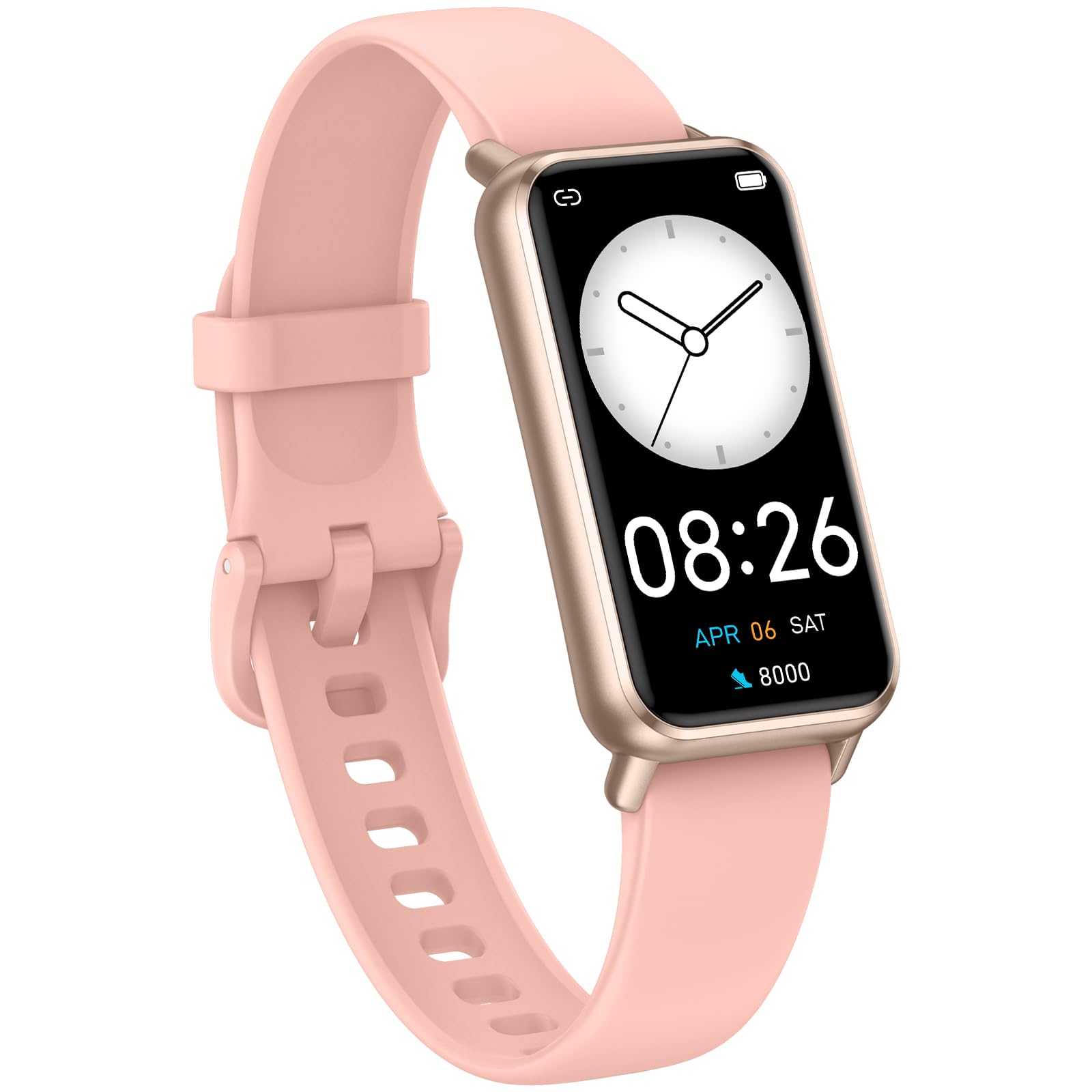
Image: The KALOC Fitness Tracker highlighting its support for over 100 sports modes.
Resistencia á auga
The KALOC Fitness Tracker is 50-meter waterproof, making it suitable for various water activities.
- Suitable for washing hands, showering, swimming, and shallow water activities.
- Not recommended for diving, hot water activities, or high-pressure water exposure.

Image: The KALOC Fitness Tracker demonstrating its 50-meter waterproof feature during swimming.
Duración da batería
The device offers an extended battery life, providing up to 14 days of typical use or 30 days of standby time on a single charge.

Image: The KALOC Fitness Tracker highlighting its 14-day battery life.
Notificacións intelixentes
Receive notifications for calls, messages, and app alerts directly on your wrist when paired with your smartphone.

Image: The KALOC Fitness Tracker receiving smart notifications from various applications.
Outras Funcións
The KALOC Fitness Tracker includes several additional useful features:
- Control da cámara: Controla a cámara do teu teléfono de forma remota.
- Control de música: Manage music playback on your paired phone.
- Pronóstico do tempo: View condicións meteorolóxicas actuais e previsións.
- Recordatorio de bebida: Configura recordatorios para manterte hidratado.
- Recordatorio de sedentarismo: Avisa para que te movas despois de períodos de inactividade.
- Espertador: Set alarms directly on your device.
- Adestramento da respiración: Guided breathing exercises to help manage stress.

Image: The KALOC Fitness Tracker showcasing its multiple functions.
Mantemento
To ensure the longevity and optimal performance of your KALOC Fitness Tracker, follow these maintenance guidelines:
- Limpeza: Regularly clean the device and strap with a soft, damp pano. Evite produtos químicos agresivos ou materiais abrasivos.
- Cargando: Use only the provided charging cable. Do not expose the charging contacts to water or corrosive liquids.
- Almacenamento: Garda o dispositivo nun lugar fresco e seco cando non o uses. Evita temperaturas extremas.
- Exposición á auga: While waterproof, it is advisable to dry the device thoroughly after exposure to water to prevent skin irritation and ensure proper sensor function.
Resolución de problemas
If you encounter issues with your KALOC Fitness Tracker, refer to the following common solutions:
- O dispositivo non se acende: Asegúrate de que o dispositivo estea completamente cargado. Conéctao ao cargador durante polo menos 30 minutos.
- Non se pode emparellar co teléfono:
- Asegúrate de que o Bluetooth estea activado no teu teléfono.
- Asegúrate de que o rastreador estea dentro do alcance Bluetooth do teu teléfono.
- Restart both your phone and the fitness tracker.
- Check if the app has the necessary permissions.
- Datos inexactos:
- Ensure the tracker is worn snugly on your wrist, about one finger's width from your wrist bone.
- Clean the sensors on the back of the device.
- Update the device firmware via the app if available.
- Notificacións non recibidas:
- Verify that notifications are enabled in both the tracker's app and your phone's settings.
- Asegúrate de que a aplicación se estea a executar en segundo plano.
If problems persist, consult the support section of the companion app or contact customer support.
Especificacións
| Número de modelo | 529d841c-3537-4f97-bf0f-2a0c001c6b1e |
| Tamaño de visualización | AMOLED de 1.58 polgadas |
| Resistencia á auga | 50 metros |
| Duración da batería | Ata 14 días (uso típico) |
| Conectividade | Bluetooth 4.0 |
| Compatibilidade | Android 6.0+ / iOS 12.0+ |
| Peso do elemento | 2.82 onzas |
| Dimensións do produto | 6.4 x 3 x 0.7 polgadas |
Garantía e Soporte
For warranty information and customer support, please refer to the documentation included with your purchase or visit the official KALOC websitio. Garde o recibo da compra como xustificante de compra para reclamacións de garantía.


