Amazfit A2287

Manual do usuario do reloxo intelixente Amazfit Balance de 46 mm

Modelo: A2287

Marca: Amazfit

Introdución

This manual provides essential information for operating your Amazfit Balance Smart Watch 46mm. It covers setup, feature usage, maintenance, and troubleshooting to ensure optimal performance and user experience.

O que hai na caixa

Configuración

Cargando o dispositivo

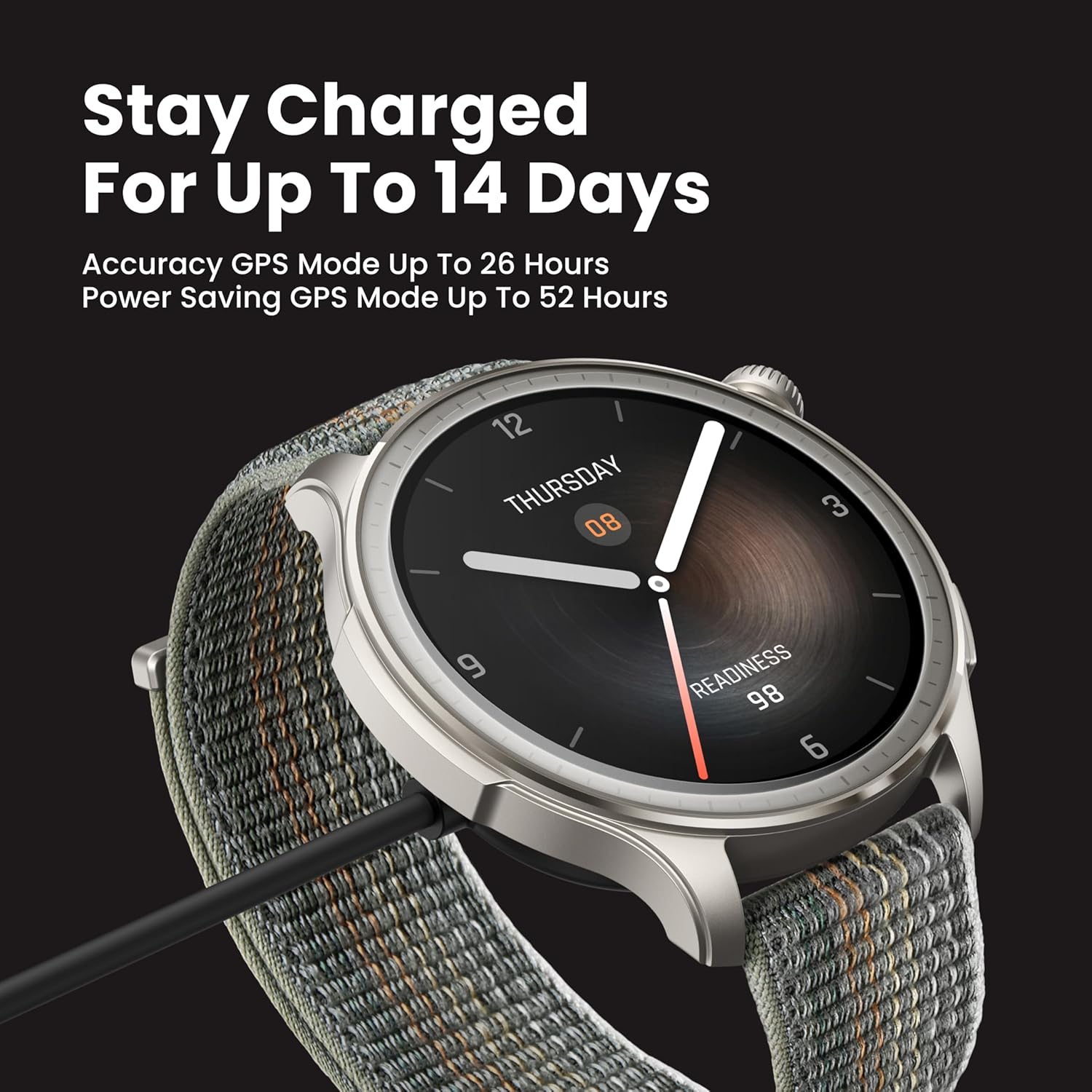
Connect the magnetic charging cable to the charging port on the back of the watch. Connect the USB-A end of the cable to a power adapter (not included) or a computer's USB port. Ensure the watch is fully charged before first use.

Amazfit Balance Smart Watch charging with magnetic cable

Image: The Amazfit Balance Smart Watch connected to its magnetic charging cable, illustrating the charging process. The watch face displays "Stay Charged For Up To 14 Days".

Pairing with the Zepp App

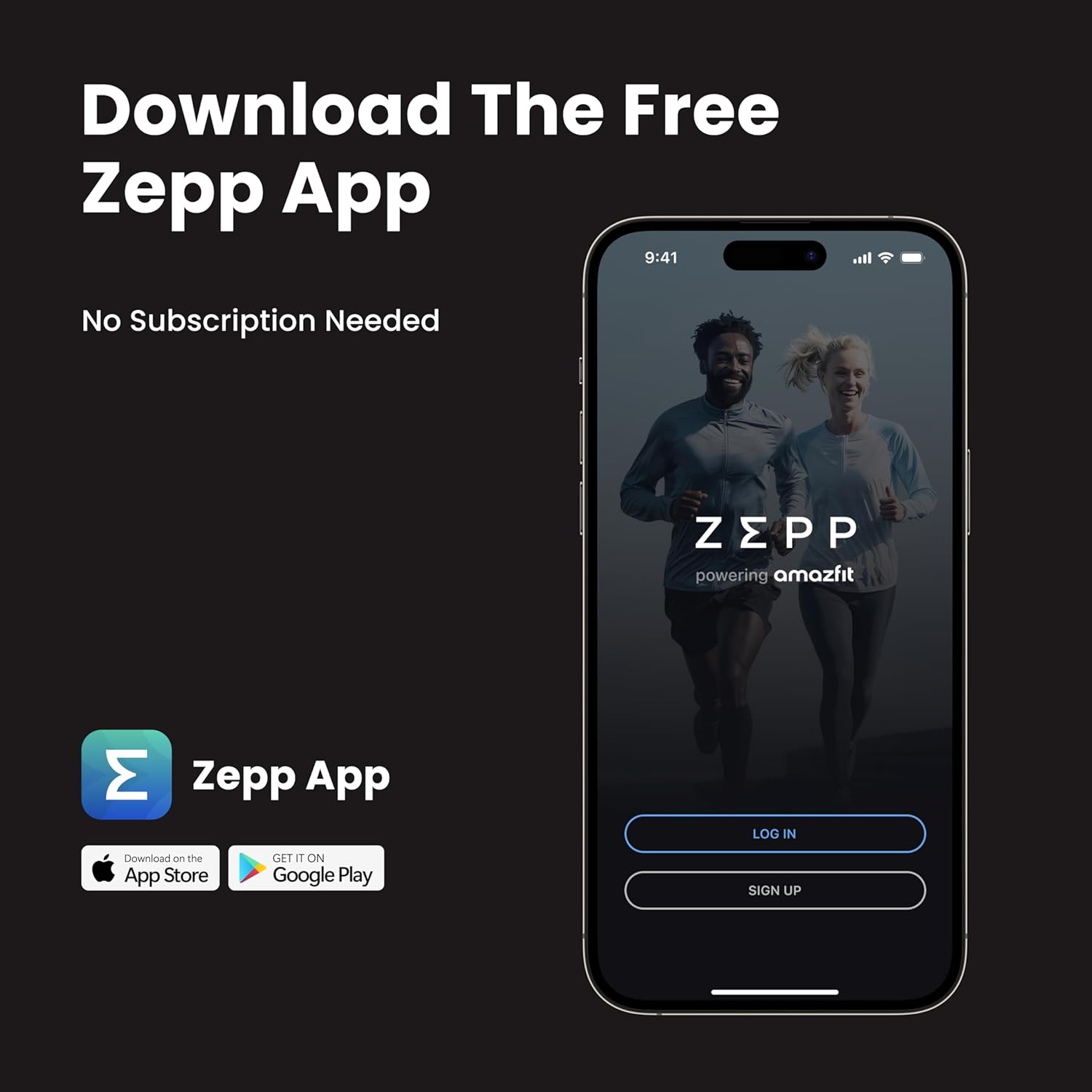
Download and install the Zepp App on your smartphone (available on iOS and Android). Open the Zepp App, go to Profile > My device > "+Add" > Watch > Watch with QR code. Scan the QR code displayed on the watch face and confirm pairing on the watch.

Video: Official Amazfit Balance Operation Instructions demonstrating the pairing process with the Zepp App.

Features and Operating Instructions

Visualización e navegación

The Amazfit Balance features a vibrant 1.5-inch AMOLED display with anti-glare glass bezel, offering clear visibility even in bright sunlight. Navigate the watch using touch gestures and the physical buttons.

Amazfit Balance Smart Watch with vibrant AMOLED display

Image: Close-up of the Amazfit Balance Smart Watch display showing a watch face with time and "Readiness" score.

Seguimento da saúde

The watch monitors key health metrics including heart rate, blood-oxygen levels, and stress. It provides alerts for abnormal readings and detailed insights into overall wellness.

Amazfit Balance Smart Watch showing 24/7 health monitoring features

Imaxe: Traseira view of the Amazfit Balance Smart Watch highlighting the optical heart rate sensor for continuous health monitoring.

Análise da composición corporal

The Amazfit Balance can track body fat, muscle mass, and other body composition metrics. This feature offers insightful analysis of your health and fitness progression.

Video: Official Amazfit video demonstrating how to measure body composition using the Amazfit Balance Smart Watch.

Amazfit Balance Smart Watch displaying body fat and skeletal muscle percentages

Image: The Amazfit Balance Smart Watch displaying body composition data, including body fat and skeletal muscle percentages, with indicators for normal and optimal ranges.

Workout Modes and GPS

The watch supports over 150 sports modes and features dual-band GPS for precise tracking of outdoor activities. Data can be synced with popular health apps like Strava and Google Fit.

Amazfit Balance Smart Watch displaying over 150 workout modes

Image: The Amazfit Balance Smart Watch screen showing a list of various workout modes, including running, cycling, yoga, and strength training.

Funcións intelixentes

Amazfit Balance Smart Watch with AI features for message replies and settings

Image: A person interacting with the Amazfit Balance Smart Watch, which displays speech-to-text message replies and options to adjust settings using AI.

Zepp App Overview

The Zepp App is the central hub for managing your Amazfit Balance Smart Watch and reviewing your health and fitness data. It offers detailed insights into sleep, activity, stress, and workout performance.

Smartphone displaying the Zepp App interface

Image: A smartphone screen showing the Zepp App login page, with options to download from the App Store and Google Play.

Análise de datos

The app provides comprehensive data analysis for:

Xestión de dispositivos

Use the app to customize watch faces, manage app lists, set notifications and reminders, and update device settings.

Especificacións

CaracterísticaDetalle
Número de modeloA2287
MostrarAMOLED de 1.5 polgadas
Duración da batería (uso típico)Ata 14 días
Battery Life (Saver Mode)Ata 25 días
Tempo de cargaAprox. 1.5 horas
Resistencia á auga5 ATM (ata 50 metros)
GPSGPS incorporado
ConectividadeBluetooth
Sistema OperativoZepp OS 4
Peso35 gramos
Dimensións1.81 x 1.81 x 0.42 polgadas

Mantemento

Limpeza

Regularly clean your watch and strap to prevent skin irritation and maintain device functionality. Use a soft, lint-free cloth. If necessary, dampen the cloth with fresh water. Do not use soap or other cleaning products.

Almacenamento

Garda o reloxo nun lugar fresco e seco, lonxe da luz solar directa e de temperaturas extremas.

Resolución de problemas

Problemas comúns

Garantía e Soporte

For warranty information, technical support, or service inquiries, please visit the official Amazfit website or contact their customer service. The product comes with a standard manufacturer's warranty.

Visit the Amazfit Store: Amazfit Official Store

Documentos relacionados - A2287

Preview Manual do usuario do reloxo intelixente Amazfit Bip 5
Manual de usuario completo para o reloxo intelixente Amazfit Bip 5, que abrangue a configuración, o emparellamento, as actualizacións do sistema, a monitorización da saúde (frecuencia cardíaca, osíxeno no sangue, estrés, sono, PAI), os modos de exercicio, as notificacións, as chamadas por Bluetooth, as funcións de voz de Alexa e a configuración do dispositivo. Aprende a optimizar o teu Amazfit Bip 5 para o uso diario e o seguimento da actividade física.
Preview Amazfit Cheetah Pro Manual de usuario
Manual de usuario completo para o reloxo intelixente Amazfit Cheetah Pro, que abrangue a configuración inicial, o emparellamento, as actualizacións do sistema, as operacións básicas, os xestos, o centro de control, a busca do teléfono, as esferas do reloxo, os modos de adestramento, o GPS, o seguimento da saúde (frecuencia cardíaca, osíxeno no sangue, estrés, actividade), o Zepp Coach, a navegación, a reprodución de música, as funcións de voz e varios axustes do reloxo.
Preview Manual de uso Amazfit Balance (A2286/A2287)
Manuale completo per lo smartwatch Amazfit Balance (modelli A2286/A2287), che copre il contenuto della confezione, le informazioni sull'orologio, l'associazione con l'app Zepp, la misurazione della composizione corporea, la ricarica, la sostituzione del cinturino, le istruzioni per l'uso, le specifiche tecniche, la sicurezza, la manutenzione e la garanzia.
Preview Manual do usuario do reloxo intelixente Amazfit Bip 5: configuración, funcións e guía de seguimento do estado
The Amazfit Bip 5 User Manual provides comprehensive instructions for connecting, pairing, and operating the Amazfit Bip 5 smartwatch. Learn about system updates, wearing guidelines, basic gestures, notifications, Bluetooth calling, watch faces, workout modes, GPS positioning, automatic workout identification, and health monitoring features including heart rate, blood oxygen, stress, sleep tracking, PAI, and cycle tracking. This guide also covers device apps, music control, alarms, to-dos, stopwatch, countdown, camera remote, weather, app management, and watch settings for optimal user experience.
Preview Amazfit Active 2 User Manual: Features, Operations, and Health Monitoring
Comprehensive user manual for the Amazfit Active 2 smartwatch, covering connection, pairing, system updates, wearing instructions, basic operations, control center, watch faces, notifications, Bluetooth calling, workouts, navigation, health tracking (heart rate, blood oxygen, stress, activity, sleep, PAI), and device settings.
Preview Manual do usuario de Amazfit Active: guía completa
Explore the Amazfit Active User Manual for detailed instructions on setup, features, workout modes, health tracking, and more. Learn how to pair your device, customize watch faces, and utilize advanced functions for an optimal experience.