Introdución
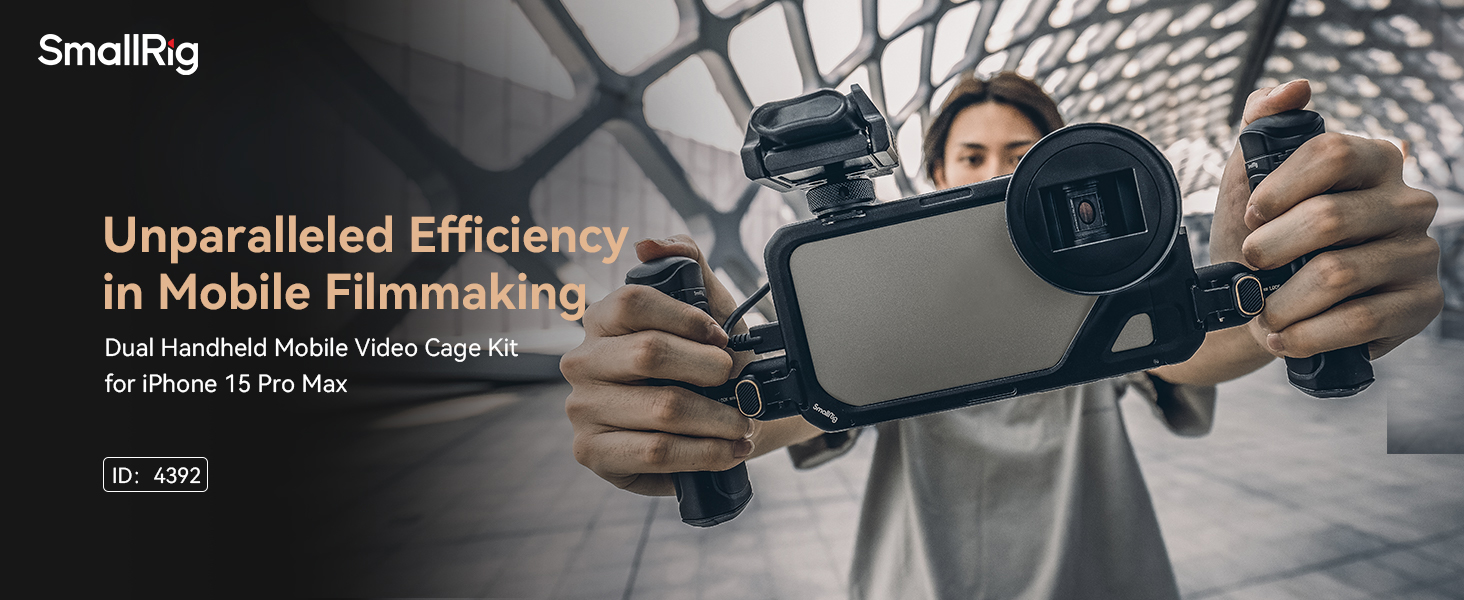
The SmallRig Dual Handheld Phone Cage Kit (Model 4392) is designed to enhance your mobile video recording experience with the iPhone 15 Pro Max. This kit provides a stable platform for capturing high-quality video and offers extensive mounting options for various accessories. Its quick-release design allows for seamless transitions between horizontal and vertical shooting orientations.
O que hai na caixa
- Phone Cage (for iPhone 15 Pro Max) x 1
- Wireless Quick Release Side Handle (ID: 4402) x 1
- Quick Release Side Handle (ID: 4403) x 1
- Tornillo de reposto x 3
- Manual de usuario
Produto rematadoview
The phone cage features a robust aluminum alloy construction with a hollow design to maintain access to all phone functions. It integrates a new quick-release ecosystem for handles and offers multiple mounting points for accessories.

Características principais:
- Dual Handheld Design: Provides stable grip for video recording and vlogging.
- New Quick-Release Ecosystem: Allows for easy and instant switching between horizontal and vertical shooting.
- External Lens Mount: Supports M-mount lenses, and with optional backplates, 17mm/37mm threaded lenses, and T-series lenses.
- Full Phone Access: Hollow design ensures access to all buttons, ports, radar, and ultra-wide-angle lens. Compatible with MagSafe wireless chargers.
- Aluminum Alloy Material: All-inclusive body design with built-in gaskets for shock-proof and scratch-proof protection.
Guía de configuración
1. Installing the iPhone 15 Pro Max into the Cage:
- Open the quick-release mechanism on the phone cage.
- Carefully slide your iPhone 15 Pro Max into the cage, ensuring proper alignment with the camera lenses and ports.
- Close the quick-release mechanism until it locks securely. The internal gaskets will provide a snug fit and protection.
2. Attaching the Side Handles:
- Identify the quick-release mounts on the sides of the phone cage.
- Align the quick-release adapter on each side handle with the corresponding mount on the cage.
- Push the handle firmly until it clicks into place. Ensure the lock switch is engaged for security.
- The Wireless Quick Release Side Handle (ID: 4402) includes a removable wireless controller for one-click shooting.

Instrucións de funcionamento
1. Switching Shooting Orientations:
The quick-release ecosystem allows for rapid switching between horizontal and vertical shooting. Simply unlock the handles, adjust the phone's orientation, and re-lock the handles.
2. Using the Wireless Controller:
The Wireless Quick Release Side Handle (ID: 4402) features a removable controller. Pair it with your iPhone via Bluetooth for remote