1. Introdución
This manual provides essential information for the safe and efficient operation of your BLUETTI AC70 Portable Power Station. Please read this manual thoroughly before using the product and keep it for future reference. The BLUETTI AC70 is a versatile power solution designed for various applications, including outdoor activities, emergency backup, and mobile power needs.
2. Instrucións de seguridade
Para garantir un funcionamento seguro, siga sempre estas pautas:
- Non desmonte, repare nin modifique a unidade.
- Manteña a unidade lonxe do lume, da auga e de temperaturas extremas.
- Emprega só accesorios e cables de carga aprobados por BLUETTI.
- Asegúrate de ventilar axeitadamente durante o uso e a carga para evitar o sobrequecemento.
- Manter fóra do alcance dos nenos e animais.
- Evite deixar caer a unidade ou someterla a impactos fortes.
3. Contido do paquete
Verifica que todos os elementos estean incluídos no teu paquete:
- Central eléctrica portátil BLUETTI AC70
- 100W Solar Panel (Ships Separately)
- Cable de carga AC
- Cable de carga de coche
- Cable de carga solar
- Manual de usuario

Figure 1: BLUETTI AC70 Portable Power Station with its standard accessories.
4. Produto rematadoview
4.1 Panel frontal
The front panel features the main display, input/output ports, and control buttons.
- Pantalla LCD: Mostra o nivel da batería e a potencia de entrada/saídatage, tempo de execución restante e indicadores de erro.
- Entrada CC/FV: For connecting solar panels or other DC charging sources.
- Saída CC (12 V/10 A): Standard car-style outlet.
- Portos USB-C (100 W): Two ports for fast charging compatible devices.
- Portos USB-A (12 W): Dous portos para carga USB estándar.
- AC Outlets (120V/1000W): Two standard AC outlets.
- Botón de encendido: Acende / apaga a unidade.
- DC Output Button: Activates/deactivates DC output.
- Botón de saída de CA: Activa/desactiva a saída de CA.

Figure 2: Front panel layout of the BLUETTI AC70.
4.2 Panel posterior
The rear panel includes the AC input port and ventilation.
- Entrada AC: For connecting the AC charging cable.
- Reixas de ventilación: Garante un fluxo de aire axeitado para a refrixeración.
4.3 Panel superior
The top panel features a sturdy handle for portability.

Figure 3: Top handle for easy portability.
5. Configuración
5.1 Carga inicial
Before first use, fully charge the BLUETTI AC70. Connect the AC charging cable to the AC input port on the rear of the unit and plug it into a wall outlet. The LCD display will show the charging status. A full charge from 0% to 100% typically takes about 1.5 hours.
5.2 Conexión do panel solar
If using the included 100W solar panel, unfold it and position it in direct sunlight. Connect the solar charging cable to the solar panel and then to the DC/PV input port on the front of the AC70. The display will indicate solar input wattage.
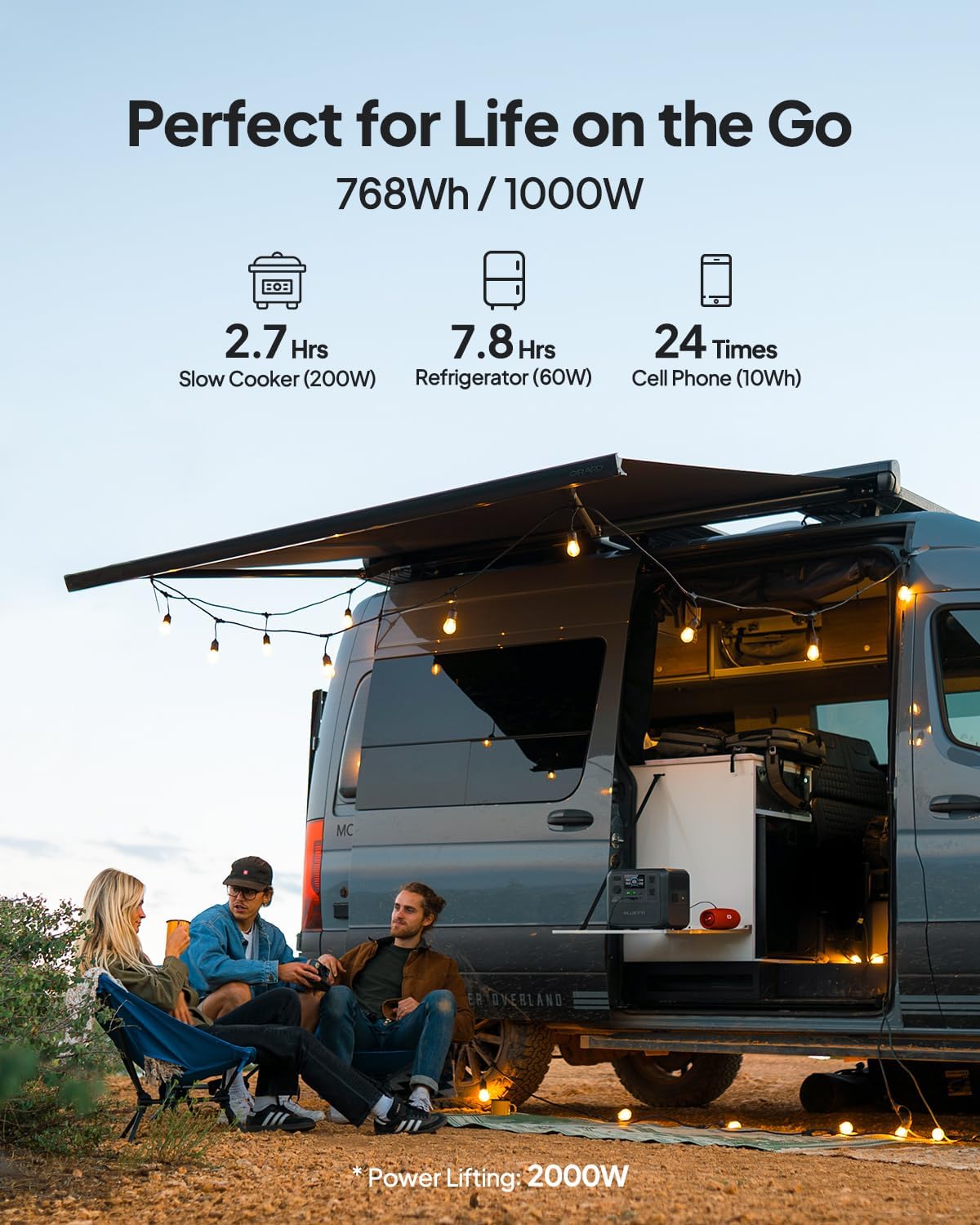
Figure 4: Connecting the BLUETTI AC70 to a solar panel.
6. Instrucións de funcionamento
6.1 Acendido/Apagado
Press and hold the main Power Button for 2-3 seconds to turn the unit on or off.
6.2 Using Outputs
Press the respective DC Output Button or AC Output Button to activate the desired output ports. The corresponding icons on the LCD display will illuminate.

Figure 5: Various output ports of the BLUETTI AC70 in use.
6.3 BLUETTI APP Control
Download the BLUETTI APP from your smartphone's app store. Connect your AC70 via Bluetooth to monitor its status, adjust settings (like charging mode), and update firmware remotely.

Figure 6: Monitoring and controlling the AC70 using the BLUETTI App.
6.4 Modo de elevación de enerxía
The Power Lifting mode allows the AC70 to handle high-power resistive loads up to 2000W, exceeding its rated 1000W output. This is particularly useful for devices like hair dryers or electric kettles. Activate this mode via the BLUETTI APP.
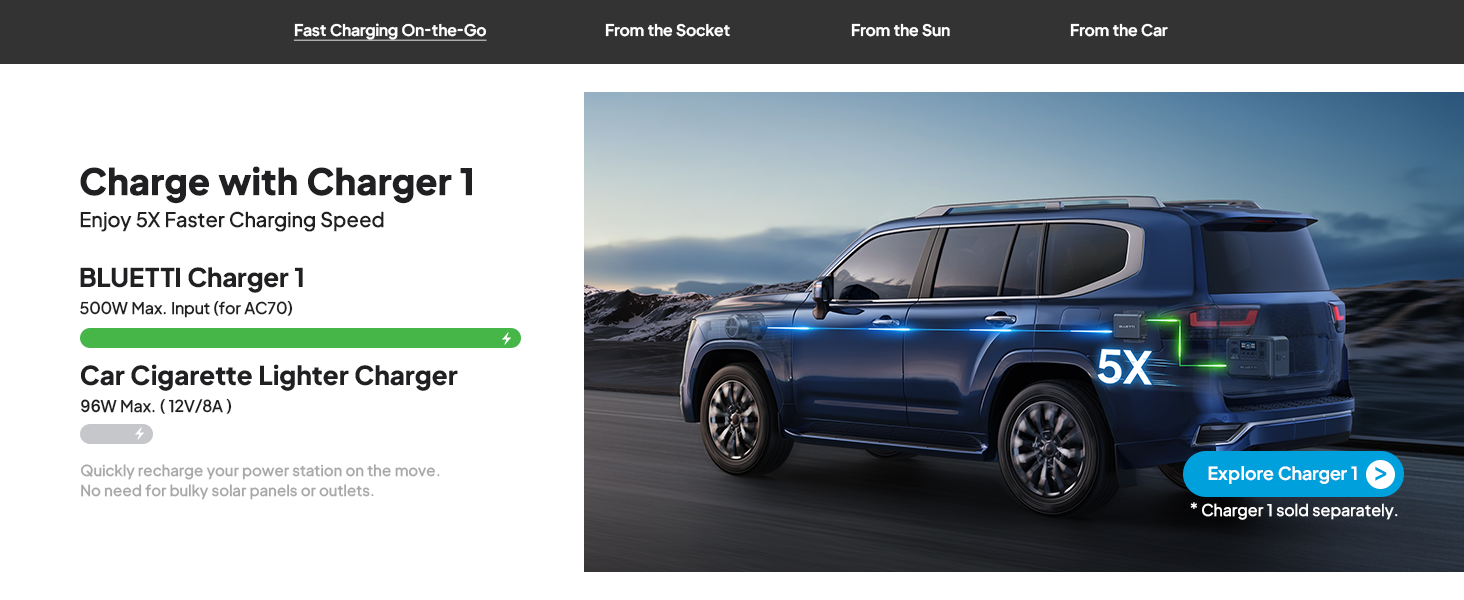
Figure 7: AC70 utilizing Power Lifting mode for higher wattagelectrodomésticos.
6.5 Funcionalidade do SAI
The AC70 features an Uninterruptible Power Supply (UPS) function with a switching time of ≤20ms. When connected to a wall outlet and powering devices, it can automatically switch to battery power in the event of a power outage, garantindo o funcionamento continuo dos dispositivos electrónicos conectados.
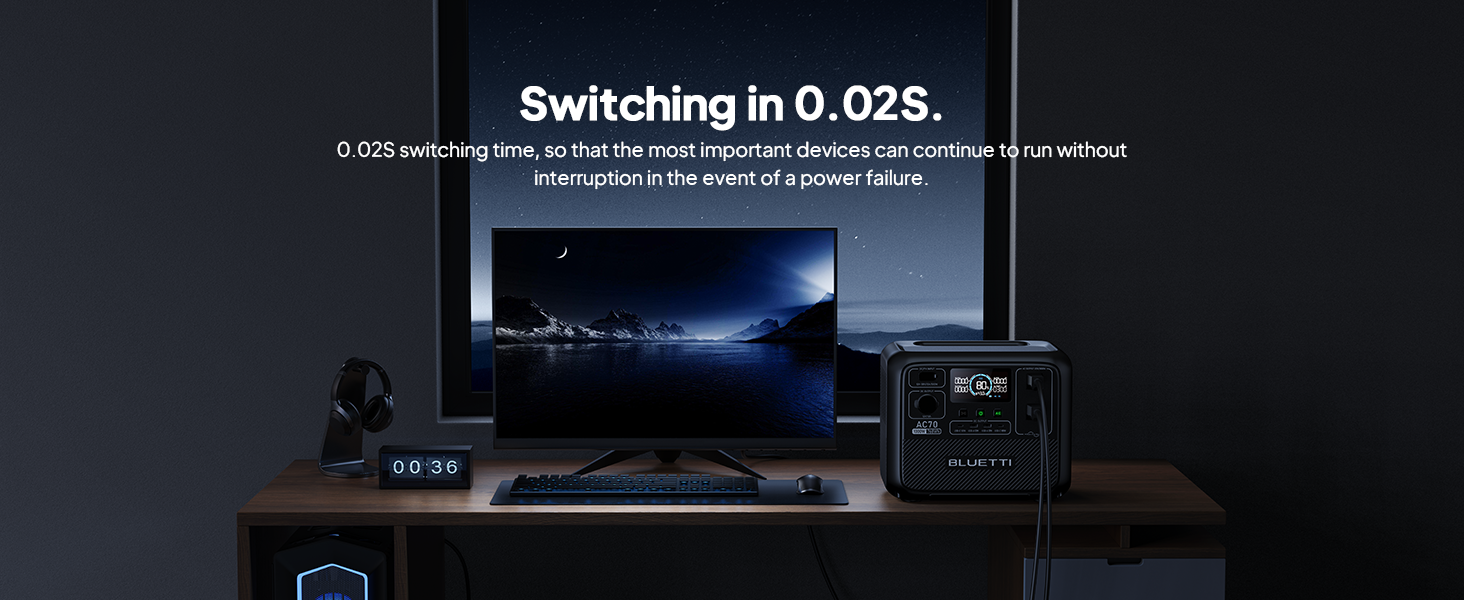
Figure 8: AC70 acting as an Uninterruptible Power Supply (UPS).
7. Charging the AC70
7.1 Carga de CA
Connect the AC charging cable to the AC input port and a wall outlet. The AC70 supports up to 950W fast charging, reaching 80% in 45 minutes and 100% in 1.5 hours.

Figure 9: AC70 charging from a standard wall outlet.
7.2 Carga solar
Connect compatible solar panels (up to 500W) to the DC/PV input port using the solar charging cable. The AC70 can be fully charged via solar power in 1.9-2.4 hours under optimal sunlight conditions.

Figure 10: AC70 charging using solar panels.
7.3 Carga do coche
Use the car charging cable to connect the AC70 to your vehicle's 12V/24V cigarette lighter port. This allows for convenient charging while on the go, with a full charge taking approximately 3.2-7 hours.
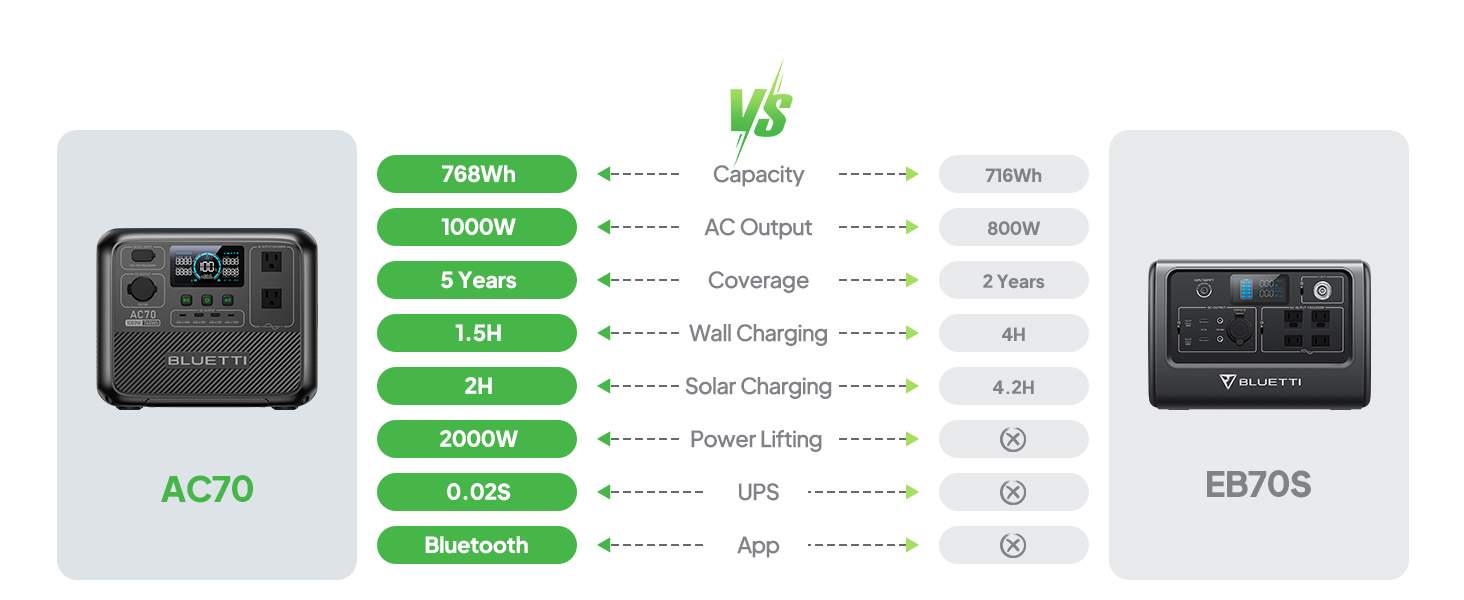
Figure 11: AC70 charging from a vehicle's 12V/24V outlet.
8. Mantemento
Proper maintenance ensures the longevity and performance of your AC70:
- Garde a unidade nun lugar fresco e seco, lonxe da luz solar directa.
- Recargue a unidade cada 3-6 meses se non a usa regularmente para manter o estado da batería.
- Limpar o exterior cun pano suave e seco. Non empregar produtos químicos agresivos nin abrasivos.
- Manteña as aberturas de ventilación libres de po e residuos.
9 Solución de problemas
If you encounter issues with your AC70, refer to the following common problems and solutions:
| Problema | Causa posible | Solución |
|---|---|---|
| A unidade non se acende | Batería baixa ou a unidade está apagada. | Charge the unit. Press and hold the power button for 2-3 seconds. |
| A saída de CA non funciona | AC output is off or overloaded. | Press the AC output button. Reduce the load or check for short circuits. |
| A carga solar non funciona | Insufficient sunlight, incorrect connection, or incompatible panel. | Ensure direct sunlight, check cable connections, verify panel compatibility. |
| A aplicación non se conecta | Bluetooth is off or unit is too far. | Ensure Bluetooth is enabled on your phone and AC70. Move closer to the unit. |
10. Especificacións
| Característica | Detalle |
|---|---|
| Marca | BLUETTI |
| Nome do modelo | AC70 |
| Capacidade da batería | 768 Wh (LiFePO4) |
| Saída AC | 2 x 1000W (2000W Power Lifting) |
| Saída CC | 1 x 12 V/10 A |
| Saída USB-C | 2 x 100 W máx |
| Saída USB-A | 2 x 12 W máx |
| Entrada AC | 950W Max (0-80% in 45 min, 0-100% in 1.5 hrs) |
| Entrada solar | 500W Max (0-100% in 1.9-2.4 hrs) |
| Carga de coche | 12V/24V, 10A (0-100% in 3.2-7 hrs) |
| Ciclos de batería | De 3000+ a 80 % de capacidade |
| Tempo de conmutación do UPS | ≤ 20 ms |
| Peso do elemento | 22.5 libras |
| Dimensións do produto | 12.4 cm de longo x 10.1 cm de ancho x 8.2 cm de alto |
11. Garantía e soporte
The BLUETTI AC70 Portable Power Station comes with a 5-year warranty. For technical support, troubleshooting assistance, or warranty claims, please contact BLUETTI customer service through their official website or the BLUETTI APP.
Video 1: Official BLUETTI AC70 product overview highlighting its features and portability.