1. Introdución
The Tera W01 11kW Type 2 EV Wallbox Charger is an intelligent charging solution for electric vehicles, designed for home or private use. This wallbox features a 7-meter Type 2 charging cable, WiFi and Bluetooth connectivity for app control, and robust safety certifications. This manual provides essential information for the safe installation, operation, and maintenance of your Tera EV Wallbox Charger.

Image 1.1: Tera W01 11kW Type 2 EV Wallbox Charger, showing its compact design and integrated cable.
2. Instrucións de seguridade
Read all safety warnings and instructions carefully before installation and use to prevent electric shock, fire, or serious injury.
- Seguridade eléctrica: The wallbox is equipped with an integrated DC6mA leakage current protection and requires an external Type A circuit breaker. Ensure all electrical connections are made by a qualified electrician in accordance with local regulations.
- Integridade do cable: The charging cable is constructed with over 99.5% copper for excellent conductivity and minimal heat generation. Regularly inspect the cable for any damage, cuts, or fraying. Do not use if damaged.
- Condicións ambientais: The unit has an IP54 waterproof and dustproof rating, suitable for outdoor use. It operates reliably in temperatures ranging from -30 °C to 50 °C. Avoid exposing the unit to extreme conditions outside this range.
- Protección contra sobrecarga: The charger can adapt its power output to prevent overloads and protect your vehicle's battery. Do not attempt to bypass or modify this safety feature.
- Nenos e animais: Manteña os nenos e as mascotas lonxe da zona de carga durante o funcionamento.

Image 2.1: Illustration of the CE certified Type 2 connector and CEE 3-Phase plug, highlighting various protection mechanisms like overtemperature, overvoltage, and earth leakage protection.
3. Contido do paquete
Comprobe que todos os elementos estean presentes e non estean danados ao desembalar.
- 1x Tera W01 11kW 16A EV Charger with 7m Type 2 Cable and CEE 3-Phase Plug
- 1x Plantilla de montaxe
- 1x Set of Mounting Screws and Wall Plugs
- 1x User Manual (German and English)
- 1x Set of Tools (e.g., Allen key)

Image 3.1: All components included in the Tera EV Wallbox Charger package.
4. Características do produto
- Carga intelixente: Offers both manual and scheduled charging options via a dedicated mobile application, providing flexibility to adapt charging sessions to your needs.
- Saída de alta potencia: Delivers a maximum power of 11 kW, with a current of 16A and voltage of 400V, enabling faster charging compared to traditional stations.
- Alcance estendido: Equipped with a 7-meter Type 2 charging cable, allowing for effortless charging in various locations without repositioning the vehicle.
- Seguridade integral: Features integrated DC6mA leakage current protection, an external Type A circuit breaker, and multiple protections including overvoltage, subvoltage, overtemperature, ground, earth leakage, overload, and short circuit protection.
- Duradeiro e resistente ás inclemencias meteorolóxicas: Boasts an IP54 waterproof and dustproof rating, ensuring reliable operation in all weather conditions and a wide temperature range of -30 °C to 50 °C.
- Deseño fácil de usar: Integrated LED indicators clearly show charging progress and signal potential errors. A cable holder is included for neat and space-saving storage of the charging cable.
- Calidade certificada: CE and TÜV certified, manufactured strictly according to the European standard IEC 62196-2.
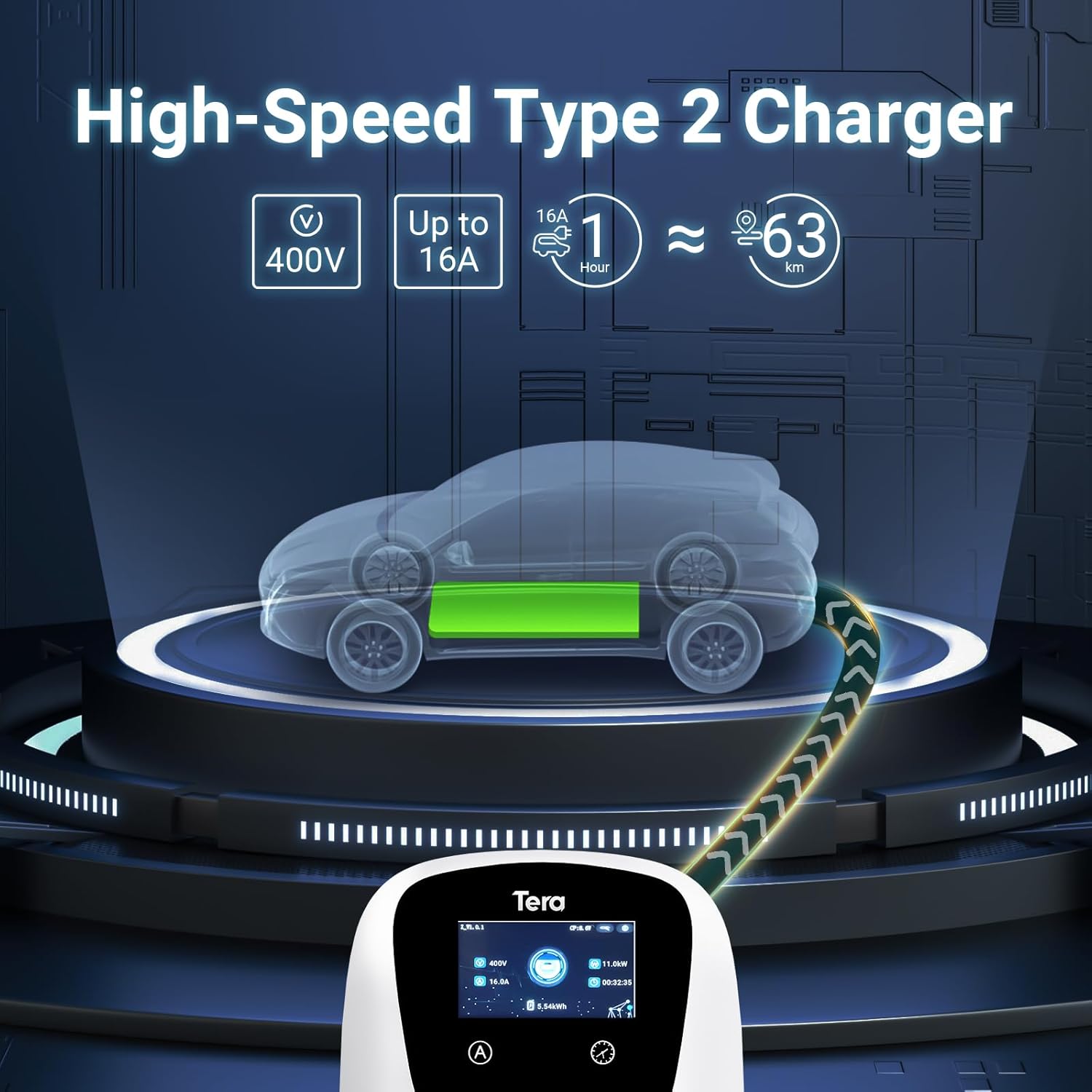
Image 4.1: Visual representation of the high-speed charging capabilities of the Tera Type 2 charger.

Image 4.2: The 7-meter ultra-long cable provides convenience for charging in any location.
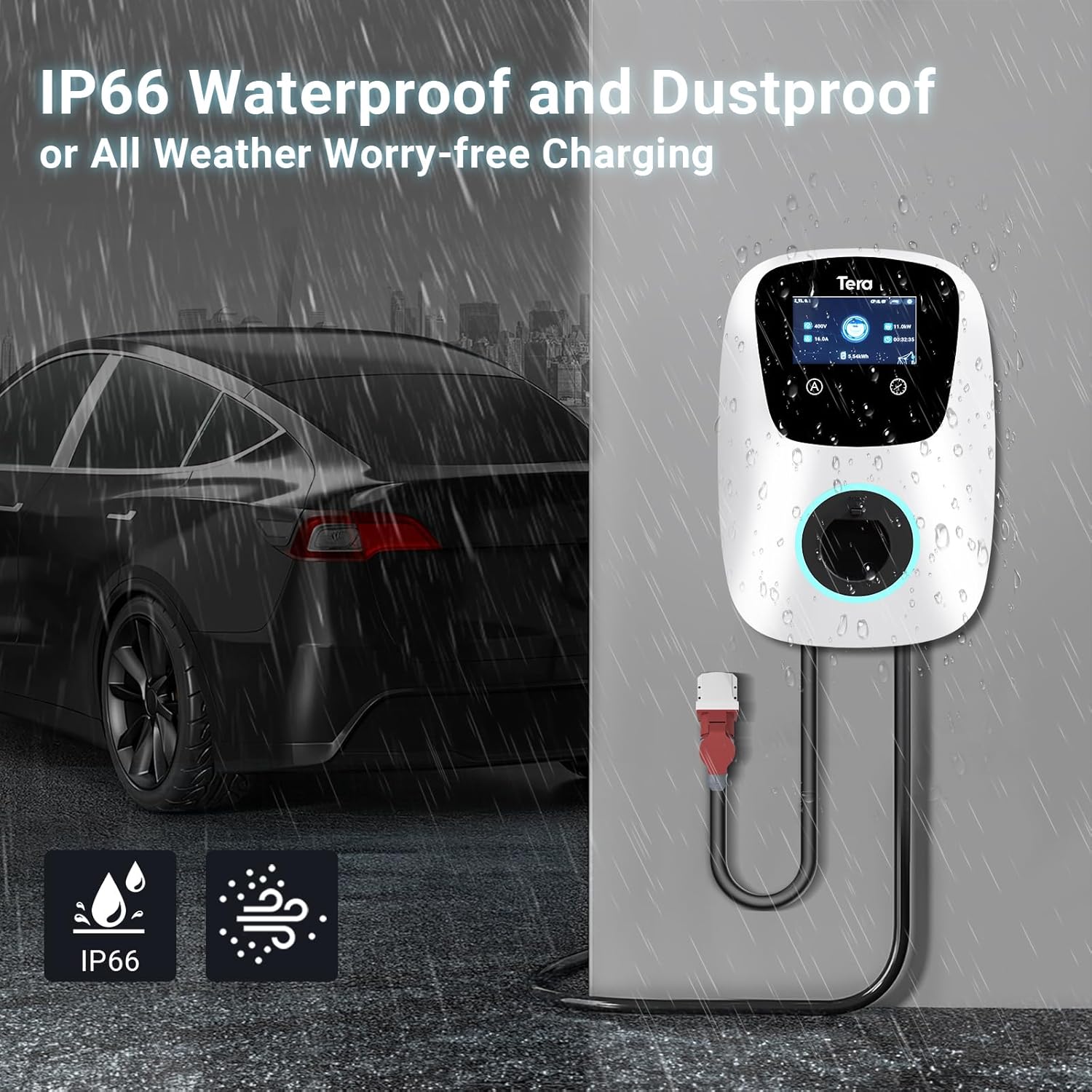
Image 4.3: The IP54 rating ensures the charger is protected against water and dust for all-weather use.
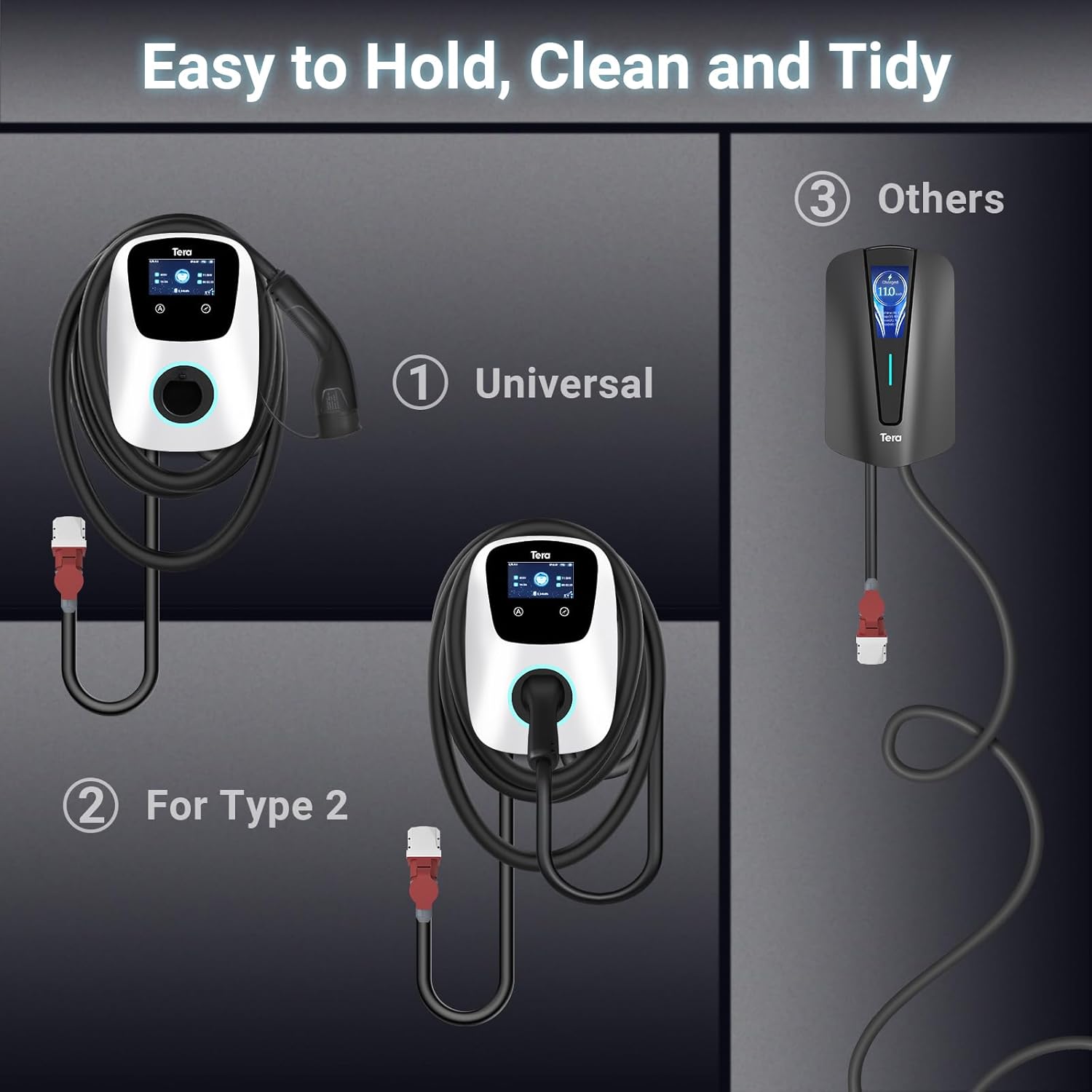
Image 4.4: The included cable holder helps keep the charging area clean and tidy.
5. Configuración e instalación
The Tera W01 Wallbox is designed for straightforward installation. However, for electrical connections, it is recommended to consult a qualified electrician.
- Selección do sitio: Choose a suitable location for the wallbox, ensuring it is within reach of your vehicle and a compatible 400V, 16A CEE 3-Phase socket. The location should be structurally sound to support the unit's weight.
- Montaxe: Use the provided mounting template to mark the drilling points on the wall. Drill the necessary holes and securely attach the mounting plate using the supplied screws and wall plugs.
- Adxunto da unidade: Carefully attach the Tera W01 Wallbox to the mounted plate. Ensure it is firmly secured.
- Conexión eléctrica: Plug the integrated CEE 3-Phase plug of the wallbox into a compatible 400V, 16A CEE socket. Ensure the socket is properly installed and protected by an external Type A circuit breaker.
- Encendido inicial: Once connected, the unit will power on. The LED indicators will illuminate, and the display will show initial status.
6. Instrucións de funcionamento
The Tera W01 Wallbox offers flexible charging options.
- Conexión ao vehículo: Take the Type 2 charging connector and firmly insert it into your electric vehicle's charging port. Ensure a secure connection.
- Carga inicial: Charging will typically begin automatically upon a secure connection. The display and LED indicators on the wallbox will show the charging status.
- Usando a aplicación móbil: Download the dedicated mobile application (e.g., Smart Life or Tuya app) from your device's app store. Follow the in-app instructions to connect the wallbox via WiFi or Bluetooth.
- Carga programada: Through the app or the wallbox's touch screen, you can set a charging schedule (e.g., 1-12 hours delay) to charge during off-peak hours or at specific times.
- Axuste actual: Adjust the charging current (8A/10A/13A/16A) via the app or the wallbox interface to match your vehicle's requirements or available power supply.
- Seguimento: The wallbox display and mobile app provide real-time information on charging progress, current, voltage, power, and energy consumed.
- Stopping Charge: To stop charging, either disconnect the cable from your vehicle (if auto-unlock is enabled) or use the app/wallbox interface to end the session before disconnecting.

Image 6.1: The touch screen allows for current adjustment and scheduled charging.
7. Mantemento
Regular maintenance ensures optimal performance and longevity of your Tera EV Wallbox Charger.
- Limpeza: Periodically clean the exterior of the wallbox with a soft, damp cloth. Do not use abrasive cleaners or solvents. Ensure the unit is powered off before cleaning.
- Inspección de cables: Routinely check the charging cable, connectors, and the CEE plug for any signs of wear, damage, or corrosion. Replace the cable if any damage is found.
- Ventilación: Ensure that the area around the wallbox is clear of obstructions to allow for proper ventilation and heat dissipation.
- Actualizacións de firmware: Check the mobile application periodically for any available firmware updates for the wallbox to ensure you have the latest features and security enhancements.
8 Solución de problemas
If you encounter issues with your Tera EV Wallbox Charger, refer to the following common troubleshooting steps:
| Problema | Causa posible | Solución |
|---|---|---|
| O cargador non se acende. | No power supply; CEE plug not fully inserted; circuit breaker tripped. | Check the CEE plug connection. Verify power at the socket. Reset the external circuit breaker. |
| Non se inicia a carga. | Charging cable not properly connected to vehicle; vehicle charging port issue; scheduled charging active; error detected. | Ensure the Type 2 connector is fully inserted into the vehicle. Check vehicle's charging status. Disable scheduled charging in the app if immediate charge is desired. Check wallbox display for error codes. |
| Velocidade de carga lenta. | Current setting is low; vehicle limitation; power supply issue. | Increase current setting via the app or wallbox interface. Consult your vehicle's manual for maximum charging rate. Ensure stable 400V power supply. |
| Problemas de conectividade da aplicación. | WiFi/Bluetooth signal weak; incorrect app settings; wallbox not paired. | Ensure wallbox is within WiFi/Bluetooth range. Restart the app and wallbox. Re-pair the device in the app settings. |
For specific error codes or persistent issues, refer to the detailed troubleshooting section in the complete user manual or contact Tera customer support.
9. Especificacións
| Característica | Especificación |
|---|---|
| Fabricante | Tera |
| Número de modelo | W01-AM-WH-11kW |
| Dimensións do produto (L x W x H) | 20 x 15 x 20 cm |
| Overall Dimensions (P x L x H) | 55 x 30 x 40 cm |
| Peso do elemento | 15 quilogramos |
| Vol. De entradatage | 400 voltios |
| Vol. De saídatage | 400 voltios |
| Valoración actual | 16 A |
| Potencia de saída | 11 kW |
| Tipo de conector | Tipo 2 |
| Tipo de enchufe de alimentación | CEE 3-Phase |
| Lonxitude do cable | 7 metros |
| Certificacións | CE, TÜV (IEC 62196-2 standard) |
| Clasificación impermeable/a prueba de po | IP54 |
| Temperatura de funcionamento | -30 °C a 50 °C |
| Conectividade | WiFi, Bluetooth |
10. Garantía e soporte
Tera products are manufactured to high-quality standards. While specific warranty duration is not detailed in the provided information, all product certificates are available, ensuring compliance and safety.
If you require assistance with your Tera EV Wallbox Charger, have questions, or encounter any issues not covered in this manual, please do not hesitate to contact Tera customer support. Refer to the product packaging or the official Tera websitio para información de contacto.


