Introdución
Thank you for choosing Bewinner DLP Link 3D Glasses. These active shutter 3D glasses are designed to provide an immersive 3D viewing experience with compatible DLP Link projectors. Featuring a high 144Hz refresh rate, they ensure clear images without ghosting or flickering. The lightweight design offers comfort for extended viewsesións de ing.
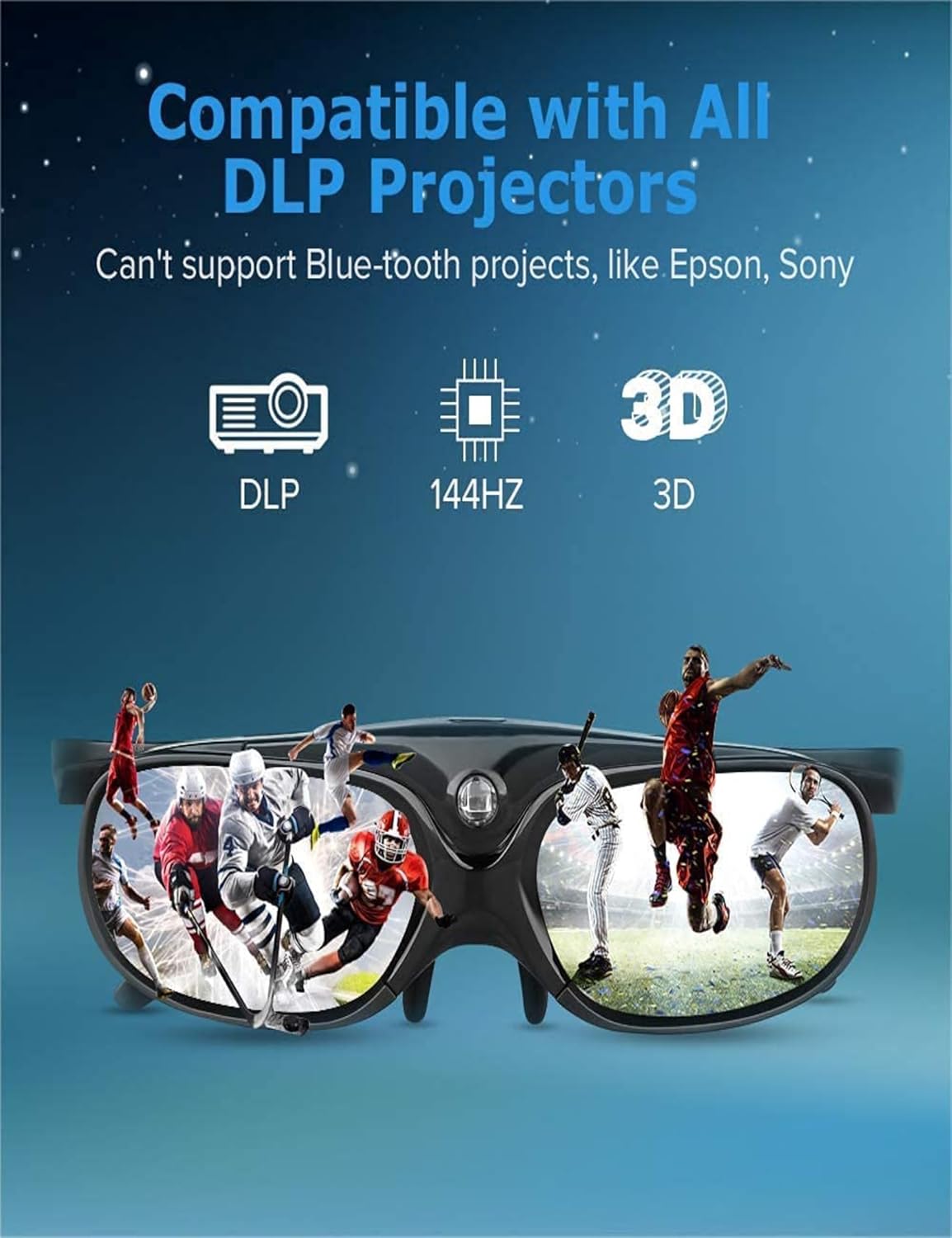
Image: Compatibility with DLP Link projectors and 144Hz refresh rate.

Image: Lightweight design for comfortable wear.
Que está incluído
O paquete inclúe os seguintes elementos:
- Bewinner DLP Link 3D Glasses (2 pairs)
- Micro USB Data Cable (2 cables)
- Glasses Cleaning Cloth (2 cloths)
- Storage Pouch (2 pouches)

Image: Contents of the package, including two pairs of glasses and accessories.
Configuración
- Cargando as gafas: Before first use, fully charge the 3D glasses using the provided Micro USB data cable. Connect the cable to the charging port on the glasses and a standard USB power source. The charging indicator will show the charging status. A full charge provides approximately 45 hours of continuous usage.
- Acendido: Press the power button located on the glasses to turn them on.
- Emparejamento co proxector: The glasses are designed to automatically synchronize with DLP Link compatible projectors. Ensure your projector is set to output a DLP Link 3D signal.

Image: Charging the 3D glasses and battery life information.
Instrucións de funcionamento
- Usando lentes: Place the glasses comfortably on your face.
- Sincronización automática: Once powered on and within range of a DLP Link 3D projector displaying 3D content, the glasses will automatically synchronize to display the 3D effect.
- Left/Right Eye Rotation: If the 3D effect does not appear correctly (e.g., image looks inverted or distorted), press the power button again briefly. This action rotates the left/right eye view, which can correct synchronization issues and optimize the 3D experience.
- Automatic Standby and Power-Off: For energy efficiency, the glasses feature an automatic 5-second standby mode when no 3D signal is detected and will power off after 5 minutes of inactivity.

Image: Demonstrating the left/right eye switching function.

Image: Enhanced brightness and clarity of the 3D image.

Image: Enjoying an immersive 3D movie experience.
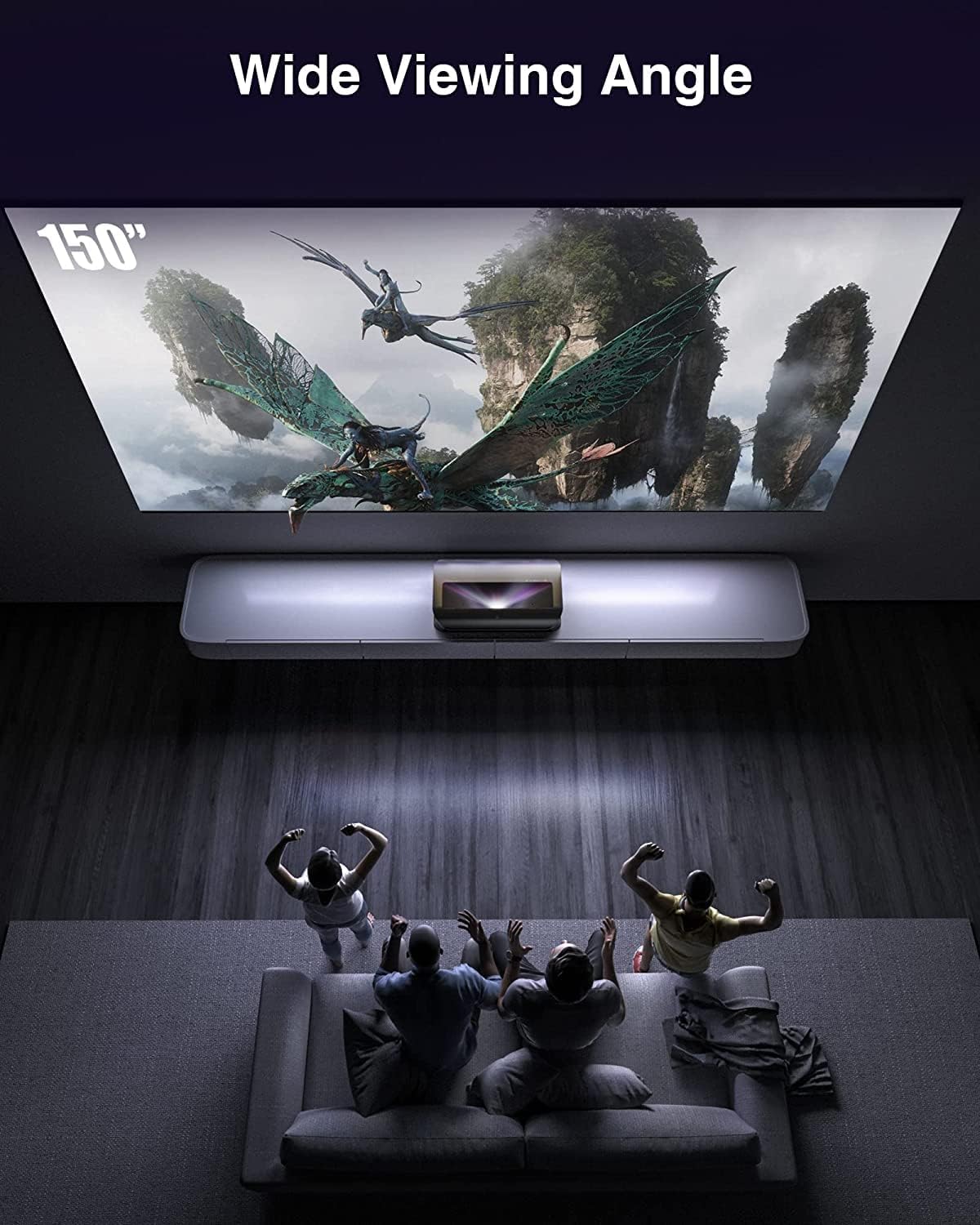
Image: Wide viewing angle for multiple viewers
Mantemento
- Limpeza: Use the provided soft cleaning cloth to gently wipe the lenses and frame. Avoid using abrasive materials or harsh chemicals, which can damage the lenses or coating.
- Almacenamento: When not in use, store the glasses in the provided storage pouch to protect them from dust and scratches. Keep them in a cool, dry place away from direct sunlight and extreme temperatures.
- Cargando: Recharge the glasses when the battery is low to ensure they are ready for your next viewing session. Avoid overcharging for extended periods.
Resolución de problemas
| Problema | Solución |
|---|---|
| No 3D effect or distorted image |
|
| Glasses do not turn on |
|
| Batería de curta duración |
|
Especificacións
- Modelo: Bewinnercoky9nq0bd
- Compatibilidade: All DLP Link Projectors
- Frecuencia de actualización: Ata 144 Hz
- Tecnoloxía: Active Shutter
- Duración da batería (uso): Aproximadamente 45 horas
- Duración da batería (en espera): Aproximadamente 180 días
- Funcións automáticas: 5-second standby, 5-minute power-off
- Dimensións: 8.98 x 5.47 x 3.31 polgadas (embalaxe)
- Peso: 7.7 onzas (artigo)
- Fabricante: Vencedor
Garantía e Soporte
For warranty information or technical support, please refer to the documentation provided with your purchase or contact Bewinner customer service.
You can often find support contact details on the official Bewinner websitio web ou a través do seu vendedor.
