Introdución
The Amazon Basics Thunderbolt 4 / USB4 Docking Station is designed to expand your laptop's connectivity and enhance your workspace. It provides multiple ports for monitors, peripherals, and network access, all while delivering power to your connected laptop through a single Thunderbolt 4 cable.
Que está incluído
- Estación de acoplamento Thunderbolt 4
- Cable Thunderbolt 4
- Adaptador de alimentación
- Cable de alimentación
- Guía de configuración rápida

Image: All components included with the docking station.
Produto rematadoview
The docking station features a compact design with various ports for versatile connectivity. Below is a detailed look at the ports and indicators.

Imaxe: Fronte view of the docking station.
Panel frontal
- Lector de tarxetas SD: Para ler e escribir en tarxetas de memoria SD.
- Porto USB-A 3.1: Connect USB-A peripherals.
- Conector de audio de 3.5 mm: Para auriculares ou altofalantes.
- Porto de subida de Thunderbolt 4: Connects to your laptop. Supports up to 85W Power Delivery.
- Indicadores LED: Power and Thunderbolt connection status.
- Botón de encendido: To turn the docking station on or off.
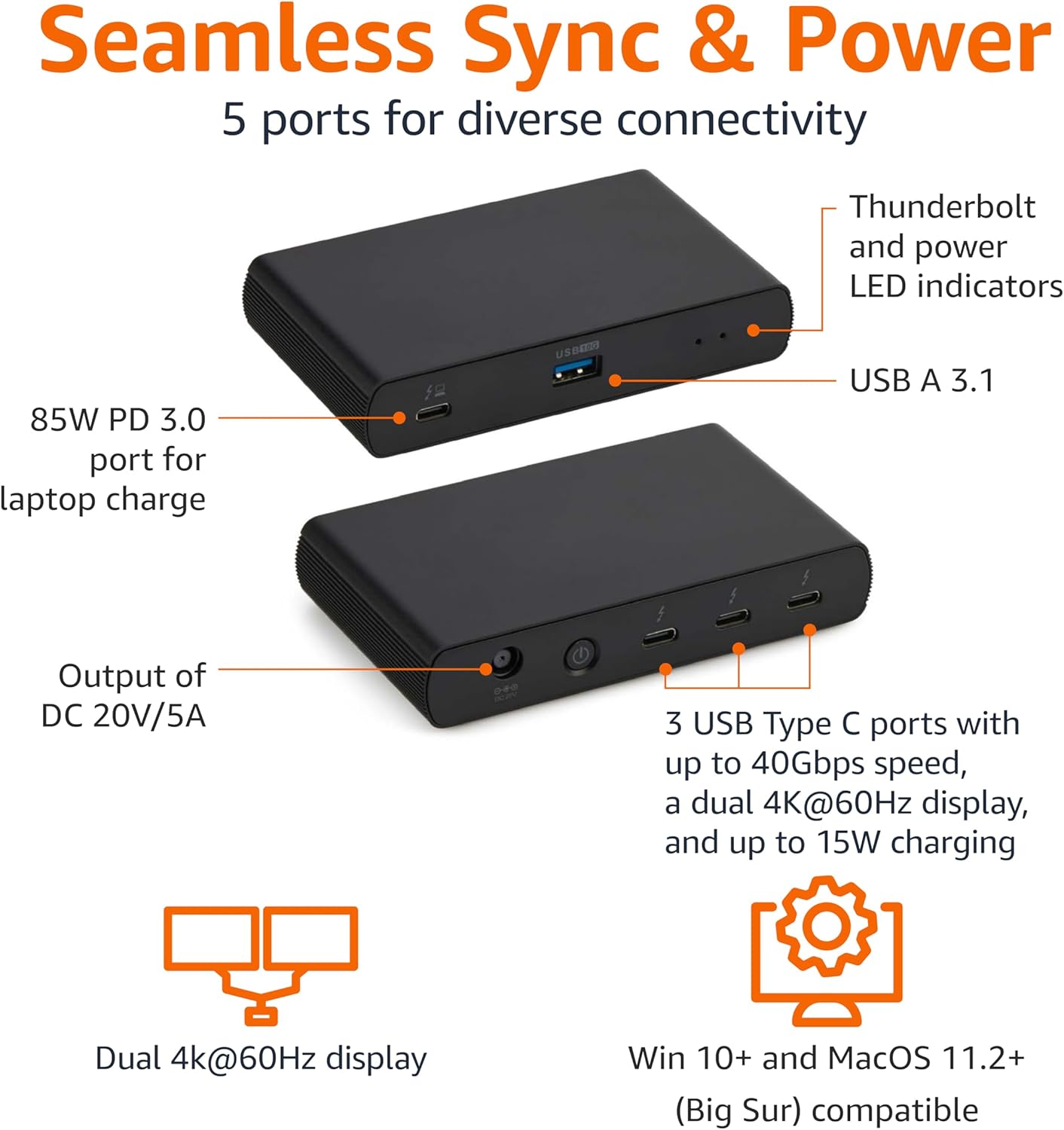
Image: Labeled ports on the docking station.
Panel traseiro
- Porto de entrada de CC: Conecte o adaptador de corrente fornecido.
- Porto HDMI 2.1: Conectar unha pantalla externa.
- 2x Thunderbolt 4 Downstream Ports: Connect additional Thunderbolt devices or external displays. Each supports up to 15W charging.
- Porto Ethernet de 2.5 G: Para conectividade de rede con fíos.
- 2x USB-A 3.1 Ports: Connect additional USB-A peripherals.
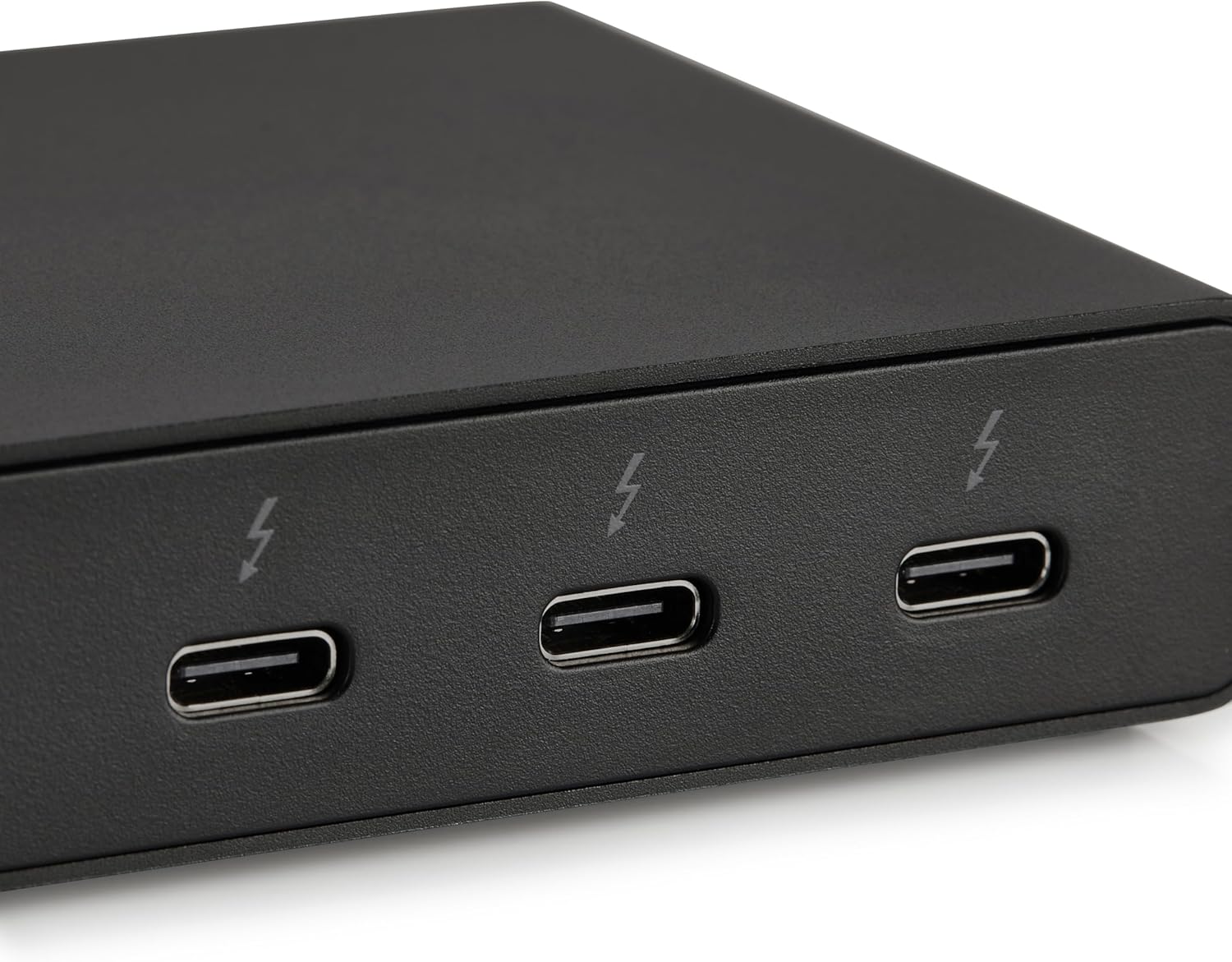
Image: Close-up of Thunderbolt 4 ports.
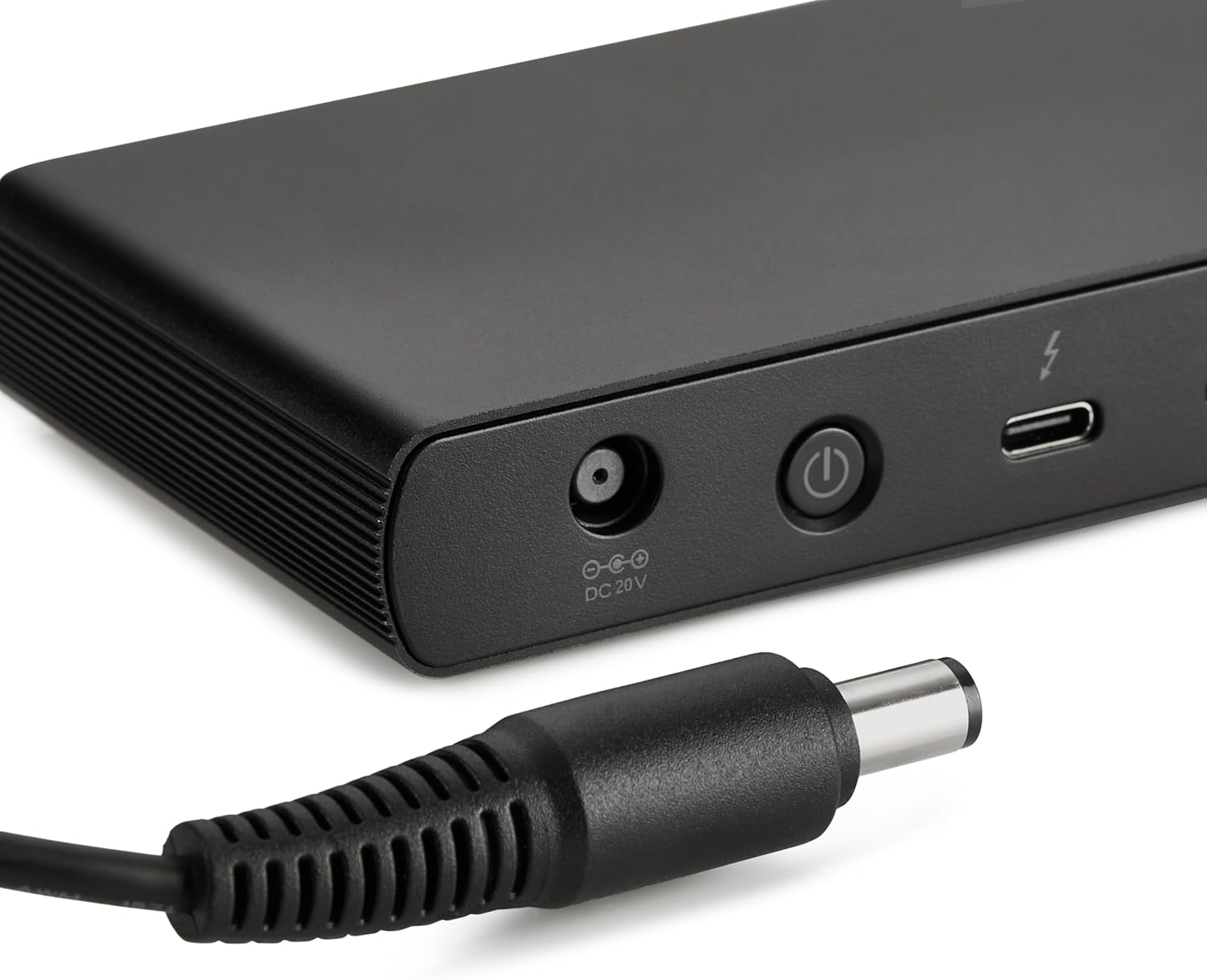
Image: Close-up of the DC power input.
Instrucións de configuración
- Conectar enerxía: Plug the provided power adapter into the DC In port on the rear of the docking station, then connect the power cord to a wall outlet.
- Conectar ao portátil: Use the provided black Thunderbolt 4 cable to connect the Thunderbolt 4 upstream port on the fronte of the docking station to a Thunderbolt 4 port on your laptop.
- Encendido: Press the power button on the front panel of the docking station. The green power LED and blue Thunderbolt LED should illuminate.
- Conectar periféricos: Connect your monitors, Ethernet cable, USB devices, and audio devices to the appropriate ports on the docking station.
Video: This video demonstrates the basic setup and connectivity of the Amazon Basics Thunderbolt 4 / USB4 Docking Station, including connecting to a laptop, external displays, and peripherals.
Note: If your laptop does not immediately detect the dock, ensure the Thunderbolt 4 cable is securely connected. Wait approximately 60 seconds for the system to complete the setup process.
Instrucións de funcionamento
Soporte de pantalla dual
The docking station supports up to dual 4K@60Hz displays. You can connect one display via the HDMI 2.1 port and another via one of the Thunderbolt 4 downstream ports (using an appropriate adapter/cable, not included).
- Verify your laptop's Thunderbolt ports support dual 4K@60Hz output.
- Ensure your graphics card has the latest drivers installed.
- Confirm your monitors support 4K@60Hz display.
- Use high-quality Thunderbolt 4 or USB4 cables for display connections (not included).

Image: Dual display setup with the docking station.
Entrega de enerxía (PD)
The docking station provides dynamic power delivery up to 85W to charge your connected laptop. This eliminates the need for a separate laptop charger.
- Check your laptop manufacturer's power supply specifications.
- If laptop power requirements exceed 85W, the docking station may activate an overload protection feature, causing disconnection or improper port function.
- The Thunderbolt 4 downstream ports also provide up to 15W charging for connected devices.
Transferencia de datos de alta velocidade
Leverage Thunderbolt 4 and USB4 technology for lightning-fast data transfers up to 40Gbps across the Thunderbolt ports, ensuring seamless workflows for large files e aplicacións esixentes.
Compatibilidade
- Sistemas operativos compatibles: Windows 10 OS or later (with Thunderbolt 4 port), non-M1/M2 chip MacBooks running macOS 11 (Big Sur) or later.
- Compatibilidade cara atrás: Thunderbolt 3 laptops may work with limited functionality (e.g., not supporting dual display).
- Non compatible con: Linux or Chrome OS laptops, and M1/M2 chip MacBooks running macOS 10.16 or earlier.
Especificacións
| Característica | Detalle |
|---|---|
| Marca | Conceptos básicos de Amazon |
| Número de modelo | DBD1010 |
| Dimensións do produto | 4.76 x 2.84 x 0.86 polgadas |
| Peso do elemento | 1.76 libras |
| Interface de hardware | Thunderbolt, USB |
| Total de portos USB | 4 (1x USB-A 3.1 front, 2x USB-A 3.1 rear, 1x Thunderbolt 4 upstream front) |
| Portos Thunderbolt | 3 (1x upstream, 2x downstream) |
| Porto HDMI | 1x HDMI 2.1 |
| Porto Ethernet | 1x 2.5G RJ45 |
| Entrega de enerxía | Ata 85 W para aloxar un portátil |
| Saída de vídeo | Dual 4K@60Hz displays |
| UPC | 840324412260 |
Resolución de problemas
- Sen saída de visualización:
- Ensure all display cables are securely connected.
- Verify your laptop's Thunderbolt ports support dual 4K@60Hz output.
- Actualiza os controladores da túa tarxeta gráfica á versión máis recente.
- Confirm your monitors support 4K@60Hz.
- Try using different high-quality Thunderbolt 4 or USB4 cables for display connections.
- Laptop Not Charging / Intermittent Charging:
- Ensure the provided Thunderbolt 4 cable is used for the upstream connection to your laptop.
- Confirm the power adapter is correctly plugged into the dock and a working wall outlet.
- Check your laptop's power requirements. If they exceed 85W, the dock's overload protection may activate.
- Periféricos non detectados:
- Ensure the Thunderbolt 4 cable connecting the dock to your laptop is firmly seated.
- Try connecting the peripheral directly to your laptop to rule out device issues.
- Reinicie o portátil e a estación de acoplamento.
- Transferencia de datos lenta:
- Ensure you are using Thunderbolt 4 or USB4 compatible devices and cables for optimal speeds.
- Check that your laptop's ports support the expected data transfer rates.
Mantemento
- Limpeza: Usa un pano suave e seco para limpar o exterior da estación de carga. Evita produtos de limpeza líquidos ou solventes.
- Almacenamento: Garde a estación de carga nun lugar fresco e seco, lonxe da luz solar directa e de temperaturas extremas.
- Coidado do cable: Evite dobrar ou engarzar os cables excesivamente para evitar danos.
Garantía e Soporte
For warranty information and customer support, please refer to the official Amazon Basics website or contact Amazon customer service. Protection plans are also available for extended coverage.
Para obter axuda adicional, visite: amazon.com/AmazonBasics


