1. Introdución
The PAJ GPS COMPACT Finder 4G is a versatile and compact GPS tracking device designed for real-time location monitoring and theft protection. With its 4G LTE connectivity, it provides accurate live tracking and various alarm notifications to keep you informed about the whereabouts of your valuable assets. This manual provides detailed instructions for setting up, operating, and maintaining your device.

Image: The PAJ GPS COMPACT Finder 4G device shown next to its product packaging.
2. Que hai na caixa
Upon opening your PAJ GPS COMPACT Finder 4G package, please ensure all the following items are present:
- PAJ GPS Compact Finder 4G device
- M2M SIM card (pre-installed in the Finder)
- Cable de carga
- Manual de usuario (este documento)
3. Guía de configuración
3.1 Carga inicial
Before first use, fully charge your PAJ GPS COMPACT Finder 4G. Connect the provided charging cable to the device and a suitable USB power source. A full charge ensures optimal battery performance.

Image: The PAJ GPS tracker being charged via its USB port.
3.2 Activación da tarxeta SIM
The M2M SIM card is pre-installed in your device. To activate the tracking service, you will need to choose a subscription plan through the PAJ GPS Finder Portal or mobile application. Refer to the 'Subscription' section for more details.
3.3 Descarga e activación da aplicación
Download the 'ONLINE FINDER Portal by PAJ' application from your device's app store (available on Android and iOS). Once installed, follow the in-app instructions to register your device and activate tracking. This app is essential for managing your tracker and accessing its features.
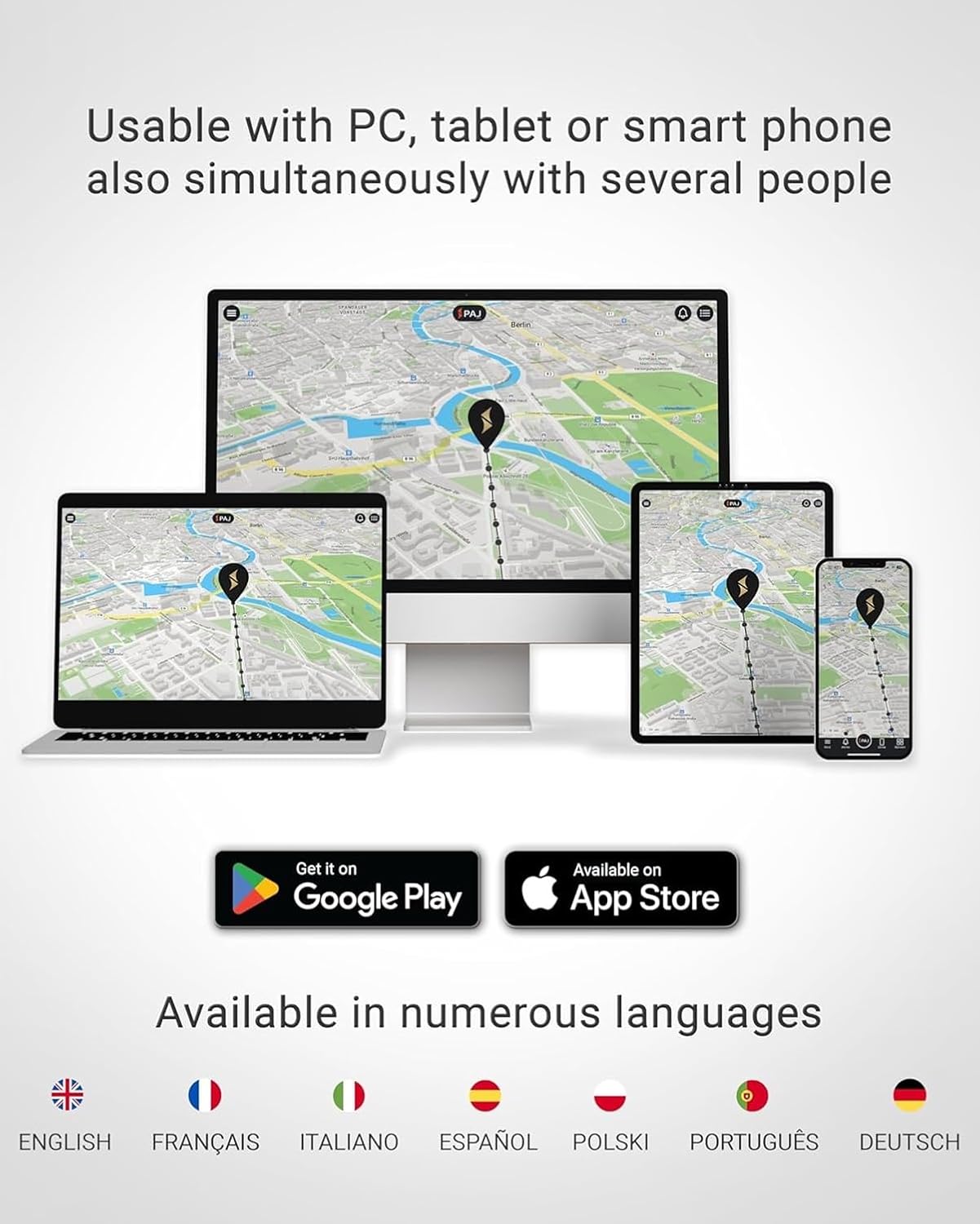
Image: The PAJ GPS app interface on a smartphone, with icons for Google Play and Apple App Store, indicating multi-platform availability.
3.4 Instalación física
The COMPACT Finder 4G features a built-in magnet for easy and secure attachment to metallic surfaces. For optimal signal reception, place the device in a location with minimal obstruction to the sky. Common placement areas include under car seats, in the trunk, or within the glove compartment.
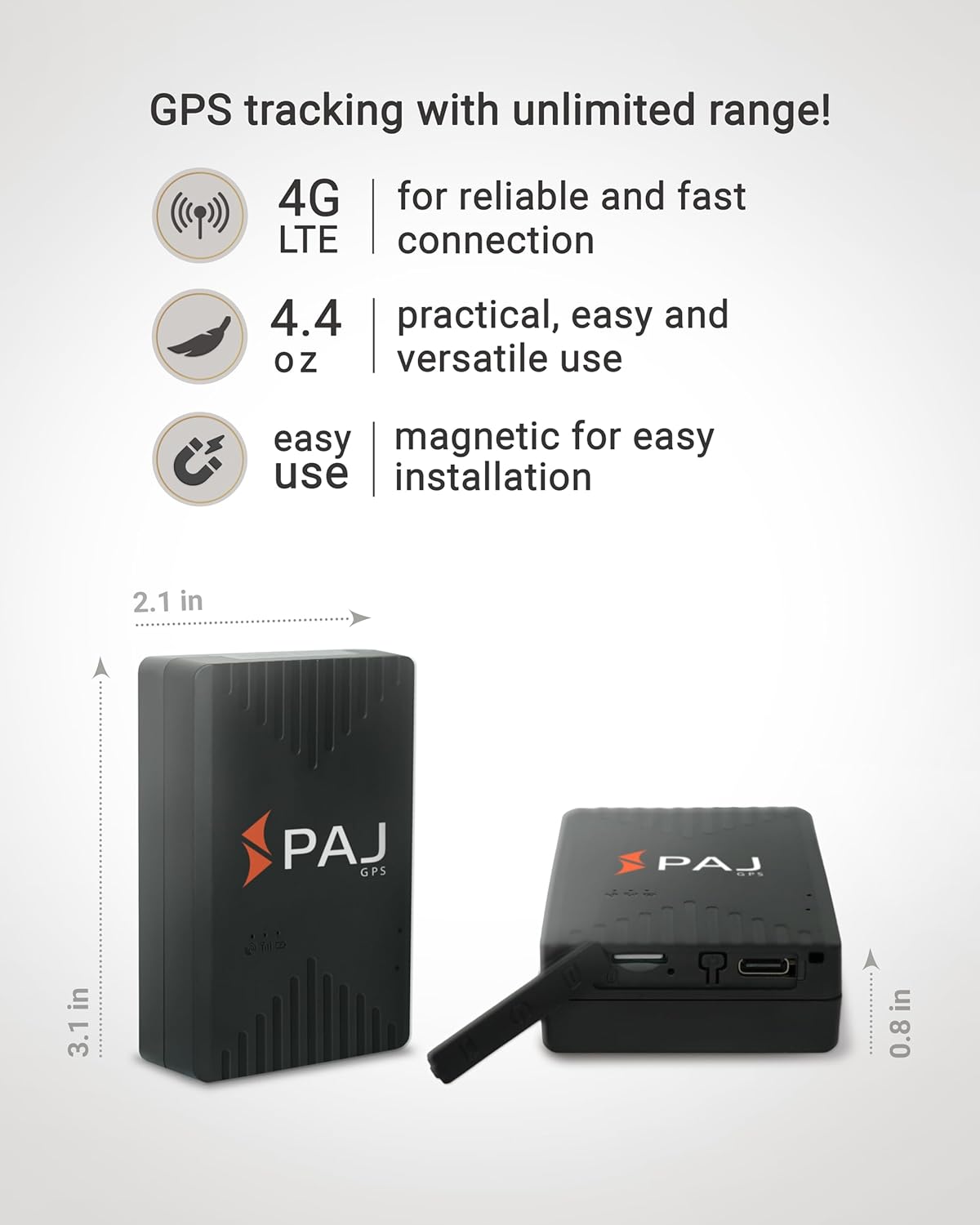
Image: Diagram showing the compact dimensions of the PAJ GPS tracker and highlighting its 4G LTE, lightweight, and magnetic features.
4. Instrucións de funcionamento
4.1 Live Tracking
Unha vez activado, podes view the real-time location of your device through the PAJ GPS app or Finder Portal. The app displays the current position on a map, allowing you to monitor movement instantly.

Image: A smartphone showing the PAJ GPS app with a vehicle's live location on a map.
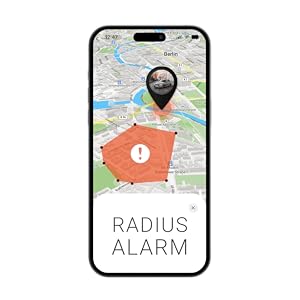
Image: A close-up of the PAJ GPS app interface demonstrating the live tracking function.
4.2 Notificacións de alarma
The device supports various customizable alarm notifications to enhance security. You can receive alerts via the app and email for the following events:
- Geo-Fence (Safe Area): Notifies you when the tracker enters or leaves a pre-defined geographical area.
- Alarma de vibración: Alerts you if the device detects significant movement or vibration.
- Removal Alarm: Notifies you if the tracker is removed from its attached surface.
- Alarma de batería baixa: Informs you when the device's battery level is critically low.
- Speed Limit Alarm: Alerts you if a pre-defined speed limit is exceeded.
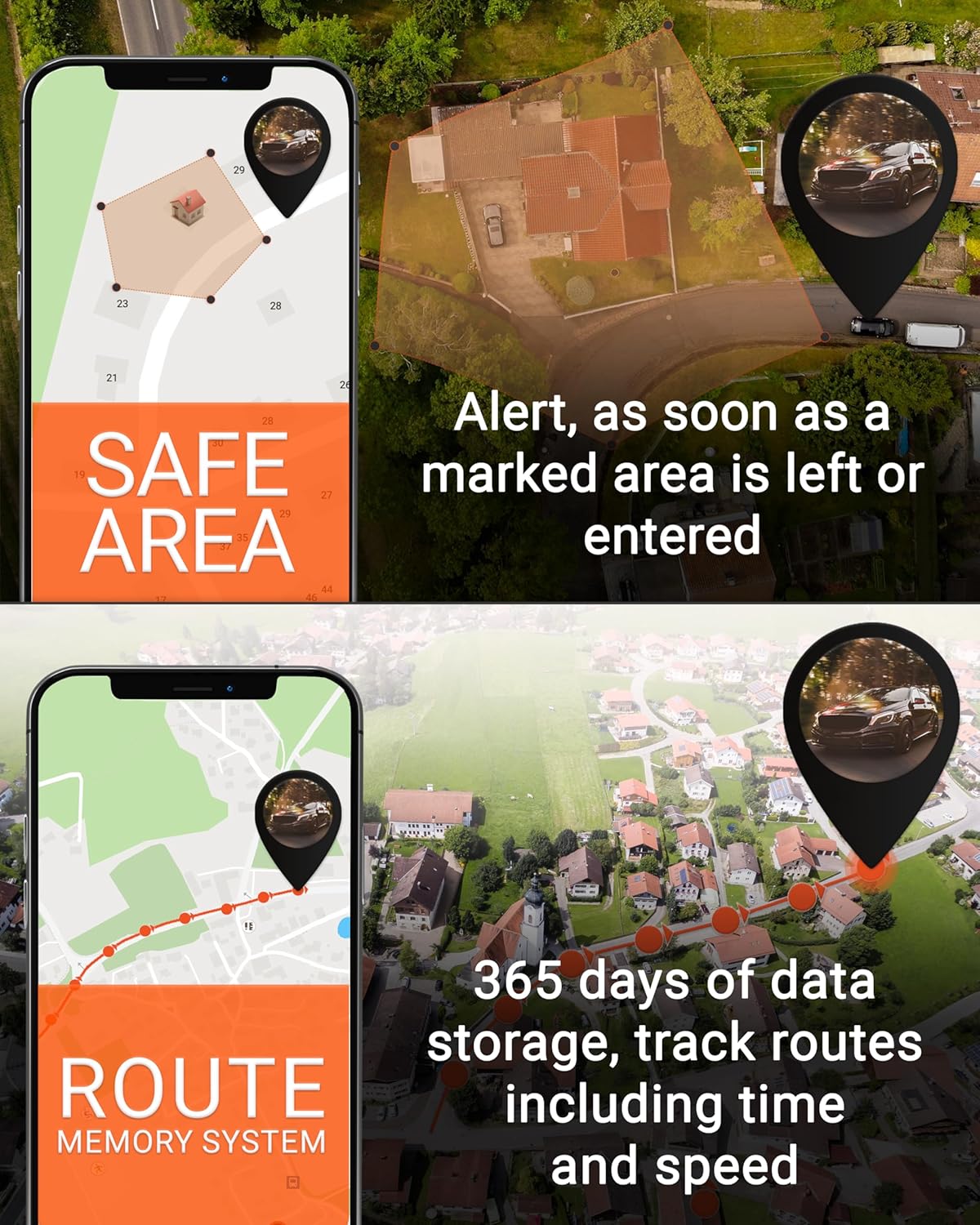
Image: Two smartphone screens illustrating the 'Safe Area' (geo-fence) alert and the 'Route Memory System' for tracking historical routes.
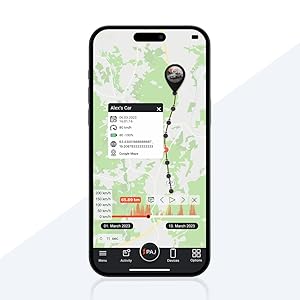
Image: The PAJ GPS app displaying a 'Radius Alarm' notification, indicating the device has crossed a set boundary.

Image: A notification on the PAJ GPS app indicating a 'Shock alert', meaning the device was shaken.

Image: A notification on the PAJ GPS app indicating a 'Drop alert', meaning the device was lifted.

Image: A notification on the PAJ GPS app indicating a 'Speed alert', meaning a predefined speed limit was exceeded.

Image: A notification on the PAJ GPS app indicating a 'Battery alert', meaning the battery level is low.
4.3 Route History
The Finder Portal and app store detailed travel routes for up to 365 days, allowing you to review past movements, including time and speed data.

Image: The PAJ GPS app displaying a historical route with detailed information.
4.4 Subscription Plans
The PAJ GPS COMPACT Finder 4G requires an active subscription for full functionality. Various plans are available, offering different features and tracking memory durations. Please refer to the subscription details provided in the product images or the PAJ GPS website for current pricing and options.

Image: A graphic detailing the Basic and Premium subscription plans for PAJ GPS trackers, including features and pricing structures.
4.5 Vídeo oficial do produto
Watch this official video from PAJ GPS to see the tracker in action and understand its key benefits.
Video: "PAJ GPS Tracker: Protect what You Love!" - An official video demonstrating the features and applications of the PAJ GPS tracker, including ease of use and various tracking scenarios.
5. Mantemento
5.1 Duración e carga da batería
The PAJ GPS COMPACT Finder 4G offers a battery life of up to 20 days with 1 hour of active tracking and 23 hours in standby mode. To maximize battery life, ensure the device is fully charged before extended use. Recharge the device when the low battery alarm is triggered.
5.2 Resistencia á auga
The device is waterproof according to IP65 standards, meaning it is protected against dust ingress and low-pressure water jets from any direction. While it can withstand splashes, it is not designed for submersion in water.

Image: A visual representation of the PAJ GPS tracker emphasizing its key attributes: waterproof (IP65), compact size, flexible use, and magnetic attachment.
6 Solución de problemas
6.1 Device Not Tracking
- Asegúrese de que o dispositivo estea completamente cargado.
- Verify that you have an active subscription plan.
- Check for proper SIM card activation and network signal.
- Ensure the device is placed in an area with good GPS signal reception (e.g., not completely enclosed by metal).
6.2 Inaccurate Location Data
- Mova o dispositivo a unha zona aberta con clara view do ceo.
- Ensure the device is not near large metallic objects or strong electromagnetic interference.
6.3 Problemas de conectividade da aplicación
- Comproba a conexión a internet do teu teléfono intelixente.
- Ensure the PAJ GPS app is updated to the latest version.
- Reinicia a aplicación ou o teu teléfono intelixente.
If you encounter persistent issues, please refer to the 'Warranty and Support' section for contact information.
7. Especificacións
Key technical specifications for the PAJ GPS COMPACT Finder 4G:
| Característica | Detalle |
|---|---|
| Dimensións do produto | 3.07 x 2.13 x 0.83 polgadas |
| Peso do elemento | 4.4 onzas |
| Número de modelo do artigo | MAGNETIC - Battery up to 20 days |
| Baterías | 1 batería de iones de litio (incluída) |
| Tecnoloxías de Conectividade | 4G LTE, Bluetooth |
| Características especiais | Alert Notification, Location History, Rechargeable, Geo-Fence, Real Time Tracking |
| Resistencia á auga | IP65 |
| Fabricante | GPS PAJ |
| País de Orixe | China |
| Primeira data dispoñible | 12 de marzo de 2024 |
8. Garantía e soporte
PAJ GPS offers a lifelong device replacement as long as your device is connected to an active subscription. For any questions, technical assistance, or support, please contact PAJ GPS customer service. 24/7 customer support is available in multiple languages to assist you.