Introdución
The BUGANI Open Ear Headphones are designed to provide a comfortable and immersive audio experience while allowing you to remain aware of your surroundings. Featuring a true open-ear design, these headphones rest gently on your ears without entering the ear canal, reducing stress and potential hearing loss from extended wear. Equipped with advanced Bluetooth 5.3 technology and powerful 16mm vibrating diaphragm speaker drivers, they deliver clear stereo sound and stable connectivity. With a long battery life and crystal-clear call quality thanks to built-in dual microphones and Environmental Noise Cancellation (ENC), these waterproof sport earbuds are ideal for various activities, including running, cycling, and daily use.
O que hai na caixa
- BUGANI Open Ear Headphones
- 1 x cable de carga tipo C
- 1 x Manual de usuario

Image: The BUGANI Open Ear Headphones and their transparent charging case. The earbuds are white with silver accents, showcasino seu deseño único de orellas abertas.
Configuración
Cargando os auriculares
Before first use, fully charge your BUGANI Open Ear Headphones. The charging case provides extended battery life for the earbuds.
- Coloca os auriculares na caixa de carga, asegurándote de que estean correctamente asentados.
- Connect the provided Type-C charging cable to the charging port on the case and plug the other end into a USB power source.
- The charging case will indicate charging status. A full charge for the charging box typically takes 1-2 hours.
- The earbuds provide up to 6 hours of playtime on a single charge, and the charging case extends total playtime to 30 hours.

Image: The BUGANI Open Ear Headphones are shown inside their charging case, next to a smartphone displaying music. The image highlights the 30-hour total playtime with the charging case and 6 hours on a single charge.
Emparejamento cun dispositivo
The BUGANI Open Ear Headphones feature one-step auto-pairing for stable and faster connection.
- Abre a caixa de carga. Os auriculares entrarán automaticamente no modo de emparellamento.
- No teu dispositivo (teléfono intelixente, tableta, ordenador, etc.), activa o Bluetooth.
- Busca "BUGANI OpenFit" in the list of available Bluetooth devices.
- Select "BUGANI OpenFit" to connect. Once connected, you will hear a confirmation sound, and the device will show "Connected".
- The headphones are compatible with any Bluetooth-enabled device.

Image: The BUGANI Open Ear Headphones are shown next to a smartphone displaying its Bluetooth settings, with "BUGANI OpenFit" listed as a connected device. This illustrates the one-step auto-pairing process.
Instrucións de funcionamento
The BUGANI Open Ear Headphones feature intuitive touch controls for managing audio playback and calls.
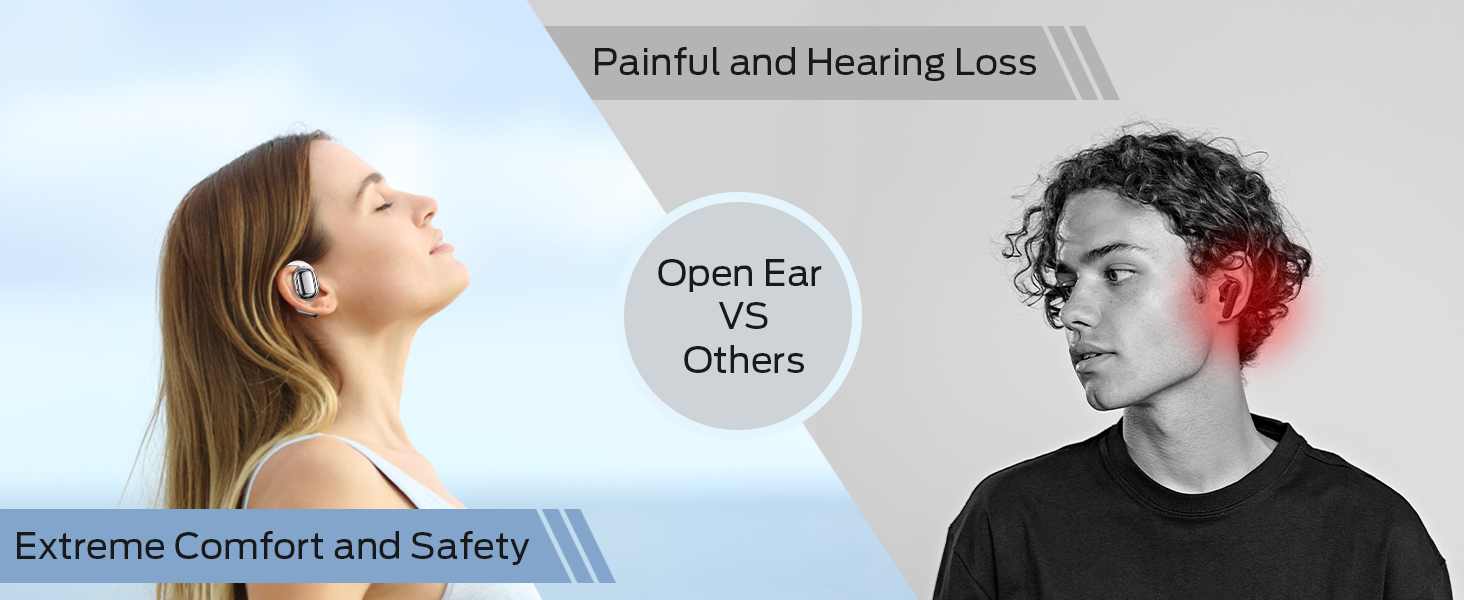
Image: A detailed diagram illustrating the touch control functions on the BUGANI Open Ear Headphones, showing gestures for volume, track control, call management, and voice assistant activation.
Funcións de control táctil
| Función | Acción | Earbud (R/L) |
|---|---|---|
| Subir volume | Toca dúas veces | Dereita (R) |
| Baixar o volume | Toca dúas veces | Esquerda (L) |
| Pista anterior | Toca tres veces | Esquerda (L) |
| Próxima pista | Toca tres veces | Dereita (R) |
| Reproducir/Pausa | Un só toque | Dereita (R) ou Esquerda (L) |
| Responder/Finalizar chamada | Un só toque | Dereita (R) ou Esquerda (L) |
| Rexeitar a chamada | Mantén premido durante 2 segundos | Dereita (R) ou Esquerda (L) |
| Activa o asistente de voz | Mantén premido durante 2 segundos | Esquerda (L) |
Funcións de chamada
The built-in dual microphones with ENC technology ensure clear communication during calls.

Image: A person is shown smiling while using the BUGANI Open Ear Headphones to make a call, emphasizing the clear call quality feature.
- Atender / finalizar chamadas: Toca calquera dos auriculares unha vez.
- Rexeitando chamadas: Mantén premido calquera dos auriculares durante 2 segundos.
Reprodución de audio
Experience immersive stereo sound with the 16mm vibrating diaphragm speaker drivers.

Image: A person is shown relaxing and enjoying music while wearing the BUGANI Open Ear Headphones, with visual effects indicating immersive stereo sound.
- Reproducir/Pausa: Toca calquera dos auriculares unha vez.
- Próxima pista: Triple tap the Right (R) earbud.
- Pista anterior: Triple tap the Left (L) earbud.
- Subir volume: Double tap the Right (R) earbud.
- Baixar volume: Double tap the Left (L) earbud.
Mantemento
Un mantemento axeitado garante a lonxevidade e o rendemento óptimo dos teus auriculares.
Resistencia á auga
The BUGANI Open Ear Headphones are rated IPX5 waterproof, providing protection against sweat, splashes, and light rain. They are suitable for exercise and sports activities.

Image: A man is shown running and sweating, with water droplets splashing, illustrating the IPX5 waterproof rating of the headphones, protecting them from sweat and light rain.
Atención Xeral
- Limpa os auriculares e a caixa de carga regularmente cun pano suave e seco.
- Evite o uso de limpadores abrasivos ou disolventes.
- Garda os auriculares na súa funda de carga cando non os uses para protexelos e mantelos cargados.
- Avoid exposing the headphones to extreme temperatures or direct sunlight for prolonged periods.
Resolución de problemas
If you encounter any issues with your BUGANI Open Ear Headphones, please refer to the following common solutions:
| Problema | Causa posible | Solución |
|---|---|---|
| Os auriculares non se acenden. | Batería baixa. | Place earbuds in the charging case and charge the case fully. |
| Non se pode emparellar co dispositivo. | O Bluetooth está desactivado no dispositivo; os auriculares non están en modo de emparellamento; o dispositivo está demasiado lonxe. | Ensure Bluetooth is enabled on your device. Open the charging case to enter pairing mode. Keep headphones within 10 meters of your device. |
| Sen son ou volume baixo. | Volume too low; not properly connected; earbud placement. | Adjust volume on both headphones and connected device. Re-pair the headphones. Ensure earbuds are correctly positioned on your ears. |
| Conexión/caídas de audio intermitentes. | Interferencia; dispositivo demasiado lonxe; batería baixa. | Move closer to your device. Avoid areas with strong Wi-Fi or other Bluetooth interference. Charge the headphones. |
| O micrófono non funciona durante as chamadas. | Microphone blocked; software issue. | Ensure nothing is obstructing the microphone. Restart your device and reconnect the headphones. |
Especificacións
| Característica | Detalle |
|---|---|
| Nome do modelo | BUGANI OpenFit |
| Número de modelo | B06 |
| Tecnoloxía de conectividade | Sen fíos (Bluetooth) |
| Versión Bluetooth | 5.3 |
| Tipo de controlador de audio | Controlador dinámico de 16 mm |
| Rango de frecuencias | 20 Hz a 20,000 Hz |
| Duración da batería (auriculares) | Ata 6 horas |
| Tempo de reprodución total (co estoxo de carga) | Ata 30 horas |
| Porto de carga | Tipo-C |
| Nivel de resistencia á auga | Impermeable IPX5 |
| Método de control | Toca |
| Peso do artigo (auriculares) | 10 gramos |
| Material | Plástico |
| Dimensións do produto | 5 x 3 x 3 polgadas |
| Dispositivos compatibles | Smartphones, computers, tablets, MP3 players, TVs, Laptops, Desktops |
| Usos recomendados | Cycling, Calling, Running, Snowboarding, Skateboarding, Exercising, Gaming |
Vídeo oficial do produto
Vídeo: Presentación oficial dun produto en vídeoasing the key features and design of the BUGANI Open Ear Headphones, including their open-ear comfort, sound quality, and battery life.
Garantía e Soporte
For warranty information and customer support, please refer to the contact details provided on the product packaging or visit the official BUGANI websitio. Conserve o recibo de compra para reclamacións de garantía.
If you require further assistance or have questions not covered in this manual, please contact BUGANI customer service.


