1. Introdución
Thank you for choosing the SYLVOX 43-inch Deck Pro 2.0 Outdoor Smart TV. This manual provides essential information for the safe and efficient use of your new television. Designed for partial sun outdoor areas, this TV features 4K resolution, HDR 10 support, 1000 nits brightness, and a weatherproof design, ensuring a high-quality viewing experience in various outdoor conditions.
Lea este manual detidamente antes de operar o dispositivo e gárdeo para futuras consultas.
Información de seguridade
- Ensure the TV is installed by qualified personnel according to local electrical codes.
- Do not attempt to repair the TV yourself. Refer all servicing to authorized service personnel.
- Manteña o cable de alimentación lonxe de fontes de calor e bordos afiados.
- Non bloquee as aberturas de ventilación.
- Although weatherproof, avoid direct high-pressure water jets on the screen or ports.
2. Que hai na caixa
Carefully unpack your SYLVOX Outdoor TV and check that all items are present. If any items are missing or damaged, please contact your retailer.
- SYLVOX 43-inch Outdoor TV
- Waterproof Voice Remote Control
- Power Cable (59 inches)
- Manual de usuario
- Tarxeta de garantía
- AAA Batteries (x2) for remote
- Screws for mounting (if included with specific mounting hardware)

Image: Contents of the SYLVOX Outdoor TV box, showing the waterproof voice remote, power cable, user manual, and warranty card.
3. Configuración
3.1 Instalación física
The SYLVOX Outdoor TV is designed for outdoor use in partial sun areas. Ensure the mounting location is secure and can support the TV's weight (approximately 51.9 lbs).
- Montaxe: Use a compatible outdoor TV mount (not included) that can withstand outdoor elements. Follow the mount manufacturer's instructions for installation.
- Colocación: Position the TV in a location that minimizes direct sunlight exposure to the screen for optimal viewing. The TV is weatherproof, but protection from extreme weather conditions is recommended for longevity.
- Ventilación: Ensure adequate airflow around the TV. Do not install in enclosed spaces without proper ventilation.

Imaxe: A televisión para exteriores SYLVOX de 43 polgadas, demostraciónasino seu deseño e as súas características principais.
3.2 Conexión de alimentación
- Connect the provided power cable to the TV's power input port.
- Plug the other end of the power cable into a grounded outdoor-rated electrical outlet.
3.3 Acendido inicial e configuración da rede
- Preme o botón de acendido do control remoto ou da televisión para acendelo.
- Siga as instrucións en pantalla para completar a configuración inicial, incluíndo a selección do idioma e a zona horaria.
- Conexión de rede: Select your Wi-Fi network from the list and enter the password. The TV supports both 2.4G and 5G Wi-Fi for stable connectivity. Alternatively, connect an Ethernet cable to the LAN port for a wired connection.
- Emparellamento Bluetooth: The TV supports Bluetooth 5.0. You can pair Bluetooth devices like soundbars or headphones during setup or later in the settings menu.

Image: The TV supports both 2.4G and 5G Wi-Fi, and Bluetooth 5.0 for enhanced connectivity.
3.4 Google TV Account Setup
Your SYLVOX Outdoor TV runs on the Google TV system. You will be prompted to sign in with your Google account to access smart features, apps, and personalized content.
- Follow the on-screen prompts to sign in or create a new Google account.
- You can set up multiple family accounts to personalize watchlists and recommendations for each user.

Image: The Google TV interface provides access to a wide range of entertainment.
4. Instrucións de funcionamento
4.1 Funcións de control remoto
The included waterproof voice remote control allows for easy navigation and interaction with your TV.
- Botón de encendido: Acende ou apaga o televisor.
- Pad de navegación: Use the directional buttons to move through menus and select options.
- Botón do asistente de voz: Press and hold to activate Google Assistant for voice commands.
- Botóns de volume: Axusta o volume do televisor.
- Botóns da canle: Change channels (for broadcast TV, if connected).
- Botóns de acceso directo da aplicación: Acceso rápido a servizos de transmisión populares.
- Botón de captura de pantalla: Capture screenshots of the TV display.

Image: The waterproof voice remote control with Google Assistant for convenient operation.
4.2 Navigating the Smart TV System
The Google TV interface organizes your content for easy access.
- Pantalla de inicio: Displays personalized recommendations, installed apps, and live TV options.
- Aplicacións: Access a wide range of streaming applications from the Google Play Store.
- Biblioteca: Find your purchased movies and shows.
- Lista de vixilancia: Add movies and TV shows you want to watch later. This can be synchronized across your Google devices.

Image: The Personal Watchlist feature allows for customized content tracking for different users.
4.3 Conexión de dispositivos externos
The TV offers multiple connectivity options for external devices.
- Portos HDMI: Connect gaming consoles (Playstation, Xbox), Blu-ray players, or other HDMI-enabled devices.
- Portos USB: Connect USB drives for media playback or to power streaming devices.
- Bluetooth: Pair Bluetooth sound systems, headphones, or other compatible accessories.
- Ethernet: Para unha conexión estable a internet por cable.

Image: The TV supports various connectivity options for external devices.
4.4 Axustes de imaxe e son
Optimice o seu viewexperiencia de son e escoita a través do menú de configuración do televisor.
- Modos de imaxe: Adjust brightness, contrast, color, and sharpness. The 1000 nits brightness ensures a clear, vibrant picture even in outdoor lighting.
- Resolución 4K: Enjoy ultra-high-definition content with 3840x2160 pixels.
- HDR 10: Experience enhanced contrast and a wider range of colors with HDR 10 support.
- Dolby Atmos: The TV supports Dolby Atmos for immersive audio. For optimal sound, consider connecting an external sound system.
- Redución de ruído: This feature helps to reduce visual noise for clearer images.
- Amplo ViewÁngulo de ing: 178° de ancho viewO ángulo de inflexión garante unha calidade de imaxe consistente desde varias posicións.

Image: The 1000 nits high brightness ensures visibility even in bright outdoor environments.
4.5 Características especiais
- Chromecast integrado: Cast content directly from your compatible smartphone or tablet to the TV.
- Modo de xogo: Optimize settings for gaming to reduce input lag.
- Share to TV: Easily share content from your mobile device to the TV screen.

Image: The 'Share to TV' feature allows for easy content mirroring from mobile devices.
5. Mantemento
5.1 Limpeza do televisor
Unha limpeza regular axuda a manter a aparencia e o rendemento do televisor.
- Pantalla: Limpe a pantalla con suavidade cun pano suave e sen pelusa. Para marcas difíciles, d lixeiramenteampEnxágüe o pano con auga ou cun limpador de pantallas suave e non abrasivo. Non pulverice líquido directamente sobre a pantalla.
- Frame and Back: Use un suave, damp cloth to wipe the frame and back of the TV. Avoid harsh chemicals or abrasive cleaners.
- Portos: Ensure all port covers are securely closed when not in use to maintain waterproofing.

Image: The TV's waterproof design allows for easy cleaning and resilience against splashes.
5.2 Protección meteorolóxica
While the SYLVOX Outdoor TV is designed to be weatherproof, proper care can extend its lifespan.
- Ensure all cables are properly connected and sealed to prevent water ingress.
- In extreme weather conditions (e.g., heavy storms, prolonged freezing temperatures), consider using a protective cover or temporarily relocating the TV if possible.
6 Solución de problemas
If you encounter issues with your SYLVOX Outdoor TV, refer to the following common problems and solutions.
| Problema | Causa posible | Solución |
|---|---|---|
| Sen poder | Power cable disconnected, outlet issue, remote batteries dead. | Check power cable connection, test outlet, replace remote batteries. |
| Sen imaxe/son | Incorrect input source, external device off, cable issue. | Verify input source, ensure external devices are on, check HDMI/audio cables. |
| O control remoto non responde | Batteries dead, obstruction, remote not paired. | Replace batteries, remove obstructions, re-pair remote if necessary (refer to TV settings). |
| Conexión wifi inestable | Router distance, interference, incorrect password. | Move router closer, reduce interference, re-enter Wi-Fi password, try Ethernet connection. |
| Picture quality issues (e.g., lines on screen) | Hardware defect, external interference. | Perform a factory reset (if software related). If persistent, contact customer support. |
If the problem persists after attempting these solutions, please contact SYLVOX customer support for further assistance.
7. Especificacións
Detailed technical specifications for the SYLVOX 43-inch Deck Pro 2.0 Outdoor Smart TV.
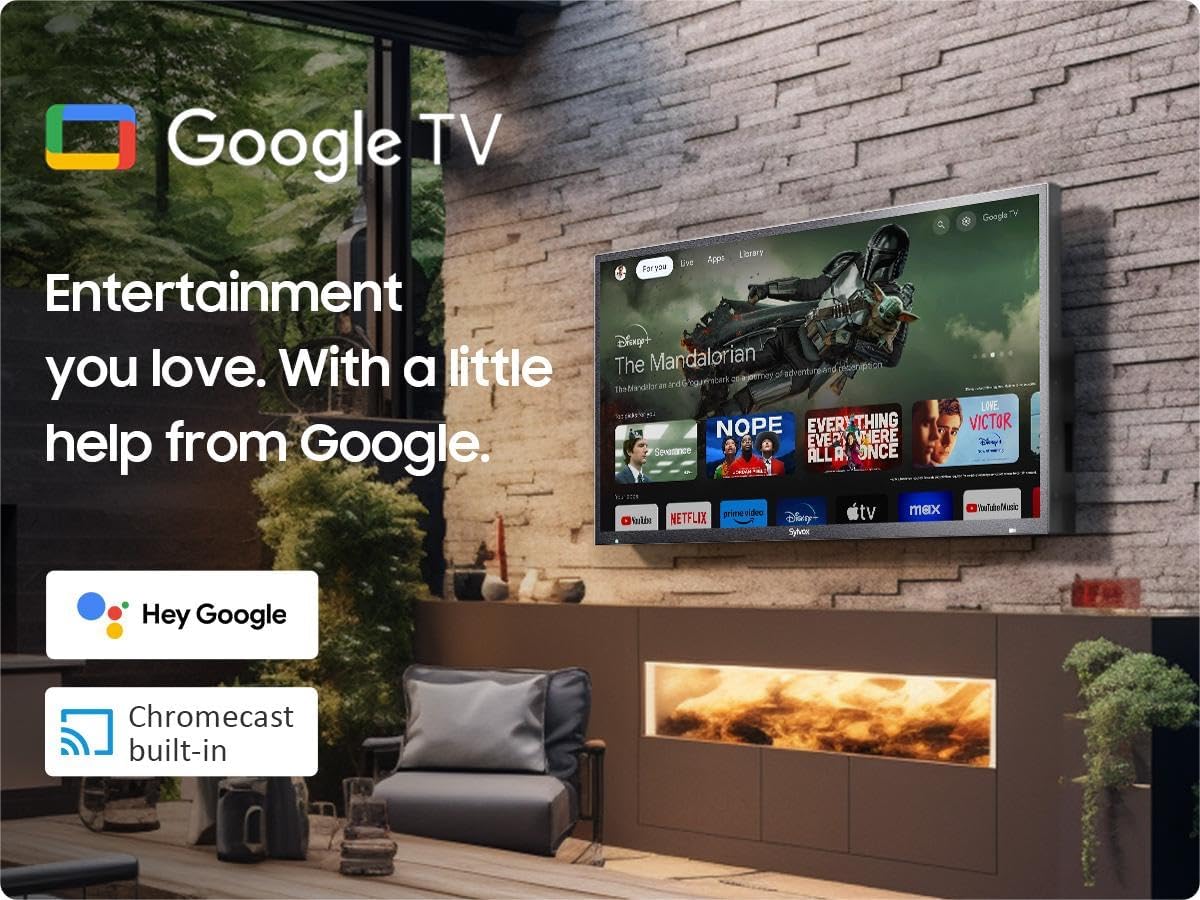
Image: Dimensions of the SYLVOX 43-inch Deck Pro 2.0 Outdoor TV.
| Característica | Especificación |
|---|---|
| Marca | SYLVOX |
| Número de modelo | SYLVOX-Deck-020 |
| Tamaño da pantalla | 43 polgadas (110 cm de diagonal visible) |
| Tecnoloxía de visualización | LED |
| Resolución | 4K (3840 x 2160) |
| Taxa de actualización | 60 Hz |
| Brillo | 1000 nits |
| Relación de contraste | 3000:1 |
| Viewángulo ing | 178° |
| Características especiais | Chromecast, Waterproof, Weatherproof, High Brightness, Wide Viewing Angle, HDR 10, Dolby Atmos, Noise Reduction, Game Mode |
| Tecnoloxía de conectividade | Ethernet, Wi-Fi (2.4G/5G), Bluetooth 5.0, HDMI (multiple), USB (multiple) |
| Sistema Operativo | Google TV |
| Dimensións do produto (P x A x A) | 3.44 x 38.41 x 22.64 polgadas |
| Peso do elemento | 51.9 libras |
| Baterías | 2 pilas AAA (incluídas para o mando a distancia) |
8. Garantía e soporte
8.1 Información da garantía
O teu televisor para exteriores SYLVOX inclúe un Protección gratuíta contra defectos durante 12 meses desde a data de compra. Esta garantía cobre defectos de fabricación en condicións de uso normal. Conserve o comprobante de compra para reclamacións de garantía.
8.2 Política de devolucións
SYLVOX offers Devolucións sen complicacións en 30 días for quality issues. Original packaging is required for all returns. Free returns are provided for quality-related issues.
8.3 Atención ao cliente
For technical assistance, troubleshooting, or warranty inquiries, please contact SYLVOX customer support. Refer to the warranty card or the SYLVOX official websitio para os detalles de contacto.


