Introdución
This manual provides detailed instructions for the safe and efficient use of your LG SQC2 2.1 Channel Soundbar with Wireless Subwoofer. Please read this manual thoroughly before operating the unit and retain it for future reference. The LG SQC2 system is designed to enhance your home entertainment experience with clear audio and powerful bass, featuring 2.1 channel sound and a wireless subwoofer for flexible placement.
As características principais inclúen:
- 2.1 Channel Audio: Delivers a balanced sound experience.
- Wireless Subwoofer: Provides deep bass without the need for audio cables to the soundbar.
- Bluetooth Connectivity: Allows wireless streaming from compatible devices.
- Adaptive Sound Control (ASC): Optimizes sound settings based on content.
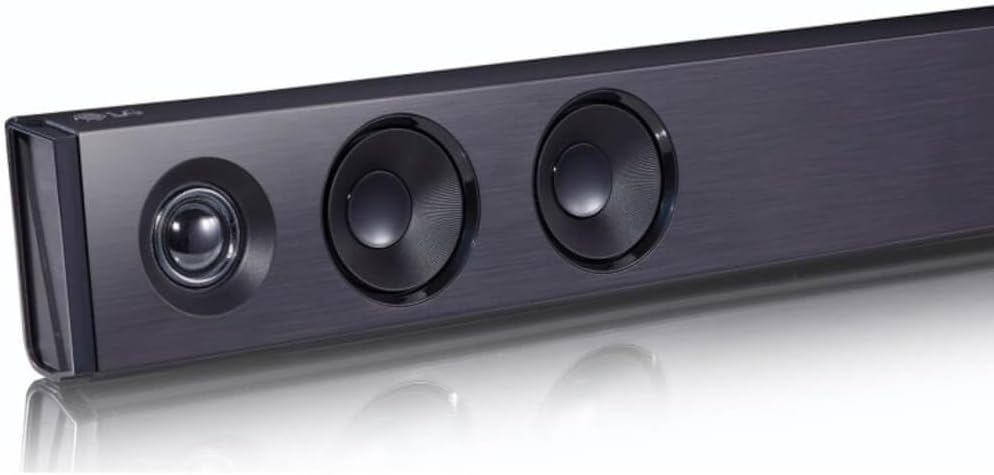
Imaxe: Un ángulo view of the LG SQC2 Soundbar, showcasing its front speakers and sleek profile.
O que hai na caixa
Carefully unpack all items and ensure you have the following components:
- Barra de son LG SQC2
- Subwoofer sen fíos
- Expected Accessories: Remote Control, Power Cords (for Soundbar and Subwoofer)

Imaxe: Fronte view of the LG SQC2 Soundbar, showcasing its sleek design and speaker grilles.

Image: The LG SQC2 Wireless Subwoofer, a compact black unit designed to deliver deep bass.
Configuración
1 Colocación
Barra de son: Place the soundbar on a flat, stable surface directly in front of your television. Ensure there are no obstructions blocking the front speakers. The soundbar is designed for tabletop mounting.
Subwoofer sen fíos: Position the wireless subwoofer anywhere in the room where it can receive power and is within range of the soundbar. For optimal bass performance, avoid placing it directly in a corner or enclosed space.
2. Conexión de alimentación
Connect the power cord to the soundbar's power input and then to a wall outlet. Do the same for the wireless subwoofer. The subwoofer will automatically attempt to pair with the soundbar once both are powered on.
3. Audio Connection to TV
Choose one of the following methods to connect the soundbar to your television:
- Optical Digital Audio Cable: Conecte un cable óptico desde o ÓPTICO EN port on the soundbar to the Optical Digital Output port on your TV. This is the recommended connection for high-quality digital audio.
- Bluetooth: For wireless audio from your TV (if supported) or other devices, refer to the "Bluetooth Pairing" section under Operating.
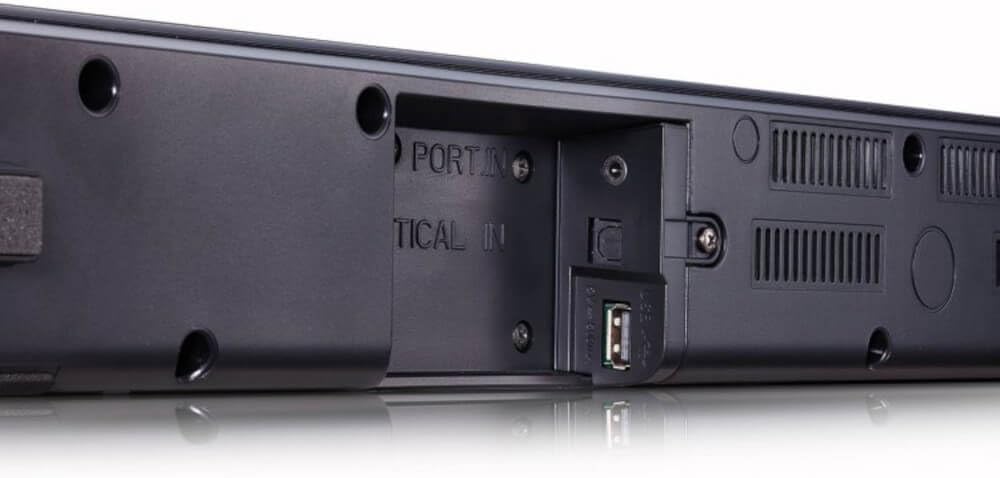
Imaxe: Traseira view of the LG SQC2 Soundbar, highlighting the "OPTICAL IN" port and other connection options.
Instrucións de funcionamento
1. Acendido/apagado
Preme o Poder botón do mando a distancia ou da barra de son para acender ou apagar a unidade.
2. Selección de entrada
Preme o Función button on the remote control or the soundbar repeatedly to cycle through available input sources (e.g., OPTICAL, BLUETOOTH).

Imaxe: Arriba view of the LG SQC2 Soundbar, showing the integrated control buttons for power, volume, and function selection.
3. Control de volume
Usa o Subir volume (+) e Baixar volume (-) buttons on the remote control or the soundbar to adjust the master volume. The subwoofer volume can often be adjusted independently via the remote control.
4. Emparellamento Bluetooth
Para conectar un dispositivo Bluetooth (por exemplo, un teléfono intelixente ou unha tableta):
- Preme o Función button on the soundbar or remote until "BT" (Bluetooth) is displayed.
- No teu dispositivo Bluetooth, activa o Bluetooth e busca os dispositivos dispoñibles.
- Select "LG SQC2" from the list of devices. Once paired, the soundbar will indicate a successful connection.
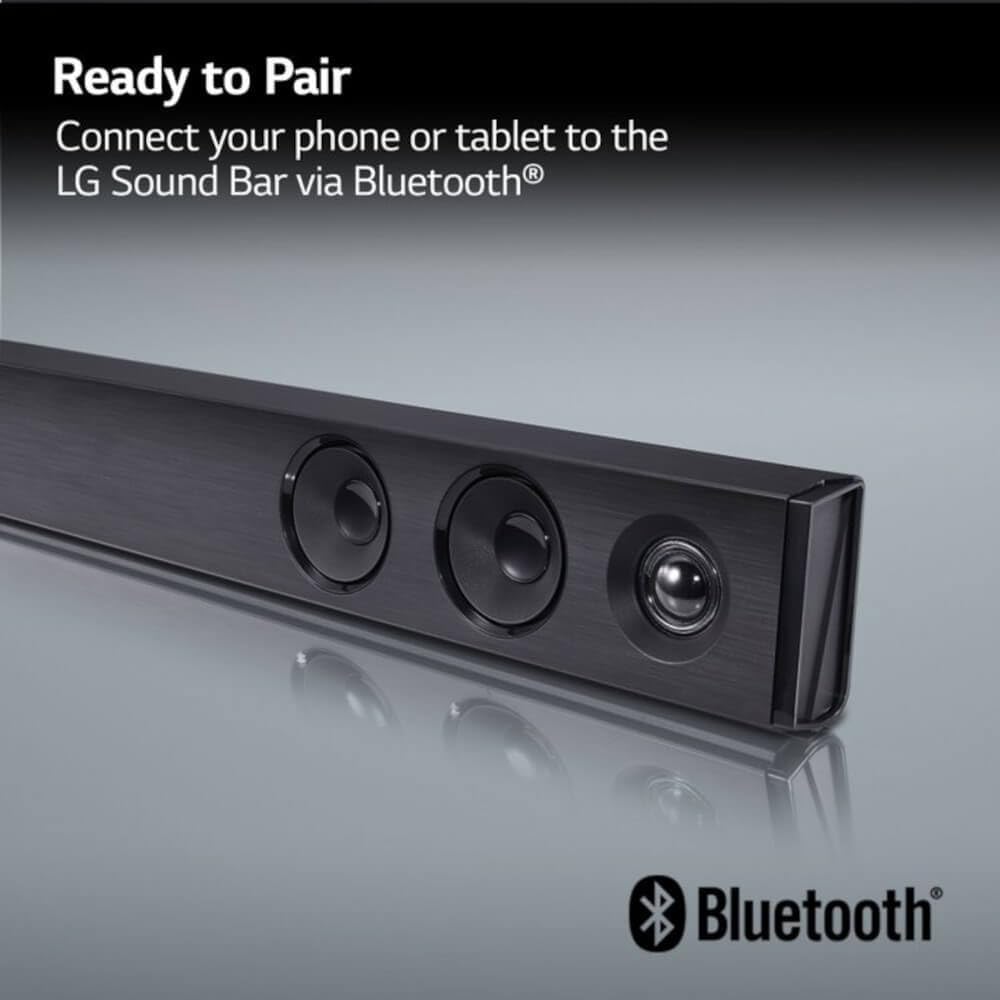
Image: The LG Soundbar displaying "Ready to Pair" with the Bluetooth logo, indicating it is in pairing mode.
5. Modos de son
The LG SQC2 features Adaptive Sound Control (ASC), which automatically analyzes content and optimizes sound settings. Other sound modes may be available via the remote control to suit different audio types (e.g., Movie, Music, Standard).
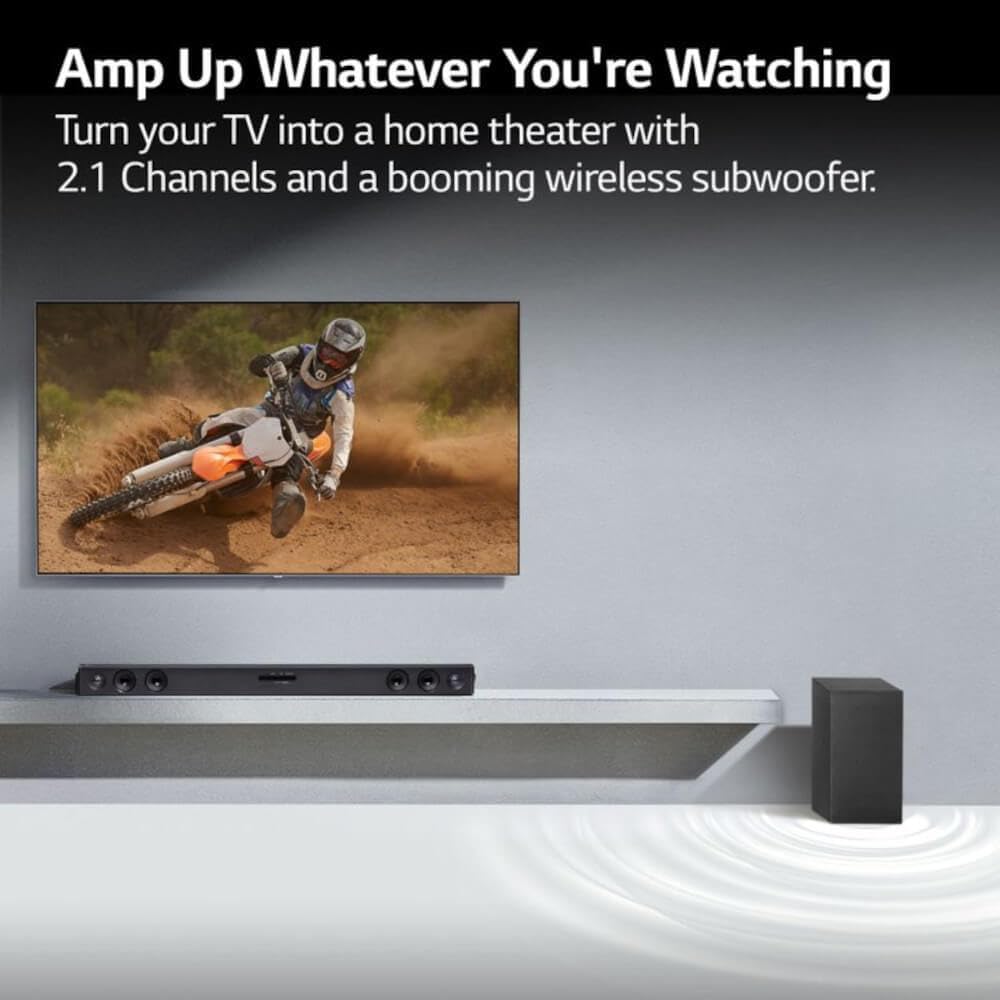
Image: An LG Soundbar and wireless subwoofer positioned below a television, illustrating their role in enhancing the audio experience for various content.
Mantemento
Limpeza
To clean the soundbar and subwoofer, use a soft, dry cloth. Do not use liquid cleaners, abrasive cleaners, or sprays, as these can damage the finish or internal components. Ensure the units are unplugged before cleaning.
Almacenamento
Se garda a unidade durante un período prolongado, desconéctea da toma de corrente e gárdea nun lugar fresco e seco, lonxe da luz solar directa e de temperaturas extremas.
Resolución de problemas
If you experience issues with your LG SQC2 soundbar system, refer to the following common problems and solutions:
- Sen enerxía:
- Check if the power cords for both the soundbar and subwoofer are securely plugged into the wall outlets and the units.
- Verifica que a toma de corrente funcione conectando outro dispositivo.
- Sen son:
- Ensure the soundbar is powered on and the correct input source (e.g., OPTICAL, BLUETOOTH) is selected.
- Check the volume level on both the soundbar and your TV/connected device.
- If using an optical cable, ensure it is securely connected at both ends and that your TV's audio output is set to "Optical" or "External Speaker."
- Se usas Bluetooth, asegúrate de que o dispositivo estea correctamente emparellado e conectado.
- Subwoofer non emparejado:
- Asegúrate de que tanto a barra de son como o subwoofer estean acendidos.
- The subwoofer should automatically pair. If not, check the subwoofer's indicator light. If it's blinking, it's searching for a connection. If it's solid, it's connected.
- Refer to the specific pairing instructions in your full LG manual if automatic pairing fails. Sometimes a manual pairing button is available on the subwoofer.
- Try restarting both the soundbar and subwoofer by unplugging them for a minute and then plugging them back in.
- Problemas de conexión Bluetooth:
- Asegúrate de que a barra de son estea en modo Bluetooth.
- Make sure your Bluetooth device is within range (typically 10 meters or 33 feet) and there are no significant obstructions.
- Tenta desvincular e volver vincular o dispositivo.
- Clear the Bluetooth memory on your device and the soundbar (if applicable) and try again.
Especificacións
| Característica | Detalle |
|---|---|
| Nome do modelo | LG SQC2 |
| Tipo de altofalante | Barra de son, subwoofer sen fíos |
| Configuración da canle de son envolvente | 2.1 |
| Potencia de saída máxima do altofalante | 300 vatios |
| Tecnoloxía de conectividade | Bluetooth, óptico |
| Tecnoloxía de comunicación sen fíos | Bluetooth |
| Tecnoloxía de conectividade do subwoofer | Sen fíos |
| Método de control | Mando a distancia |
| Dispositivos compatibles | Televisión |
| Usos recomendados | Home Entertainment, Watching TV, Listening to Music |
| Característica especial | Bass Boost, Adaptive Sound Control (ASC) |
| Material | Plástico |
| Product Dimensions (Overall System) | 41.1 x 16.4 x 8.5 polgadas |
| Item Weight (Overall System) | 18.39 libras |
| Tipo de montaxe | Soporte de mesa |
| Fabricante | LG |
| UPC | 796575215764 |
Garantía e Soporte
The LG SQC2 2.1 Channel Soundbar with Wireless Subwoofer comes with a Limited Warranty. For specific details regarding warranty coverage, duration, and terms, please refer to the warranty card included with your product or visit the official LG websitio.
For technical support, service, or further assistance, please contact LG Customer Service. Contact information can typically be found on the LG official websitio ou na embalaxe do produto.
When contacting support, please have your product model number (SQC2) and serial number ready.