Introdución
Grazas pola compraasing the ZEBRONICS Zeb-Escape 10 Wireless BT Earphone. This manual provides essential information for setting up, operating, and maintaining your device. Please read it carefully before use to ensure optimal performance and longevity of your earphones.
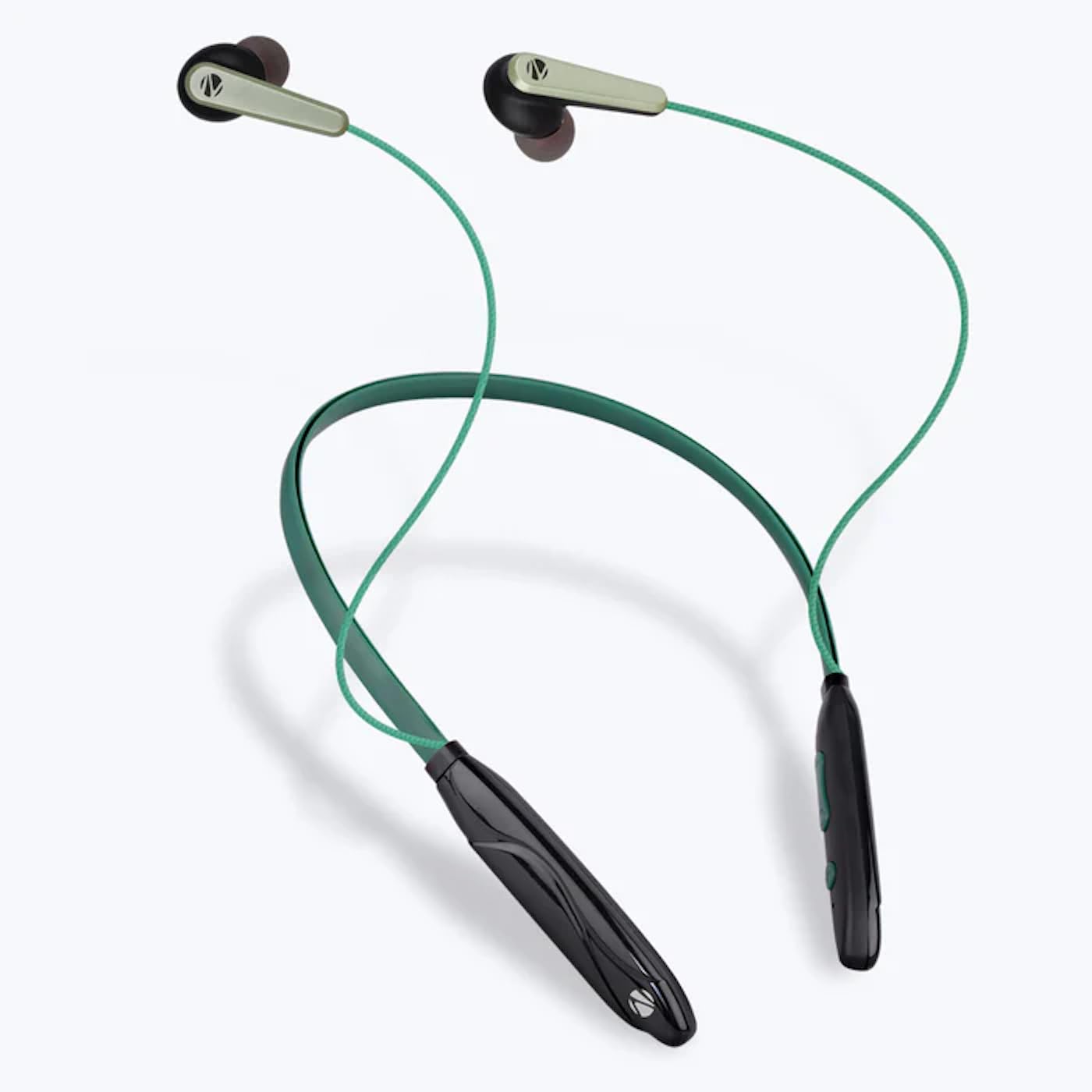
Image: The ZEBRONICS Zeb-Escape 10 Wireless BT Earphone, featuring a green and black neckband design with in-ear earbuds.
Contido do paquete
Os seguintes elementos están incluídos no paquete do produto:
- 1 U Neckband Earphone
- 1 U Charging Cable (Type-C)
- 1 U QR Code Guide
Configuración
1. Cargar os auriculares
Before first use, fully charge the earphone. Use the provided Type-C charging cable to connect the earphone to a USB power source (e.g., computer USB port, wall adapter). The LED indicator will show the charging status.
- Tempo de carga: Aproximadamente 1.5 horas.

Image: The earphone's control module with a Type-C charging port, showing a charging cable connected.
2. Emparellamento Bluetooth
To connect your earphone to a Bluetooth-enabled device:
- Asegúrate de que os auriculares estean cargados e apagados.
- Press and hold the multi-function button on the earphone until the LED indicator flashes red and blue, indicating it is in pairing mode.
- No teu dispositivo (teléfono intelixente, tableta, etc.), activa o Bluetooth e busca os dispositivos dispoñibles.
- Select "ZEB-ESCAPE 10" from the list of found devices.
- Once connected, the LED indicator will flash blue slowly or turn off, depending on the model.

Image: A smartphone display illustrating the Bluetooth pairing process, showing the earphone model 'ZEB-ESCAPE 10' as connected.
Instrucións de funcionamento
Encendido/apagado
- Encendido: Prema e manteña premido o botón multifunción ata que o indicador LED se acenda.
- Apagado: Prema e manteña premido o botón multifunción ata que o indicador LED se apague.
Volume and Media Control
The earphone features integrated controls for managing audio playback and volume.
- Subir volume: Prema o botón "+".
- Baixar volume: Prema o botón '-'.
- Reproducir/Pausa: Preme o botón multifunción unha vez.
- Próxima pista: Manteña premido o botón "+".
- Pista anterior: Manteña premido o botón '-'.
Función de chamada
Manage calls directly from your earphone.
- Responder chamada: Preme o botón multifunción unha vez.
- Finalizar a chamada: Prema o botón multifunción unha vez durante unha chamada.
- Rexeitar a chamada: Manteña premido o botón multifunción.
- Volver a marcar o último número: Prema dúas veces o botón multifunción.
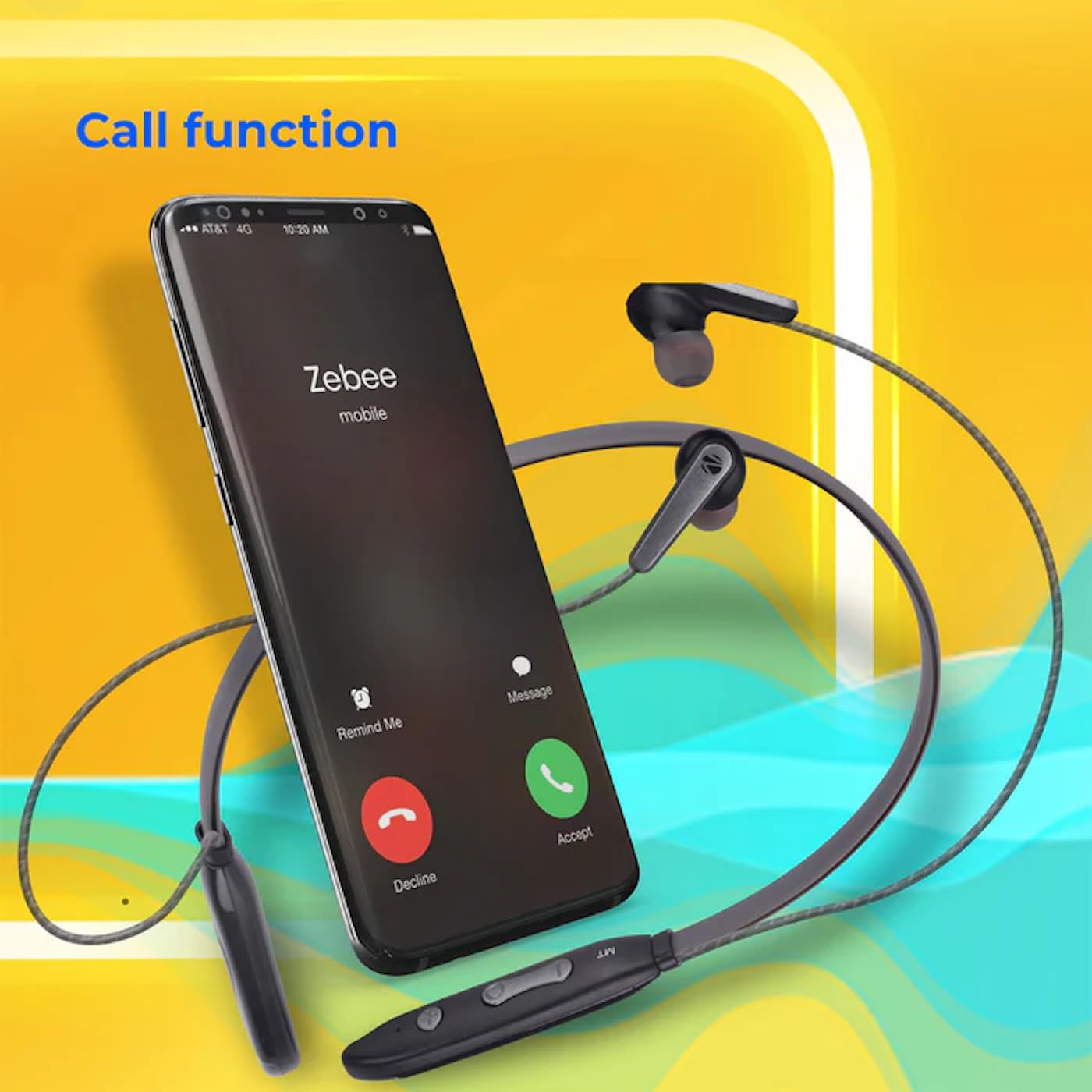
Image: A smartphone showing an incoming call interface, indicating the earphone's call handling capability.
Soporte de asistente de voz
Activa o asistente de voz do teu dispositivo (por exemplo, o Asistente de Google ou Siri) premendo tres veces o botón multifunción.
Auricular magnético
The earpieces are magnetic, allowing them to securely attach to each other when not in use, preventing tangling and ensuring they stay in place around your neck.

Imaxe: Unha detallada view of an earbud, illustrating its design for a stable and comfortable fit.
Mantemento
To ensure the longevity and optimal performance of your ZEBRONICS Zeb-Escape 10 earphones, follow these maintenance guidelines:
- Limpeza: Use a soft, dry cloth to clean the earphones. Do not use harsh chemicals or abrasive materials.
- Almacenamento: Garde os auriculares nun lugar fresco e seco, lonxe da luz solar directa e de temperaturas extremas.
- Resistencia á auga: The earphones are water resistant. Avoid submerging them in water or exposing them to heavy rain.
- Cargando: Only use the provided charging cable or a certified Type-C cable. Avoid overcharging.
Resolución de problemas
If you encounter issues with your earphone, refer to the following common problems and solutions:
| Problema | Posible Solución |
|---|---|
| Earphone does not power on. | Asegúrate de que o auricular estea completamente cargado. |
| Non se pode emparellar co dispositivo. | Ensure the earphone is in pairing mode (flashing red/blue). Turn off and on Bluetooth on your device. Move closer to the earphone. |
| Sen son ou volume baixo. | Check volume levels on both the earphone and your connected device. Ensure the earphone is properly paired. |
| Problemas de calidade das chamadas. | Ensure you are within Bluetooth range. Check for obstructions between the earphone and your device. |
Especificacións
Technical specifications for the ZEBRONICS Zeb-Escape 10 Wireless BT Earphone:
| Característica | Detalle |
|---|---|
| Nome do modelo | ZEB-NBI 5 |
| Versión Bluetooth | v5.3 |
| Compatible con BT Profiles | HSP/HFP/A2DP/AVRCP |
| Tamaño do controlador | 10 mm |
| Impedancia do altofalante | 16Ω |
| Tempo de reprodución | Ata 20 horas (ao 50 % do volume) |
| Tempo de conversa | Ata 20 horas |
| Tempo de carga | 1.5 horas |
| Tempo de espera | 200 horas |
| Peso neto | 26 g |
| Tipo de control | Control multimedia, táctil |
| Nivel de resistencia á auga | Resistente á auga |
| Características especiais | Fast Charging, Foldable, Microphone Included, Sweatproof |

Image: Visual representation of the earphone's 20-hour playback capability.
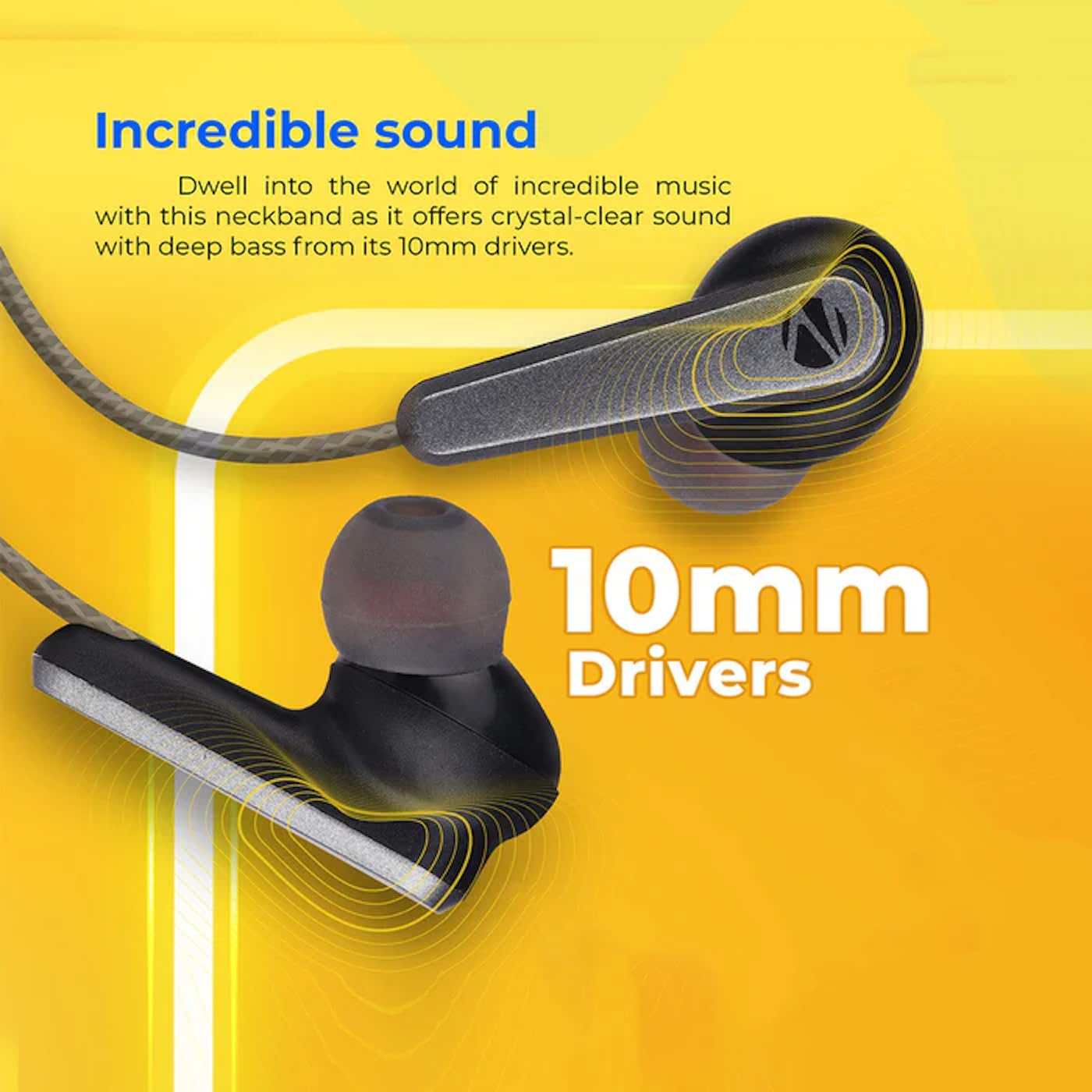
Image: A close-up of an earbud, highlighting the 10mm audio drivers responsible for sound output.
Información da garantía
The ZEBRONICS Zeb-Escape 10 Wireless BT Earphone comes with a 6 meses de garantía desde a data de compra. Esta garantía cobre defectos de fabricación. Conserve o recibo de compra como proba de compra para reclamacións de garantía. A garantía non cobre danos causados por mal uso, accidentes, modificacións non autorizadas ou desgaste normal.
Atención ao cliente
For further assistance, technical support, or warranty claims, please contact ZEBRONICS customer service. Refer to the QR code guide included in your package or visit the official ZEBRONICS websitio para os detalles de contacto.


