1. Introdución
The Moman CP-S Motorcycle Intercom System is designed to provide clear and reliable communication for motorcyclists. Featuring advanced Bluetooth 5.1 technology, noise reduction, and a robust waterproof design, it enhances your riding experience by allowing group communication, music sharing, and hands-free phone calls.

Figure 1: Moman CP-S Intercom Unit with key features.
2. Contido do paquete
The Moman CP-S package includes the following items:
- Moman CP-S Intercom Unit
- Headphone and Microphone Set
- Mounting Clip (for helmet edge)
- Adhesive Mount (for helmet surface)
- Cable de carga USB
- Interchangeable Decorative Shells (3 colors)
- Manual de usuario
- Installation Tools (screwdriver)
3. Guía de instalación
Proper installation ensures optimal performance and comfort. Follow these steps to install your Moman CP-S intercom system on your helmet.
3.1. Preparing the Helmet
- Remove the helmet's inner lining and cheek pads if they are removable. This provides easier access for speaker and microphone placement.
- Identify suitable locations for the speakers (near your ears) and the microphone (near your mouth).
3.2. Mounting the Intercom Unit
Choose between the clip mount or the adhesive mount based on your helmet type and preference.
Using the Clip Mount:
- Loosen the screws on the clip mount using the provided screwdriver.
- Slide the clip mount onto the bottom edge of your helmet, ensuring it is securely fastened.
- Tighten the screws to secure the clip mount in place.
Using the Adhesive Mount:
- Clean the desired mounting area on the side of your helmet thoroughly.
- Peel off the protective film from the adhesive mount and firmly press it onto the helmet surface for at least 30 seconds. Allow sufficient time for the adhesive to bond before attaching the intercom unit.
Attaching the Intercom Unit:
- Slide the Moman CP-S intercom unit onto the installed clip or adhesive mount until it clicks securely into place.
3.3. Instalación de altofalantes e micrófono
- Attach the adhesive pads to the back of the speakers.
- Carefully place the speakers inside the helmet, aligning them with your ears. Press firmly to secure.
- Attach the adhesive pad to the microphone.
- Position the microphone near your mouth, ensuring it is not obstructed by the helmet's padding.
- Connect the speaker and microphone cables to the appropriate ports on the intercom unit.
3.4. Xestión de cables
Tuck all excess cables neatly under the helmet's inner lining to prevent discomfort and ensure they do not interfere with helmet function. Reinstall any removed inner lining or cheek pads.
Video 1: Installation guide for Moman H2 Intercom (similar to CP-S).
4. Instrucións de funcionamento
4.1. Acendido/apagado
- Encendido: Press and hold the Power button for 3 seconds until the indicator light turns on.
- Apagado: Manteña premido o botón de acendido durante 3 segundos ata que o indicador luminoso se apague.
4.2. Emparellamento Bluetooth
- With the device off, press and hold the Function button for 3 seconds. The red and blue indicator lights will flash, indicating pairing mode.
- On your mobile phone, enable Bluetooth and search for "FODSPORTS FX-S" (or similar device name). Select it to pair. The pairing is complete when the indicator light changes.
4.3. Reprodución de música
- Reproducir/Pausa: Prema brevemente o botón Función.
- Próxima canción: Rotate the control knob forward once.
- Canción anterior: Rotate the control knob backward once.
- Axuste de volume: Rotate the control knob forward or backward for 1 second to increase or decrease volume.

Figure 2: Music sharing feature between two riders.
4.4. Chamadas telefónicas
- Responder/Finalizar chamada: Prema brevemente o botón Función.
- Rexeitar a chamada: Long press the Function button for 1 second.
- Asistente de voz: Single click to activate AI voice assistant (e.g., Siri, Google Assistant).
- Cambiar chamadas de resposta manual/automática: Long press the Function button and ON/OFF button for 3 seconds.

Figure 3: AI Voice Assistant and FM Radio features.
4.5. Comunicación por intercomunicador
- The Moman CP-S supports intercom communication for up to 8 riders within a 2000m range, and 2 riders within a 1000m range.
- It is compatible with other intercom brands.
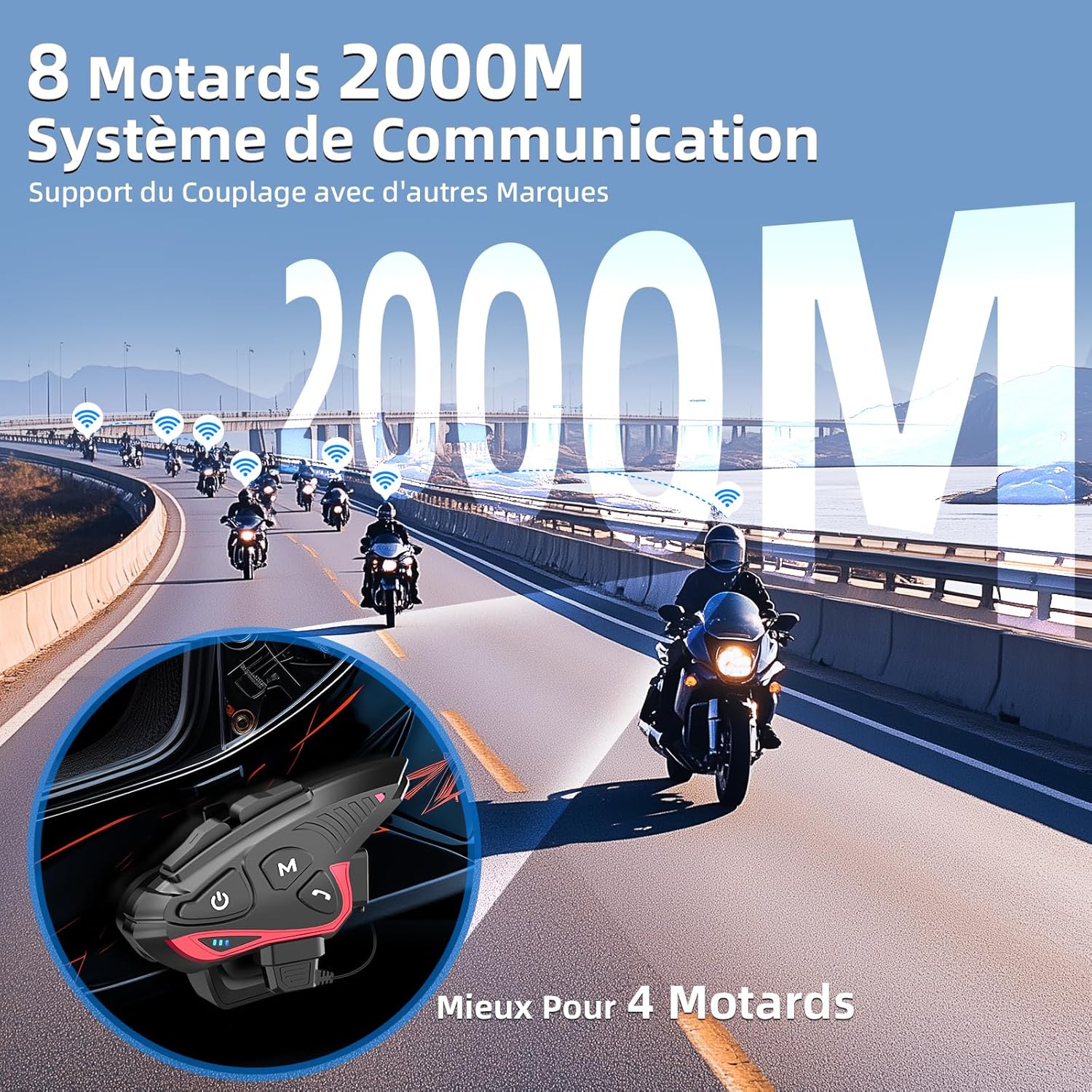
Figure 4: Group intercom communication range and capabilities.
4.6. Radio FM
- Activate the FM radio function to listen to broadcasts while riding.
Vídeo 2: Rematadoview of Moman H2S Intercom features (similar to CP-S).
5. Especificacións
| Característica | Descrición |
|---|---|
| Número de modelo | CP-S |
| Tecnoloxía sen fíos | Bluetooth 5.1 |
| Rango de intercomunicador | Up to 2000m (8 riders), 1000m (2 riders) |
| Capacidade da batería | 900 mAh |
| Tempo de carga | 2 horas |
| Hora do intercomunicador | Ata 28 horas |
| Tempo de reprodución de música | Ata 33 horas |
| Tempo de espera | Ata 300 horas |
| Resistencia á auga | IP65 (Impermeable) |
| Redución de ruído | DSP and 12th Gen CVC |
| Tamaño do altofalante | 40mm Hi-Fi |
| Método de control | Voz, botóns |
| Indicacións de voz | 8 languages (Chinese, English, Japanese, German, French, Italian, Spanish, Korean) |
| Material | Plástico |
| Características especiais | Noise cancellation, Water resistant, Music sharing, FM Radio, AI Voice Assistant, Interchangeable shells |

Figura 5: Duración da batería e detalles da carga.
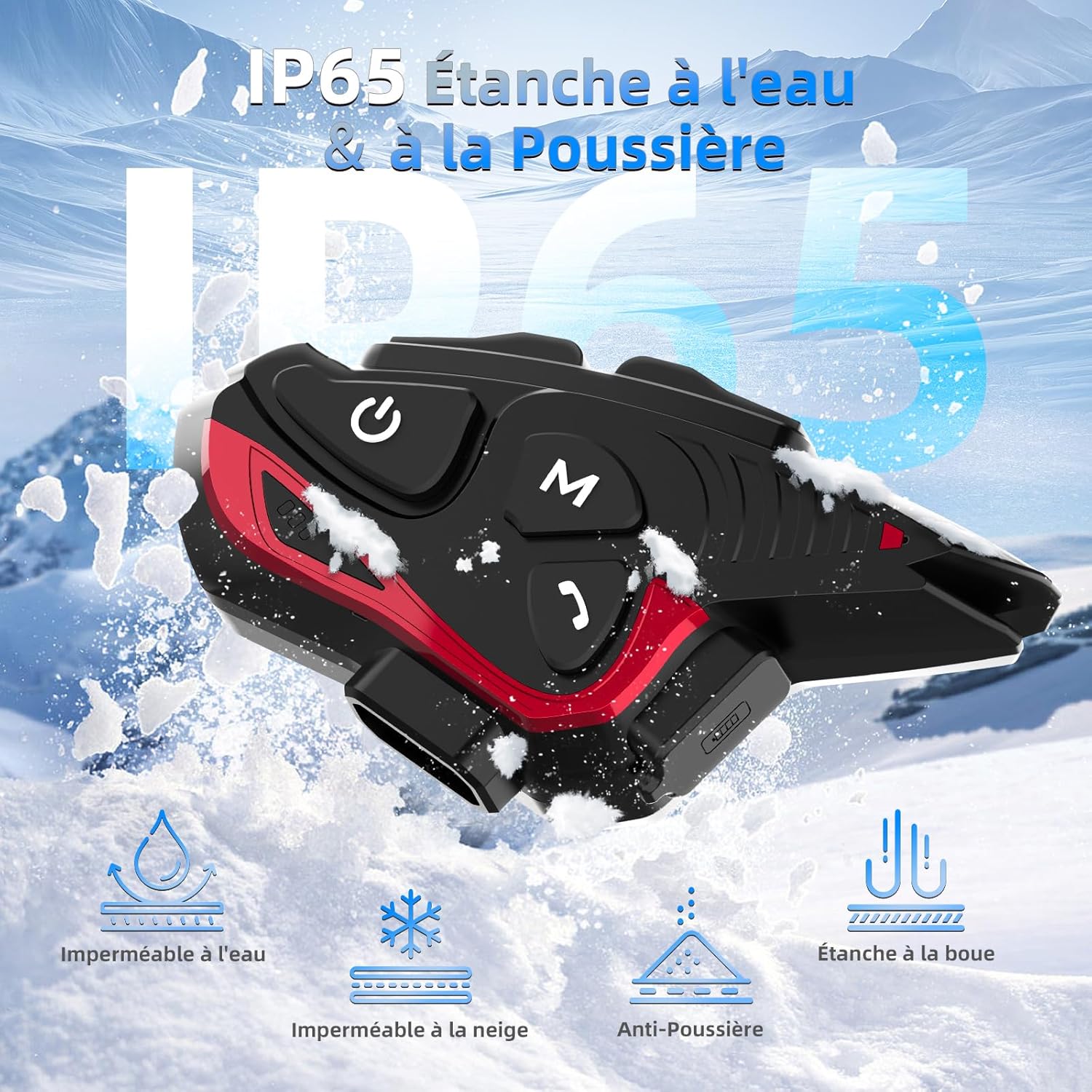
Figure 6: IP65 Water and Dust Resistance.
6. Mantemento
- Manteña o dispositivo limpo e seco. Limpe cun pano suave e seco.amp pano.
- Evite expoñer o dispositivo a temperaturas extremas ou á luz solar directa durante períodos prolongados.
- Asegúrate de que a tapa do porto de carga estea ben pechada cando non estea cargando para manter a resistencia á auga.
- Cargue o dispositivo regularmente, mesmo se non o está a usar, para manter a batería en bo estado.
7 Solución de problemas
7.1. Sen poder
- Ensure the battery is charged. Connect the device to a power source using the provided USB cable.
- Check if the power button is being held for the correct duration (3 seconds).
7.2. Cannot Pair with Phone
- Ensure the device is in pairing mode (red and blue indicator lights flashing).
- Desactiva e activa o Bluetooth do teu teléfono.
- Ensure the device is within range of your phone.
- Forget previous Bluetooth connections on your phone and try pairing again.
7.3. Poor Audio Quality/Noise
- Ensure speakers are correctly positioned near your ears and the microphone is close to your mouth.
- Check for any obstructions around the microphone.
- Verify that the volume is adjusted appropriately.
- The device features DSP and CVC noise reduction, which should minimize ambient noise. If issues persist, ensure the microphone is not picking up excessive wind noise.
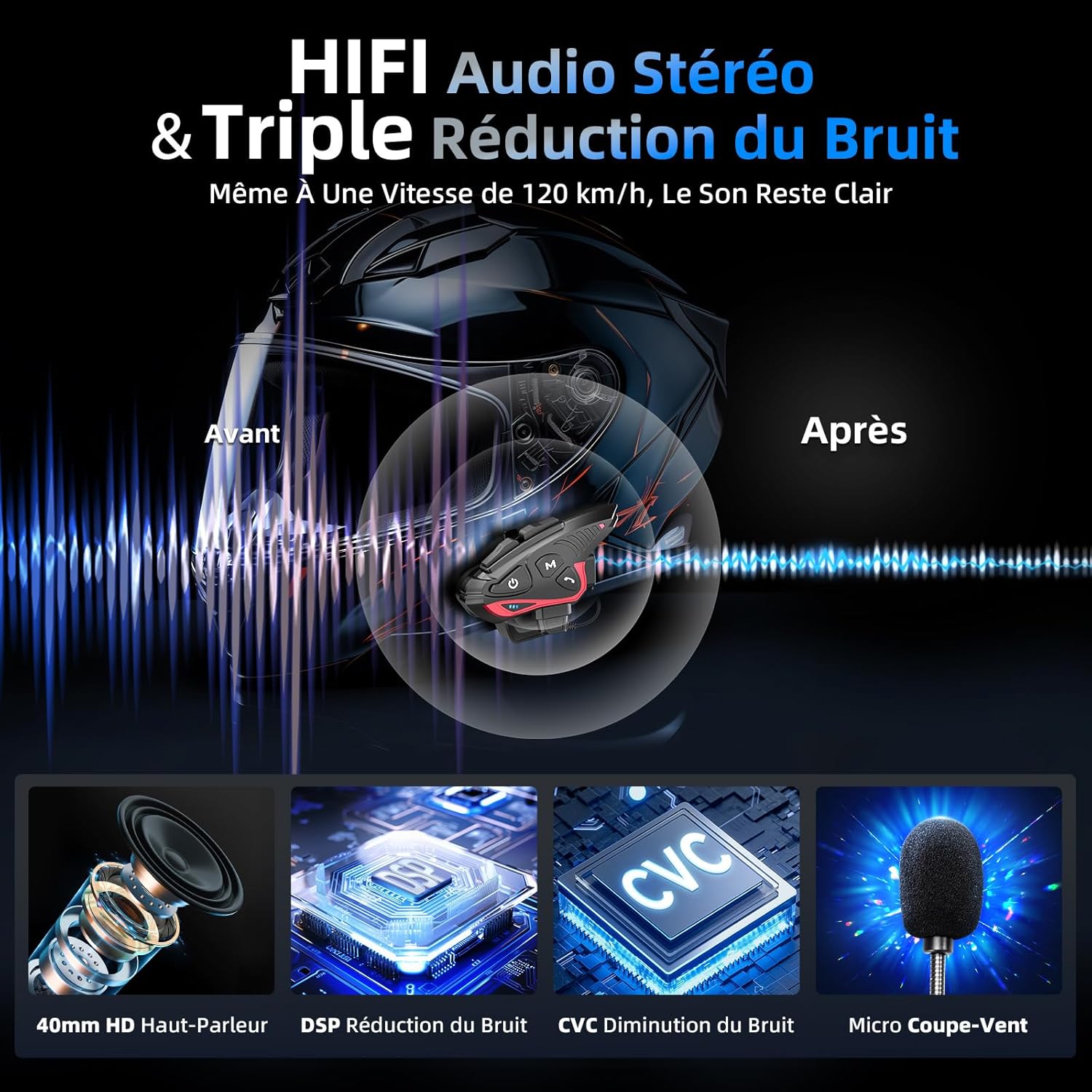
Figure 7: Audio quality and noise reduction technology.
8. Garantía e soporte
The Moman CP-S Motorcycle Intercom System comes with a 2-year manufacturer's warranty. For technical support, warranty claims, or any other inquiries, please contact Moman customer service through their official channels.


