1. Información importante de seguridade
Lea atentamente todas as instrucións de seguridade antes de usar este produto. O incumprimento destas instrucións pode provocar descargas eléctricas, incendios ou outros perigos.
- Non bloquee as aberturas de ventilación. Asegúrese de que haxa un fluxo de aire axeitado arredor do proxector para evitar o sobrequecemento.
- Non mire directamente á lente do proxector cando estea aceso.amp está acendido. A luz brillante pode causar danos nos ollos.
- Keep the projector away from water or other liquids. Do not operate in wet environments.
- Empregue só o adaptador de corrente subministrado co proxector.
- Non intente reparar este produto vostede mesmo. Encargue calquera mantemento a persoal cualificado.
- Manter fóra do alcance dos nenos.
2. Contido do paquete
Verifica que todos os elementos estean presentes no teu paquete:
- Mentech HY300PRO Mini Projector
- Mando a distancia (pilas non incluídas)
- Manual de usuario
- Cable de alimentación
- Cable HD
3. Produto rematadoview
The Mentech HY300PRO Mini Projector is a versatile and portable device designed for various entertainment and presentation needs. It features a 180° rotatable design, allowing for flexible projection angles, including ceilings. With native 720P resolution and support for 4K decoding, it delivers clear and vibrant images on screens up to 150 inches.

Figure 3.1: Mentech HY300PRO Mini Projector with key features highlighted.
Equipped with Android 11, dual-band 2.4G/5G/6G WiFi 6, and Bluetooth 5.2, the projector offers seamless streaming and connectivity options. Its compact size and low noise operation make it ideal for both home and outdoor use.

Figure 3.2: Projector ports and built-in Android 11 interface.
4. Configuración
4.1 Colocación inicial
Coloque o proxector sobre unha superficie estable e plana. Para unha viewing, position the projector directly in front of the projection surface (wall or screen). The 180° rotatable design allows for projection onto ceilings or other angled surfaces.

Figure 4.1: Projecting to the ceiling using 180° rotation.
4.2 Conexión de alimentación
- Connect the power cord to the projector's DC input port.
- Conecte o outro extremo do cable de alimentación a unha toma de corrente.
- Prema o botón de acendido do proxector ou do mando a distancia para acendelo.
4.3 Conexión de dispositivos externos
O proxector admite varias fontes de entrada:
- HDMI: Connect laptops, TV sticks, gaming consoles (e.g., Switch, PS5) using the provided HD cable.
- USB: Insert USB flash drives to play media files directamente.
- Saída de audio: Conecta altofalantes ou auriculares externos a través da toma de son de 3.5 mm.
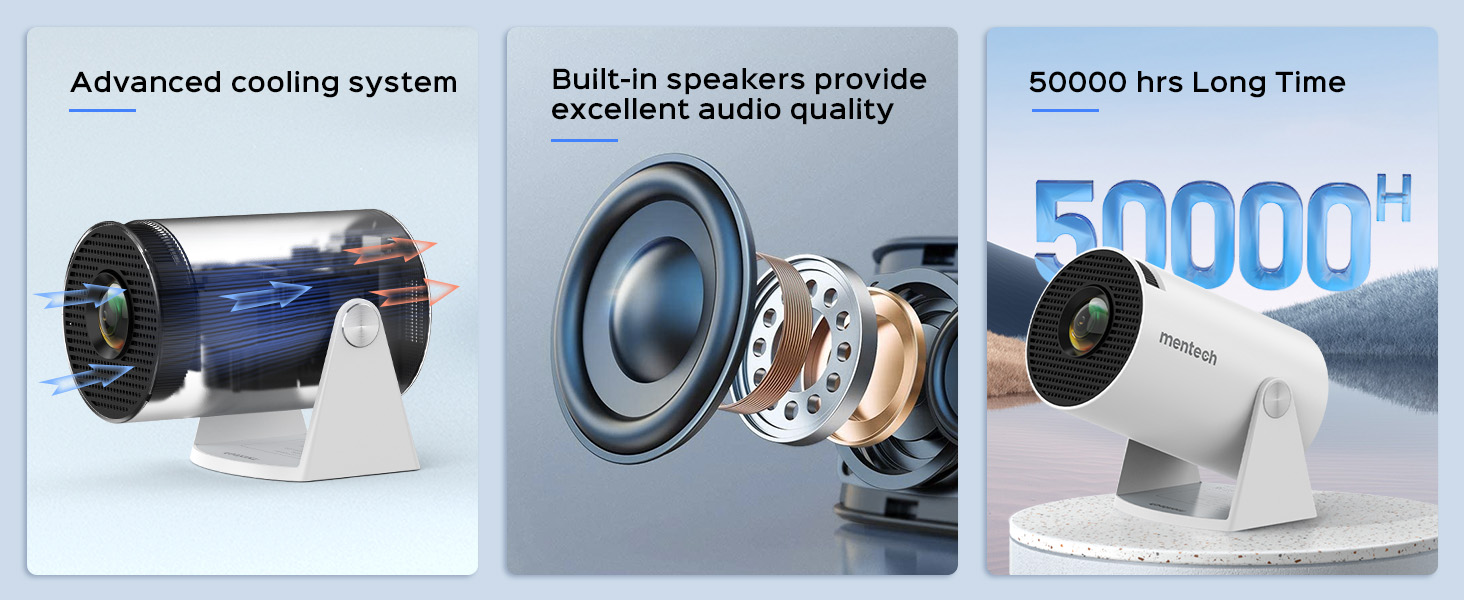
Figure 4.2: Multi-device compatibility and port layout.
5. Instrucións de funcionamento
5.1 Axuste do foco
Rotate the focus wheel located on the side of the projector until the image appears clear and sharp.
5.2 Corrección Keystone
The projector features automatic keystone correction. If the image appears trapezoidal, the projector will automatically adjust it to a rectangular shape. For more precise adjustments, manual 4P/4D keystone correction is available through the settings menu.

Figure 5.1: Auto and manual keystone correction options.
5.3 Screen Zoom Function
Adjust the screen size from 50% to 100% using the zoom function in the settings menu. This allows you to fit the image perfectly to your projection surface without moving the projector.
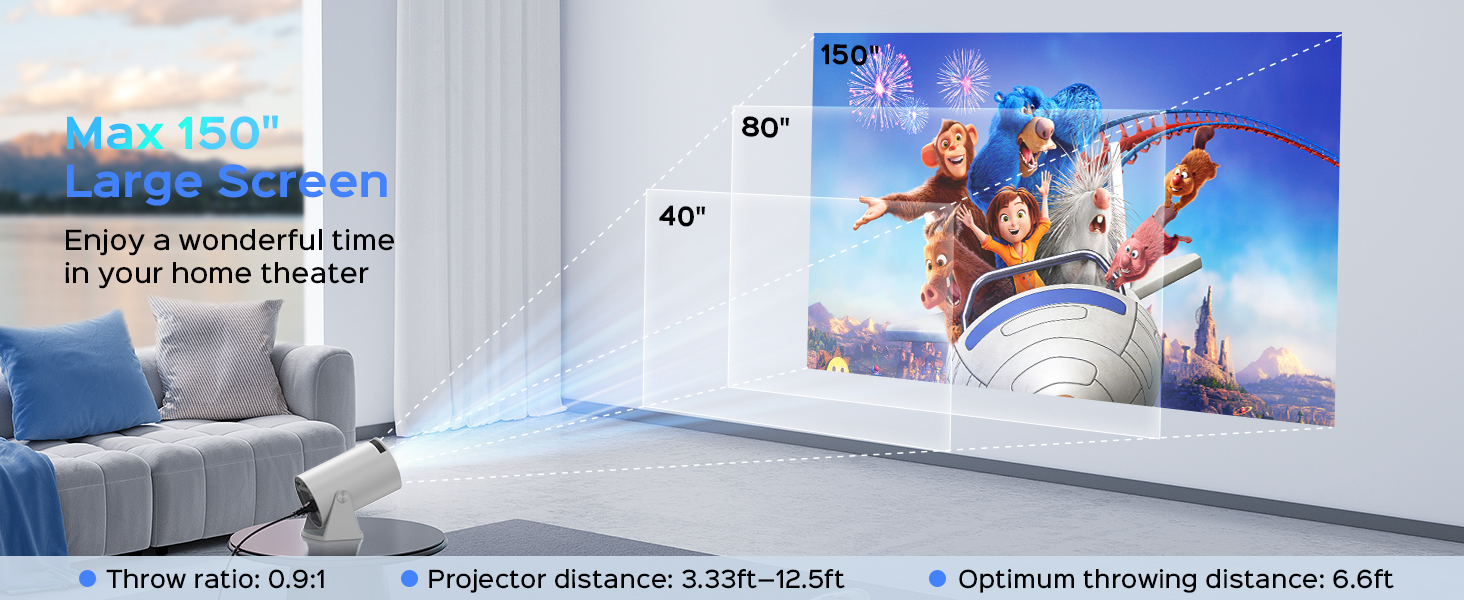
Figure 5.2: Screen zoom functionality.
5.4 Rede e conectividade
- Conexión Wi-Fi: Navigate to the network settings to connect to your 2.4G, 5G, or 6G Wi-Fi network. This enables access to online streaming services and updates.
- Emparellamento Bluetooth: Go to Bluetooth settings to pair with external Bluetooth speakers or headphones for enhanced audio.
- Espello da pantalla: The projector supports Miracast, Airplay, and DLNA for mirroring content from your smartphone or tablet.

Figure 5.3: Dual-band Wi-Fi 6 connectivity.
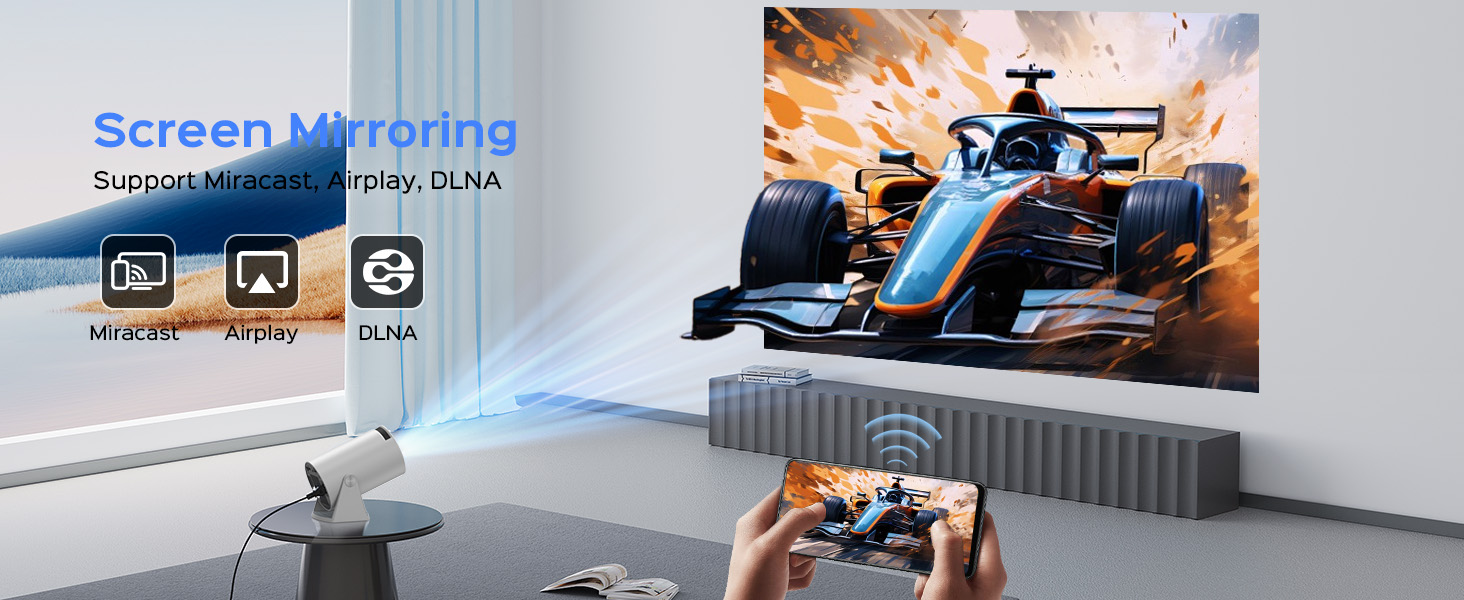
Figure 5.4: Bluetooth 5.2 connectivity for external audio.
5.5 Android TV 11 Features
The built-in Android 11 operating system provides access to a wide range of applications. Navigate the interface using the remote control to browse and install apps from the app store, including popular streaming services like YouTube, Prime Video, and Plex.
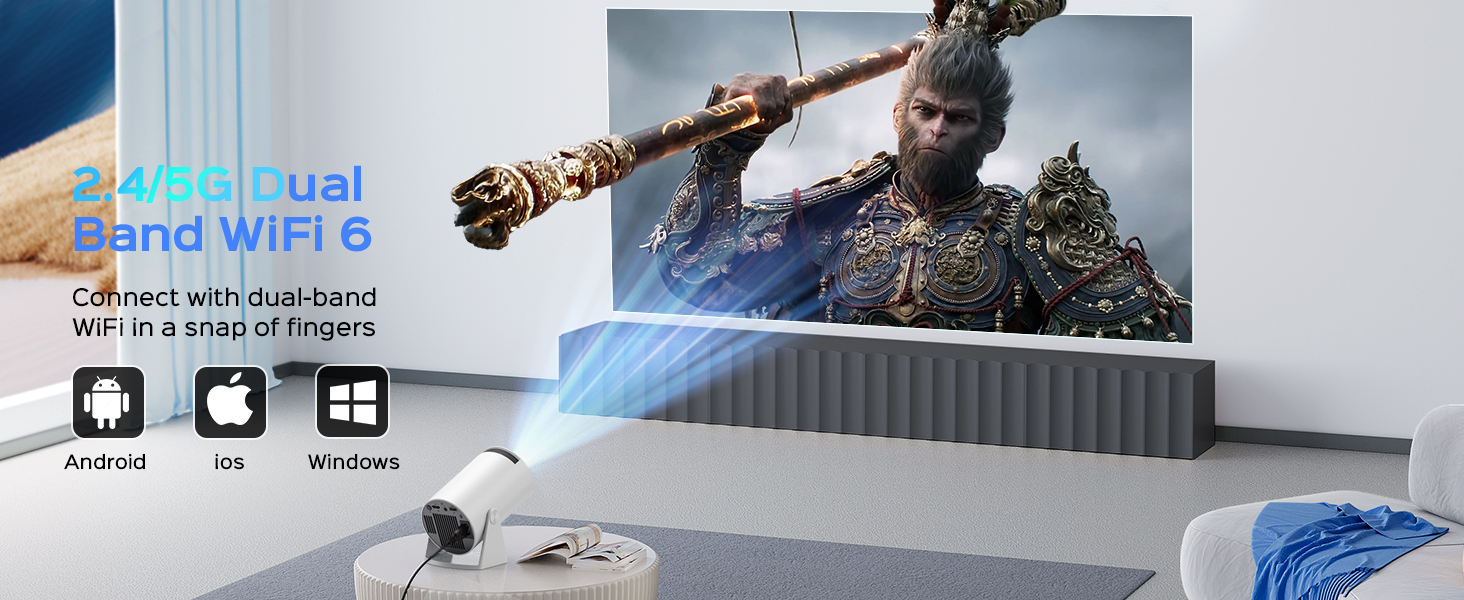
Figure 5.5: Android 11.0 interface with pre-installed and downloadable apps.
6. Mantemento
- Limpeza de lentes: Usa un pano suave e sen fiapos deseñado especificamente para lentes ópticas para limpar con coidado a lente do proxector. Non empregues produtos de limpeza abrasivos nin forzas excesivas.
- Eliminación de po: Regularly clean the projector's exterior with a soft, dry cloth. Use a small brush or compressed air to clear dust from ventilation openings.
- Almacenamento: Cando non o use durante períodos prolongados, garde o proxector nun lugar fresco e seco, protexido do po e da luz solar directa.
7 Solución de problemas
If you encounter issues with your Mentech HY300PRO projector, refer to the following common problems and solutions:
| Problema | Causa posible | Solución |
|---|---|---|
| Sen imaxe ou imaxe borrosa | Incorrect focus, keystone not adjusted, input source issue. | Adjust the focus wheel. Check auto/manual keystone correction. Ensure the correct input source is selected (HDMI, USB). |
| Sen son | Volume demasiado baixo, dispositivo de son externo non conectado/emparellado, configuración de saída de son incorrecta. | Increase volume. Check Bluetooth connection to external speakers. Ensure internal speakers are selected if no external device is used. |
| Problemas de conexión wifi | Contrasinal incorrecto, fóra de alcance, interferencias de rede. | Re-enter Wi-Fi password. Move projector closer to router. Try connecting to a different Wi-Fi band (2.4G or 5G). |
| Apps not loading or performing slowly | Poor internet connection, app compatibility, insufficient memory. | Ensure stable internet connection. Some apps may not be fully optimized for the projector's Android TV version; try alternative apps or use an external streaming device via HDMI. Clear app cache. |
| HDMI signal cutting in/out | Faulty HDMI cable, loose connection, source device issue. | Try a different HDMI cable. Ensure the cable is securely connected to both the projector and the source device. Test with a different source device. |
8. Especificacións
| Característica | Detalle |
|---|---|
| Marca | Mentech |
| Número de modelo | HY300PRO |
| Resolución nativa | 1280 x 720 (720p) |
| Resolución admitida | Decodificación de ata 4K |
| Brillo | 280 lúmenes ANSI (8500 lúmenes) |
| Relación de contraste | 10000:1 |
| Tamaño de proxección | Ata 150 polgadas |
| Conectividade | HDMI, USB, Audio Out, Wi-Fi (2.4G/5G/6G), Bluetooth 5.2 |
| Sistema Operativo | Android 11 |
| Vida da fonte de luz | Ata 50,000 horas |
| Nivel de ruído | Por debaixo de 25 dB |
| Dimensións | 7.8 x 5.28 x 4.69 polgadas |
| Peso | 1.63 libras |
9. Garantía e soporte
Mentech is committed to providing excellent customer service. Your Mentech HY300PRO Mini Projector comes with comprehensive support:
- Garantía de devolución incondicional de 30 días: For peace of mind.
- 2 Years Service: Covering manufacturing defects and issues.
- Soporte técnico de por vida: Assistance with setup, operation, and troubleshooting for the life of the product.
- Actualizacións de software: Updates are automatically pushed via OTA when connected to the internet. Contact customer support if you haven't received an update.
For any inquiries or assistance, please contact Mentech Customer Support. Our US-local customer service is available via online email and phone (Mon-Fri 9am-5pm PST).
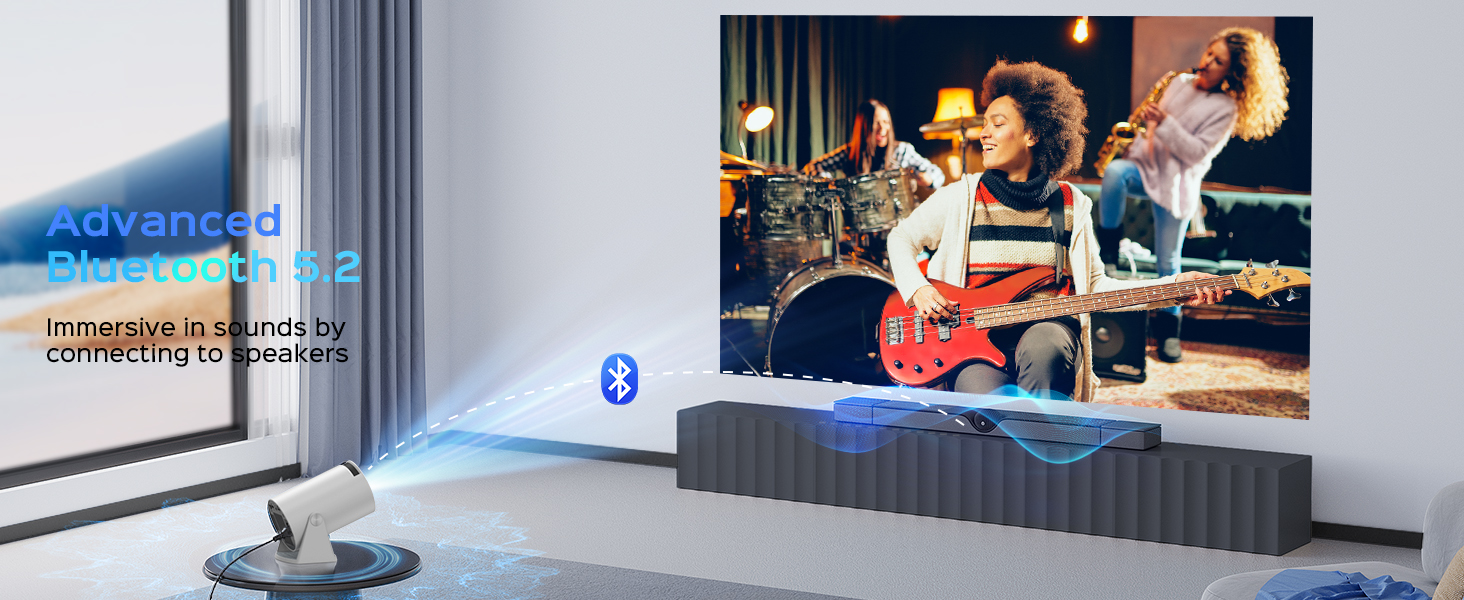
Figure 9.1: Mentech Customer Support Information.


