1. Introdución
This manual provides essential instructions for the safe and efficient operation of your RadioShack True Wireless Outdoor Speaker. Please read this manual thoroughly before using the product and retain it for future reference.
The RadioShack True Wireless Outdoor Speaker is designed to deliver clear, dynamic audio in various environments. Its portable and weatherproof design makes it suitable for outdoor use, while True Wireless Stereo (TWS) functionality allows for an enhanced audio experience.
2. Produto rematadoview
2.1 Que hai na caixa
- RadioShack True Wireless Outdoor Speaker
- Cable de carga
- Cable de audio

Figure 1: Included components of the speaker package.
2.2 Características principais
- 9W Audio Output: Delivers crisp, clear sound with dynamic range.
- True Wireless Stereo (TWS): Allows pairing of two speakers for a stereo sound experience.
- Deseño resistente ás inclemencias meteorolóxicas (IPX6): Resistant to water splashes, dust, and impacts, suitable for outdoor use.
- Portátil e compacto: Lightweight design for easy transport.
- Batería de longa duración: Built-in rechargeable battery for extended playback.
- Múltiples opcións de conectividade: Bluetooth 5.0, AUX input, and USB playback.

Figura 2: Máisview of the speaker's main features and capabilities.
2.3 Controis e portos
The speaker features intuitive controls and essential ports for various functions.
- Botón de encendido: Activa ou desactiva o altofalante.
- Botón de modo (M): Switches between Bluetooth, AUX, and USB/microSD modes.
- Botón Reproducir/Pausa: Controla a reprodución de audio.
- Volume Up/Next Track Button (V+): Increases volume with a short press, skips to the next track with a long press.
- Volume Down/Previous Track Button (V-): Decreases volume with a short press, goes to the previous track with a long press.
- Ranura para tarxetas microSD: Para reproducir audio desde unha tarxeta microSD.
- Porto USB: Para reproducir audio desde unha unidade USB.
- Porta DC 5V: Para cargar o altofalante.
- Entrada AUX: For wired audio connection using the included audio cable.

Figura 3: detallada view do panel de control e dos portos de conectividade do altofalante.
3. Configuración
3.1 Carga inicial
- Antes do primeiro uso, cargue completamente o altofalante.
- Conecta o cable de carga incluído ao porto CC de 5 V do altofalante.
- Conecta o outro extremo do cable de carga a un adaptador de corrente USB (non incluído) ou ao porto USB dun ordenador.
- The charging indicator light will illuminate. Once fully charged, the light will change or turn off (refer to specific product indicator behavior).
3.2 Acendido/Apagado
- Para acender: Press and hold the Power button until you hear an audible prompt or see the indicator light illuminate.
- Para apagar: Press and hold the Power button again until you hear an audible prompt or the indicator light turns off.
4. Instrucións de funcionamento
4.1 Emparejamento Bluetooth
- Ensure the speaker is powered on and in Bluetooth pairing mode. The indicator light will typically flash rapidly. If not, press the 'M' (Mode) button to switch to Bluetooth mode.
- No teu dispositivo móbil (teléfono intelixente, tableta, portátil), activa o Bluetooth e busca os dispositivos dispoñibles.
- Select "RadioShack Speaker" (or similar name) from the list of devices.
- Once paired, the speaker will emit an audible confirmation, and the indicator light will stop flashing and remain solid.
- Agora podes reproducir audio desde o teu dispositivo a través do altofalante.
4.2 Emparellamento estéreo sen fíos verdadeiro (TWS)
To use two RadioShack True Wireless Outdoor Speakers together for stereo sound:
- Asegúrate de que ambos altofalantes estean acendidos e non conectados a ningún dispositivo Bluetooth.
- On one of the speakers (this will be your primary speaker), press and hold the 'M' (Mode) button for a few seconds until you hear a TWS pairing prompt.
- Os dous altofalantes buscaranse e conectaranse automaticamente entre si. Unha vez conectados, escoitarás un son de confirmación.
- Agora, conecta o teu dispositivo móbil ao altofalante principal a través de Bluetooth como se describe na sección 4.1.
- Agora o son reproducirase en estéreo nos dous altofalantes.
4.3 AUX Input Playback
- Connect one end of the included 3.5mm audio cable to the AUX input port on the speaker.
- Conecta o outro extremo do cable de son á toma de auriculares do teu dispositivo de son.
- Press the 'M' (Mode) button on the speaker until it switches to AUX mode.
- Play audio from your connected device. Volume can be controlled via both the speaker and your device.
4.4 USB/microSD Playback
- Insert a USB drive into the USB port or a microSD card into the microSD slot.
- Press the 'M' (Mode) button on the speaker until it switches to USB or microSD mode.
- O altofalante comezará a reproducir audio automaticamente files do dispositivo de almacenamento inserido.
5. Mantemento
- Limpa o altofalante cun pano suave e seco. Non empregues produtos de limpeza abrasivos nin disolventes.
- Avoid exposing the speaker to extreme temperatures, direct sunlight, or excessive humidity.
- While the speaker is weatherproof (IPX6), avoid submerging it in water. Ensure port covers are securely closed when near water.
- Garde o altofalante nun lugar fresco e seco cando non o use durante períodos prolongados.
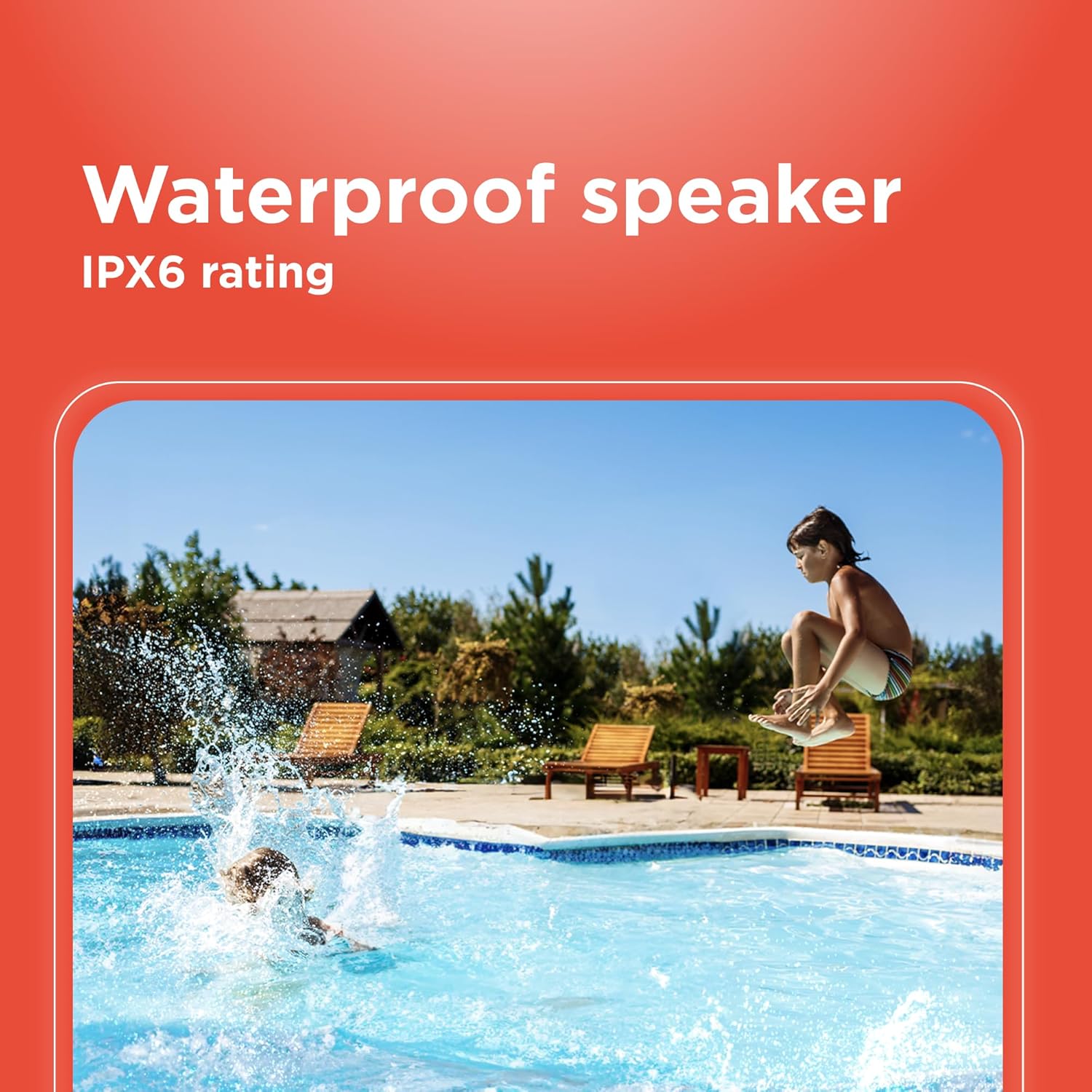
Figure 4: The speaker's weatherproof design allows for use in outdoor environments like by a pool.
6 Solución de problemas
| Problema | Causa posible | Solución |
|---|---|---|
| O altofalante non se acende. | A batería está esgotada. | Cargue o altofalante completamente. |
| Non se pode emparellar por Bluetooth. | O altofalante non está en modo de emparellamento ou xa está conectado a outro dispositivo. O Bluetooth do dispositivo está desactivado. | Ensure speaker is in Bluetooth pairing mode (flashing indicator). Disconnect from other devices. Turn on Bluetooth on your device. |
| Sen son. | Volume is too low. Incorrect input mode. Device is not playing audio. | Increase speaker and device volume. Press 'M' to select correct input mode (Bluetooth, AUX, USB/microSD). Ensure audio is playing on your source device. |
| Fallou o emparellamento de TWS. | Os altofalantes están demasiado lonxe. Un altofalante xa está conectado a un dispositivo. | Ensure speakers are within close proximity. Disconnect both speakers from any Bluetooth devices before initiating TWS pairing. |
| Mala calidade de audio. | Bluetooth device is too far from the speaker. Obstructions between devices. | Move the Bluetooth device closer to the speaker. Remove any obstructions. |
7. Especificacións
| Característica | Detalle |
|---|---|
| Nome do modelo | TWS Outdoor Speaker 9 watts |
| Número de modelo | 4001765-PRNT |
| Marca | RadioShack |
| Tipo de altofalante | Ao aire libre |
| Tipo de montaxe | Soporte de mesa |
| Potencia de saída de audio | 9 Watts (14 Watts Max) |
| Comunicación sen fíos | Bluetooth 5.0 |
| Tecnoloxía de conectividade | Bluetooth, Auxiliary (3.5mm), USB, microSD |
| Dispositivos compatibles | portátil, teléfono intelixente, tableta |
| Clasificación impermeable | IPX6 |
| Fonte de enerxía | Alimentado por batería (recargable) |
| Vol. De entradatage | 5 voltios |
| Método de control | Toca Botóns |
| Dimensións do produto | 12" D x 5.5" W x 6.25" H |
| Peso do elemento | 2.4 libras |
| Cor | Negro |
8. Garantía e soporte
This RadioShack True Wireless Outdoor Speaker comes with a limited warranty. Please refer to the warranty card included in your product packaging for specific terms and conditions, including coverage duration and how to make a claim.
For technical support, troubleshooting assistance, or warranty inquiries, please visit the official RadioShack websitio web ou póñase en contacto co seu departamento de atención ao cliente. A información de contacto adoita atoparse na embalaxe do produto ou na páxina oficial da marca. websitio.
Soporte en liña: Visit the RadioShack Store on Amazon


