1. Introdución
Este manual ofrece instrucións detalladas para a instalación, configuración, funcionamento e mantemento das súas luces planas LED intelixentes RGBW ASD 2 Pack 2x4. Lea este manual detidamente antes da instalación e gárdeo para futuras consultas.
A lámpada de panel plano LED RGBW intelixente ASD ofrece solucións de iluminación versátiles con temperaturas de cor seleccionables (3500K, 4000K, 5000K), control total da cor RGB e integración intelixente de aplicacións para unha xestión cómoda a través de Wi-Fi, Alexa e Google Assistant.
2. Información de seguridade
- Seguridade eléctrica: A instalación debe ser realizada por un electricista cualificado de acordo coas normas eléctricas nacionais e locais. Asegúrese de desconectar a alimentación no disyuntor antes da instalación ou o mantemento.
- Voltage: Este aparello funciona a 120-277 V. Verifica o teu voltaxe de subministración.tage cumpre cos requisitos da fixación.
- Só para uso en interiores: Este produto está deseñado para uso en interiores en lugares secos e secosamp lugares. Non o expoña á auga nin a humidade excesiva.
- Manexo: Manexe o panel LED con coidado para evitar danar a fonte de luz ou a carcasa.
- Calor: Non cubra a luminaria con material illante. Asegúrese de que haxa unha ventilación axeitada arredor da luminaria.
3. Contido do paquete
O seu paquete debe conter os seguintes elementos:
- 2 luces planas LED intelixentes RGBW ASD 2x4
- 1 x manual de instrucións
- Ferraxes de montaxe necesarias para a instalación empotrada
Nota: Os accesorios adicionais para a montaxe en superficie ou a instalación suspendida (por exemplo, o marco de montaxe en superficie ASD ou os kits de suspensión) véndense por separado.
4. Especificacións
| Característica | Especificación |
|---|---|
| Número de modelo | A-BLP-24D40SM-RGB |
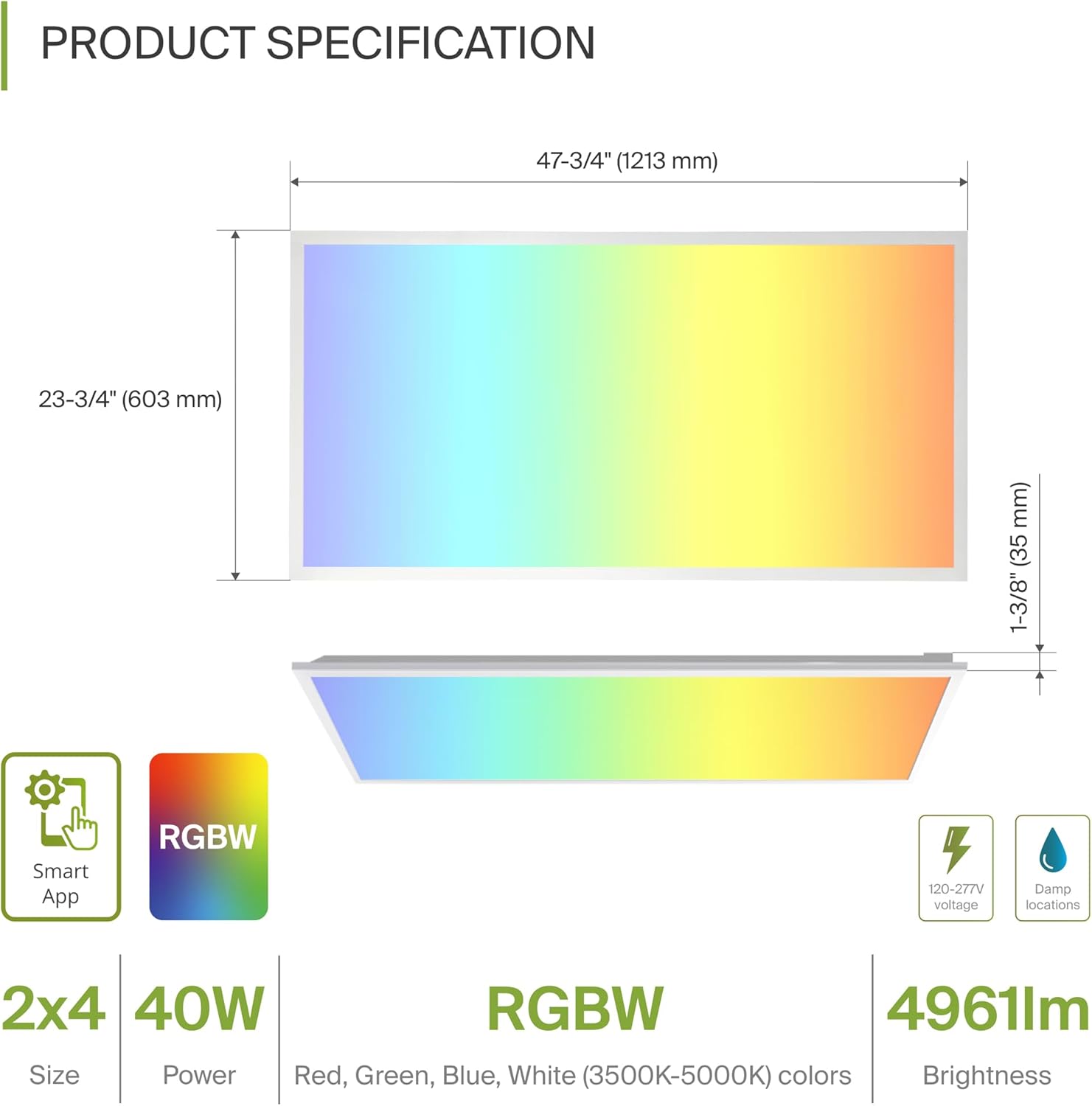
| Dimensións (L x W x H) | 47.74" x 23.74" x 1.37" (1213 mm x 603 mm x 35 mm) |
| Wattage | 40 vatios |
| Brillo | 4961 lúmenes |
| Temperatura da cor | 3500K, 4000K, 5000K seleccionable (luz branca) |
| Opcións de cor | RGBW (16.7 millóns de cores) |
| Voltage | 120-277 voltios |
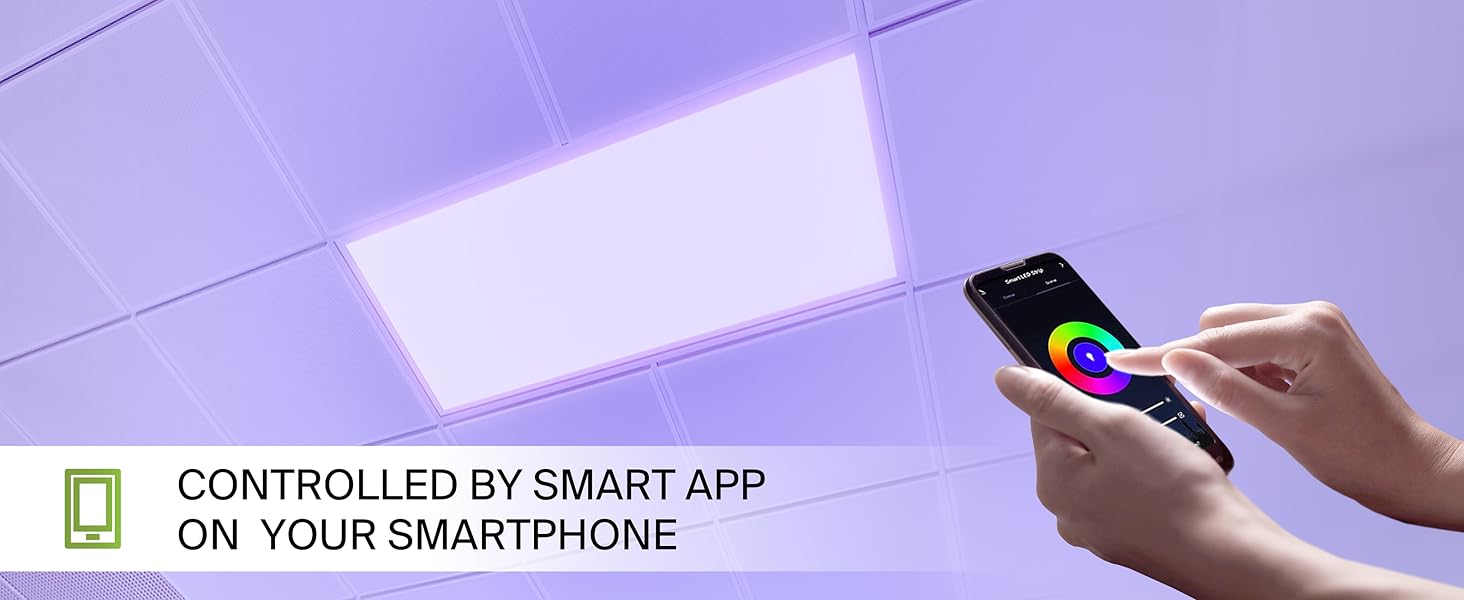
| Método de control | Aplicación intelixente ASD (Wi-Fi), Alexa, Asistente de Google |
| Material | Aluminio, ferro, policarbonato |
| Vida útil | 54,000 horas |
| Certificacións | UL, DLC Premium |
5. Instalación
A lámpada de panel plano LED RGBW intelixente ASD admite tres opcións de montaxe principais: empotrada, de superficie e suspendida. Asegúrate de que todas as conexións eléctricas estean feitas de forma segura.
5.1 Opcións de montaxeview
- Montaxe empotrado: Para instalación en teitos de reixa estándar con barra en T.
- Montaxe en superficie: Require un marco de montaxe superficial ASD (ASIN: B07GGMMJCV), véndese por separado.
- Montaxe suspendida: Require un kit de suspensión (por exemplo, ASD-CHS4), que se vende por separado.
5.2 Pasos de instalación encastrada
Siga estes pasos para a instalación encastrada nun teito de reixa con barra en T:
- Preparar a apertura: Asegúrate de que a abertura da grella do teito sexa axeitada para un panel de 2x4.
- Clips de montaxe do elevador: Levante todas as pinzas de montaxe polos bordos do panel. Xire a cabeza da pinza de montaxe cara a fóra.
- Conectar cableado: Conecta os cables eléctricos (neutro, fase, terra) da fonte de alimentación do teu edificio á caixa de conexións na parte traseira do panel. Asegúrate de que as cores dos cables coincidan (N, L, G) e usa as porcas axeitadas para conexións seguras.
- Panel de posicións: Coloque con coidado o panel na abertura da reixa do teito.
- Clips seguros: Axusta o panel no seu lugar, asegurándote de que os clips de montaxe estean fixados firmemente á grella da barra en T do teito.
6. Configuración: Control de aplicacións intelixentes
A lámpada de pantalla plana LED RGBW intelixente ASD contrólase a través da aplicación ASD Smart, compatible con Wi-Fi, Alexa e Google Assistant.
6.1 Descarga a aplicación intelixente ASD
Escanea os códigos QR que aparecen a continuación ou visita a túa tenda de aplicacións para descargar a aplicación intelixente de ASD:
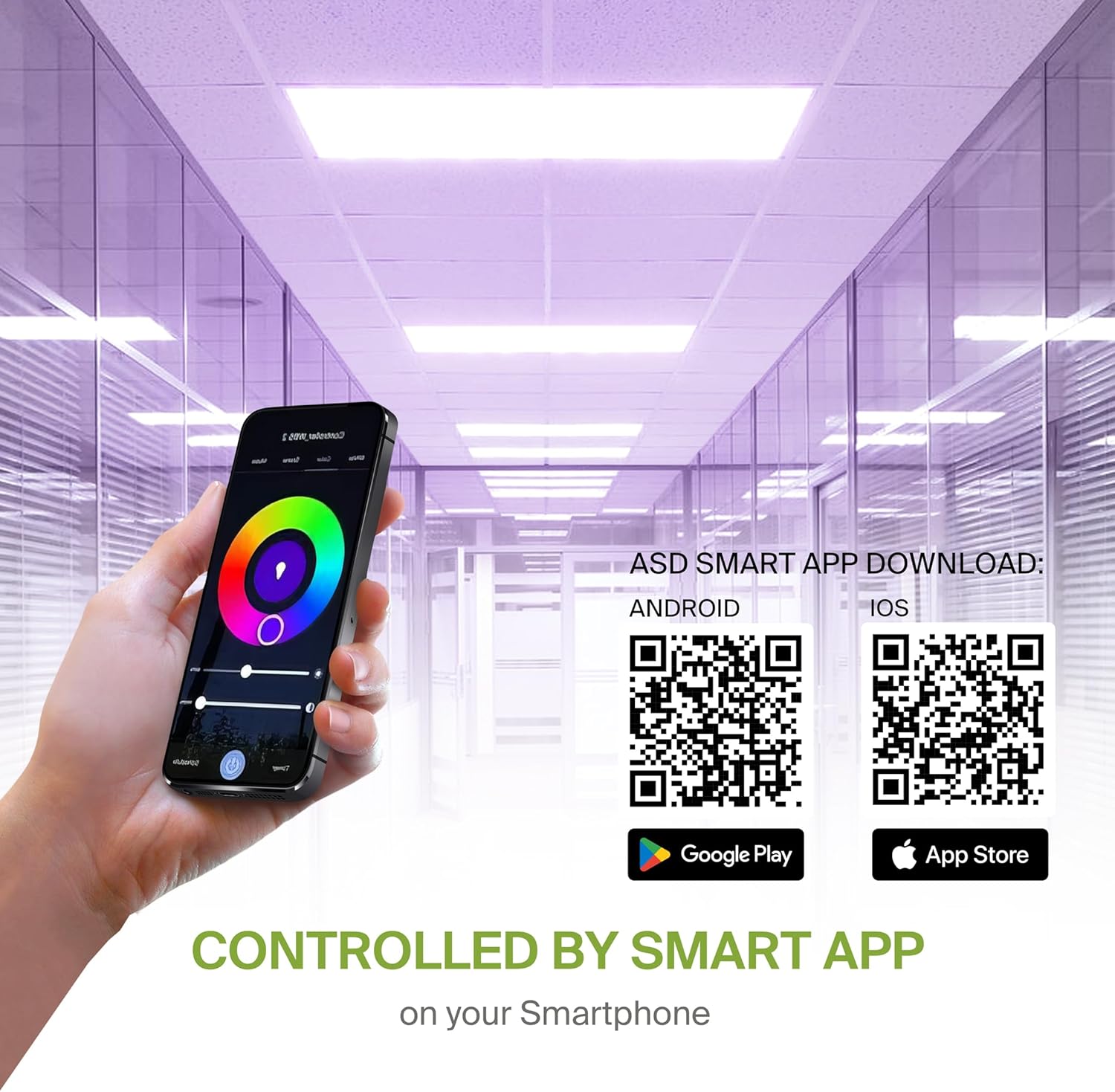
- Android: Google Play Store
- iOS: Apple App Store
6.2 Conexión e emparellamento Wi-Fi
Despois de descargar a aplicación, segue as instrucións da aplicación para crear unha conta e conectar o panel LED á rede Wi-Fi. Para unha funcionalidade intelixente, requírese unha conexión Wi-Fi estable de 2.4 GHz.
6.3 Integración do asistente de voz
A luminaria é compatible con Alexa e o Asistente de Google. Consulta a guía de integración da aplicación ASD Smart para vincular o teu sistema de iluminación co teu asistente de voz preferido para o control por voz.
7. Instrucións de funcionamento
Utiliza a aplicación ASD Smart para acceder a todas as funcións do teu panel LED.
7.1 Cambio de cor e axuste CCT
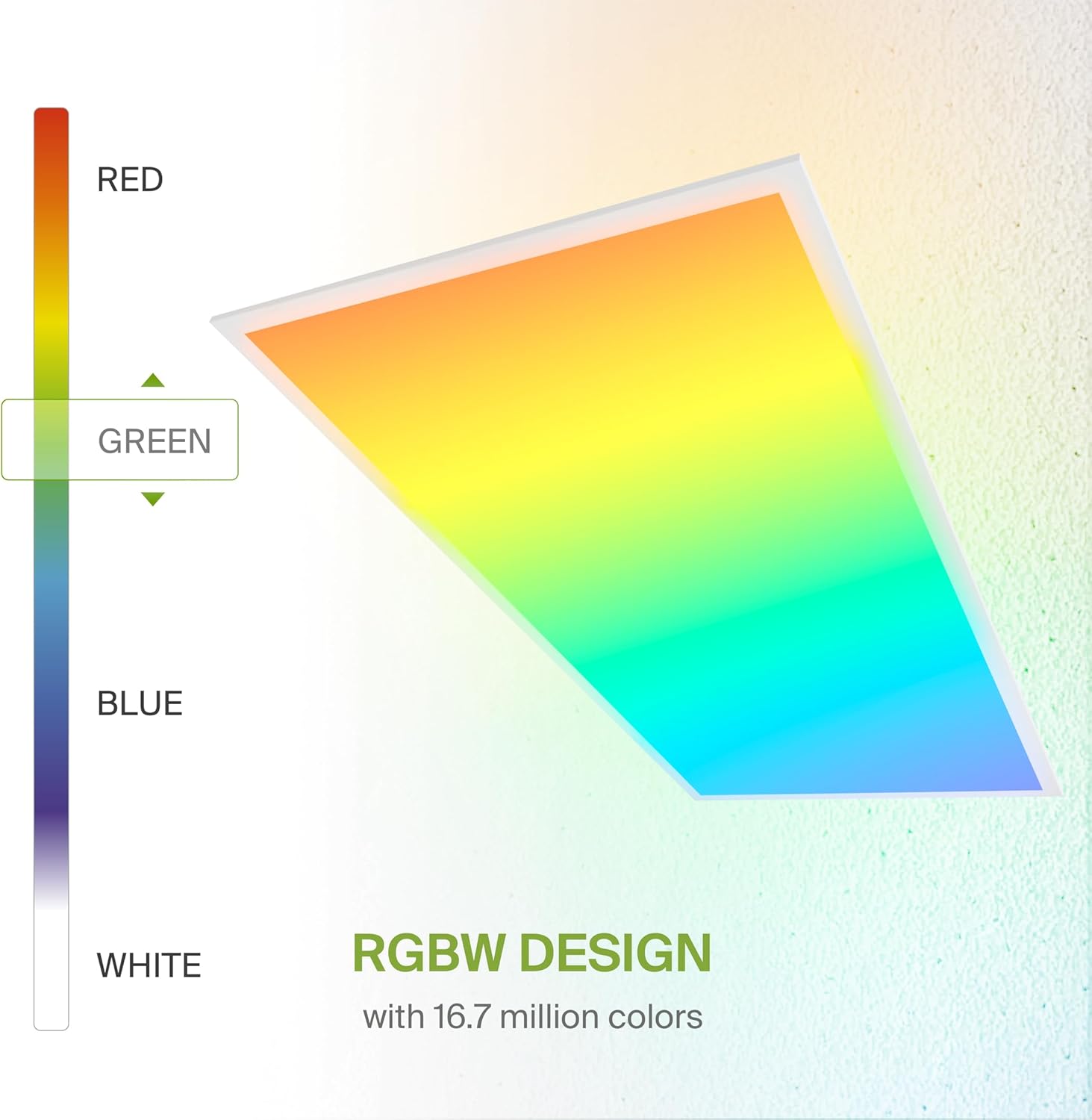
- Cores RGB: Escolle entre 16.7 millóns de cores para crear ambientes personalizados.
- Luz branca (CCT): Axusta a temperatura da cor da luz branca entre 3500 K (branco cálido), 4000 K (branco frío) e 5000 K (luz de día).
7.2 Atenuación
Atenua suavemente a saída de luz de 0 a 100 % usando a aplicación ou comandos de voz para alcanzar os niveis de brillo desexados.
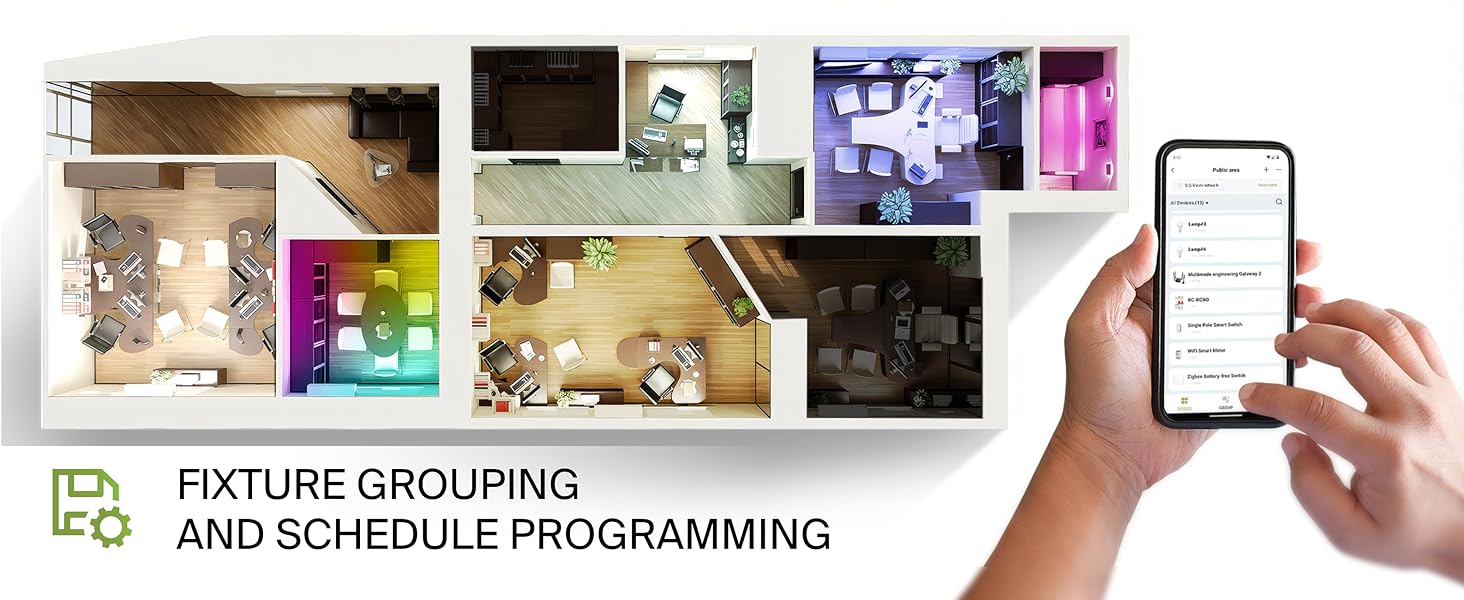
7.3 Agrupación e programación de eventos
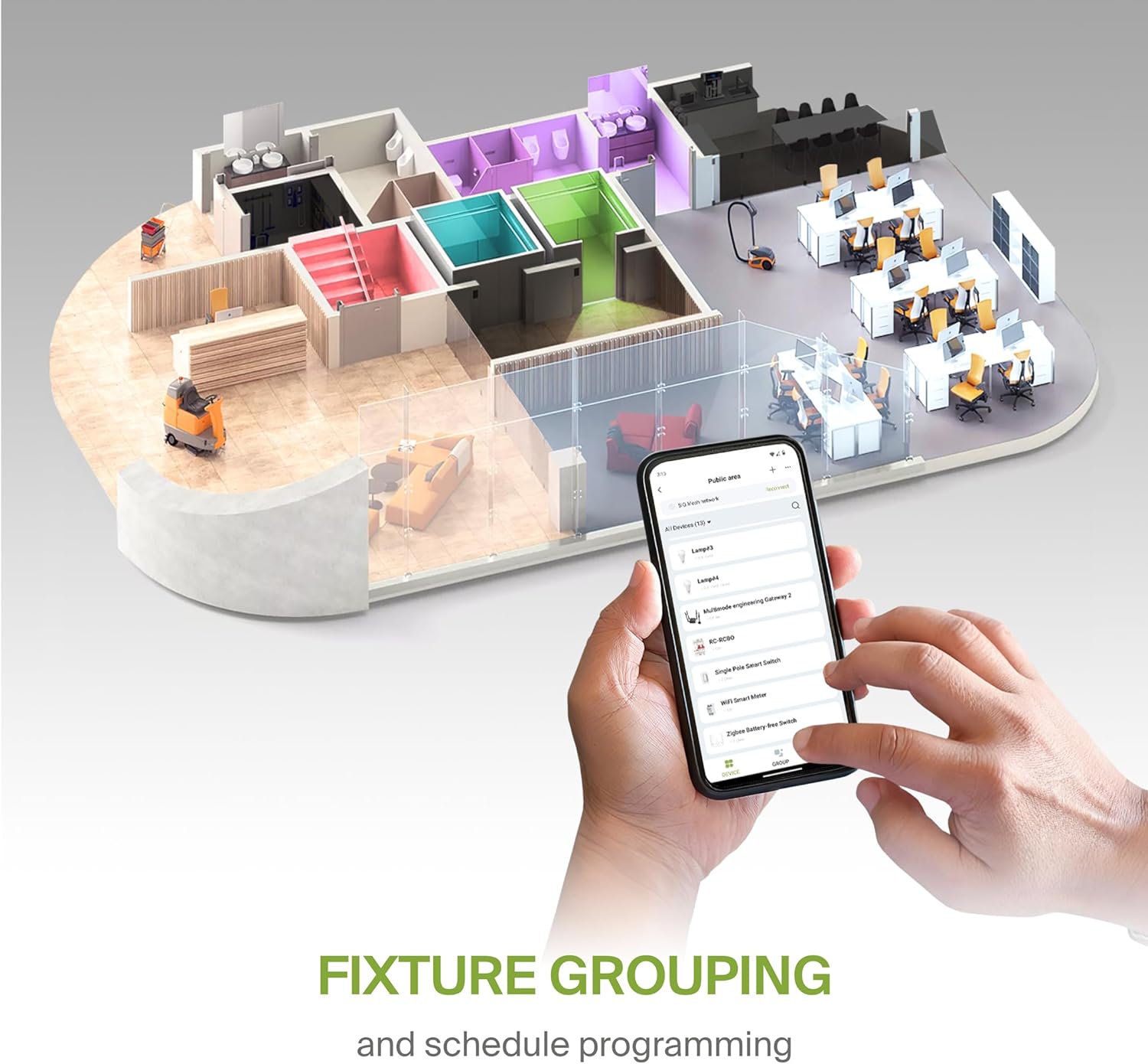
- Agrupación: Combina varios paneis LED intelixentes ASD para controlalos simultaneamente.
- Programación: Define horarios de acendido/apagado automáticos, cambios de cor e niveis de regulación segundo a túa rutina diaria ou eventos específicos.
8. Mantemento
Para garantir un rendemento e unha lonxevidade óptimos do seu panel LED, siga estas sinxelas pautas de mantemento:
- Limpeza: Desconecte a alimentación antes de limpar. Use un pano suave, seco ou lixeiramente húmido.amp un pano para limpar a superficie do panel. Evite produtos de limpeza abrasivos ou solventes que poidan danar o acabado ou a lente.
- Inspección: Inspeccione periodicamente o cableado e a montaxe para detectar calquera signo de desgaste ou dano. Solucione calquera problema canto antes.
9 Solución de problemas
Se tes problemas coa túa lámpada de pantalla plana LED RGBW intelixente ASD, consulta os seguintes pasos comúns para a súa resolución:
- A luz non se acende:
- Comprobe o disxuntor para asegurarse de que o aparello recibe corrente.
- Verifique que todas as conexións de cableado sexan seguras e correctas.
- Asegúrate de que o interruptor da luz (se é o caso) estea na posición de acendido.
- Problemas de conectividade da aplicación:
- Asegúrate de que a túa rede wifi estea activa e estable (banda de 2.4 GHz).
- Reinicia o teu enrutador Wi-Fi e o panel LED (apagando e reiniciando a alimentación).
- Confirma que o teu teléfono intelixente está conectado á mesma rede Wi-Fi que a luz.
- Tenta volver emparellar o dispositivo a través da aplicación ASD Smart.
- Cor/brillo inconsistentes:
- Asegúrate de que a aplicación estea actualizada á última versión.
- Comprobe se hai algunha interferencia co sinal wifi.
- Se controlas varias luces, verifica que estean agrupadas correctamente na aplicación.
Para obter máis axuda, póñase en contacto co servizo de atención ao cliente de ASD.
10. Garantía e soporte
O ASD proporciona un 5 ano de garantía limitada para este produto, que cobre defectos de materiais e fabricación en condicións de uso normal. Conserve o comprobante de compra para reclamacións de garantía.
Para asistencia técnica, consultas sobre a garantía ou información adicional, visite o sitio web oficial de ASD. websitio ou póñase en contacto co seu departamento de atención ao cliente.


